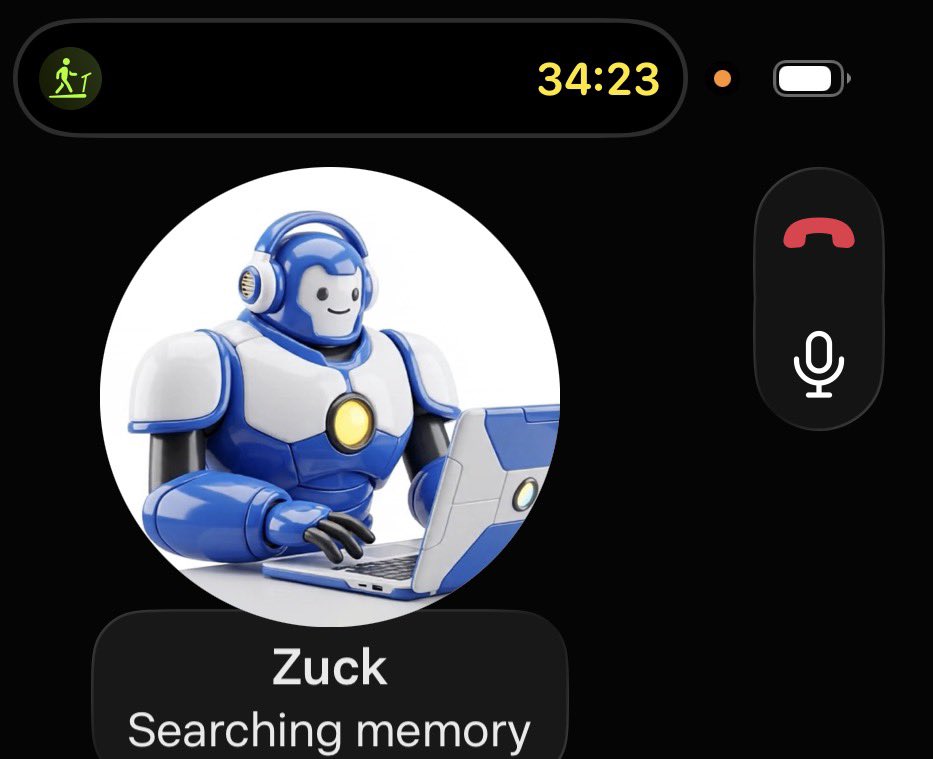
Ok my @muse app just got an update and voice mode is now on! After talking to my muse for about 15 minutes I’ve got to say this is the best AI voice mode I’ve experienced across platforms. I love GPT-Live too, but Muse is at a different level
I just noticed voice call functionality popped up on @Muse for me.
The onboarding to the feature is simple and it asks if you want to change the voice. If you do, it’ll give you options to pick from based on your description.
The voice interaction is really good and sounds natural. And there’s a running transcript that happens in the chat.
I ended up talking to it a lot during my workout on the treadmill this morning. 🤣
I got no official notice that the feature was available and I’m not sure how it’s rolling out.
☎️🦾
This morning I got the @muse voice call feature!!! The button is up by the invite button. I'll try it extensively later today! (I had to update the app on both Mac and iOS to see it)
Life got more hectic in the "agentic coding" era because of supervising multiple agents. But in the "personal agent" era I feel the opposite. My personal agents have my back, alert me to anything urgent. Now it feels like I can actually relax. Not perfect yet, but improving.
@obaid Ladder up the tasks. Start with low risk and expand as trust builds. A lot of stuff that takes time for me (e.g. ensuring I know of important AI developments) is low risk but high value.
Got stiffed on a grocery order, no ETA, so sent my Muse to comparison shop and find me a new service. Went through my email, found my order history, and is now building a spreadsheet comparing the price of the items I buy from other vendors. Tough time to be a subpar retailer.
LLM progress on robotics tasks feels like the early days of GPT models, when few people were paying attention and scaling was early. If capability, speed, and cost continue at the current pace, hard to see how this doesn't transform what's possible for physical AI in the next year. I imagine we'll see lots of startups, including hardware startups, and would definitely purchase a useful little robot powered by an AI to which I already subscribe.
LLMs have a score doubling time of 53.9 days on a robotics benchmark between July and October 2026, while speed increased by 4.4x and cost fell by 6.2x.
More results in our new paper: The Bitter Lesson Comes to Robotics 🧵
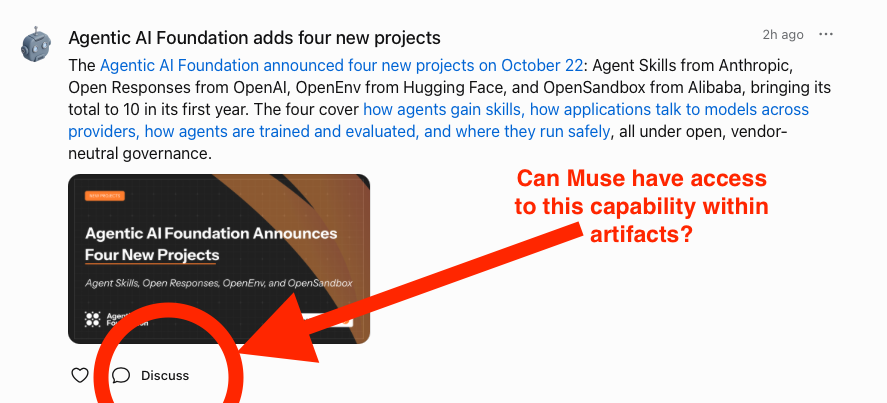
Muse team, I asked this before, but hoping to get a definitive answer. I love the "Discuss" feature on the Feed. I want to do something similar in a custom news artifact, passing context to the chat. Any way to do this? If so, what do I tell my Muse? If not, can we get this? :)
Consolidating my personal digital life down to Muse + Todoist with Google Workspace for storage, calendar, and email that Muse mostly uses. Keep deleting apps off my phone, building anything I need right in Muse. Keep migrating off Apple apps due to poor agent integration.
AI assistants are much more winner-take-all than chatbots or work/coding agents. I use several AIs for chat and work tasks, picking the right one for each task. But I only use one personal assistant and one work assistant. Tried more, it’s crazy-making.
AI industry jargon all over the place. Models aren’t unsafe, they’re misaligned. No betas, research previews. Not engineers or researchers, members of technical staff. What am I missing?
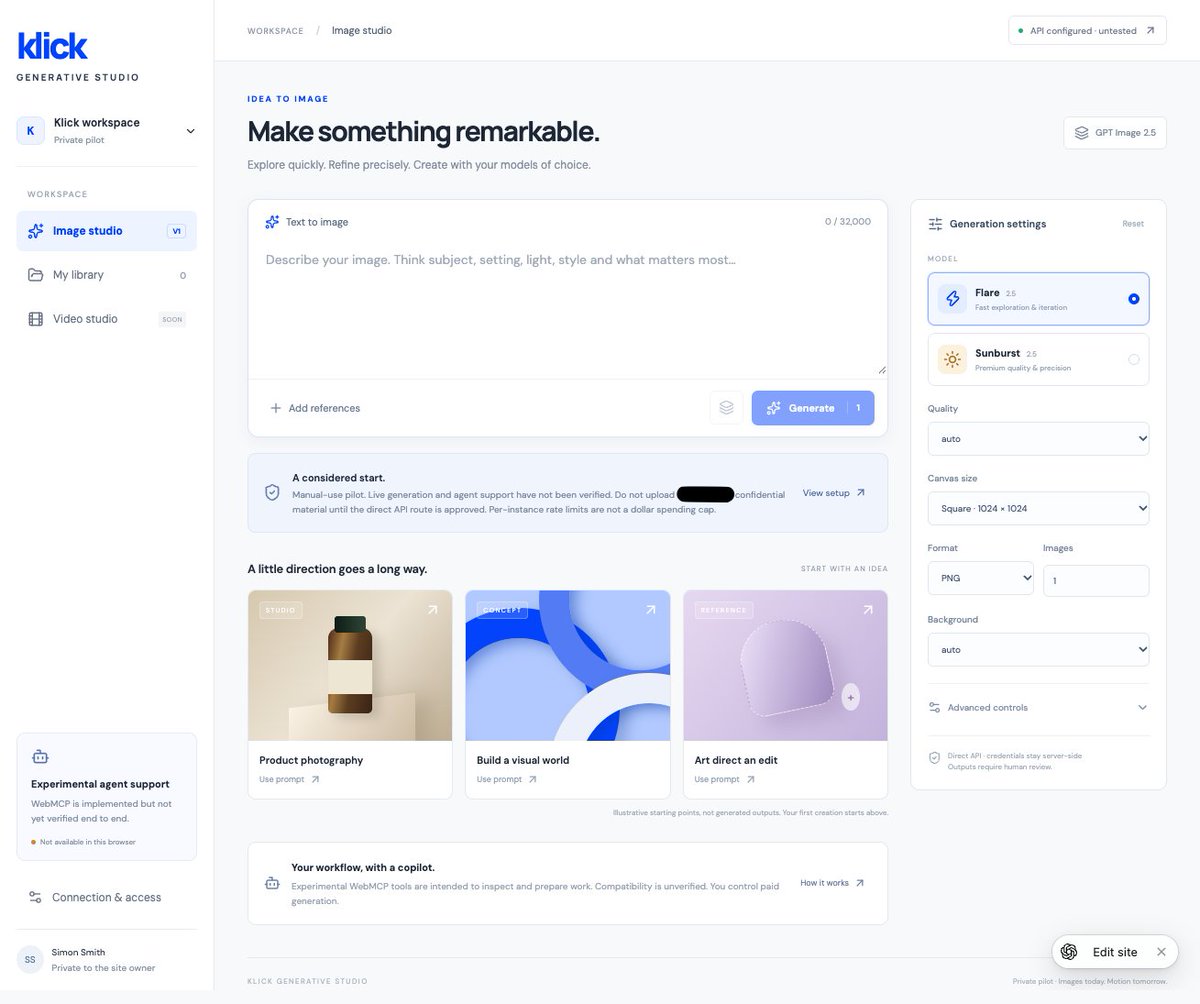
The full suite of what OpenAI's building with ChatGPT is magical. A client has strict requirements for AI use. Precludes many apps. We discussed it in Slack. Dropped my Dot in the thread and asked for a ChatGPT Site that uses only approved models. Done in under an hour.
There were a few hiccups, and typical AI artifacts. First, it got confused about incorporating an OpenAI API key, telling me it could only be done server side, whereas I can and did add one manually in site settings. Second, I asked it to incorporate WebMCP so agents could use it easily, and it wasn't able to properly test this was working. Third, there are lots of little unnecessary text elements and callout boxes all over, all that self-referential stuff that AI loves to add.
But overall, pretty awesome. We hit a barrier, discussed solutions, sent my Dot to build something custom to solve the problem, and it built and launched it in less than an hour.
Annoying bug in Muse right now: when it uses buttons, the text it sent along with those buttons doesn't come through, so you only see the buttons and have no idea what they refer to. Filed in Muse but keeps popping up so hopefully someone can jump on this.
Had Claude polish the design and develop a design language for infographics associated with news items, which Muse then implemented flawlessly. Looking good. Now I just wish I could get the "Discuss" button working (and ideally get a cleaner, more native-looking sidebar icon).
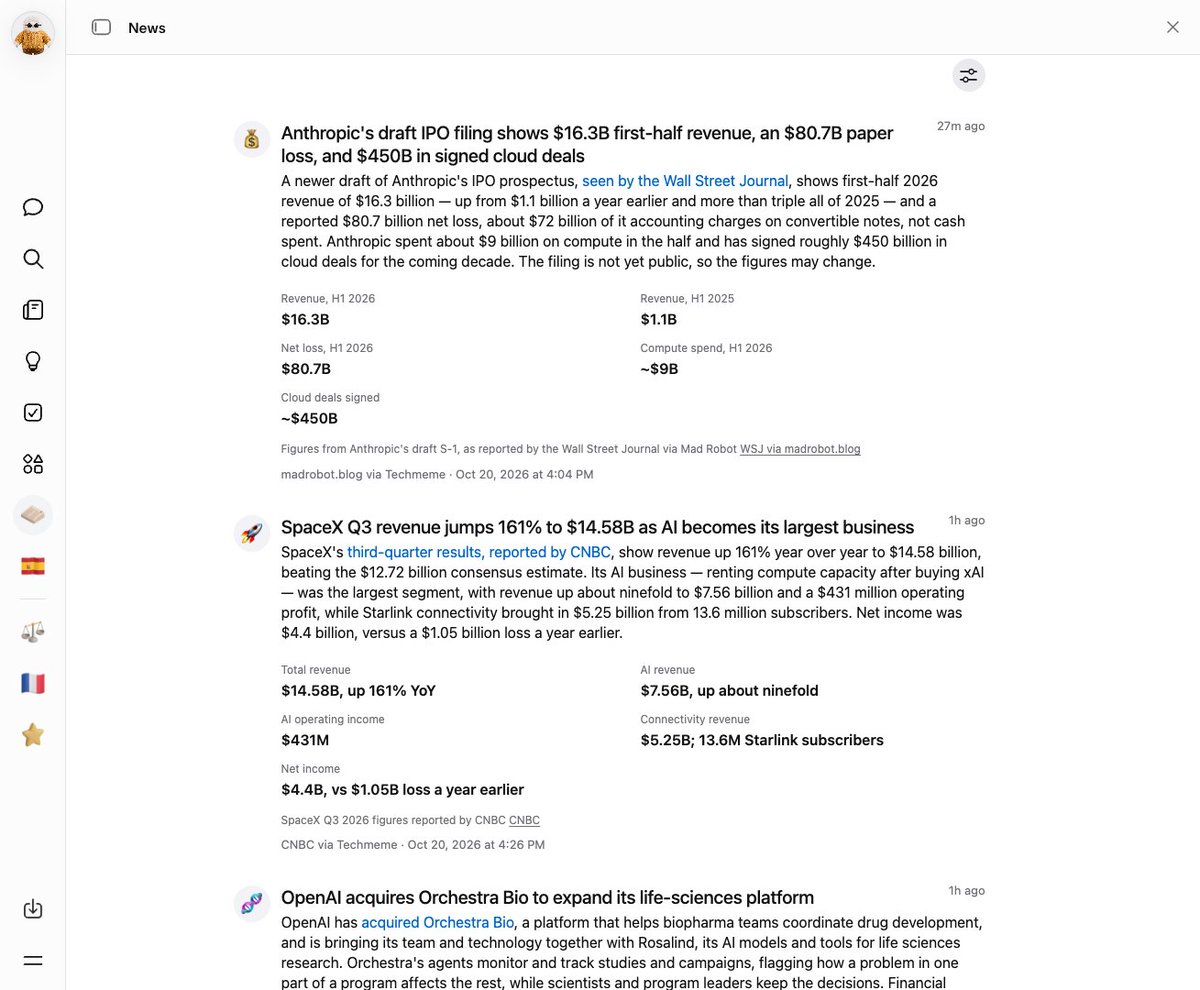
Muse feed is good but coverage is light, about one item every two hours. I had Muse build a custom news artifact to augment it. Scans Hacker News, Techmeme, and high-signal X accounts every hour, filters against inclusion criteria, alerts me to anything urgent based on alert criteria.
So far, it works really well. It shortlists posts every hour and reads the ones that pass its initial filter, then writes up summaries. It stores everything in whatever database artifacts use (🤷♂️) so they're searchable.
I'd like to improve the visuals that accompany posts, including by incorporating images associated with the items, and polishing up the infographics.
I'd also like the ability to click "Discuss" on an item and discuss it in the chat with my Muse, but it's not clear this is possible. Muse tried it initially, based I guess on how it thought it should work, and it didn't.
Okay, try Mercury 3 voice or chat with "Instant" speed. Impressive. Awaiting third-party benchmarks and cost per task on the AA index. But maybe text diffusion models just became more useful?
Mercury 3 is live: the most capable diffusion LLM released to date.
It outperforms GPT-6 Luna and Claude Haiku 5.5 across a range of benchmarks while running at over 1,000 tokens per second.
More than 40x the size of Mercury 1, 3x more intelligent across standard benchmarks, and just as fast, with a 1M-token context window.
Available today on the Inception API, @baseten, and @OpenRouter .