We're half way through 2024 and Google has launched a bucket load of great new features and improvements for Google Sheets. Let's recap 👇
📌 JANUARY
▶ more functions available in Connected Sheets for BigQuery. It now supports 23 functions!
▶ staying with big data, Google added new ways to work with filters in Connected Sheets
__
📌 FEBRUARY
▶ new feature to import and convert sensitive Excel files into Google Sheets with client-side encryption
__
📌 MARCH
▶ more big data goodness! Google extended the timeout from 5 minutes to 10 minutes for queries running within Connected Sheets for BigQuery and Looker
▶ smooth scrolling introduced to make our experience... well, smoother 😎
▶ preset dropdowns for easier dropdown creation
▶ improved filtering for merged cells (but hey, that doesn't mean you should use them!! Look, they're ok for presentation, but never for data tables 😡)
__
📌 APRIL
▶ added the option to create Looker Studio reports directly from Google Sheets
__
📌 MAY
▶ added a new feature to quickly convert ranges of data into dropdown chips in bulk (prompt to "Convert to dropdown chips" for columns of data)
▶ the BIG ANNOUNCEMENT.... Drumroll please 🥁 ...
🔥 Tables in Google Sheets 🔥
Amazing new feature to bring structure and formatting to our datasets.
▶ increased row limits for data returned from BigQuery in Connected Sheets
__
📌 JUNE
▶ Google added Conditional Notifications, which allow us to create rules that send emails when certain conditions are met. E.g. value hits a threshold value, send an email to the boss
▶ 🤖 Gemini AI is now generally available in the sidebar of Google Sheets (for Workspace customers)
▶ zoom, zoom! Google DOUBLES the calculation speed of Google Sheets 😍
__
📌 JULY
▶ policy visualization feature to give insights into security policies in place on your Sheets (Workspace customers)
▶ HOT OFF THE PRESS: multiple selections now allowed in dropdowns!! 😀 (rolling out in August)
Wow! Thanks to the Sheets team for their hard work. I'm excited to see what the second half of 2024 will have in store for us!
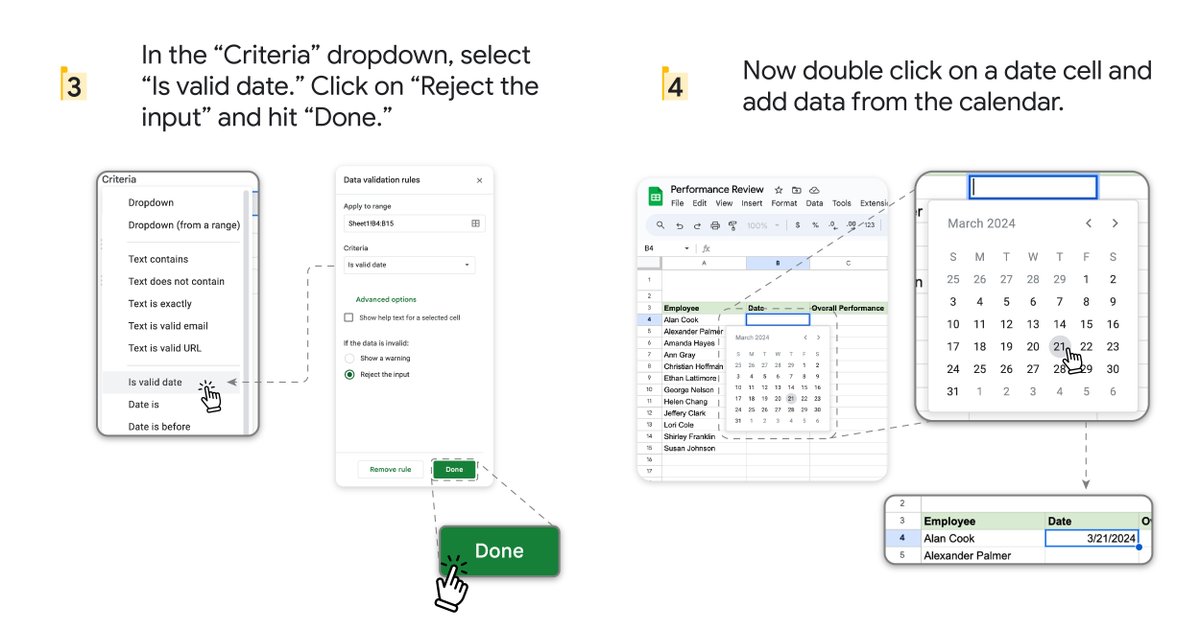
If you use #GoogleSheets a lot, I expect you already use this shortcode to insert today's date:
On PC/Chromebook: Ctrl + ;
On Mac: ⌘ + ;
But there are a bunch of other super helpful date shortcuts that you definitely need to know about!
⬇️
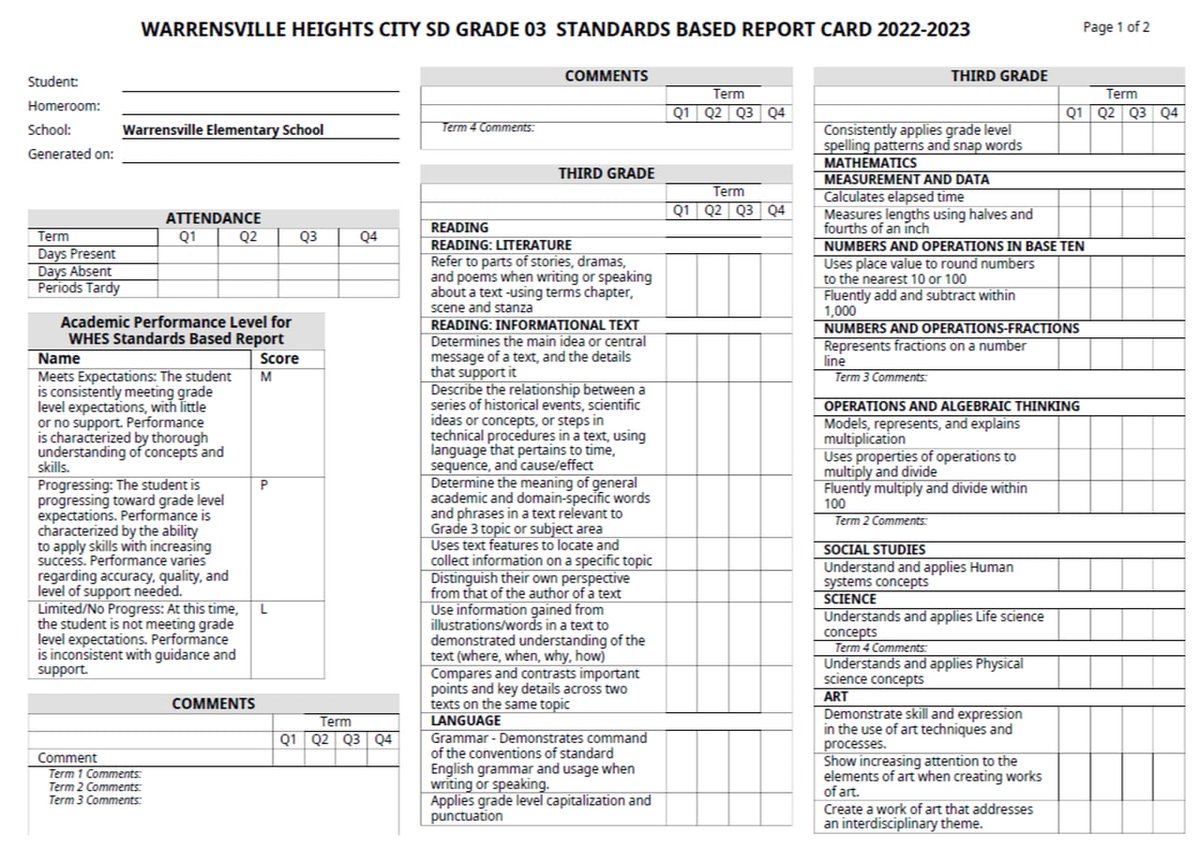
"Some common grading practices, such as giving extra credit and averaging grades over time, can perpetuate inequities for disadvantaged students, said Joe Feldman." https://t.co/hUbPe1utXV
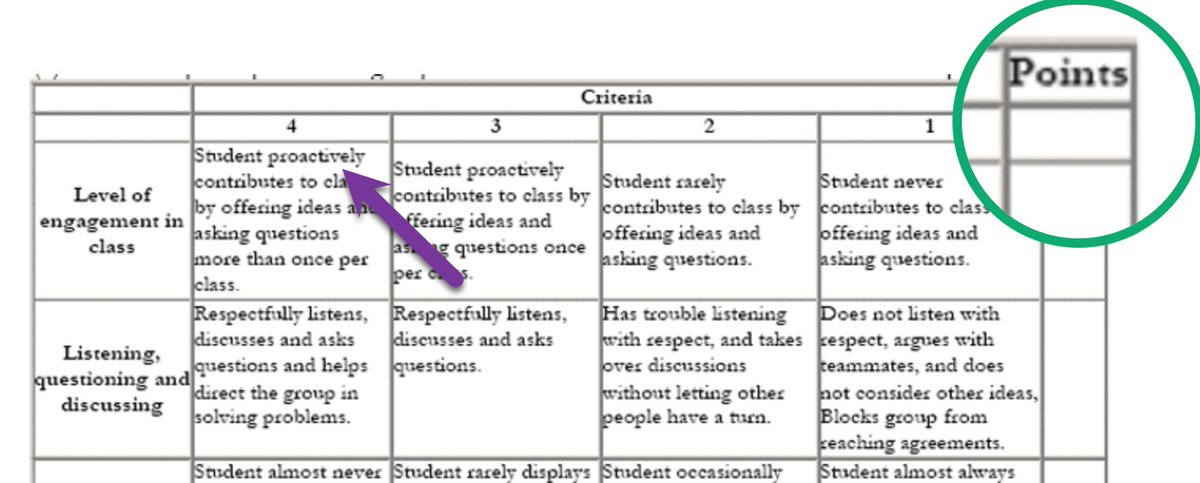
Rubric Levels are NOT POINTS!!
Rubric scores are NOT PERCENTAGES!
You can not have a "points" column for a rubric like this.
4 - Meets Expectations
3- Approaches Expectations
A level 3 is not a 75%. That is a huge point cliff off of perfection.
Suppose we have 20 names in #GoogleSheets and we want to put them into four groups of five.
The WRAPROWS and WRAPCOLS functions can do it for you very quickly.
Let's start with this dataset, 20 names in column A.
A while ago, a reader asked about implementing a custom sort order in #GoogleSheets. She wanted to sort data like "S, M, L, XL" but not alphabetically.
You can do a custom sort in Excel but not in Sheets.
What we can do is create a formula to rank data based on the order list.
In today's #GoogleSheets tip, I'm going to show you how to copy and paste conditional formatting rules elsewhere, so you don't have to recreate them.
Suppose we have this dataset with a conditional formatting rule that highlights all rows with the word "Seller" in column C.
Did you know you can search the web with help from #GoogleSheets formulas?
If you find yourself googling a lot of search terms or using the same searches over and over, you can create Google Sheets formulas to help...
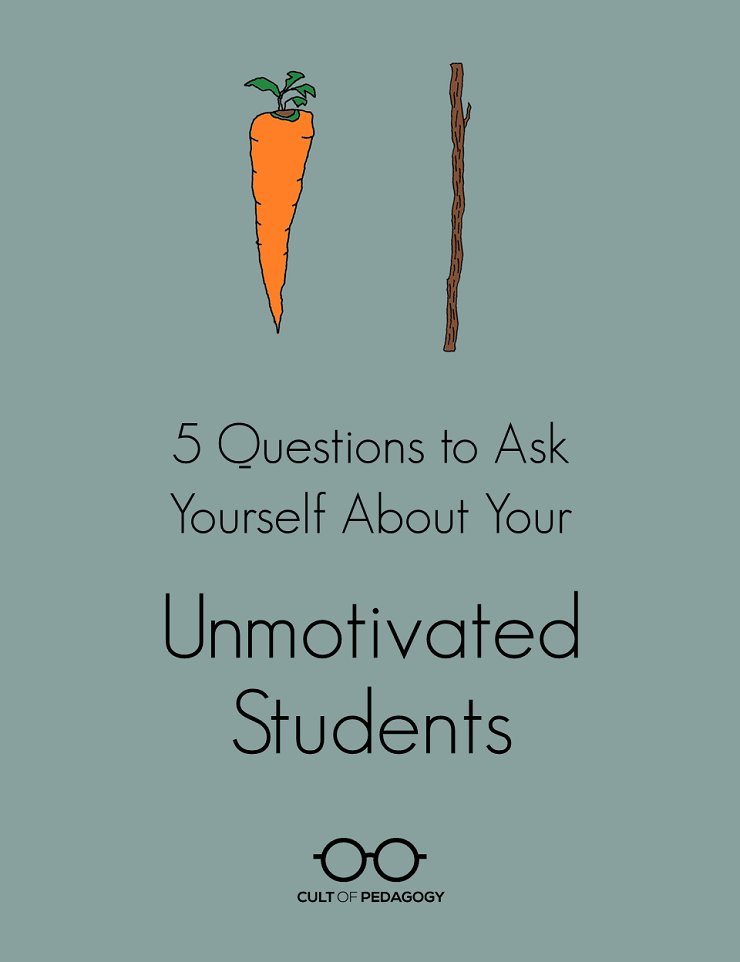
"If students are engaged in more long-term, authentic, creative projects, it’s much easier to provide them with choices, because we aren’t constantly trying to provide them with new busywork every day."
https://t.co/ddWCDrruIp
@cultofpedagogy
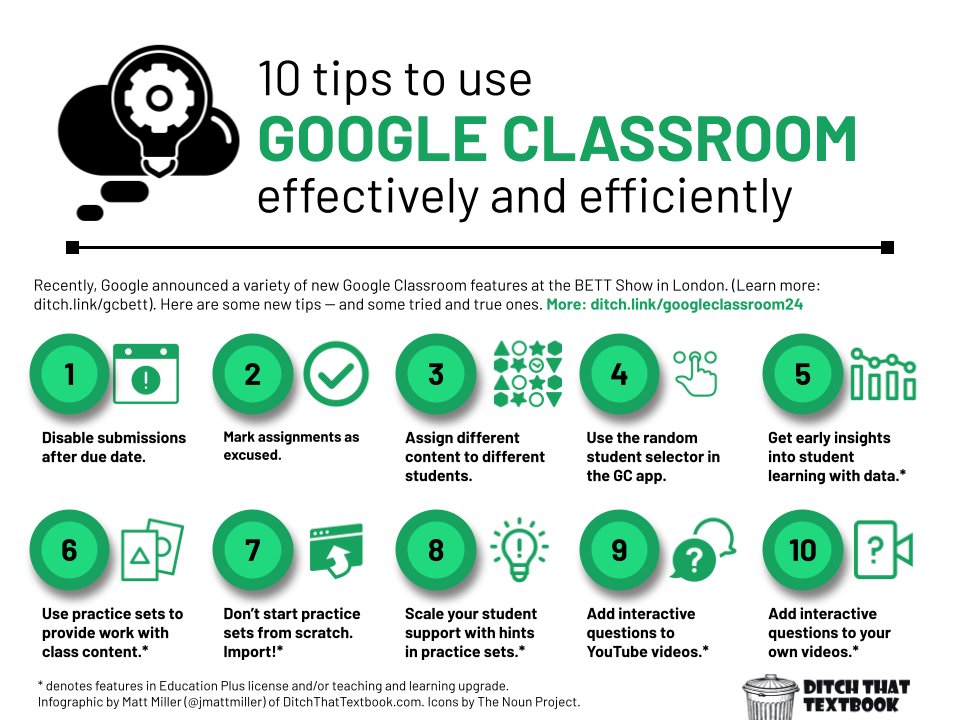
Google has dropped some new features for #GoogleClassroom at #Bett2024 and #FETC!
So ... here are 10 Google Classroom tips: some brand new ones and some that'll make you say "why didn't anyone teach me that?!?" #googleedu
See dozens of Google Classroom tips in our post: https://t.co/0MnWEYEa3G