Daily advice and tips on digital accessibility and inclusive design. Share posts with colleagues in need. Let's get the word out! Curated by @deconspray.
I hope you've enjoyed the information shared over these past several months. We're going to pause for a bit to recharge. We hope to be back soon with more helpful information to help you design and develop with more accessibility.
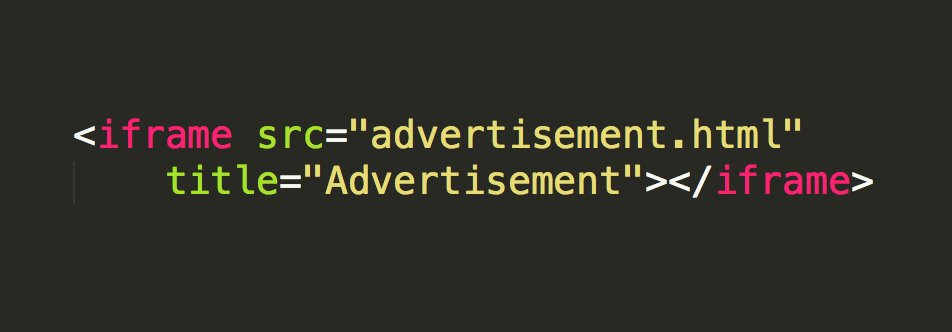
Ensure any frames and iframes provide a title attribute that describes the purpose of the frame. People using assistive technology such as a screen reader can then determine whether to navigate into the frame or skip it.
https://t.co/XntBWryEQJ
#Accessibility#A11y#A11yAdvice
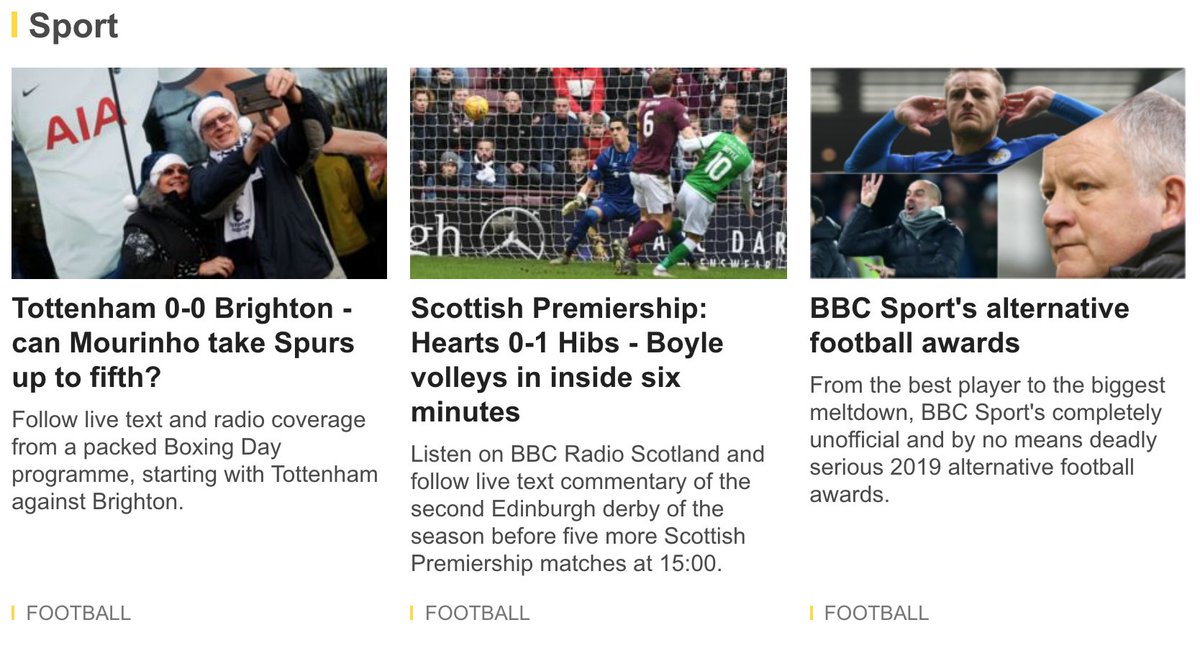
Do you have groups of images and text links and multiple instances of links referencing the same URL? Combine them to reduce duplication, which can be laborious for people using a screen reader.
https://t.co/3RDEiFAcaM
#Accessibility#A11y#A11yAdvice
No ARIA is better than Bad ARIA.
For screen reader users, ARIA controls the non-visual experience. Bad ARIA misrepresents visual experiences, with potentially devastating effects.
https://t.co/flHXdiZec7
#A11yAdvice#Accessibility#A11y
It may seem foundational, but semantically, paragraphs should be marked up with the p element, not a non-semantic div or multiple br elements.
https://t.co/UjYhq6QtRO
#A11yAdvice#Accessibility#A11y
Do not attempt to control the tab order via the tabindex attribute with positive values. Enure focusable elements are properly placed in the DOM.
https://t.co/6If6nnJn4O
#A11yAdvice#Accessibility#A11y
Text can be styled for presentation using CSS. However, if there is some unique situation where graphical text is used, you must ensure that it offers a text alternative.
https://t.co/QN9s2CGf70
#A11yAdvice#Accessibility#A11y
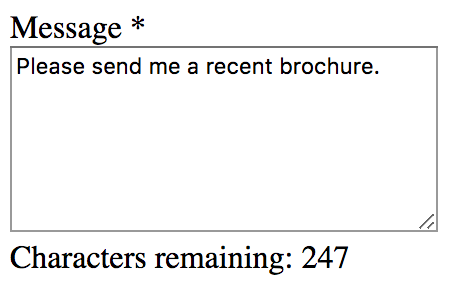
Got a textarea with characters remaining text adjacent that is updated as you type? Ensure this information is announced by assistive technology by using ARIA Live Regions.
Examples:
https://t.co/FnmKmDSLdm
#A11yAdvice#Accessibility#A11y
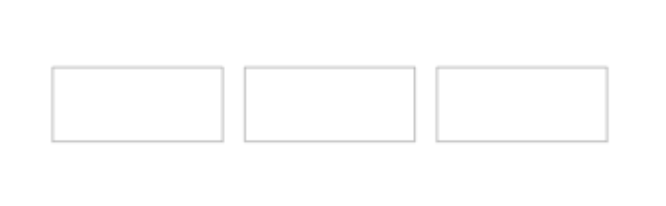
Do not assume that people will understand that three text input fields in a line communicates the three portions of a phone number. Without proper labeling, users may have difficult understanding what input is expected.
https://t.co/qjdL2fVqgs
#A11yAdvice#Accessibility#A11y
If a keyboard shortcut is implemented in content using only a letter, punctuation, number, or symbol characters, then there should be a way to turn the shortcut off, remap it, or have it active only on focus.
https://t.co/VJrrDVtNP3
#A11yAdvice#Accessibility#A11y
While you may wish to trap users in certain components, like a modal, they should always have an out. With a modal, that would be a close or cancel button. Ensure you don't trap users when they shouldn't be.
https://t.co/bGano7Xoiz
#A11yAdvice#Accessibility#A11y
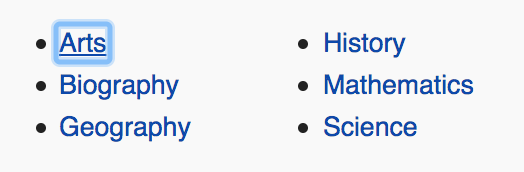
While navigating all interactive elements via the Tab key, could you visually tell which element has focus? If not, you have some work to do.
https://t.co/Fn8GjHBpJF
#A11yAdvice#Accessibility#A11y
Going back to that keyboard Tab key, while navigating all interactive elements, did the order make logical sense?
https://t.co/2yn0HrnIjx
#A11yAdvice#Accessibility#A11y
While you're tabbing through all interactive elements (yesterday), activate these elements to ensure they can be activated via either the Space and/or the Enter key.
https://t.co/Pf1fLfXVeZ
#A11yAdvice#Accessibility#A11y
This week, let's visit all the accessibility issues that can be uncovered via your keyboard.
Pressing the tab key, can you access all interactive elements?
https://t.co/Pf1fLgfw6x
#A11yAdvice#Accessibility#A11y
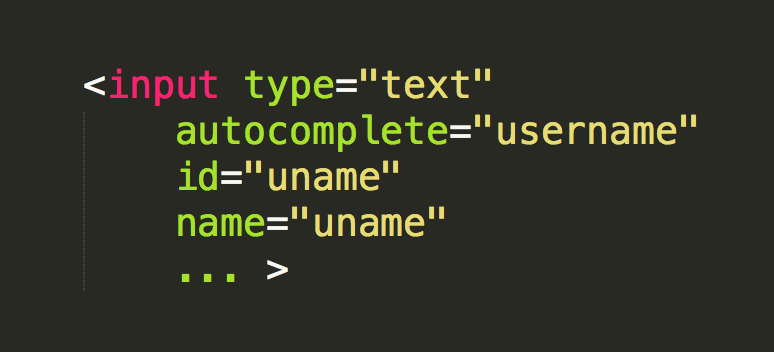
The HTML5 autocomplete attribute provides information on the expected input for users. When using this attribute, make sure you are using a valid value.
https://t.co/pai61oaVai
Valid autocomplete values:
https://t.co/XYW3d3DZ1A
#Accessibility#A11y#A11yAdvice
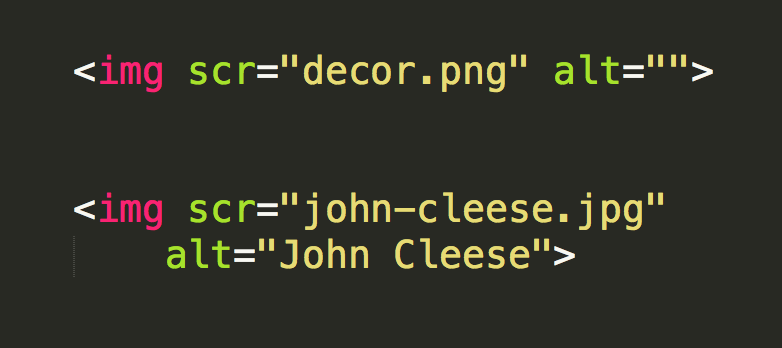
The <img> element should have an alt attribute. The value of alt:
- if informational or functional, provide a description;
- if decorative, leave blank
https://t.co/GzPCcRFued
An alt Decision Tree: https://t.co/97z1WrjYsB
#Accessibility#A11y#A11yAdvice
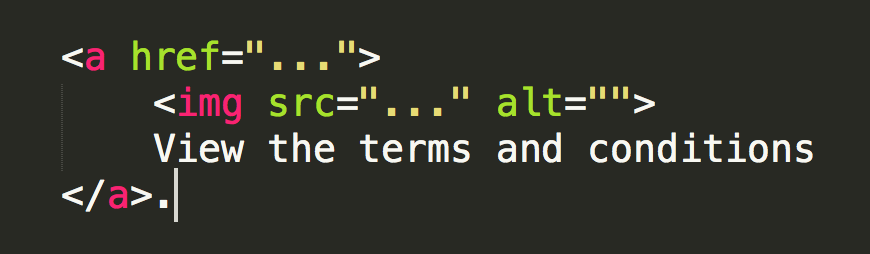
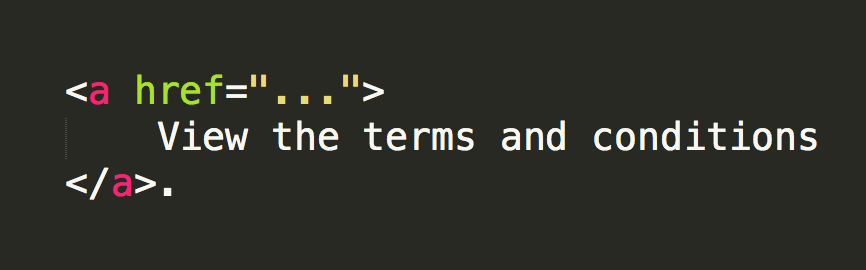
If both an image and text are linked, if the text is sufficient to describe the purpose of the link, the images may have an empty text alternative.
https://t.co/qRFeYTUNVN
#Accessibility#A11y#A11yAdvice
Ideally, an individual should be able to perform a task without any time constraints. Does your product or application allow for that?
https://t.co/AMBVIbQ02l
#Accessibility#A11y#A11yAdvice
The content of the <a> anchor element (text, image alt, etc.) is key to informing a person, allowing them to distinguish a link from other links to determine whether to follow the link or not.
https://t.co/qRFeYTDcxd
#Accessibility#A11y#A11yAdvice