WebAIM's mission is to expand the potential of the web for people with disabilities. Based at the Institute for Disability Research, Policy & Practice at USU.
PDFs aren’t always the best choice. For most content, HTML pages are easier to make accessible, keep up to date, and navigate on any device. Reserve #PDFs for when format truly matters, not as a default. Read more from @PopeTechA11y: https://t.co/qEu4r9DjIT #a11y
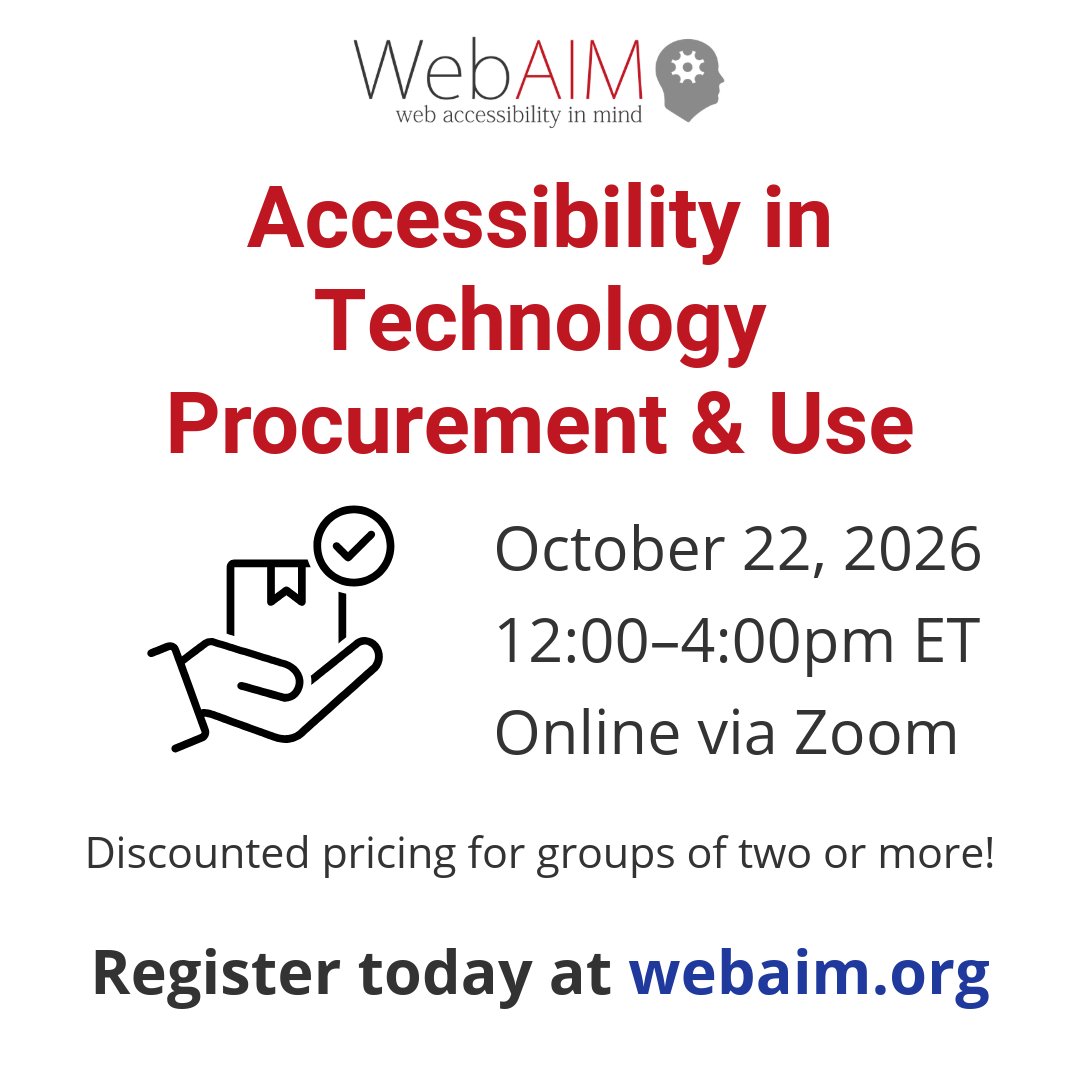
Accounting for accessibility in third-party tech decisions is essential. Join us on Oct 22 (12-4 pm ET) for our Accessibility in Tech Procurement workshop. Learn to evaluate tools, leverage VPAT/ACRs, and vet vendors.
Register now: https://t.co/YNgR8hrTX0
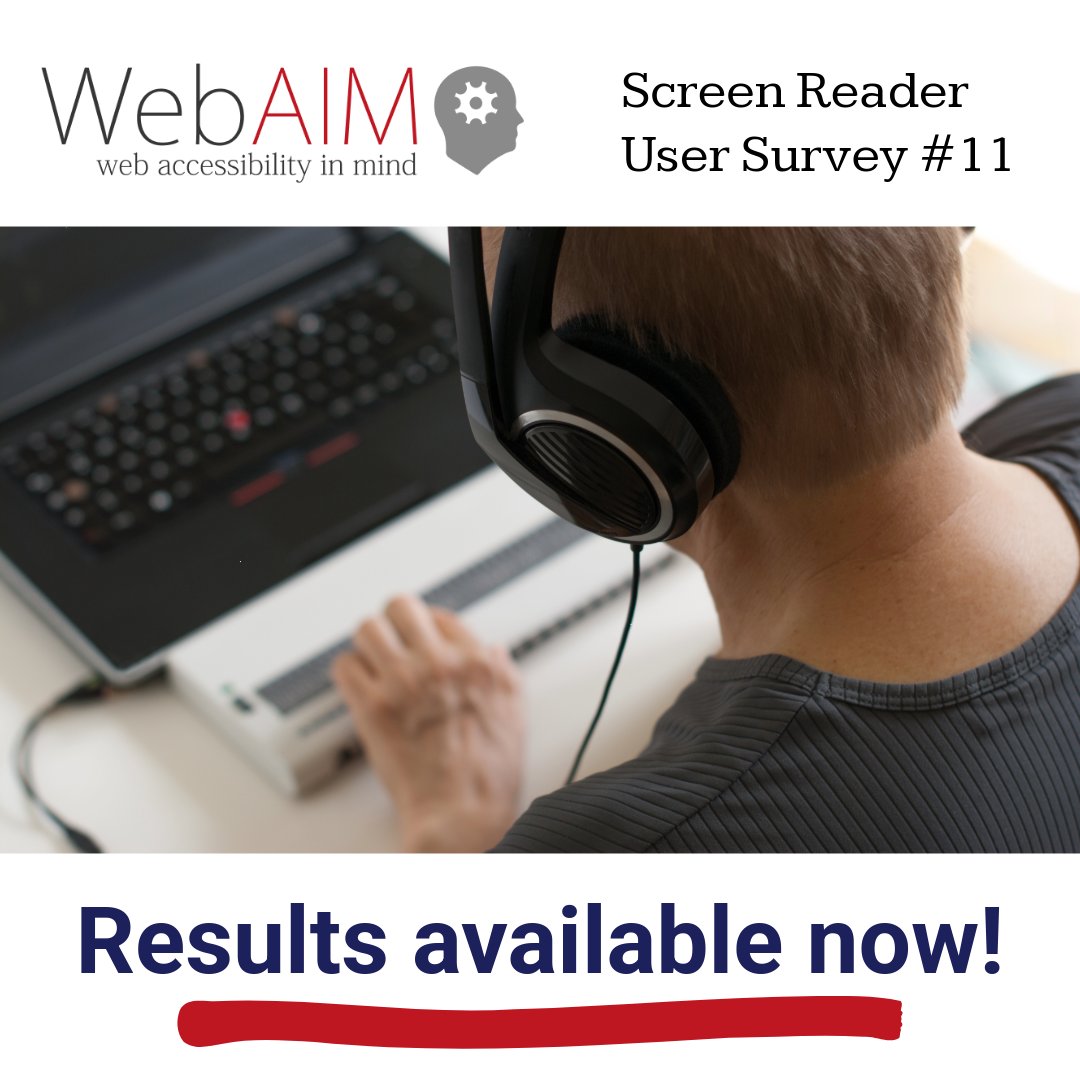
WebAIM Screen Reader User Survey #11 results are now available.
For more than a decade, the survey has helped the #accessibility community understand #ScreenReader use and web experiences.
Explore the latest results: https://t.co/w7nkrYX0O2
What stands out to you?
#a11y
Accounting for accessibility in third-party tech decisions is essential. Join us on Oct 22 (12-4 pm ET) for our Accessibility in Tech Procurement workshop. Learn to evaluate tools, leverage VPAT/ACRs, and vet vendors.
Register now: https://t.co/YNgR8hrTX0
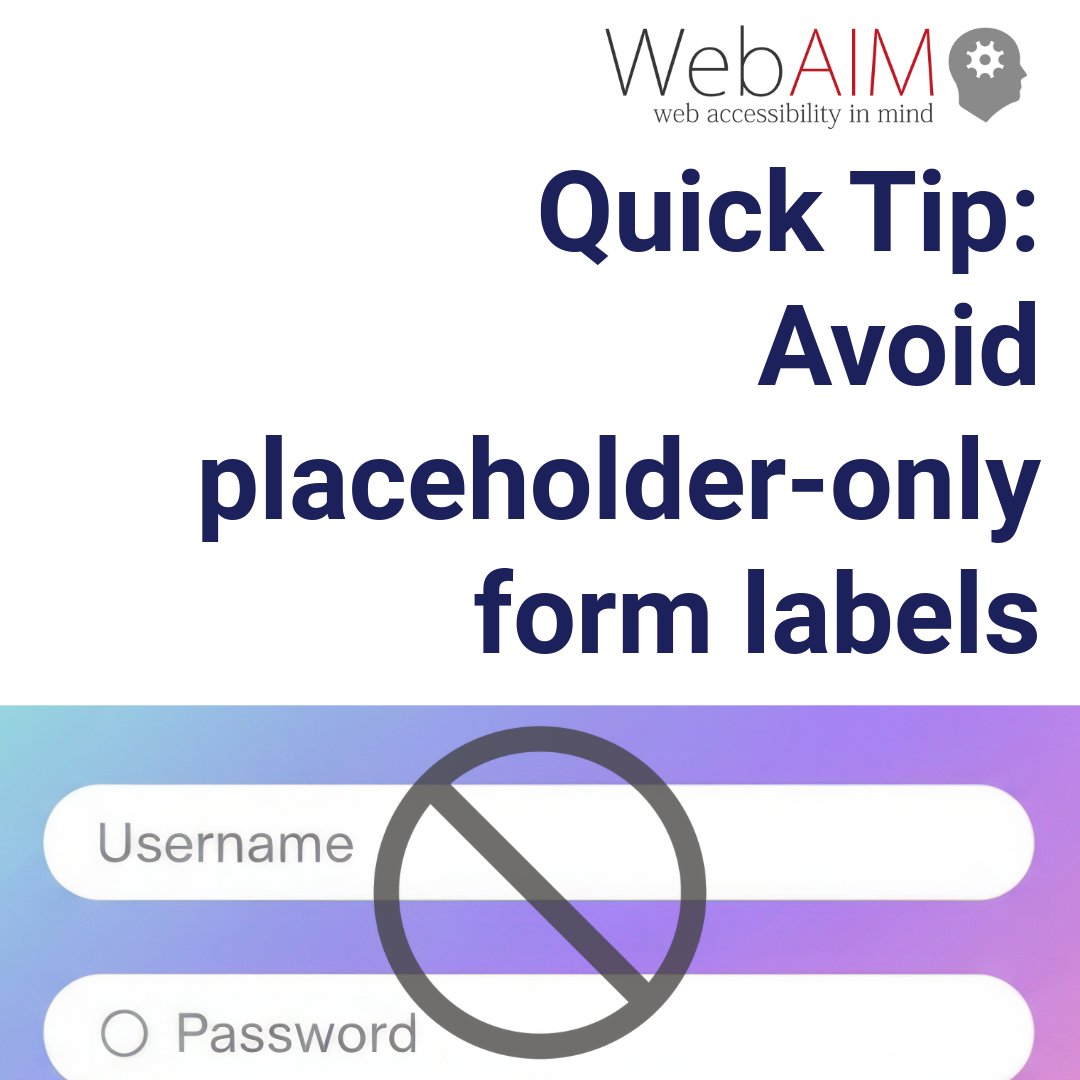
Relying on placeholder text alone in form fields creates barriers. It disappears as users type and may not be announced clearly by screen readers.
Use persistent labels (<label> elements) so field purpose is always clear.
https://t.co/bLAO6U1xY9
#accessibility#a11y#WebDev
AI isn’t a shortcut to #accessibility. It depends on it.
As Anna Cook writes, #AI doesn’t fix broken systems; it scales them. Without accessible foundations, barriers persist, just faster and at scale.
Accessibility is the requirement, not the reward.
https://t.co/fSFE9GQrDA
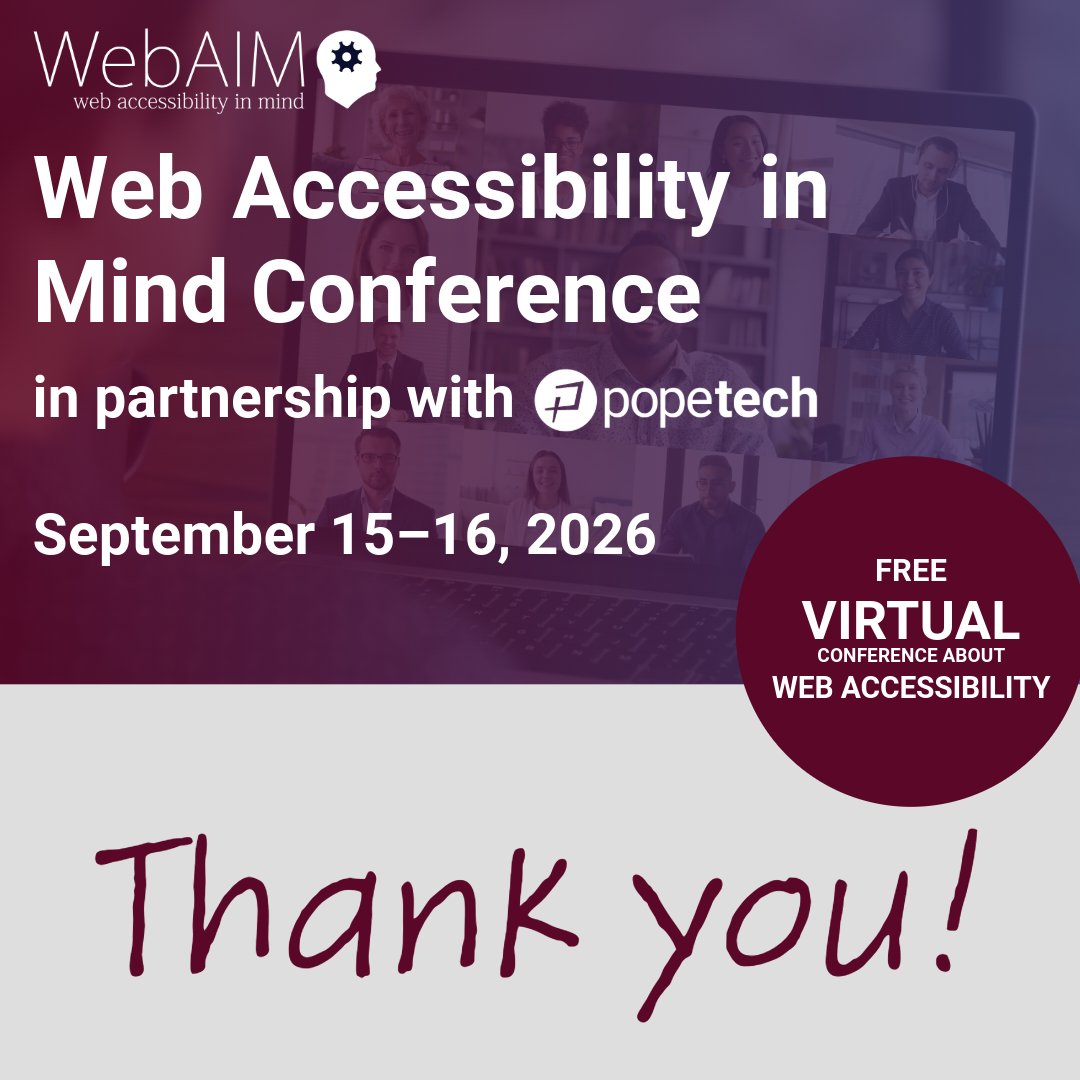
What an outstanding two days of learning, and all of you made it possible!
Thank you to our incredible presenters, our enthusiastic participants, and our partner, @PopeTechA11y.
Captioned recordings of all sessions will be available in the coming months.
#a11y#WebAIMConf
That's a wrap for Day One of the 2026 Web Accessibility in Mind Conference! Thank you to our amazing presenters, participants, and incredible partner, @PopeTechA11y. It's not too late to join us tomorrow for Day Two (Wed 9/16) at 12:15 pm ET / 9:15 am PT: https://t.co/8EvOv8TSIf
Accessibility champions can help turn good intentions into meaningful change. Kai Wong and Asha Sachdeva of @TeladocHealth will share technical and non-technical strategies to champion #accessibility and create lasting change. Join us September 15–16: https://t.co/ZvEVU9Expl
AI can support #accessibility work, but it shouldn’t replace human judgment. At the Web Accessibility In Mind Conference, Kelsey Ruger of Hello Alice will share a practical approach to building #AI into accessibility workflows. Join us Sept. 15–16: https://t.co/ZvEVU9Expl
How is the digital #accessibility policy landscape changing for #K12 education? Cynthia Curry of NCADEMI will explore emerging #policy developments and what they mean for schools and educators.
Join us at the WebAIM Conference, Sept. 15–16: https://t.co/ZvEVU9F5eT #a11y
Creating accessible PDFs doesn’t have to be complicated. At the Web Accessibility In Mind Conference, Chad Chelius will show you how to use Microsoft Word’s #accessibility features to create accessible PDFs and streamline your workflow. Join us: https://t.co/ZvEVU9Expl
#AI is changing #accessibility. But how much can we expect it to do? At the Web Accessibility In Mind Conference, Lucy Greco will explore AI’s potential and limitations, and why human expertise still matters. Join us Sept. 15–16: https://t.co/ZvEVU9Expl #a11y#conference
Accessibility starts with more than technical standards. It starts with the words we use. Brianna Burrows of @TMobile will share how documentation, microcopy, error messages, & help content can create barriers or improve accessibility. Join us Sept. 15–16: https://t.co/ZvEVU9F5eT
What can 40,000 consultant-client conversations reveal about web accessibility? Dan Tripp of @Siteimprove will share insights from #accessibility issues clients challenged—and when automated checks were actually correct. Join us Sept. 15–16. Register: https://t.co/ZvEVU9Expl
Accessibility isn’t just a WCAG problem. It’s a people problem. Dr. Ang Young will explore how to build buy-in, influence change, & make #accessibility part of everyday decision-making. Join us Sept. 15–16. Register: https://t.co/ZvEVU9F5eT
@FlowyHealth Thanks for the feedback! From the site: "All sessions will be streamed live with live captioning and ASL interpretation. Sessions will be recorded and made available after the conference." Speaker announcements will be happening soon. Slide sharing is up to the presenters.
Looking for practical #accessibility insights this Fall? Join WebAIM for the free virtual Web Accessibility in Mind Conference, September 15–16. Learn more and register today: https://t.co/ZvEVU9Expl
Follow us for speaker announcements happening soon!
A compliance deadline extension isn’t a reason to delay #accessibility. It’s an opportunity to make real progress. Extra time must not become an excuse for inaction. Barriers still impact real people today.
The deadline moved. The obligation did not.
https://t.co/a6QLmCligH
Calling all screen reader users!
@webaim has launched a new survey to inform development choices for those creating accessible web content and web standards.
All screen reader users are invited to participate.
Learn more and take part: https://t.co/LpFHnMxxwQ