#Boichi#DrSTONE#Stanley#スタンリー#SunkenRock#KenKitano
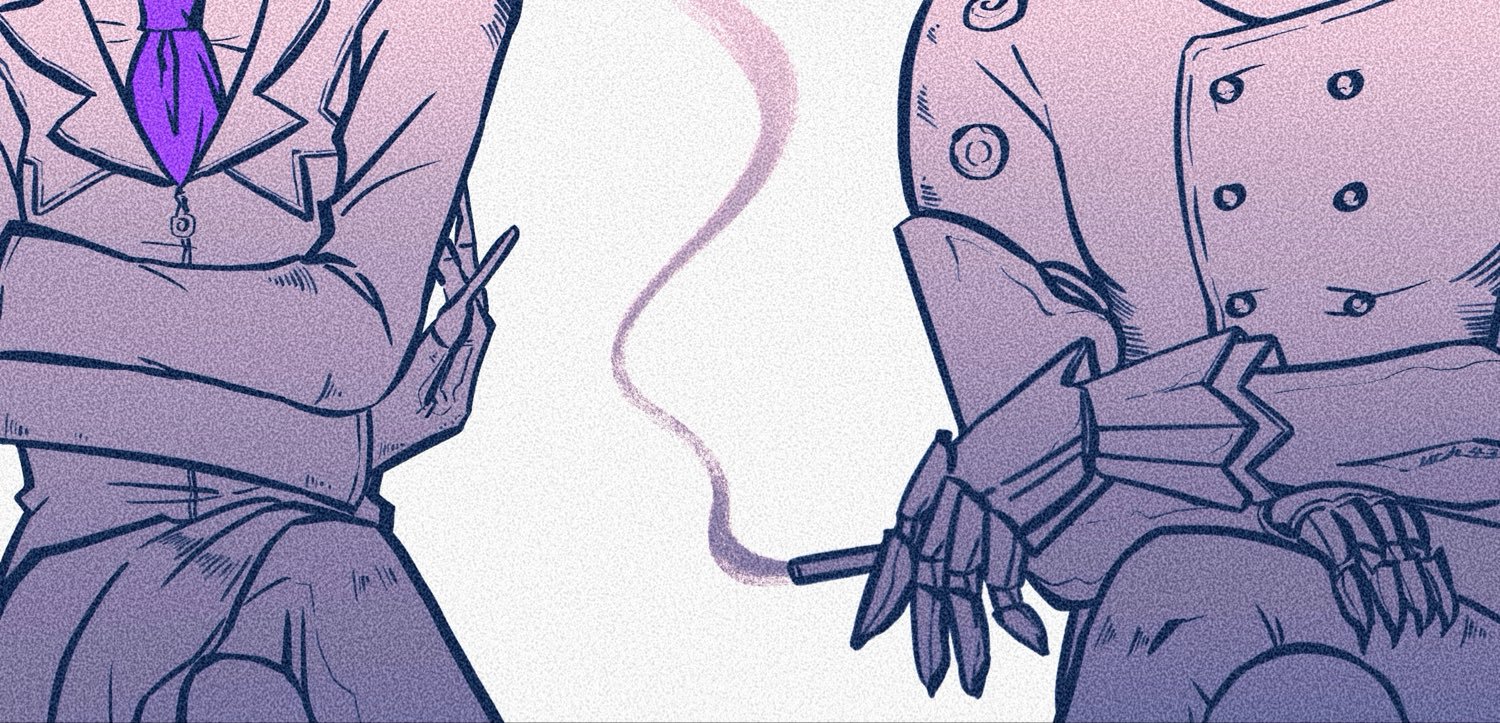
The undercut hairstyle(A two-block haircut) (3/3)
Years later, when the time came to create an incredibly powerful character for Dr. STONE, I reached back into my memories and drew upon the image of Ken from Sun-Ken Rock.
That was because, in my mind, Ken is the embodiment of the strongest man in the world should look like.
Byakuya and Dr. Xeno were designed as variations on Senku’s visual style.
Their designs are connected to Senku’s.
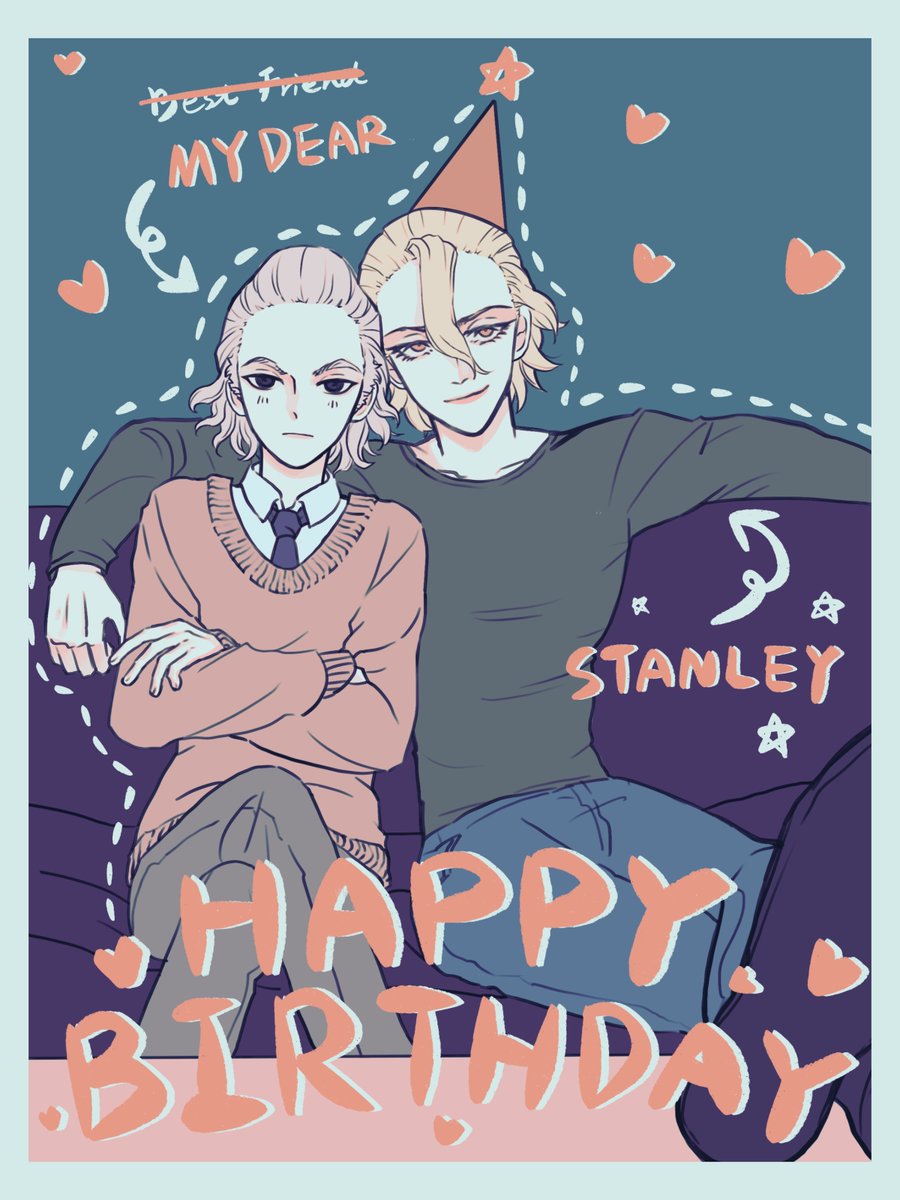
But Stanley is connected to Ken.
Perhaps someday, when I’m called upon to create another character who embodies the “strongest man,” I’ll once again return to the image of Ken.
That character will carry forward the legacy that began with Ken and continued through Stanley.
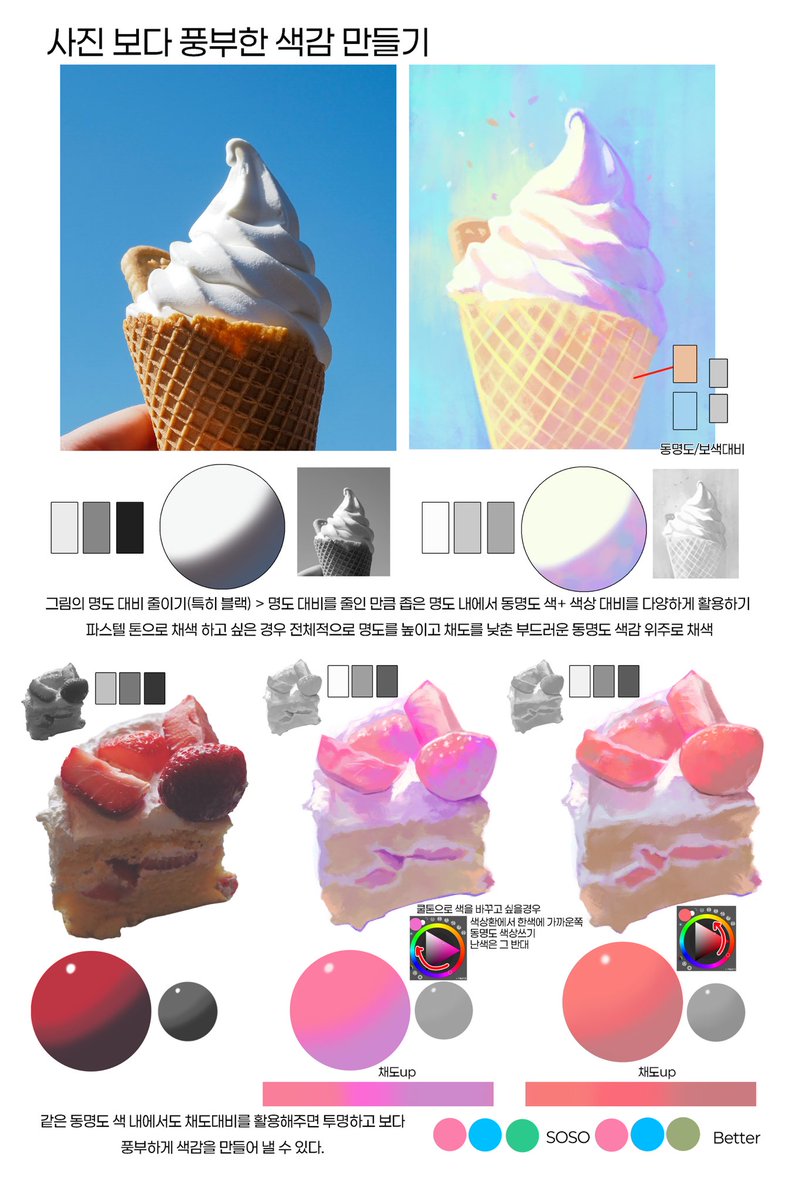
<사진 보다 풍부한 색감으로 채색하는 팁>
다양한 방법이 있겠지만 저는 주로 이 방법으로 원본 사진에서 색을 바꿔서 채색합니다:)
1. 그림의 명도대비를 줄이기 (특히 블랙 부분을 확 줄이고 명부/중간톤/암부를 고명도쪽으로 바꿉니다)
2.명도 대비가 줄어든 만큼 좁은 명도대비 내에서 동명도색을 사용해서 대비를 줍니다. 이때 내가 쿨톤으로 색을 바꾸고 싶으면 색상환내에서 한색계열쪽으로 동명도 색상을 사용해주고, 난색은 그 반대쪽으로 사용하면서 포인트로 섞어서 써도 예쁩니다~!
3.+ 같은 동명도 색 내에서도 채도의 차이를 주면 투명하고 보다 풍부하게 색감을 만들어 낼 수 있습니다.
조금 더 자세한 팁들은 영상으로도 찍어볼게요!