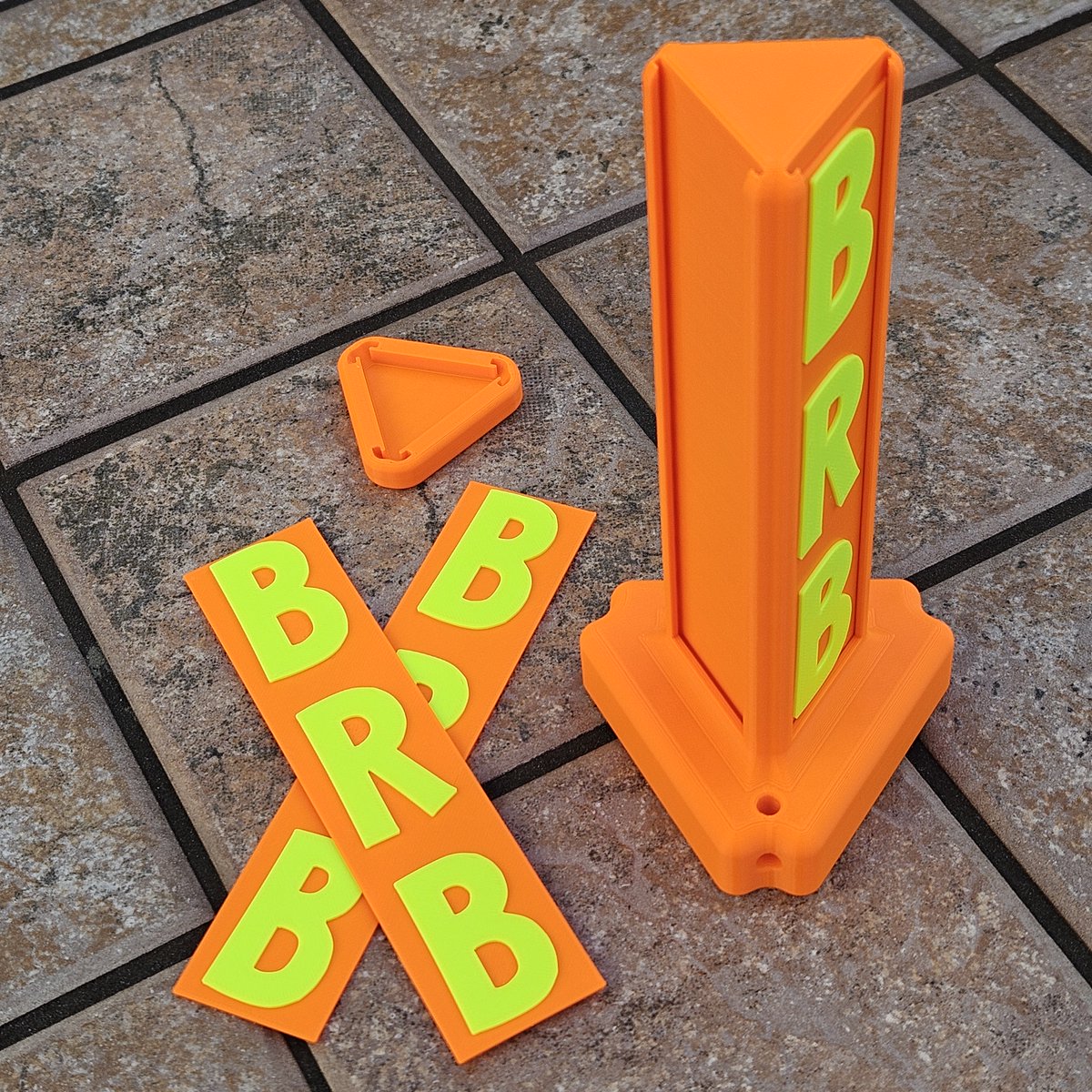
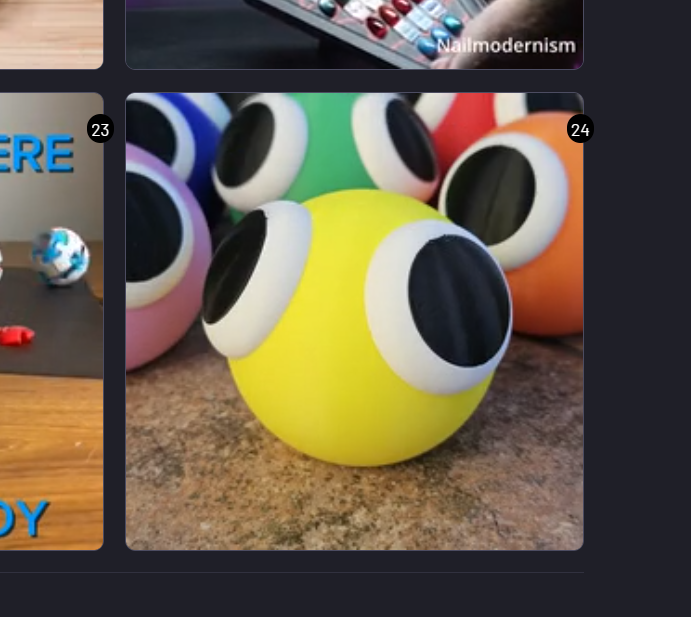
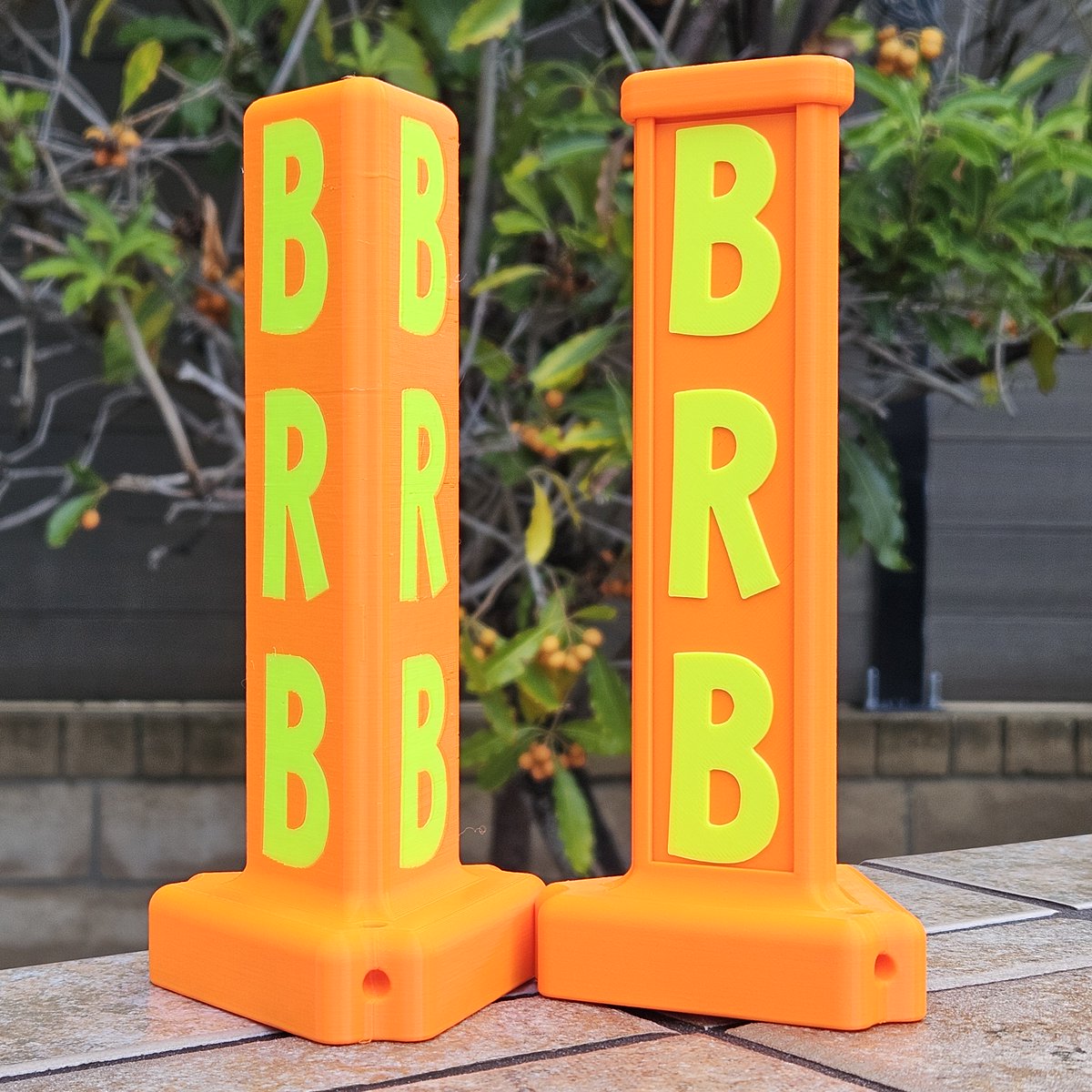
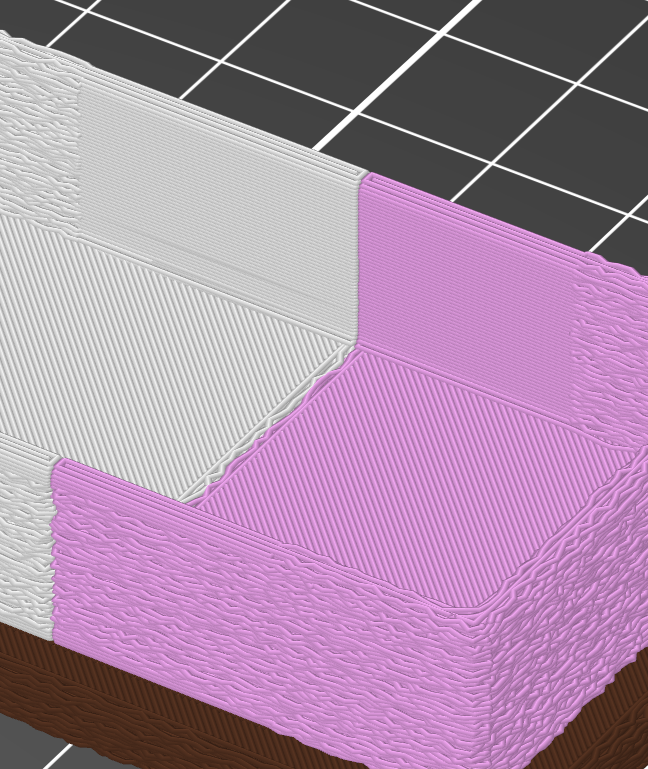
My son wanted to make some "Lookies" for a friend, so we designed this together. Very cute! This model prints without supports. Free at @Cults3D. Enjoy!
https://t.co/hC2sb04w9M
Thanks for the shoutout! 😊
One key thing would be to find someone local to you. Likely you will have back and forth with prototypes. If you can avoid the hassles and expense of shipping, that will make a difference. @Cults3D has a page on their site for "Design on Demand": https://t.co/XqRMnTIaWR
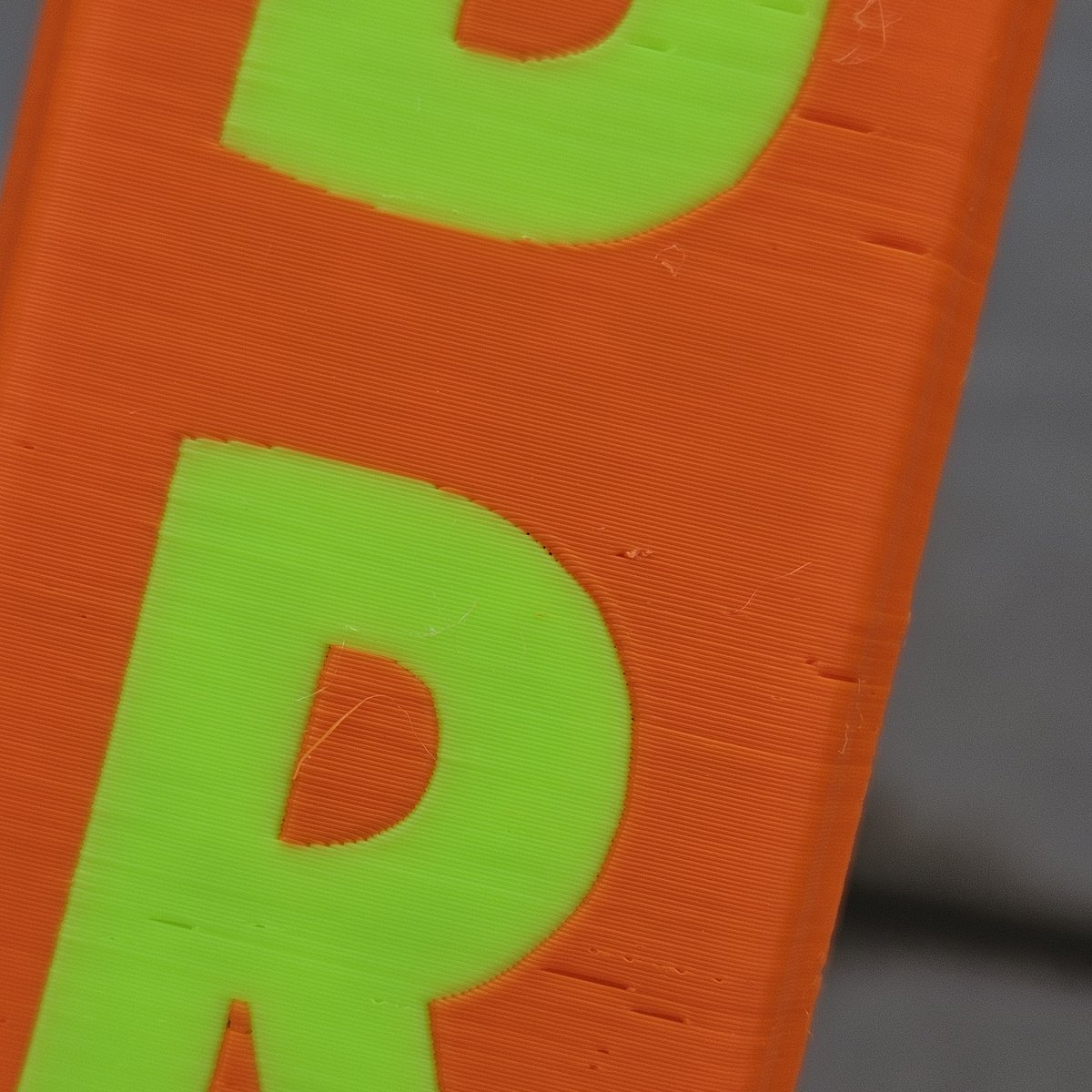
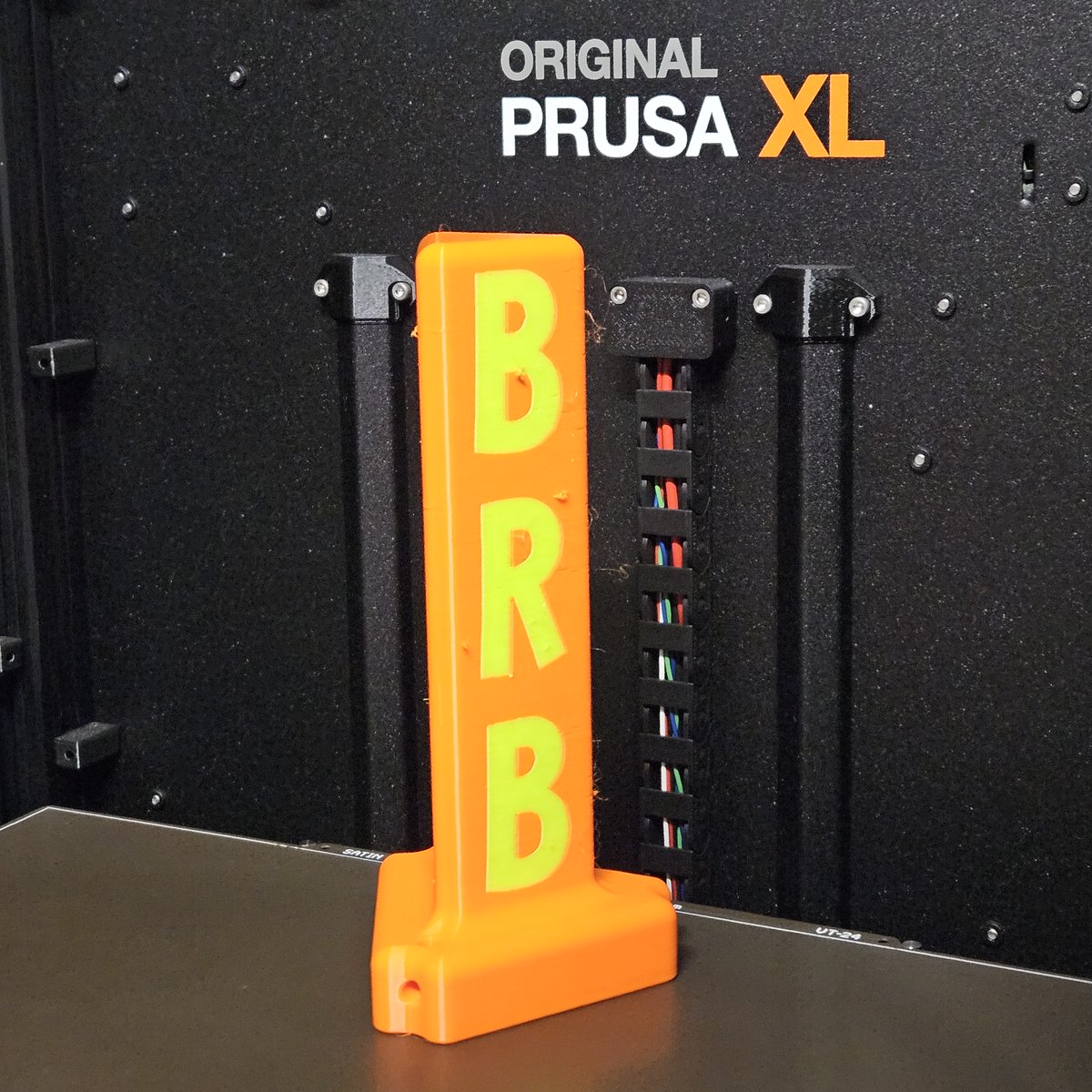
P.S. I've been really pleased with how well these printed on my @Prusa3D XL without supports. I found slightly better quality when printing two at a time. STL at @Cults3D.
🎉New post! Literally.
I posted my new post about my new post!
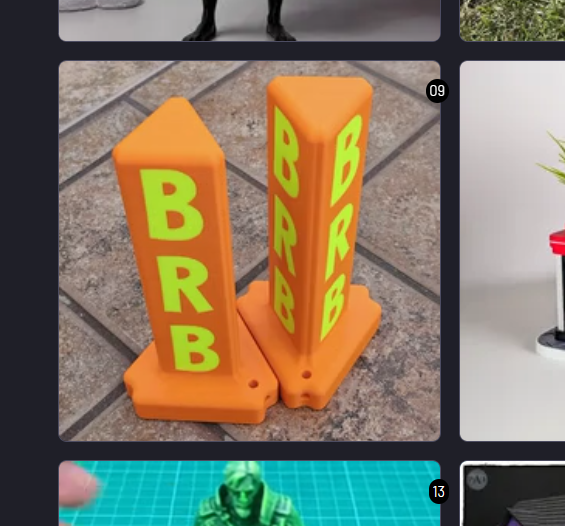
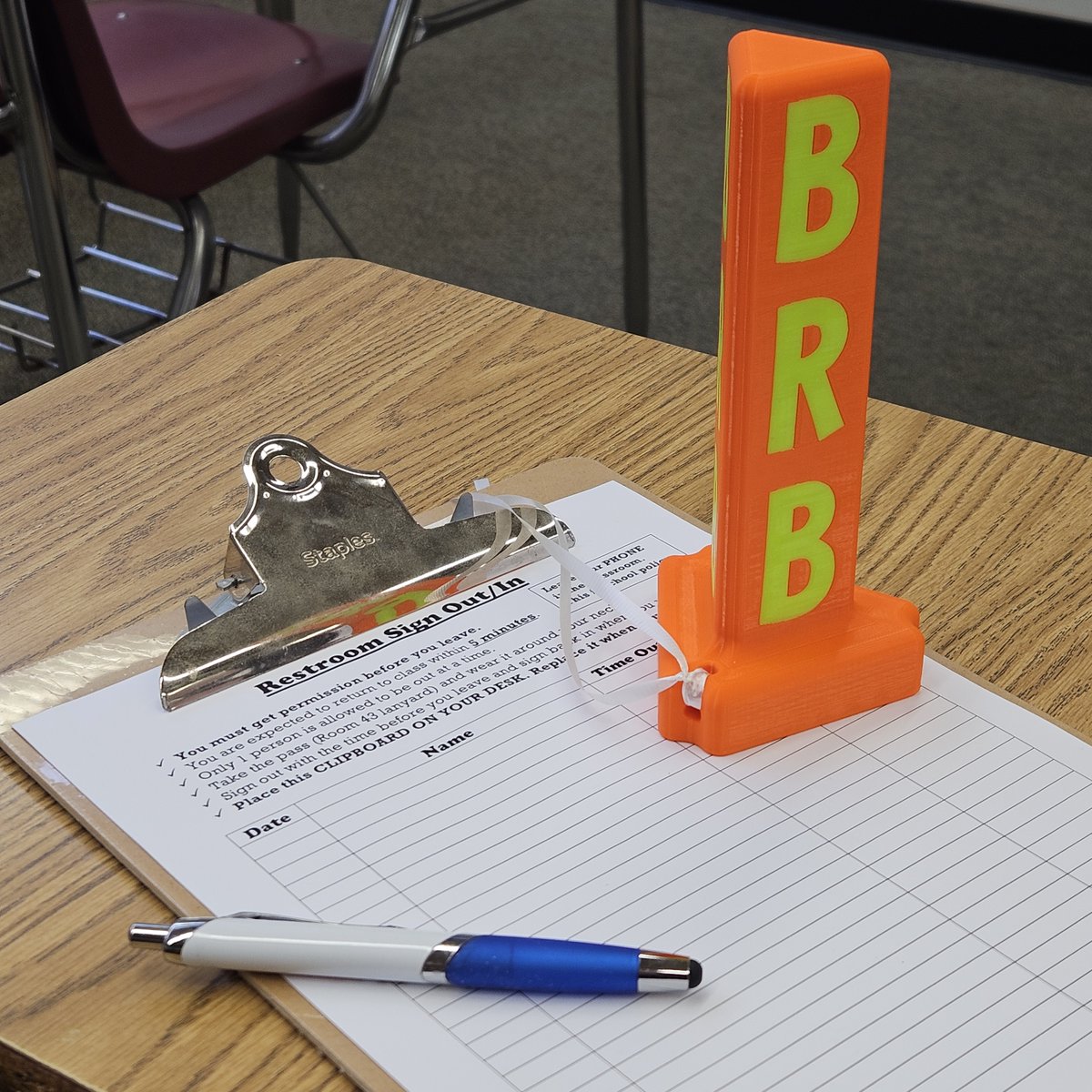
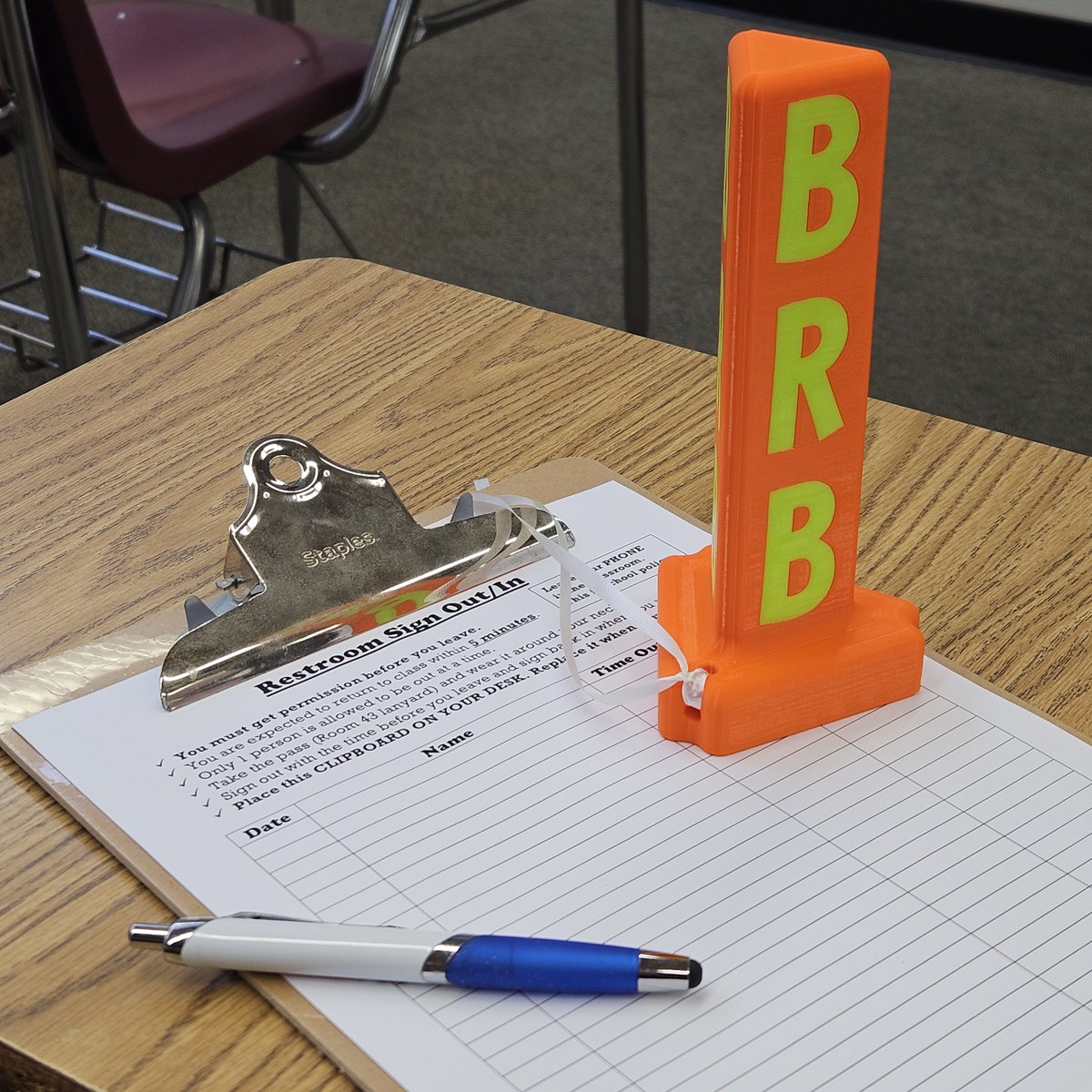
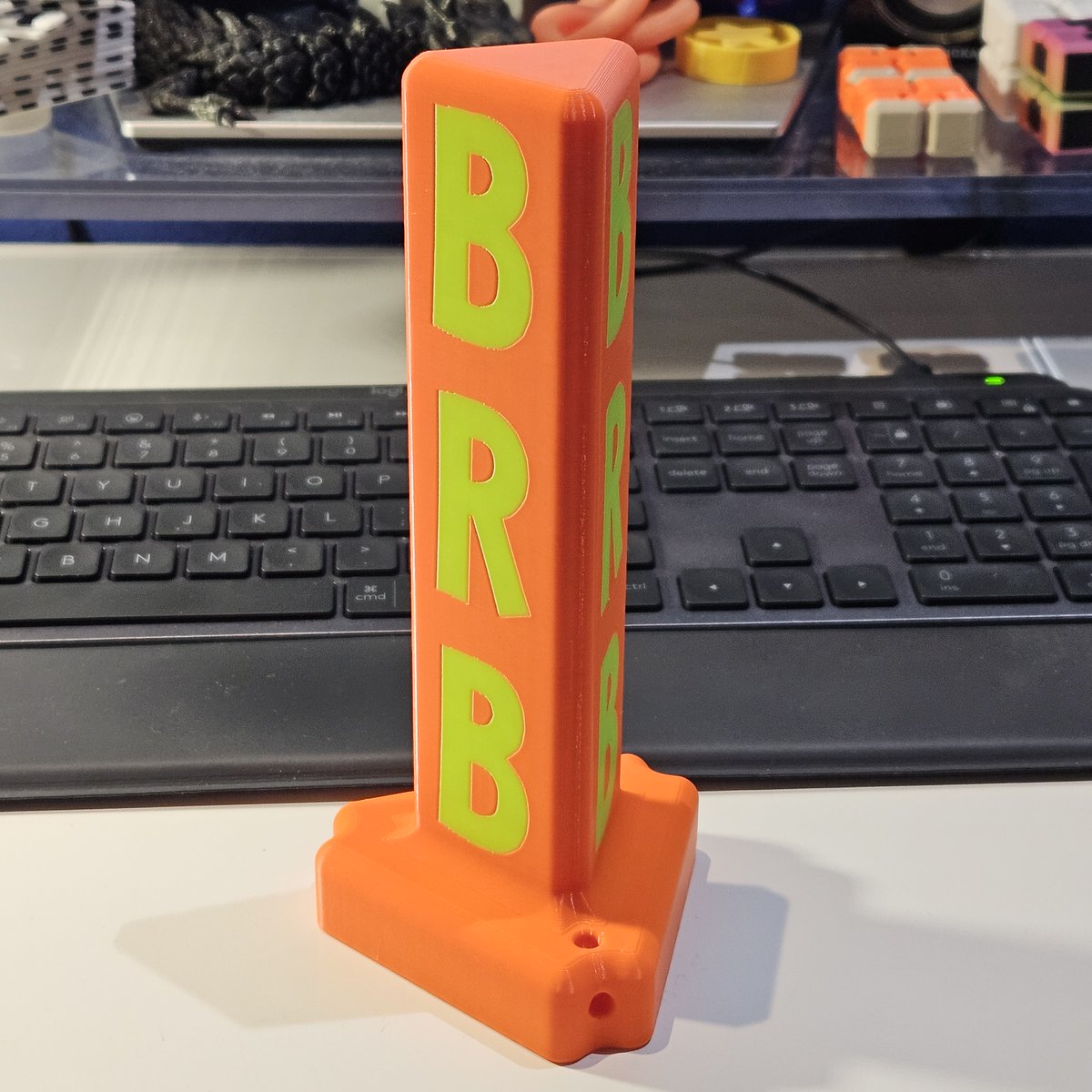
"BRB Post" is now an essential element of my classroom restroom pass policy. I made some for other teachers too. Great visual for the whole class when someone is out.
"New post" at @Cults3D: https://t.co/HnOgBiJyaP
P.S. @PrintedSolid Mystery Orange and Neon Green make for a terrific combination for my "BRB Post." The bright colors make it so easy to see among the many students in my class.
🎉New post! Literally.
I posted my new post about my new post!
"BRB Post" is now an essential element of my classroom restroom pass policy. I made some for other teachers too. Great visual for the whole class when someone is out.
"New post" at @Cults3D: https://t.co/HnOgBiJyaP
I made these "Flat Numbers" for another teacher to label his small whiteboards around his classroom that students use in groups. They look fantastic!
Models now at @Cults3D: https://t.co/31NjfVzRwh.
It's taken me three weeks since the start of school to catch my breath. Always a whirlwind in August!
My "BRB Post" has worked very well when students sign out to use the restroom. They place this on their desk and we can more easily track only one out at a time. I've printed several more for other teachers already! The bright @PrintedSolid colors make it easy to spot among 40 students. Model coming soon to @Cults3D.
Getting ready for the start of school on Tuesday! I designed this new item for my classroom this weekend. I'll explain and share more photos later. I can't believe it's the end of summer already!
Look! No tower! 🤯
First @Prusa3D XL print without a wipe tower. Overall I'm pleased. All "blobs" flicked off, but some perimeters didn't have enough time to prime. I could see how this would work much better with a model that has more infill & perimeters. STL soon to @Cults3D.
@VectorRoll@nmschulte@PrusaSlicer@Prusa3D Thanks for the thought! I did try one modifier. I don't think two would've made a difference. Link to a previous reply with image below.
https://t.co/rczIJto8OX
@nmschulte@PrusaSlicer@Prusa3D I tried a modifier block. It blocks fuzzy skin, but not on the in between parts where I still have the issue. I figured it was worth a try, but it's still much more complicated than how it used to work. It is a bug. I reported it now on GitHub.
https://t.co/a5aYyO1twi
I have now tried setting up the file from scratch with @PrusaSlicer v 3.0.0-alpha12 and I have the same result: fuzzy skin on inner walls within the model. Can anyone please help point me in the right direction to report this issue to @Prusa3D as a bug report? See original post below. Thanks!
I have a @PrusaSlicer question/bug report.
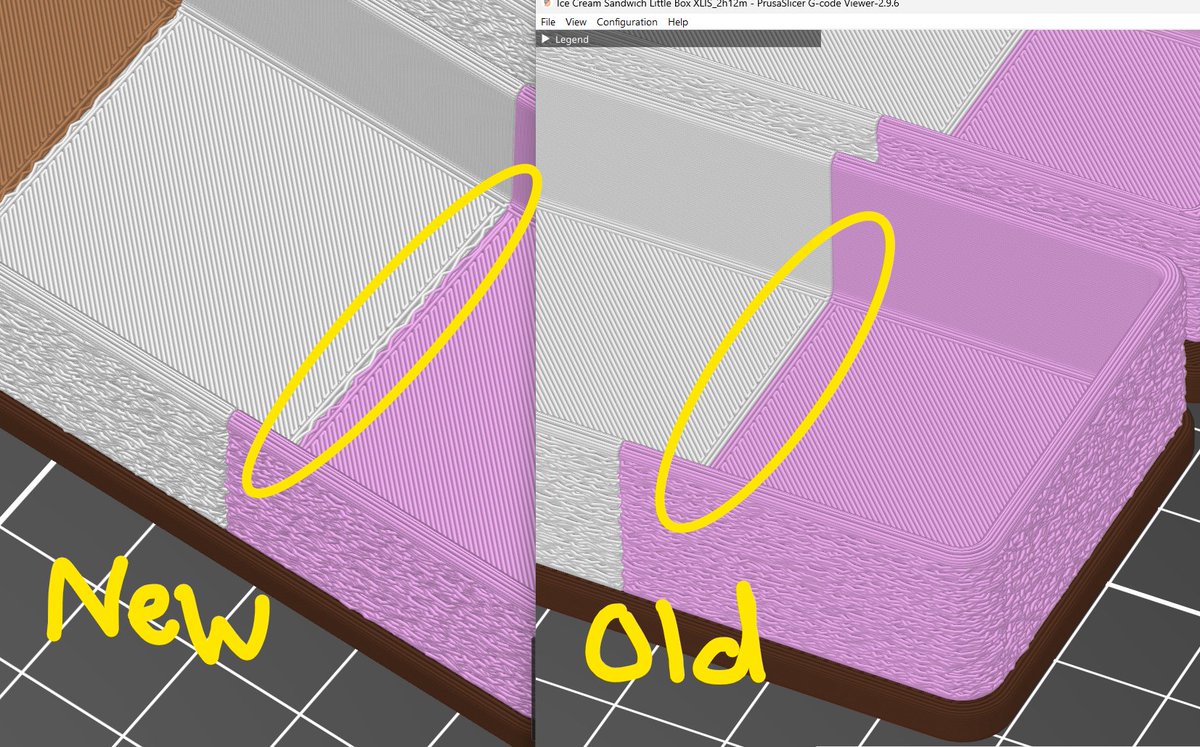
On June 24, I saved a .3mf file with "Paint-On Fuzzy Skin" where I want only the outer walls fuzzy. I'm now running PS version 2.9.6 (released June 25, so this wasn't the version I had when slicing originally). Today when I slice the model, there is now fuzzy skin on the in between parts, as shown in the screenshot. I tried re-painting the fuzzy skin and it still creates the extra "fuzz" in the middle that I don't want.
I want to set up new prints, but I don't want it printing like shown in the "new" version. The "old" is my original bgcode. I don't want to install an "alpha" version of PS to test it, but I could do that. Any other suggestions? 🤷♀️