I’ve had quite a number of new followers recently, so I thought it was the perfect time to properly reintroduce myself.
Hi, I’m Adaeze, a Business Operations Specialist passionate about helping service businesses, agencies, and founders build smoother, smarter operations behind the scenes.
I specialize in tools like ClickUp and HubSpot, where I help businesses organize their workflows, improve team productivity, automate repetitive processes, and create systems that support growth.
I’m also experienced in business process documentation, including SOPs, flowcharts, and operational frameworks that bring structure, clarity, and consistency to day-to-day operations.
Outside of client work, I genuinely enjoy sharing valuable resources, practical insights, and opportunities that can help others grow personally and professionally. That’s a huge part of why I’m here.
So if you stay connected, you can expect useful content, free resources, and real value you can apply to your business or career.
Today’s Excel lesson: Format Painter! 🖌️
I learned how to copy formatting from one cell and apply it to another without repeating all the formatting steps.
A small tool that saves time and keeps worksheets consistent.
#Excel#DataAnalysis
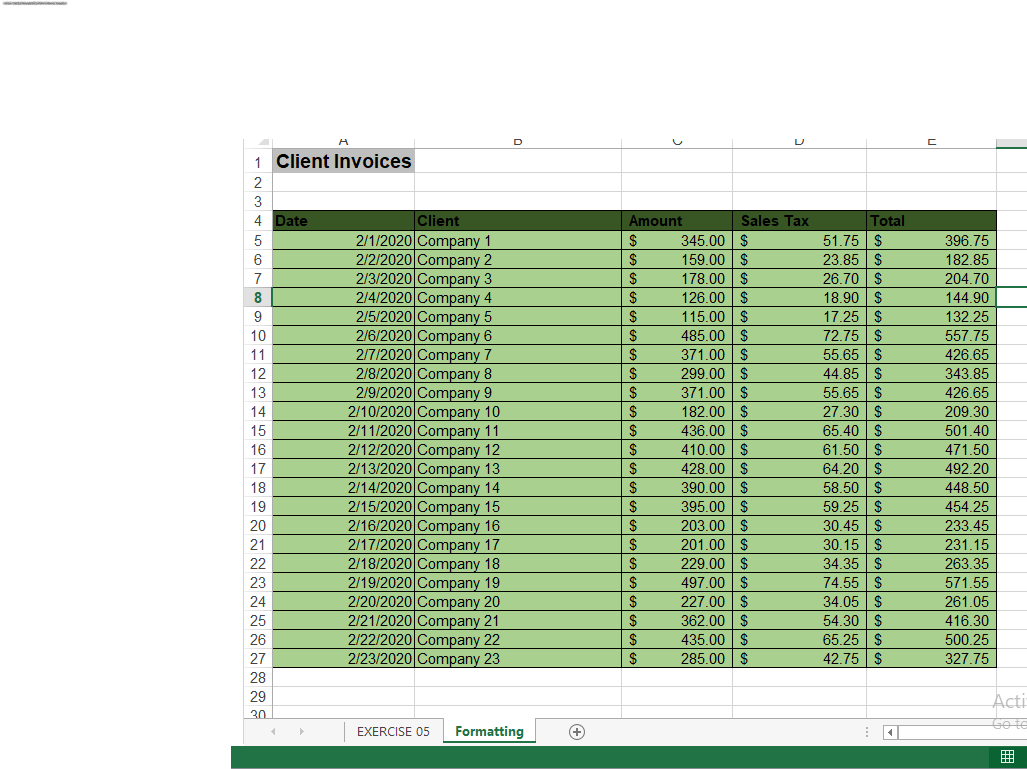
Today's Excel practice. 📊
I worked on a spreadsheet, applied Accounting Number Format to columns C and E, used formulas in columns D and E to calculate values and totals, formatted the column headings, and added borders.
Small steps, consistent practice.
#Excel#DataAnalysis
From data to a decision. 📊
Define → Collect → Clean → Analyze → Present.
The goal isn’t just to create charts or reports. It’s to turn raw data into trustworthy insights that help people make better decisions.
#DataAnalytics#DataAnalyst
I’m beginning to understand that data analytics is more than just working with numbers.
It’s about asking the right questions, analysing the evidence, identifying patterns, and taking action based on what the data tells you.
ASK. ANALYSE. ACT.
#DataAnalytics#learningjourney
Today’s Excel lesson: Named Ranges.
Instead of referring to cells using F1, F2, F3, etc., I can assign meaningful names like Total_Sales, Expenses, or Revenue.
It makes formulas easier to read, understand, and manage.
Small Excel lessons, big difference!
One thing learning Excel is teaching me is to always save my work as I go.
You never know when something might happen, and I don’t want to lose hours of work. 😂
Always save your work!
My approach to business operations?
I put myself in the customer’s shoes, walk through the buying journey, identify delays, missed follow-ups and broken processes.
I find the gaps first, then build solutions.
That’s where automation begins.
#BusinessAutomation#operations
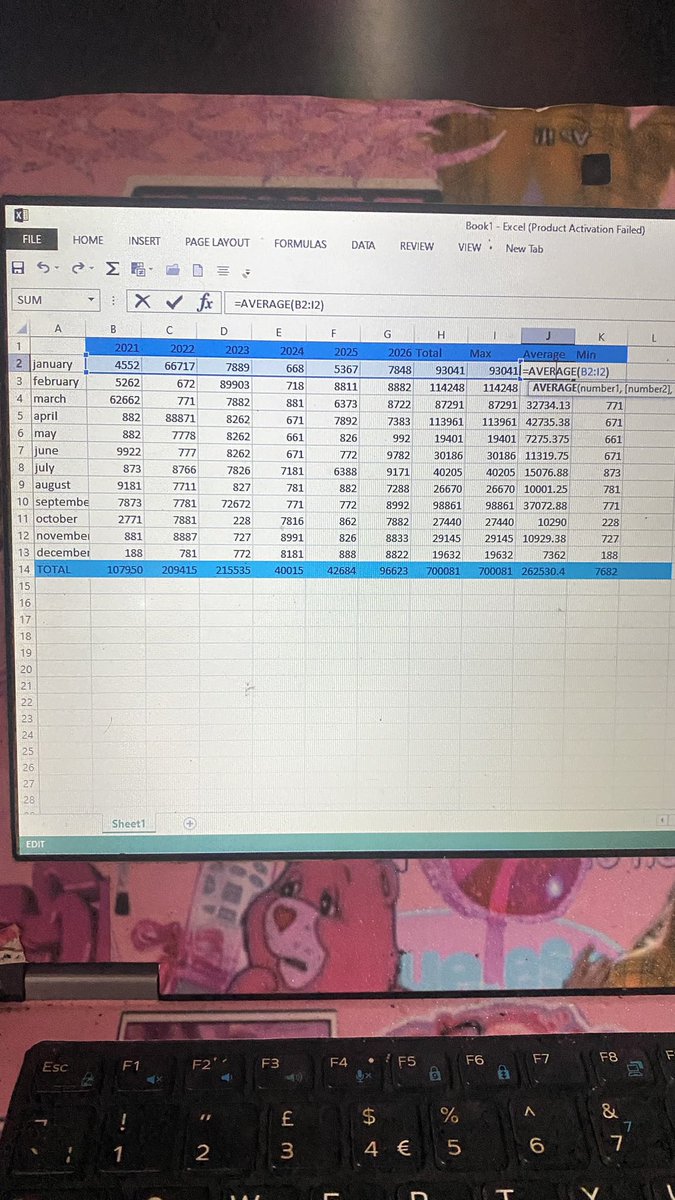
Today I learned about IntelliSense in Excel.
It’s interesting how Excel suggests functions, displays formula syntax and guides you through the arguments as you type.
Small features like this make working with formulas easier and reduce errors.
Another thing learned!
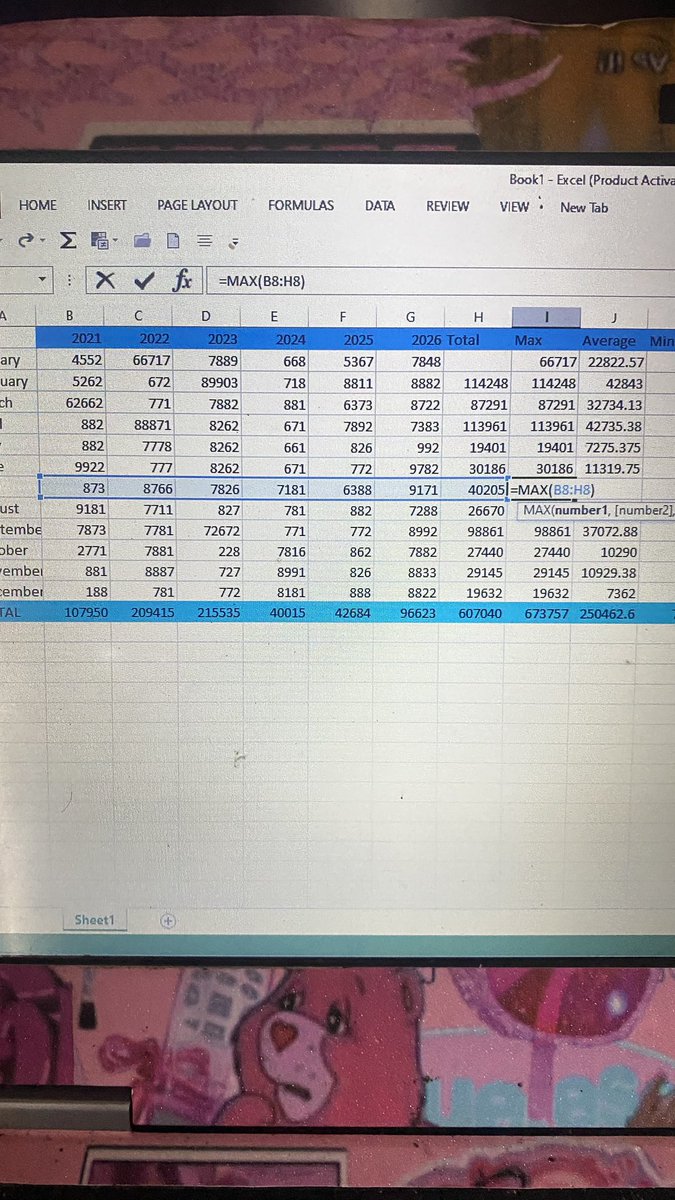
Completed my first Excel worksheet! 🎉
Today, I practised using SUM, MAX, MIN and AVERAGE functions, including AutoSum.
It’s exciting to see what I can do with Excel already. One step at a time, one worksheet at a time. 📊
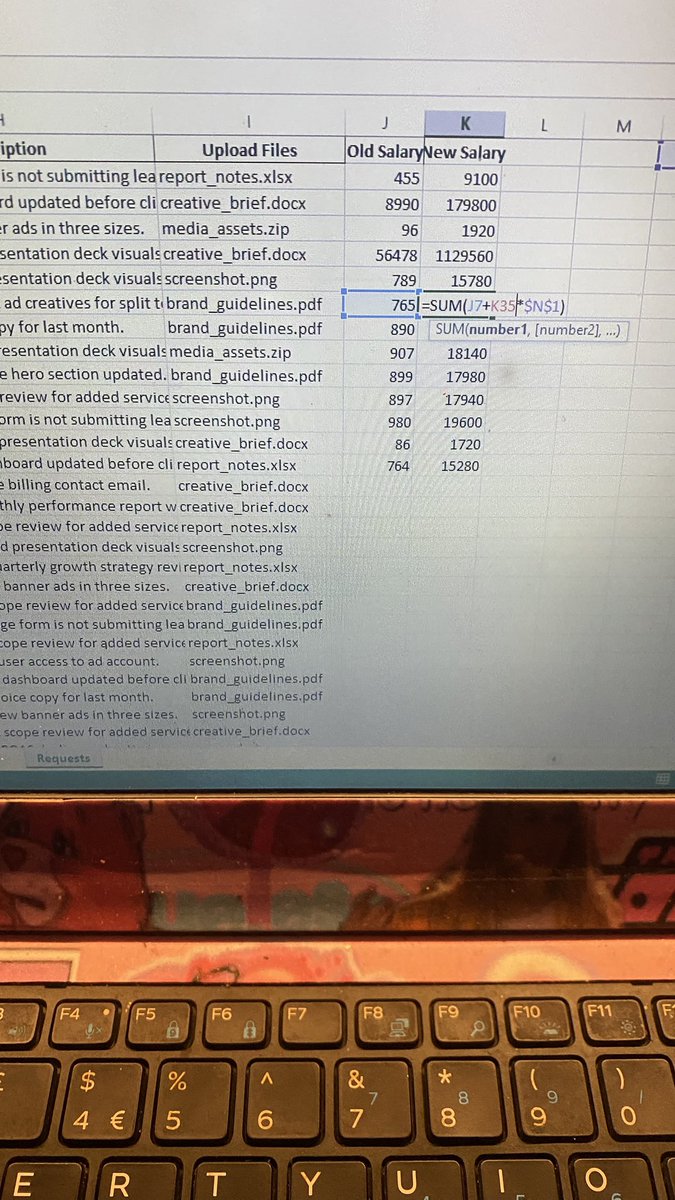
Practised relative and absolute referencing in Excel today.
Relative references change when copying formulas, while absolute references stay fixed. F4 makes locking a cell reference easy!
Another Excel skill picked up! 📊