Iximiuz Labs is my go to for trying out and exploring DevOps tools.
I keep using the playgrounds for Kubernetes, Docker, Linux countless times just to test/learn random things.
Playgrounds are just the start, there’s a lot more like challenges, courses etc
If you are into DevOps and haven’t joined yet, give it a try.
Folks, iximiuz Labs needs your help. I heard it - no one likes subscriptions. So the lifetime option is back. And the cheaper playground-only and content-only plans are also available. But the only way for me to continue working on the platform is the ongoing community support.
@22lavanya11 Makes sense if the project demands it and developers are managing infra, or if the DevOps team has development background. Terraform can be limiting in cases where you need real language features like loops, conditionals.
All the best exploring Pulumi!
If you're starting out or constantly testing different DevOps tools, this is the place to be.
With the added benefit of saving money instead of using cloud VMs. The labs also have plenty of learning material and challenges to sharpen your DevOps skills.
If you're a trainer, the possibilities are endless. You can build custom trainings, challenges, and give your students real hands-on practice.
Just a friendly reminder that this week, you can get iximiuz Labs Premium with an additional 30% discount (applied on top of the regional PPP).
Don't miss your chance - there won't be a crazy sale like that until next Black Friday, which is in half a year from now.
@MuthaNagavamsi I have completed both CKA/CKS and honestly for Kubernetes admin roles, these two are more than sufficient. I'm planning to finish all five mainly because my company will reimburse them. Otherwise, I do not see any strong reason.
Unpopular opinion: You don’t need a Kubernetes dashboard.
You need kubectl completion. Fast, accurate, right in your terminal. No setup. No UI. Just works.
🧭 Learning how to manually schedule Pods in Kubernetes ?
I made a challenge on iximiuz Labs that covers node selectors, affinity rules, and taints.
Useful when you want to control where your Pods run, like placing workloads on GPU nodes, isolating environments, or spreading traffic.
If you're trying to learn these techniques, this challenge is a good way to practise.
Try it here:
https://t.co/Yjr4LytWcW
@iximiuz Definitely, the selection of base images will largely dictate the vulnerabilities in containers. Pairing that with multi-stage builds makes a huge difference.
Glad you liked it, I’ve created a few more Kubernetes challenges you can try:
- Kubernetes Pod Lifecycle Fundamentals: https://t.co/CZVocePSD4
- Kubernetes Deployments:
https://t.co/r2oLsIH43W
- Kubernetes Pod Debugging Part 1: https://t.co/oV0KWT6e33
Would love to hear your thoughts!
🧭 Learning how to manually schedule Pods in Kubernetes ?
I made a challenge on iximiuz Labs that covers node selectors, affinity rules, and taints.
Useful when you want to control where your Pods run, like placing workloads on GPU nodes, isolating environments, or spreading traffic.
If you're trying to learn these techniques, this challenge is a good way to practise.
Try it here:
https://t.co/Yjr4LytWcW
I'm (still) working on the Playgrounds 2.0 for iximiuz Labs. Here is what we'll soon have:
- Up to 5 VMs, up to 150 GB of total disk space
- Multi-drive/fs playgrounds (ext4, xfs, btrfs, etc.)
- Multi-LANs playgrounds: A <-> B <-> C <-> D
- Your own container images for VM rootfs
- Kernel selection: 5.10, 6.1, custom builds
- And of course, persistent VM rootfs 🔥
The next release will take the platform to a totally new level and enable so many learning, teaching, and experimentation scenarios. If you like these features and/or want to support my work, you know the drill. Now is the best time to get a premium membership because my single-threaded brain can do either code or marketing, and the long development sprint has already started impacting the sales 🙃
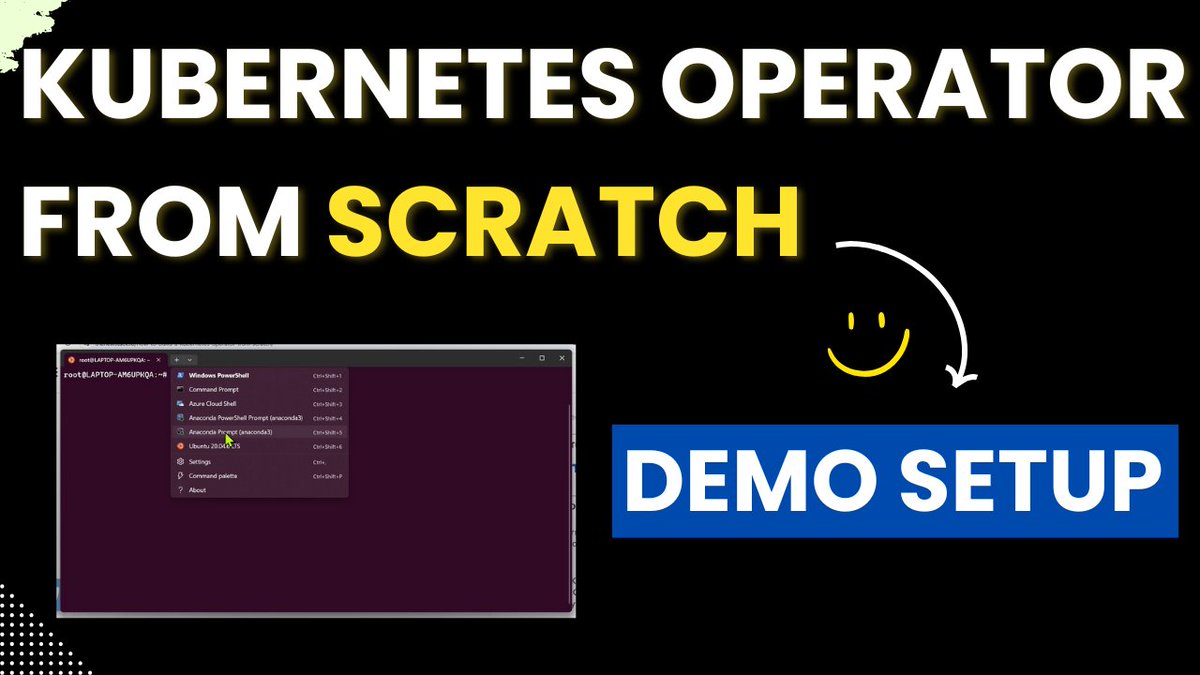
The video is live! Building Kubernetes Operator from Scratch.
Thank you everyone for the enormous encouragement. It was a huge help.
Things covered in the setup:
✅ Docker Setup
✅ Kubectl Setup
✅ Kind Setup
✅ Go Setup
✅ Kubebuilder Setup.
Followed by:
1. Kind Cluster Setup
2. Go App Setup
3. Containerize & Test App
4. Creating K8s Deployment
5. Initialize Operator setup
6. Defining CRD
7. Implement the Controller
8. RBAC Permissions
9. Build and Deploy Operator
10. Validate the Operator Functionality.
I enjoyed the process of creating this.
I hope you will enjoy learning too ❤️
Thank you. Appreciate a repost. Video details below.
To simplify both, let’s say during an image update:
maxUnavailable defines how many of the existing pods with the old image can be taken down without having the new version ready.
maxSurge defines how many more pods can be created over the current number of replicas to complete the upgrade process.
In your example, though it looks like maxUnavailable isn’t doing anything, during an upgrade one pod with the old image gets deleted. If the upgrade fails, that pod from the original state is no longer in the cluster (that’s maxUnavailable).
@MuthaNagavamsi@kavya_22__ Yes, when I was testing I saw the same pattern. After a bit of digging, understood that with max surge set to 1, the Deployment can have 1 replica more than the current replicas temporarily.
This is a friendly reminder that if you want to practice Linux, networking, containers, or Kubernetes, I've got 40+ remote playgrounds for you at https://t.co/FWx82oBUmd.
All boot in under a minute (most just in a few seconds) and are easily customized with user-defined scripts.
Master Kubernetes Deployments🔂
I made a hands-on challenge on @iximiuz Labs to help understanding how Deployments work, from creating one to scaling, updating images, checking pod state, and rolling back.
Great for practising the real stuff behind kubectl apply/create and kubectl rollout.
Try it here: https://t.co/r2oLsIH43W