New workflow: Send and set status ⚡
If you ever want to manually override AI auto-statuses in Pylon, you can now respond to an issue and set its custom status in the same action.
→ Draft your customer reply
→ Use the "Send" dropdown to set issue status on send
→ Use keyboard shortcuts to do it even faster
Make sure tickets land exactly where you want them.
Here's how our first ever AI support hackathon went 👇️
What we learned from the event...
1/ For a lot of people, networking and just getting to chat with other attendees was super valuable in itself
2/ Our current customers got a ton of value out of meeting their Pylon CSMs in person (even if it was just a 15-30 min conversation in the middle of the day)
3/ It was awesome to see folks get excited about beta products we announced, but many people wanted deeper dives on use cases and how to set things up
We had a great time and got such good feedback that we're planning a similar series of customer-focused workshops for this summer.
Some of what we'll add based on your input...
→ Dedicated sessions with your Pylon CSMs
→ Event tracks so attendees can go deep on specific Pylon products or workflows they want to learn about
→ Small group sessions to facilitate different teams meeting each other and sharing their work
It's going be a very fun series so we can't wait to get more of the Pylon team and our customers involved.
Huge thank you to everyone who came out on May 21. It's still mind-boggling to us that people flew in from as far as the East Coast and the UK to be there!
See you again at the next one 🫡
Usually the logic is that customer onboarding gets worse as you scale.
Tighter CSM bandwidth → less personalized setup
But our scaled CSM Donal Woods (who manages hundreds of accounts himself) knew that shouldn't be true anymore with AI tools and good account context....
...so in the past few months he built a Pylonboarding experience that outputs personalized + interactive onboarding plans for every customer.
This is how the flow works:
1. New customers take a 90-second quiz on their setup status, pain points, and product needs
2. Depending on their inputs, customers automatically get placed into 3 product tracks: Foundation, Growth, or Scale
3. They get a personalized email with track-specific next steps
4. Pylon auto-creates a project for the customer with track-specific tasks
5. Customers get directed to interactive product walkthroughs so they can start exploring Pylon on their own
Built with Claude, Pylon, Typeform, https://t.co/IfEOlEIRSr, and Arcade.
Huge shoutout to Dónal for helping scale Pylonboarding while improving the experience for all our new customers.
If you're curious to check out one of the interactive product pages:
https://t.co/o14fX7PEOd
Teamwork makes the dream work...
...so we're making it easier to collaborate on tickets.
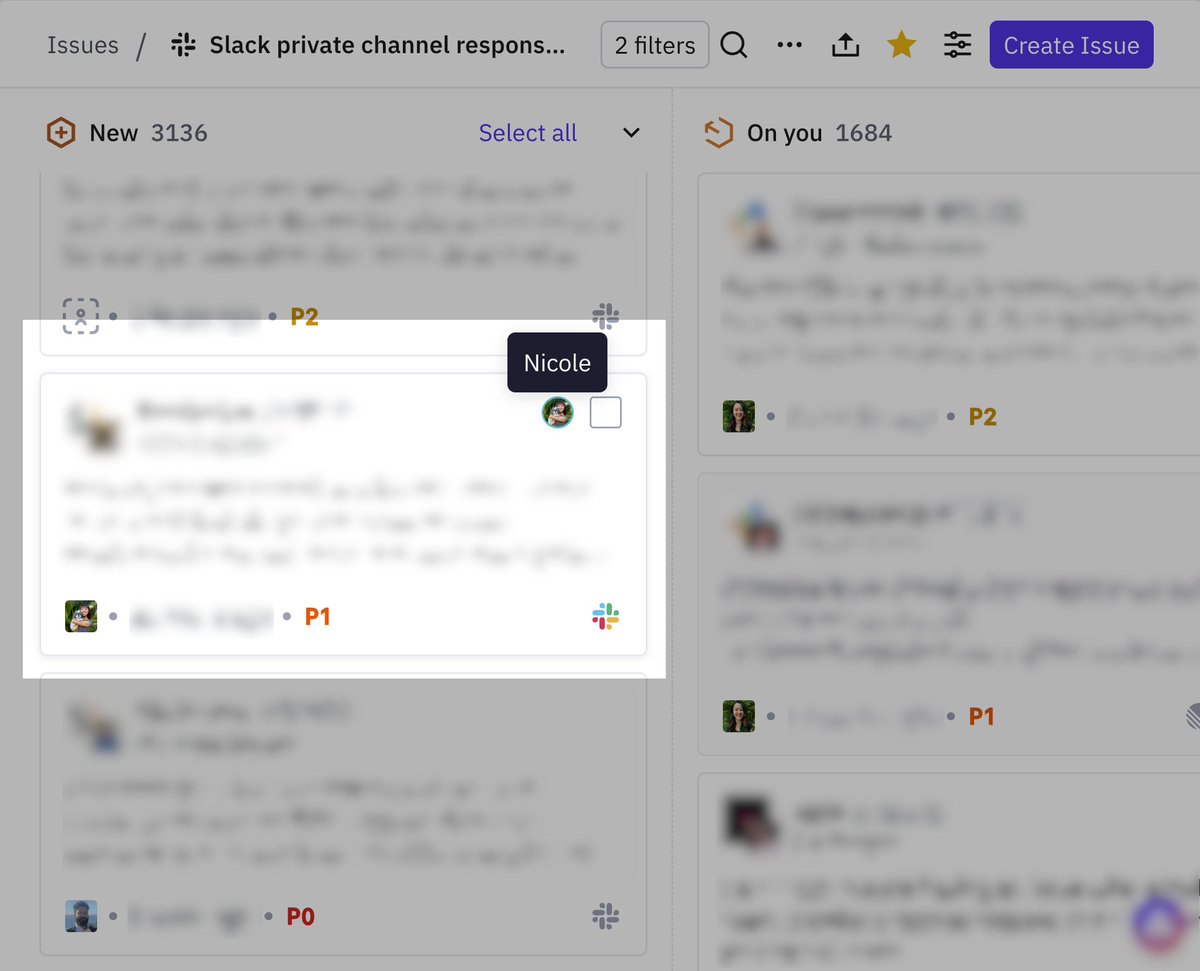
You can now see who else is viewing an issue directly from your list and kanban views.
Now it's easier to work through your team's queue together in real-time and there's no more double-handling.
Happy collaboration 🤝
The AI tools we ship at Pylon come from real needs we've noticed in our own customer work...
...which means we really do use all the agentic workflows and features we've built into our product.
How?
In a few weeks @rengrenghello and Nikolaj will show you.
They'll demo 3 AI workflows our support, product, and GTM teams use every single day:
→ Tech stack we used
→ Patterns we applied
→ Prompts we wrote
→ Improvements we made
→ Outcomes we got
And you can expect to leave with workflow patterns to copy and tweak for your own team.
📆 June 10
⏰️ 10 AM PT
Register here for a spot: https://t.co/FzKxn3SIr9
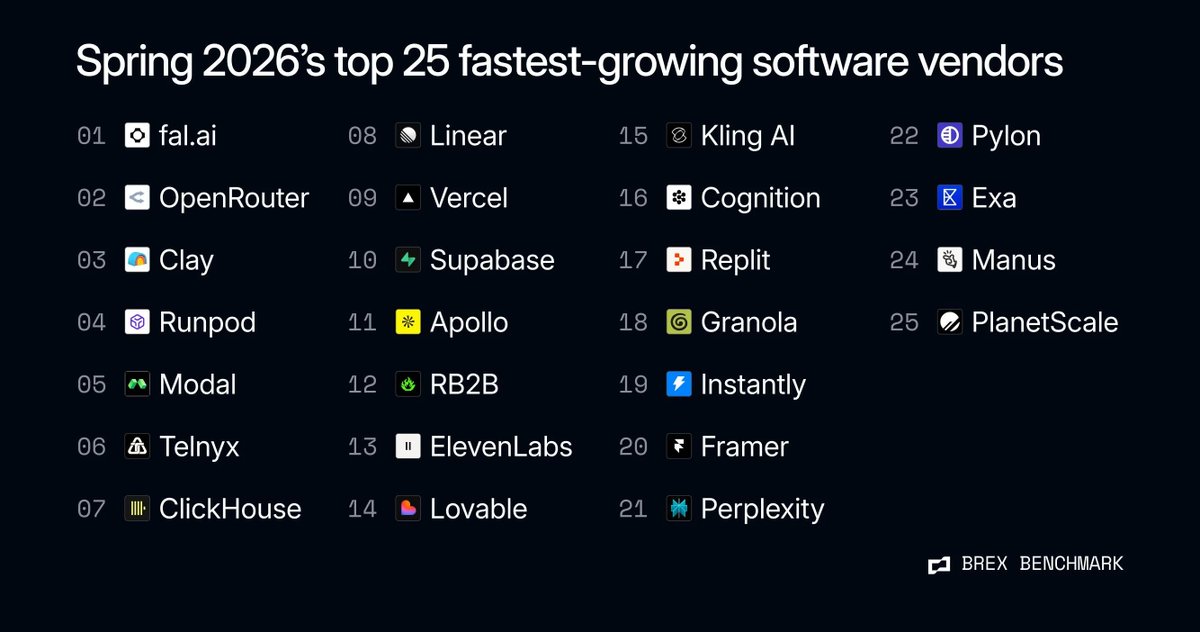
Proud that @usepylon is one of the fastest-growing vendors on @brexHQ 📈
Earlier this year we had another SKU cross > $1M ARR on its own, and we're working on even more bets to keep scaling our products.
From Account Intelligence to some very exciting AI that I can't say much more about yet 😅, there's a lot coming up soon.
Shoutout to our team for their incredible momentum and work to get us here.
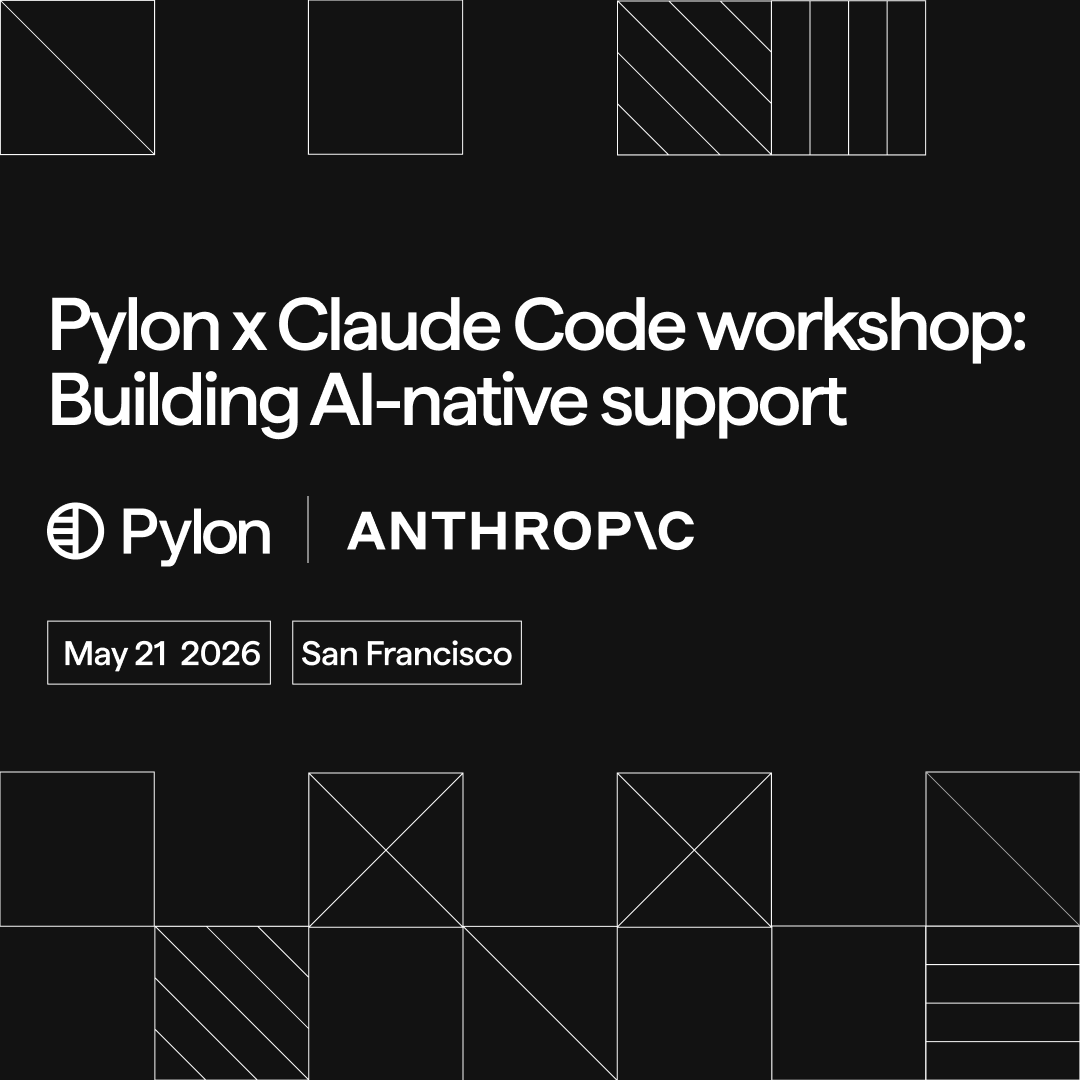
Thursday is @usepylon x @AnthropicAI support workshop.
Here's what to expect!
1/ We'll have a series of live sessions to show you how AI can work in customer support and give you ideas for what to build.
2/ You'll see actual examples of skills and workflows from top support teams to help get you started.
3/ Pylon's AI team will hold office hours to help unblock you or jam on ideas throughout the day.
4/ You'll meet a bunch of fellow support leaders who you can share ideas and chat about use cases with.
We might also have some Pylon surprises to help you build your projects.... 🤫
Can't wait to see everyone there.
P.S. We just closed registration but you can join the waitlist: https://t.co/BTFgum5htP
The evolution of migrations at Pylon...
2023: Manually doing migrations for customers
2024: We build our own v1 migration tool
2025: First solutions engineer joins
2026: SE team has migrated hundreds of customers from Zendesk, Intercom, and counting
A lot of times migrations are the scariest part of switching support platforms. We always get questions about...
→ How we'll preserve data
→ How long everything will take
→ Who will be there to help the team through it
Luckily we have incredible solutions engineers who walk customers through every step of the process, and next week we'll talk about this live.
Join Franz from our team and Reginald Espiritu from GoodTime to learn exactly how we've migrated customers from Zendesk to Pylon.
May 19 @ 9 AM PT!
Link to register in the comments.
📸 : POV you're about to migrate to Pylon and the solutions team greets you
Come hack with @usepylon and @AnthropicAI 👾
Next Thursday, we're hosting the first ever AI support hackathon in San Francisco.
On top of...
→ Learning when/how/what to automate with AI
→ Having dedicated time to build workflows
→ Getting frameworks to help you keep building
...you'll get to chat with tons of other support teams about the things they're building and testing every day.
Join us on May 21!
We have limited spots left. Register at the link in the comments.
It feels like all the default use cases for AI in CS have to do with health scoring or meeting prep.
Our post-sales team has been thinking through more complex cases where AI can be really helpful.
Some of the things CSMs have built so far...
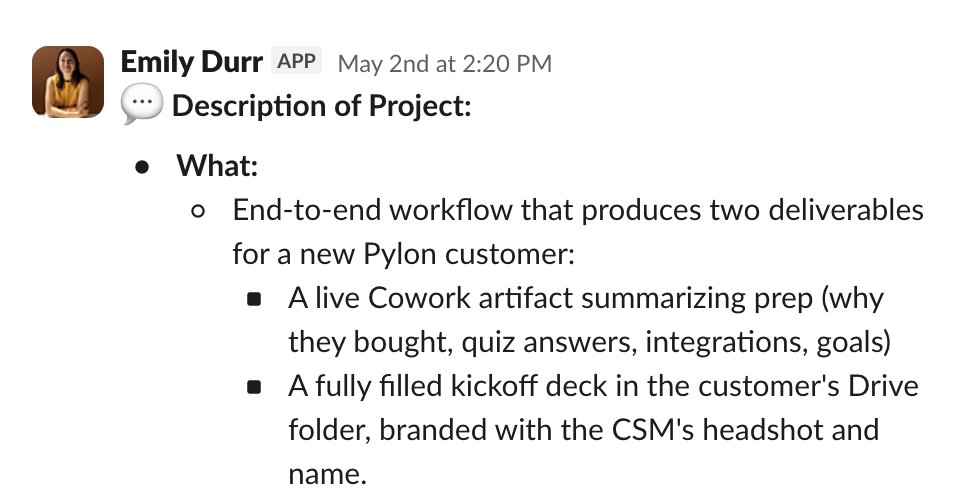
Em's Kickoff Deck Builder
→ AI pulls an account's onboarding quiz answers, notebook data, and connected integrations from Pylon
→ Grabs kickoff attendees from Google Calendar and deal context from Slack
→ Drops a completed kickoff deck into the customer's Google Drive folder
Dónal's Heat Scanner
→ AI analyzes usage data across all accounts
→ Identifies the top 20 highest-potential upsells
→ Helps transition these accounts from scaled to mid-market CSMs
Dil's Renewal Skills
→ AI scans for all upcoming renewals
→ Creates a Pylon issue for each one
→ Drafts an outreach email to champions and POCs
...and that doesn't even cover what the team has been building for Pylonboarding recently 👀
Help us improve Ask AI by rating AI's responses 👍️ 👎️
One of the big things we're working on this quarter is leveling up AI quality across agents, AI fields, Ask AI, and more.
We need your feedback!
Next time you use Ask AI, let us know how it's doing so we can track quality and get you better answers about customer data going forward.
Welcome to the Pylon Skills Gallery...
AI skills are already super powerful for individual workflows, but it's even better if they can help enable your entire team or other teams.
Our support engineers Garima and Keren prototyped a place for Pylon customers and team members to share skills with each other.
Some of the coolest features:
→ Submit your skills and install other people's skills
→ Ask AI to show you skills for the specific problems you're trying to solve
→ Browse how other teams are using different skills
Should we turn this into a real thing in Pylon 👀
On Monday we welcomed a new class of 6 SDRs...
...so Colby knew exactly what to build for our internal AI hackathon.
Introducing the Claude Onboarding Buddy, which takes new SDRs through a 7-step program:
1. Welcome to onboarding
2. Tool setup (Salesforce, Salesfinity, Vanta, etc.)
3. Learn the Pylon product
4. Learn Pylon's ICP
5. Master your cold call pitch
6. Understand daily workflows and team processes
7. Make your first call
You can even use it to do cold call role plays, work through objection examples, and get quizzed on product knowledge.
Here's a quick look at Colby's demo 👇️
Pylon is now a bank and we deal in Pybucks 💰️
Caleb and Dre prototyped this gamified version of our support system for Pylon's internal hackathon:
1. AI assigns every ticket a value of 1-10 Pybucks based on difficulty
2. Resolve and close the ticket yourself? Watch the Pybucks roll into your Pybucks balance
3. Want to reassign the ticket to someone else? You'll have to pay 50% of the ticket's cost
4. Close tickets, earn Pybucks, and spend your money on Pokémon buddies
Welcome to the Pyloneconomy!
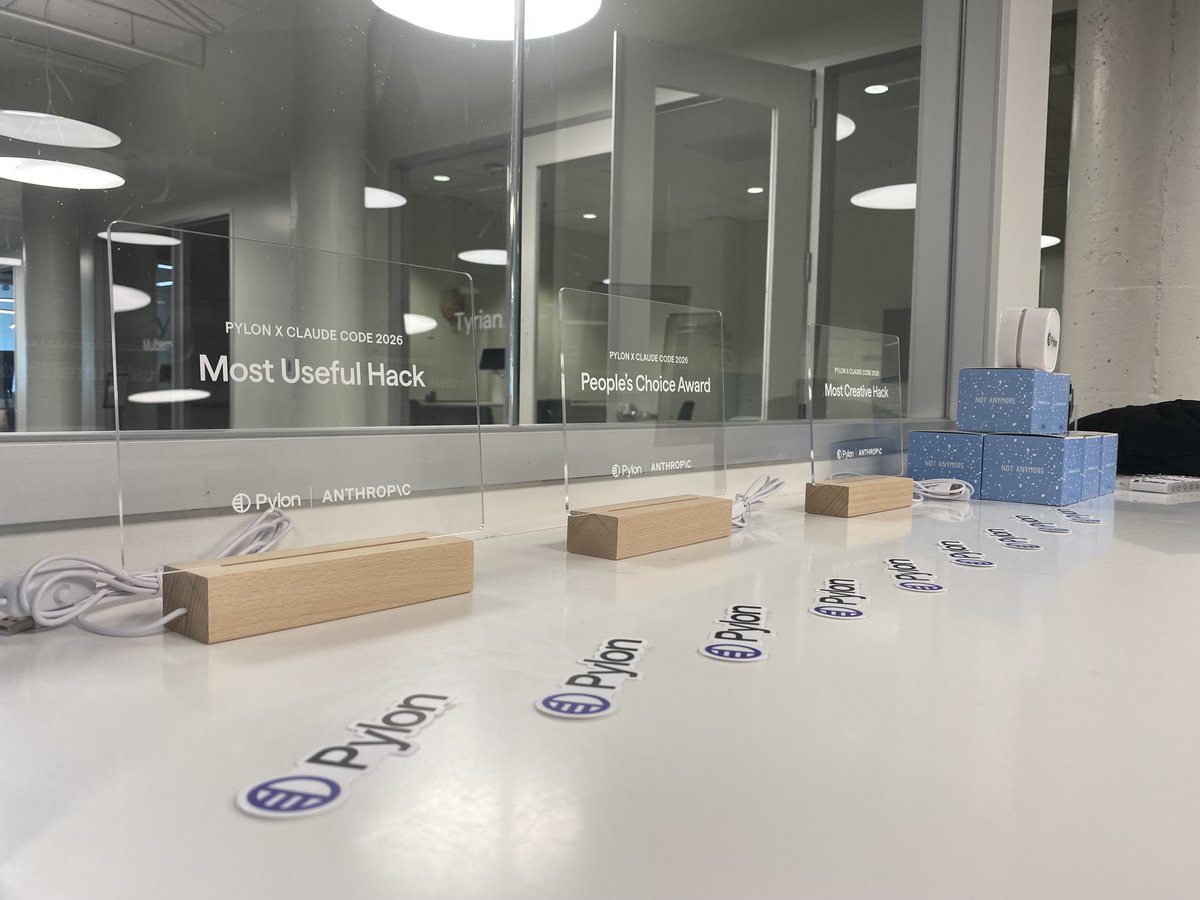
We wrapped @usepylon's internal AI hackathon yesterday!
100 hackers, 30+ projects.
People built and prototyped things like...
🖼️ A gallery to browse AI skills by the Pylon team and our customers
🎙️ Voice support for Ask AI
🕺 An AI onboarding buddy
💼 Skills to automate renewals, feature request updates, and task hygiene for CS follow-ups
🐛 Bug bonker to triage, deflect, and execute on product bugs as they come in
💸 Pybucks, a new form of currency, to incentivize solving support tickets
Every single team participated (from ops to sales to marketing to post-sales) and you might just see some of these hacks make it into Pylon soon...