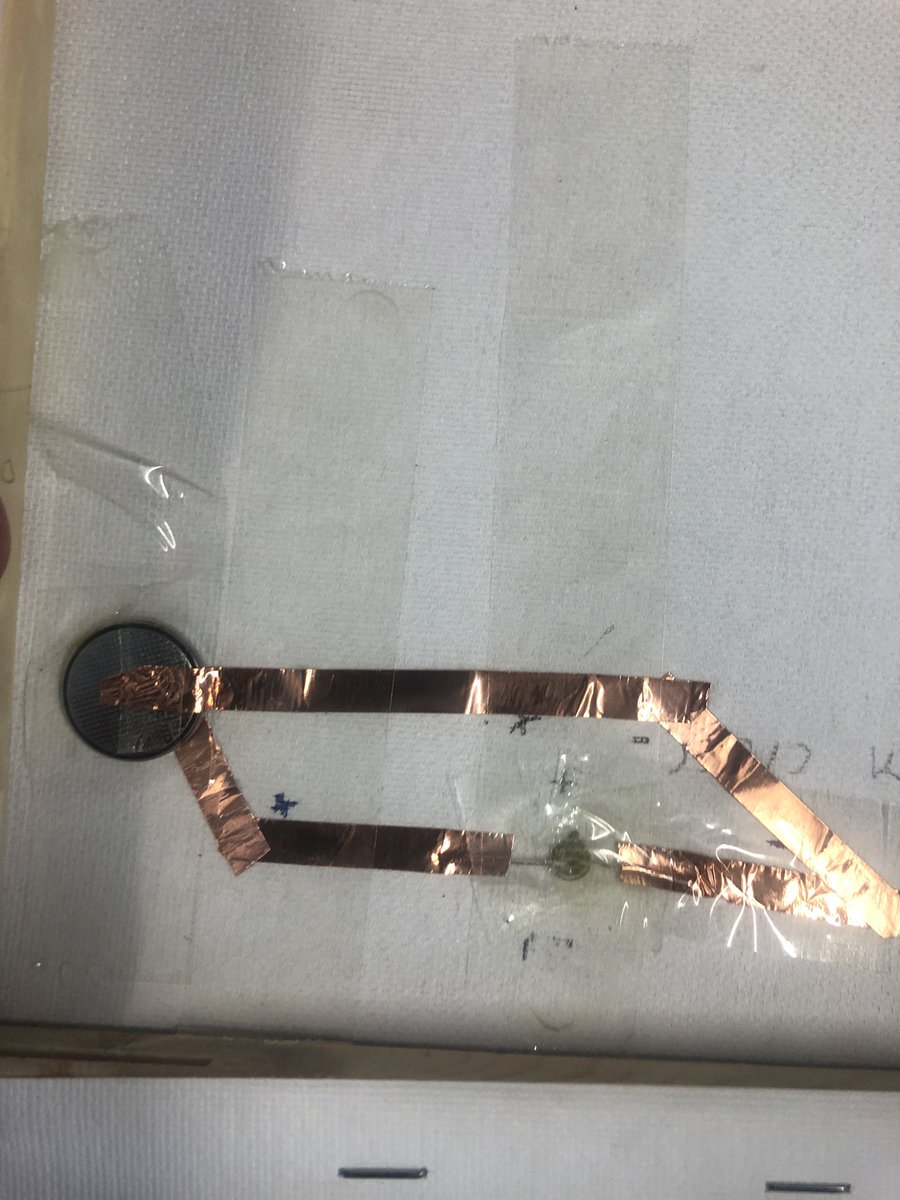
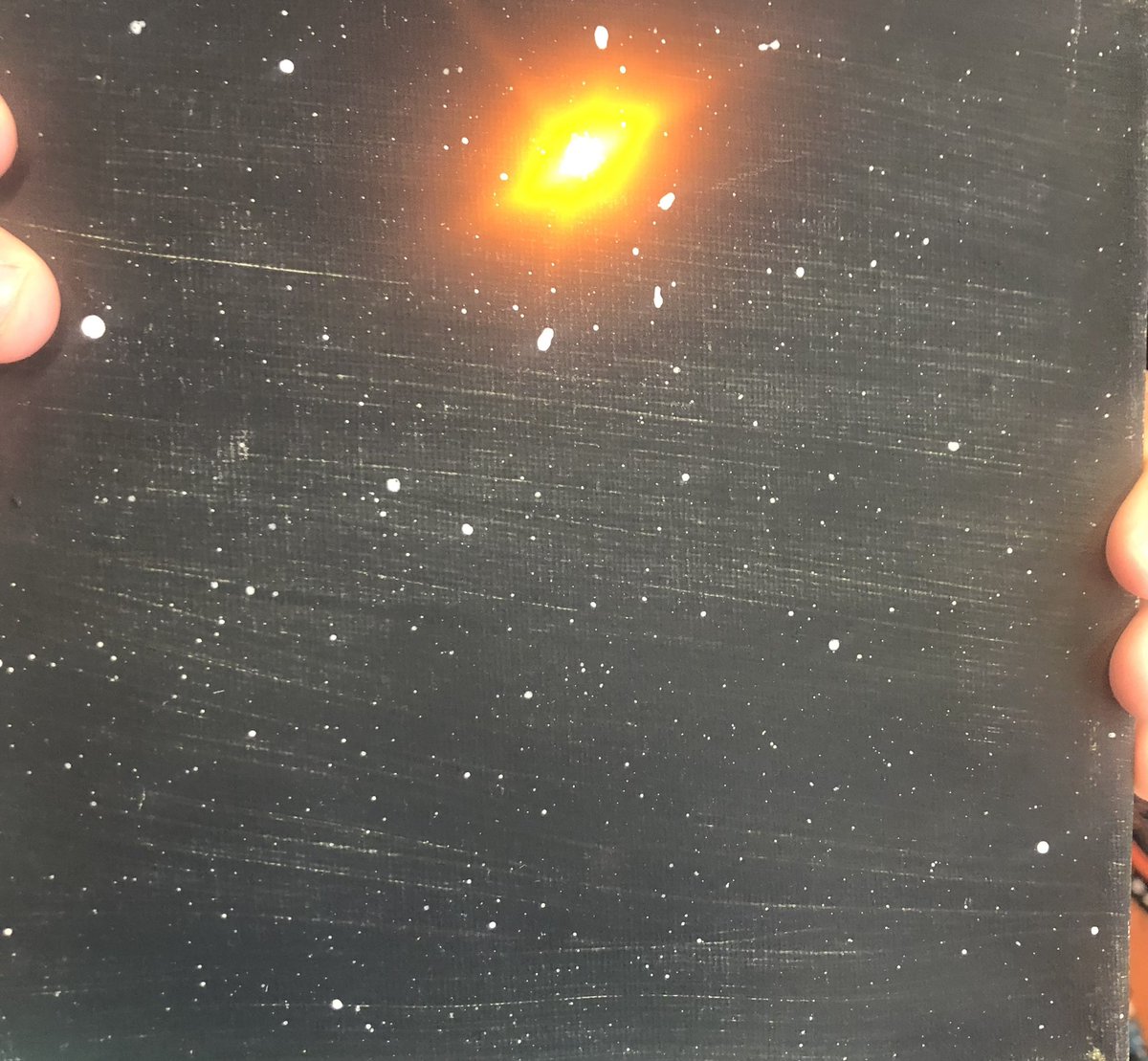
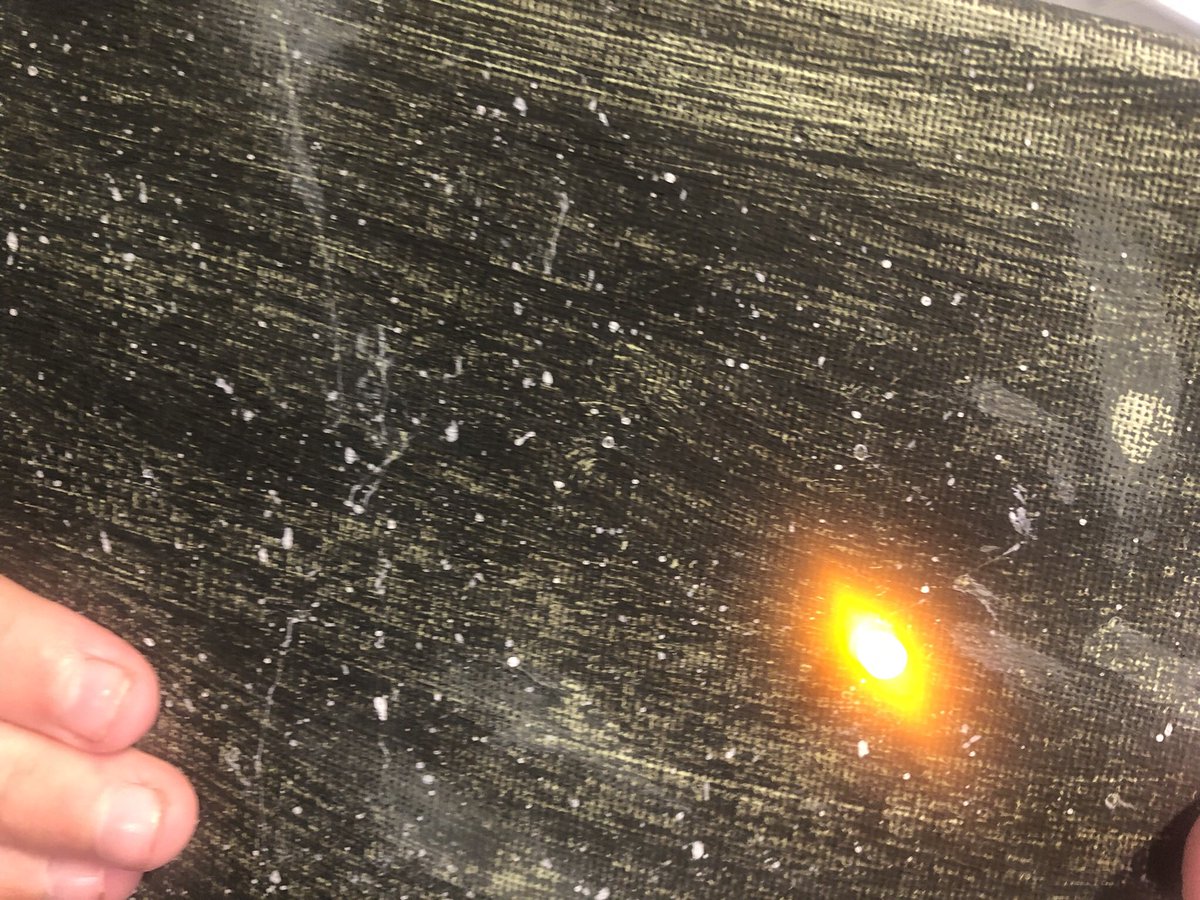
Y4s looking exploration led us to look at the stars and navigation. So, after documenting our learning and picking a constellation students started to paint, tinker and create an LED circuit to light up a star in their constellation. Sadly, we didn't finish. #WATechTalk#STEM
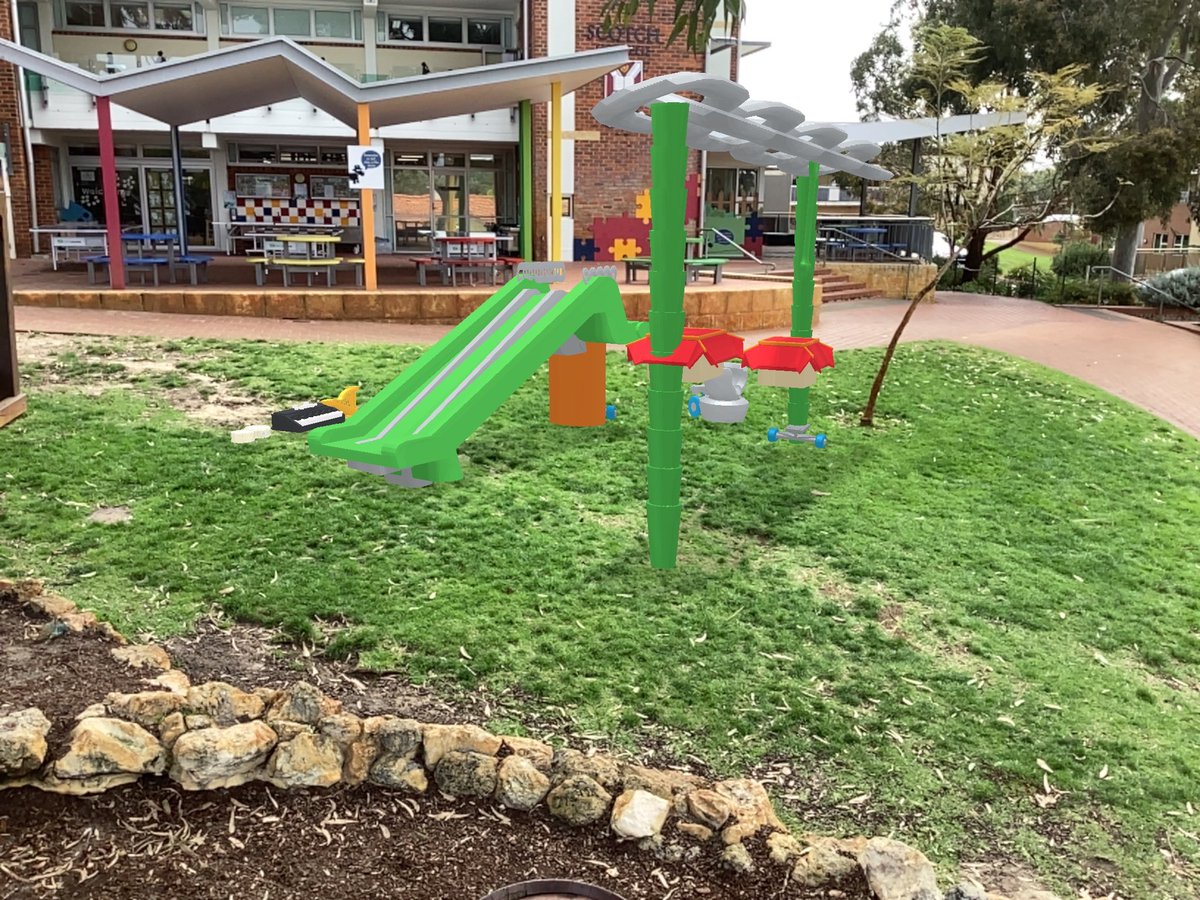
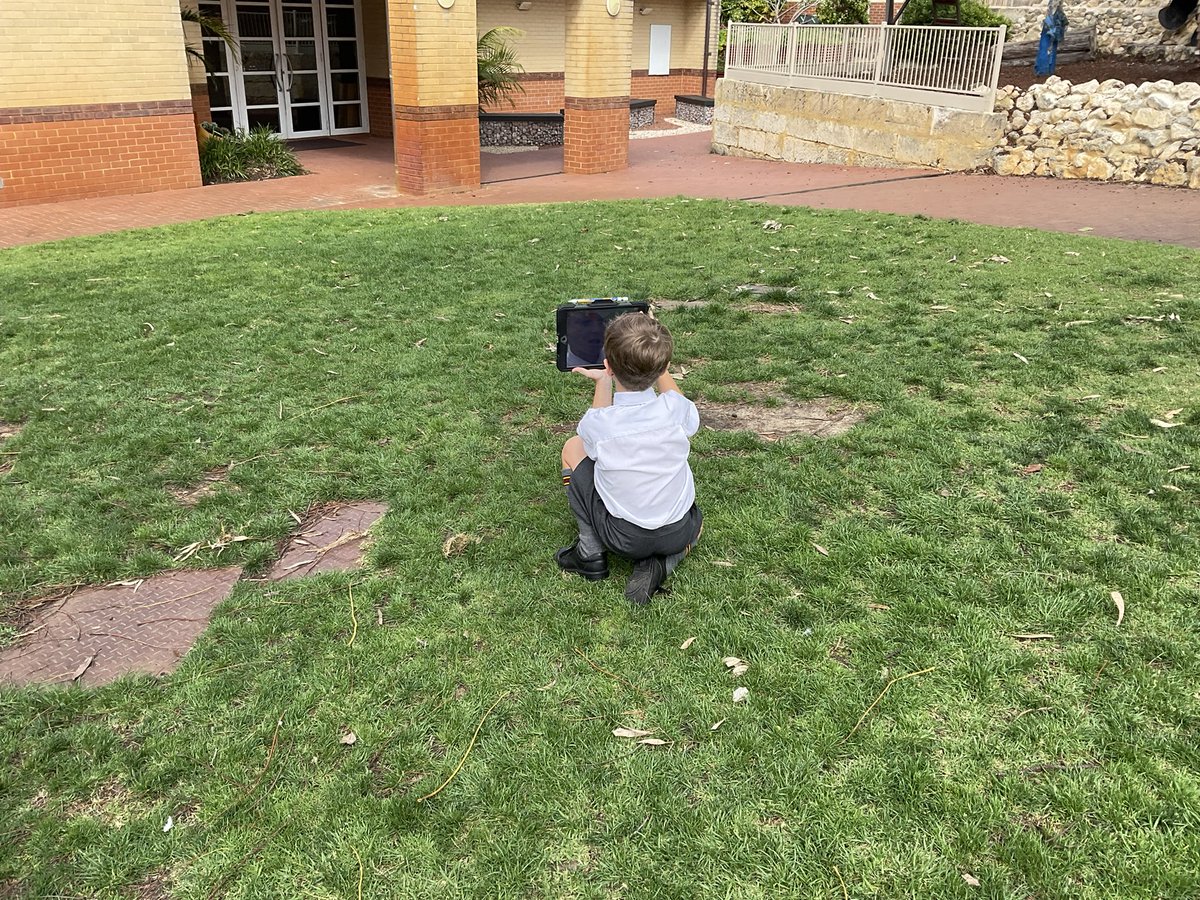
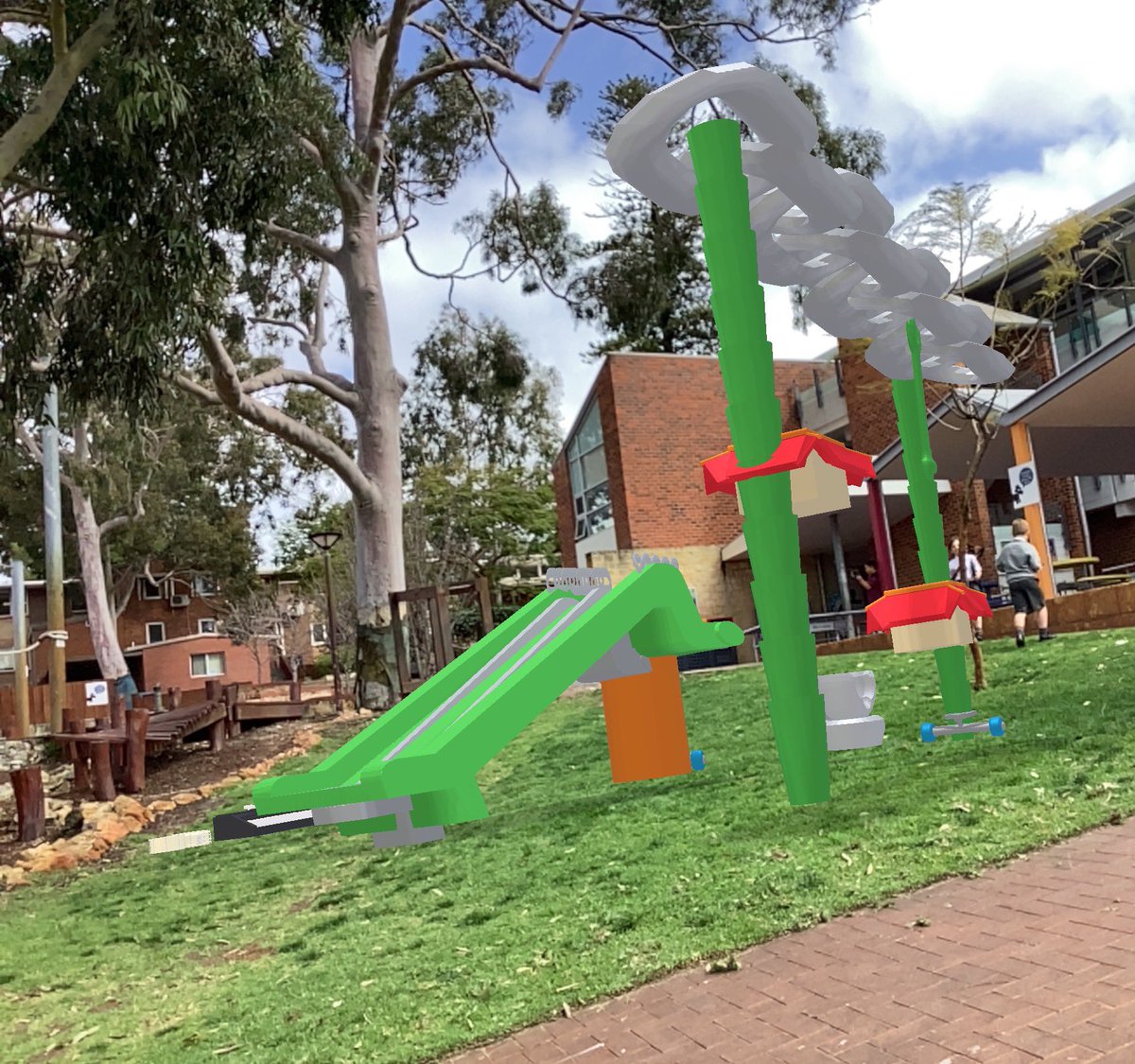
After designing our inclusive playgrounds for all, we now need to decide where to put them. Students used AR to explore and place their equipment. Gather photos from various angles in preparation to present their idea. #tinkercad#WAEdconnect#WATechTalk
@MrWendt11 Hey Ryan, this was with a Y3 class. We did some research beforehand in a Numbers template that I set up. Then designed their equipment in Sketches first. Had some lessons in TinkerCad (their first time using it), then went and designed their equipment.
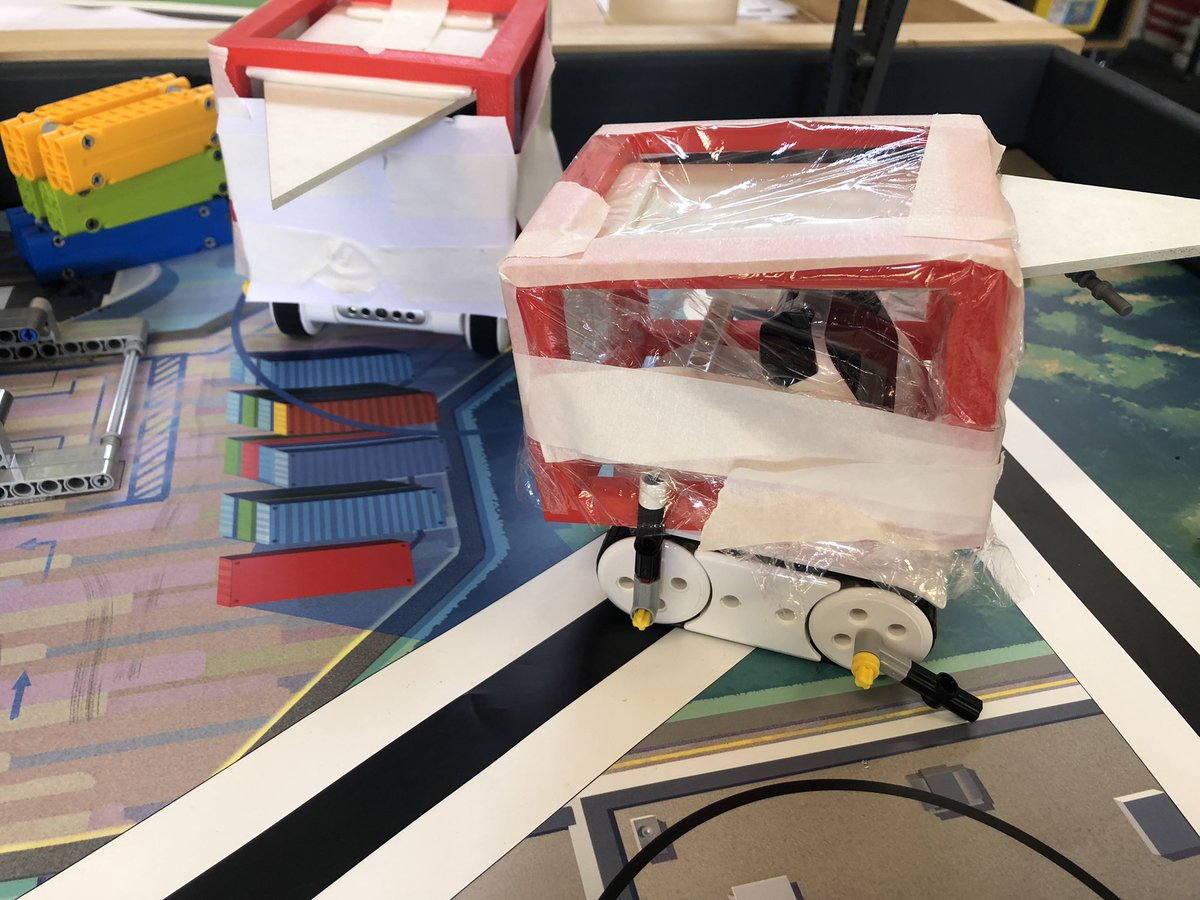
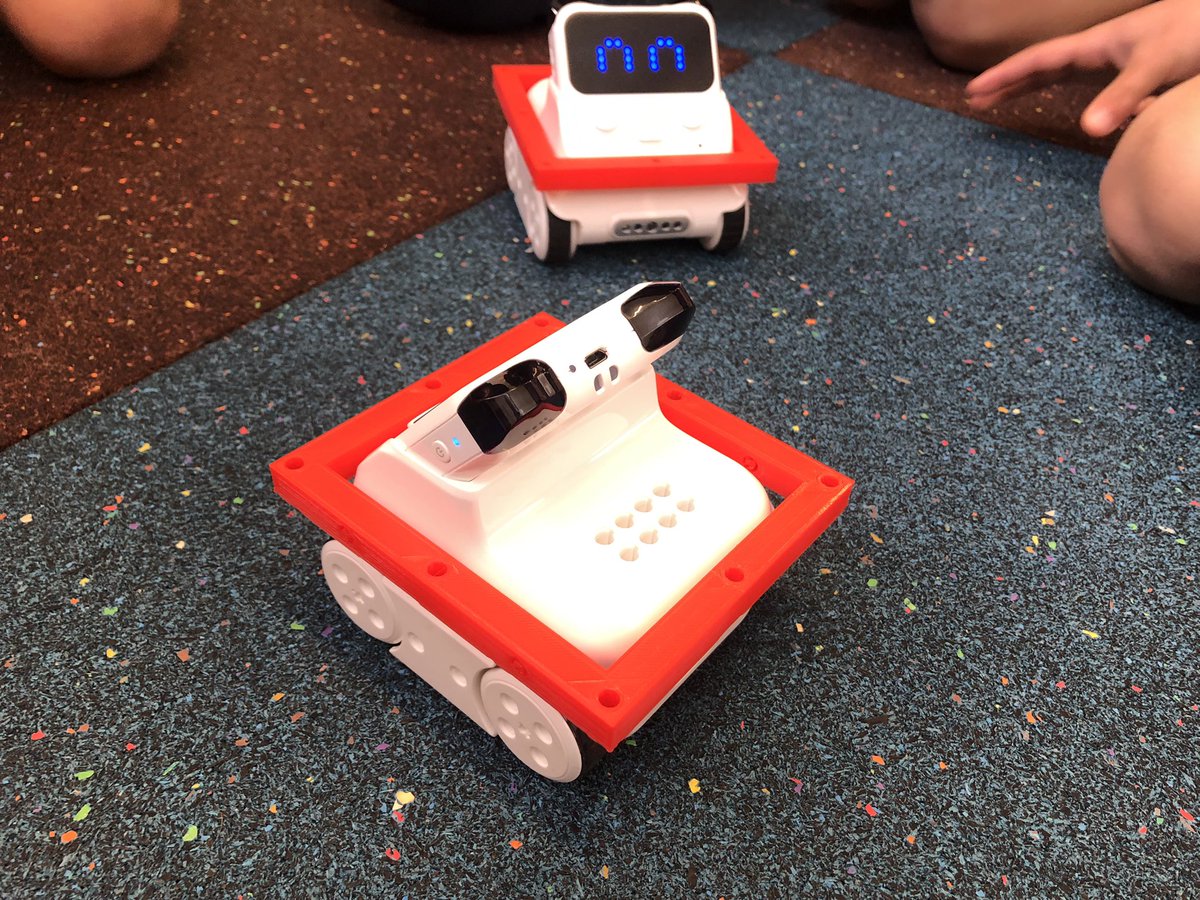
Testing the strength of different materials for armour with our Y2s. Battle boys style! Paper, cling film and aluminium foil are being tested. #STEM#waedconnect#WATechTalk
The boys just testing out the Codey Rocky.We have 3D printed the base of a frame to go over them.When we add the rest of the frame, the boys will test the materials out in a battle bots style war.Leading up to designing an impenetrable barrier with a range of materials #STEM
Did you know that the #numbers app allows you to pre-fill text in cells so that you can guide/prompt/direct your students to specific thinking? Great way to encourage process and deeper thinking. Format cell - Pop-Up menu (or other) @Usingtechbetter@AppleEDU#stem#steam
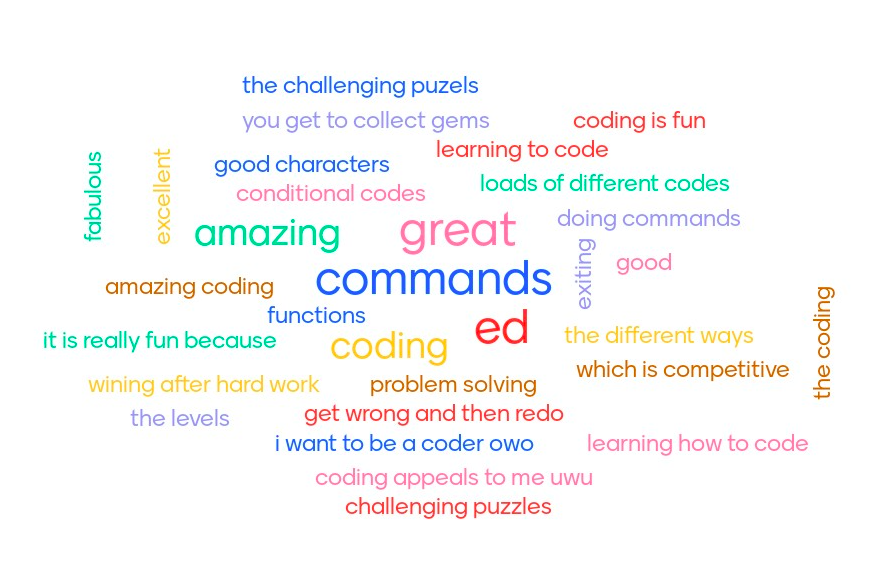
Used Menti to gather my Y5 students thoughts on the use of Swift Playgrounds so far. I love that they have identified the problem solving, the challenging puzzles, completing it after hard work and all different types of codes that they enjoyed. #Coding#Swift
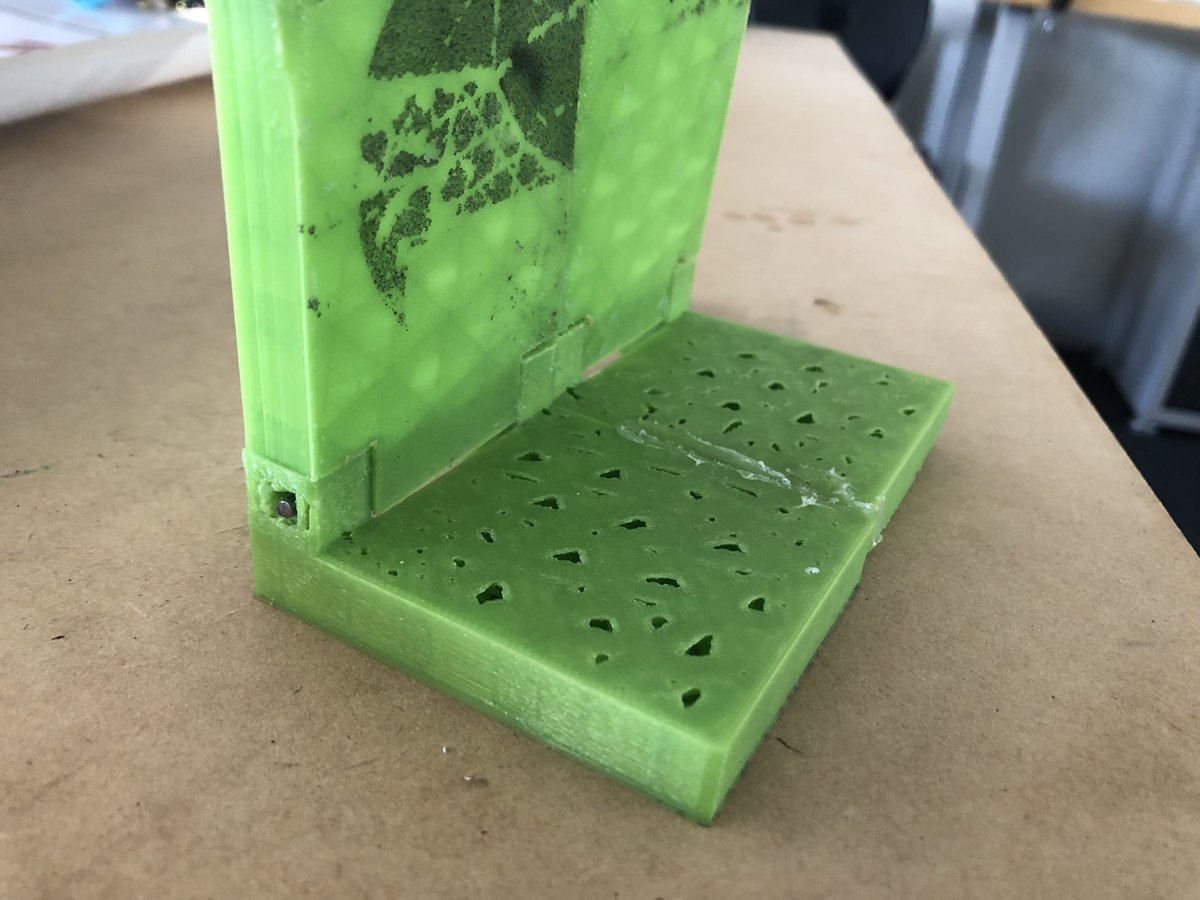
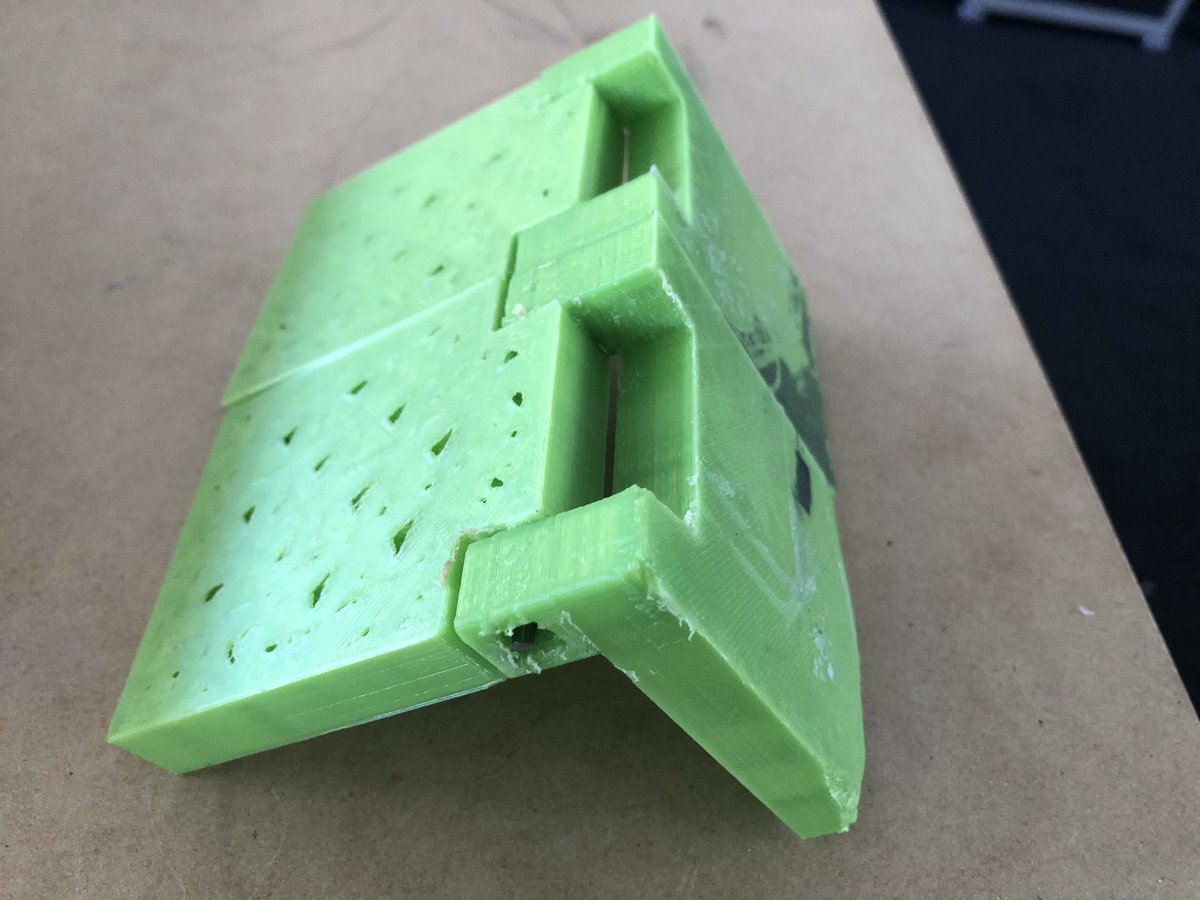
The excitement of my Y6 student who designed this in Shapr as a flood defence barrier, 3D printed it and then made the hinge mechanism work. He was so proud of it! #STEMeducation#STEMed#STEM