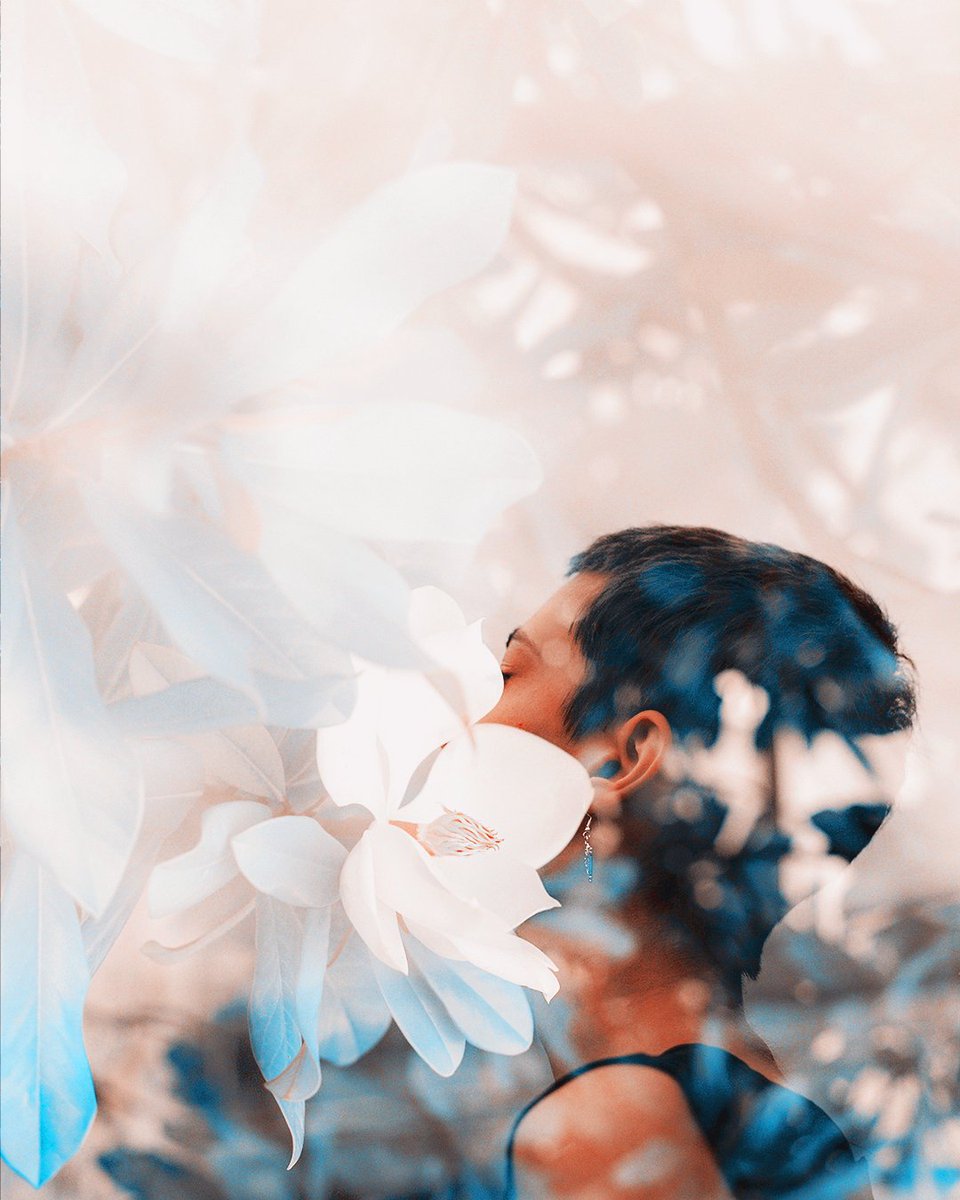
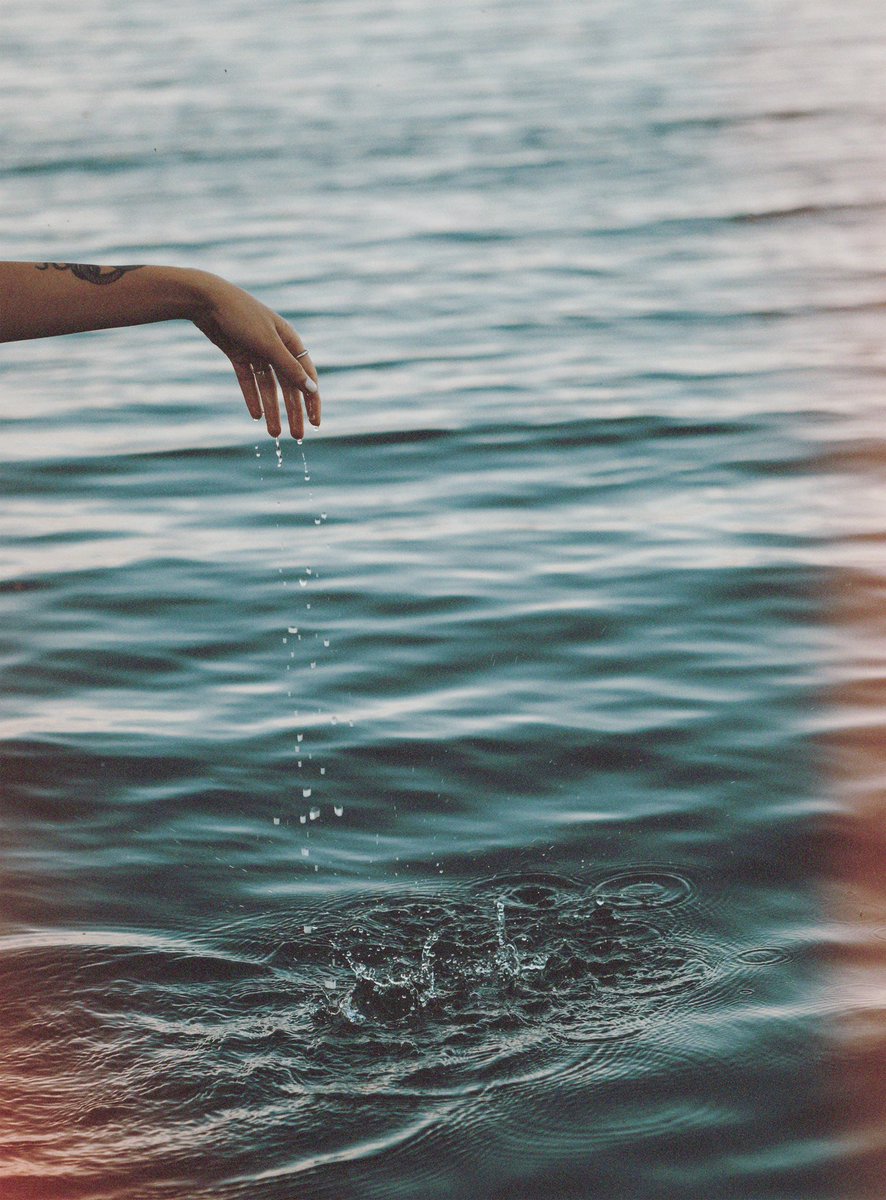
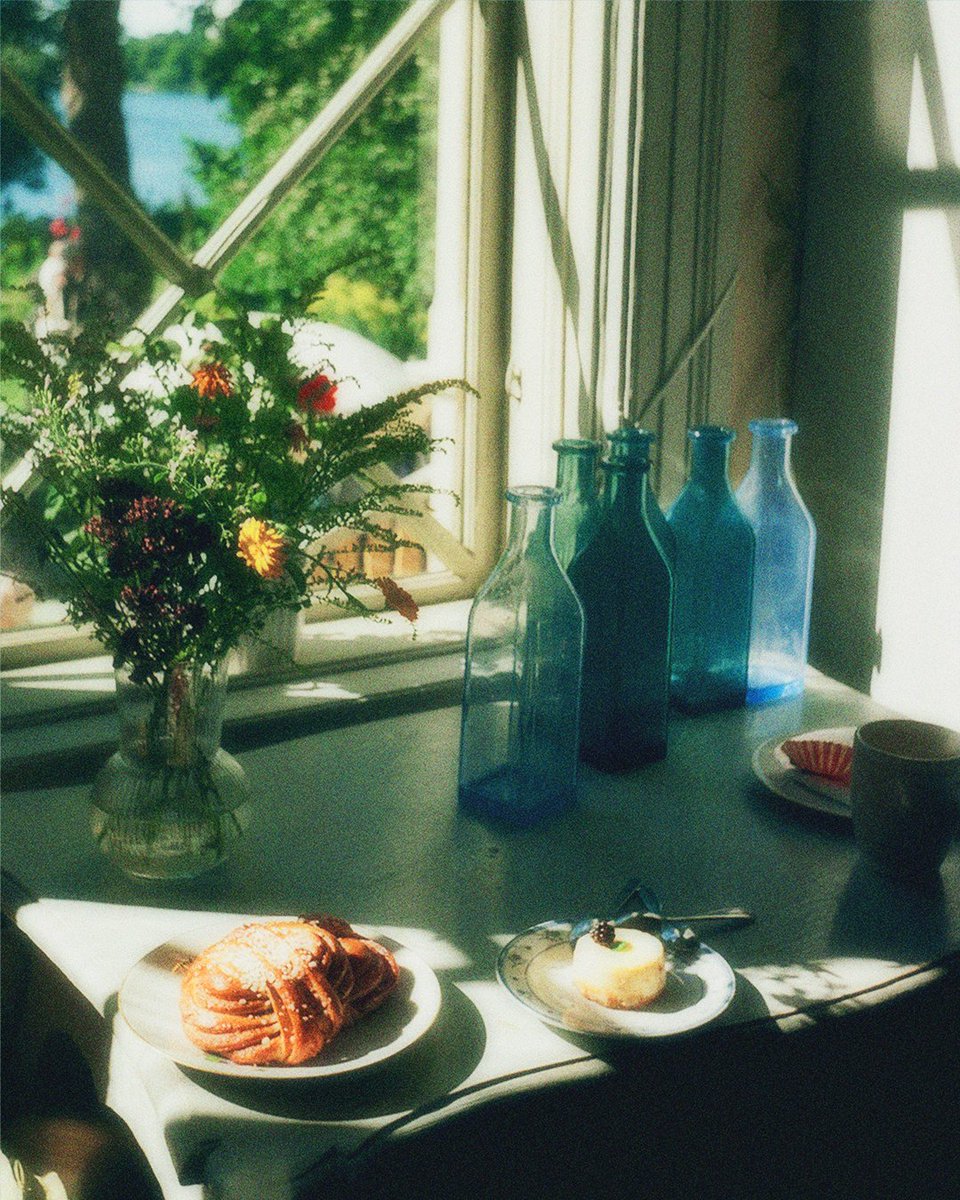
Our Desktop Resources are now live for anyone looking to expand their creative toolkit. Explore Lightroom Presets along with Dust, Light Leak, and Film Grain overlay packs created from real 35mm film. See the full collection at https://t.co/cjNrQO1tWe, with more updates soon!
Afterlight is officially back on Android! It’s not just an update, we fully rebuilt it from the ground up — Get it now on the Play Store and try it out!
https://t.co/Zg3sGA1rCA
We’re very excited to announce that Afterlight is coming back to Android! We’ll share more updates as development gets closer to launch. See you on the Play Store soon!
#afterlight#afterlightforandroid
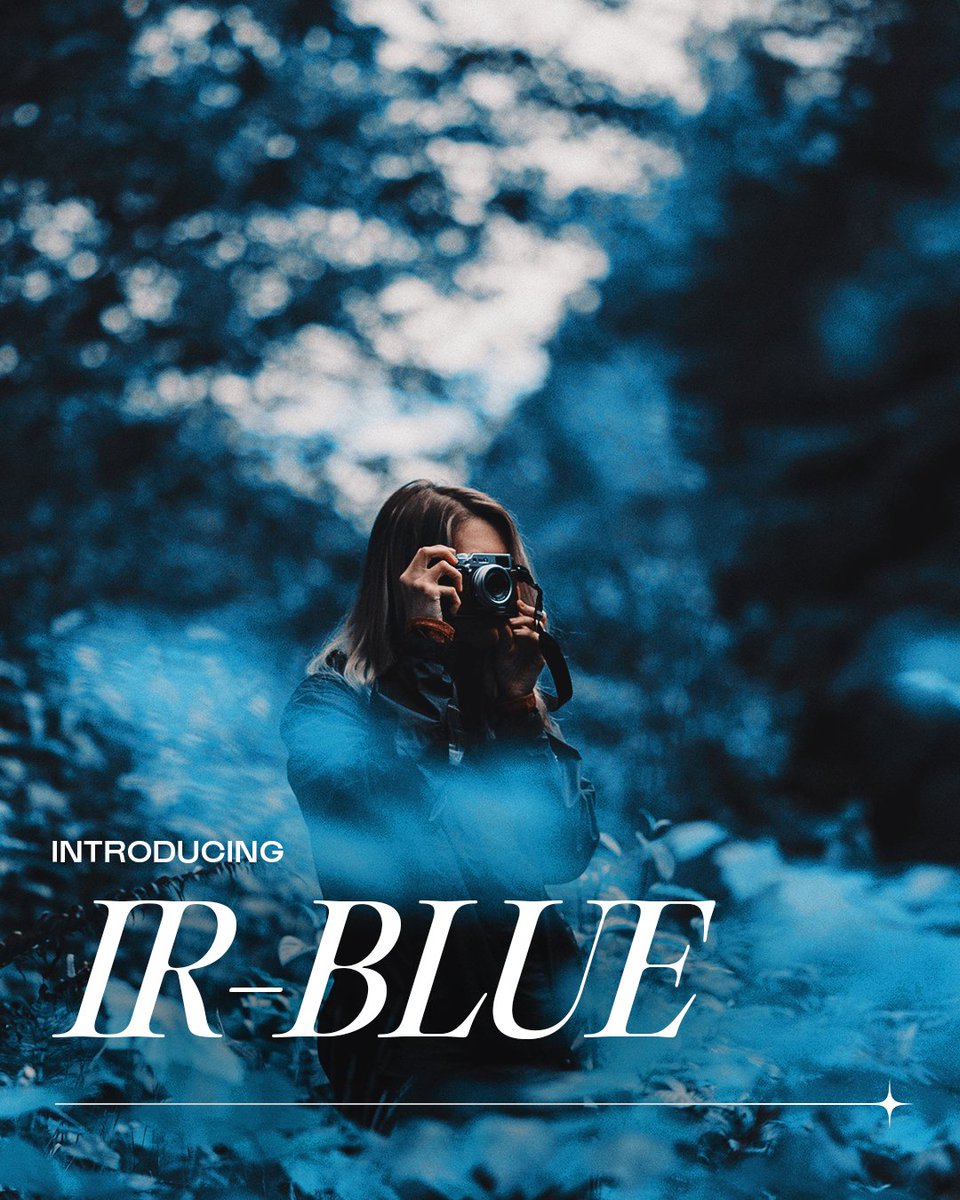
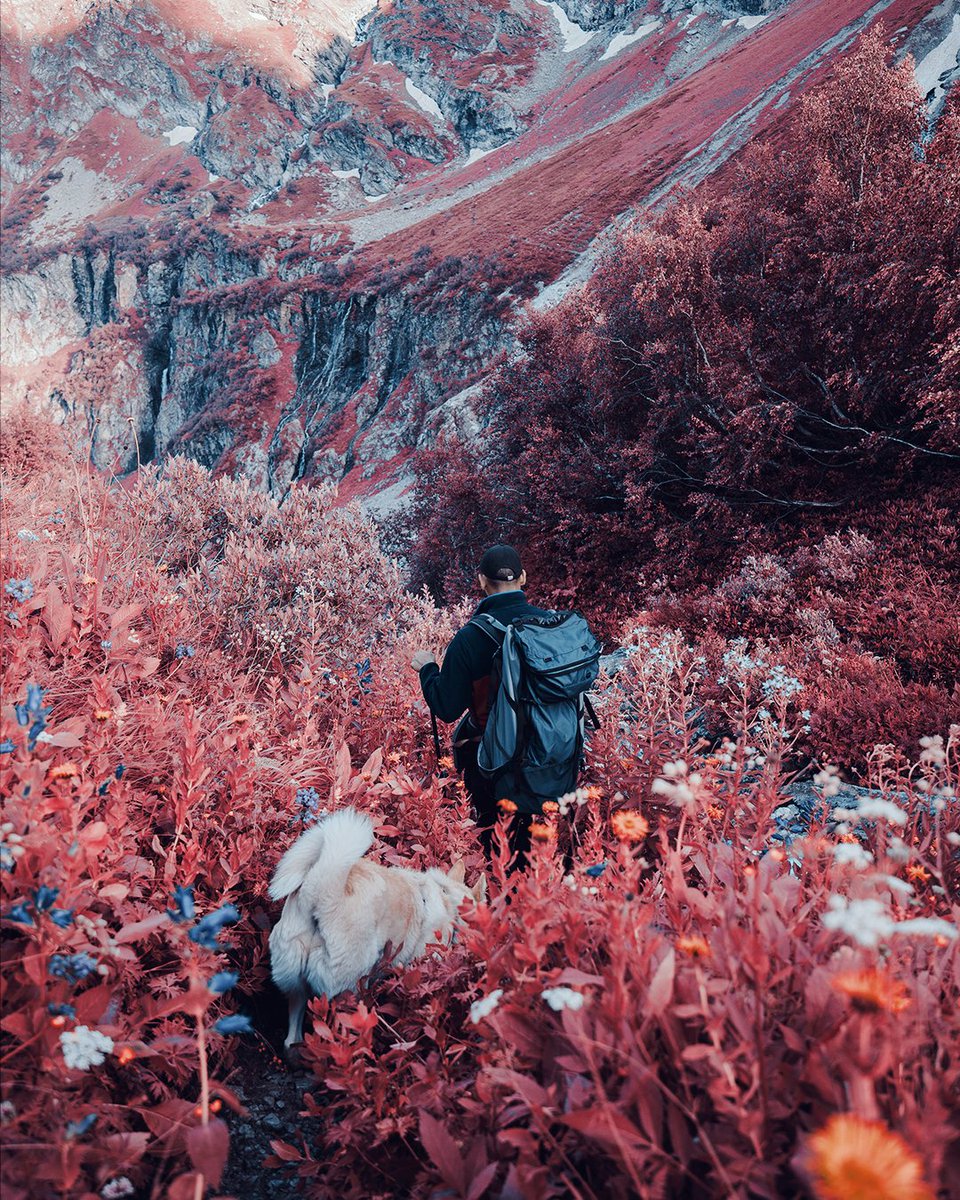
Boost the vibrancy of skin tones and shift greenery to a unique shade of blue with the new IR-Blue Film Preset! Available now in version 4.8.
#afterlight
Evoke subtle vintage hues, randomized light leak options and soft film grain with the new KX35 Film Preset. Available now for free in version 4.8.
#afterlight
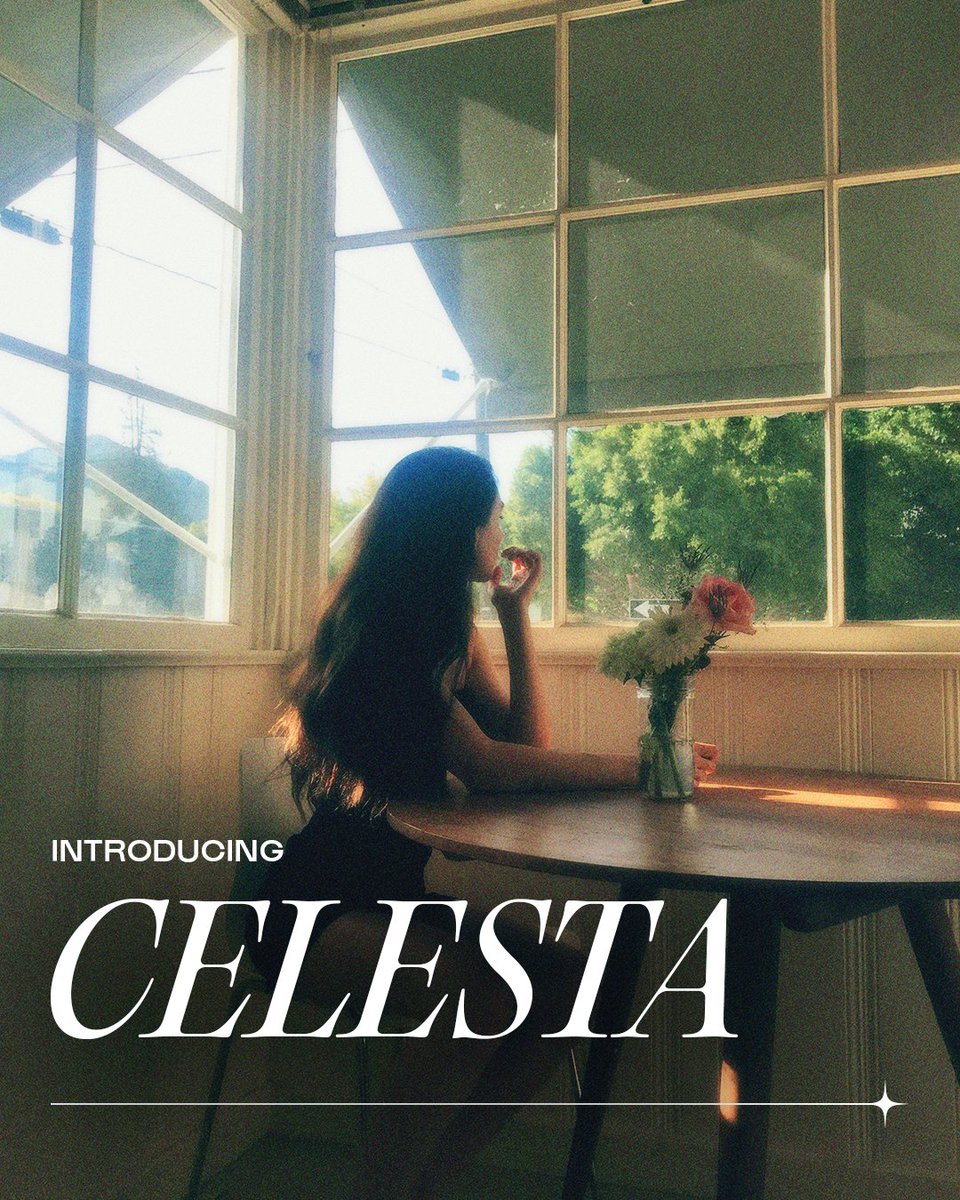
Apply a classic film look to your photos with a soft warm glow and brand new color grain with our new free preset Celesta! Available now in version 4.8.
#afterlight
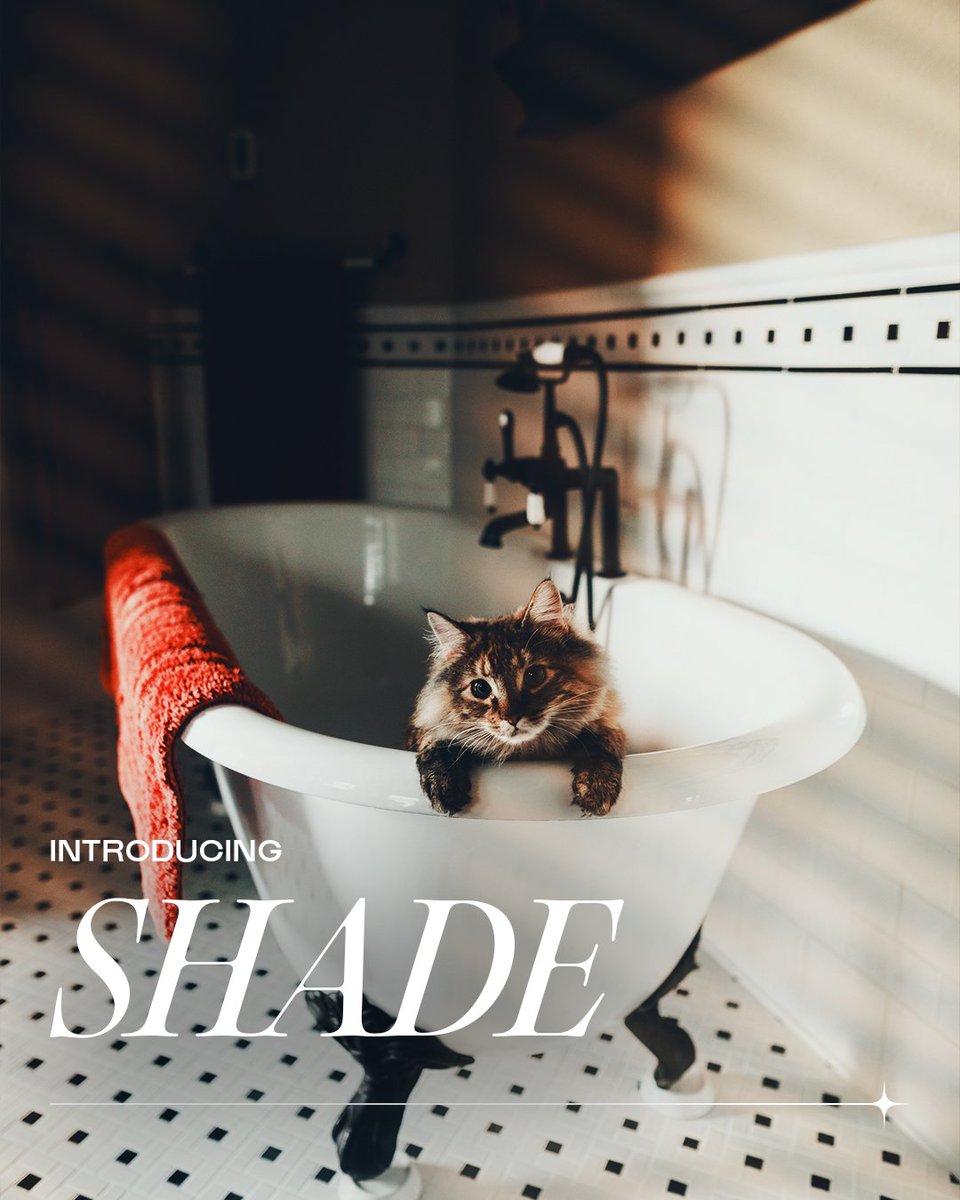
Combine a touch of golden hour bloom with our brand new window shade textures and a deep moody filter with the new Shade preset. Available for free now in version 4.8!
#afterlight
How to give your videos a vintage look with Afterlight Video. First, download Afterlight Video for free on the App Store, then import your video, choose Presets and try applying VHS, Film Reel, or Super 8 to add a vintage look in a single tap!
✨ https://t.co/Q2eEWeE56n ✨
@JustinStone You may need to delete and re-install the app to fix this issue. Before deleting, make sure you open Afterlight and tap the Settings icon in the bottom right and tap the BACKUP button on "Custom Settings" to make sure any filter favorites and fusion filters you may have are saved