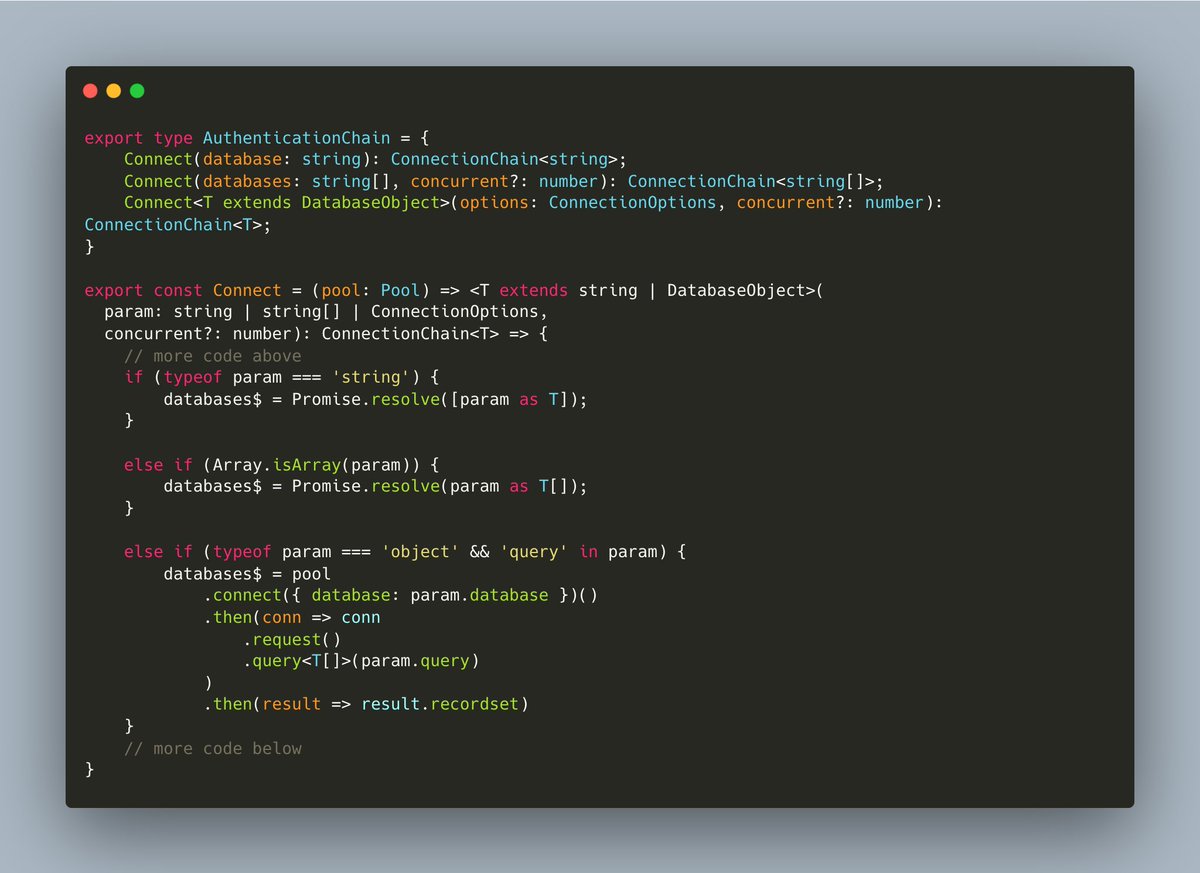
@LukeberryPi Ja tentou o opensec? Ele tem o prompt de explore faz o papel do grill-me, tem o propose que gera um propose.md, design.md, spec.md e as tasks para acompanhamento
@tsu_node Usamos weblate self hosted. No angular com o ngx-translate carregamos as traduções via REST, o dicionário é inteiro carregado em memoria e suas chaves sao acessadas via pipe no html ou service no ts.
No back, usamos resource files quando necessário.
Odeio quando eu cumprimento alguém e a pessoa adiciona alguma coisa depois ao cumprimento, pq fica parecendo que eu não cumprimentei direito antes, q sou sem educação
Exemplo:
- Bom dia, fulano. Assunto e etc
E a pessoa responde
- Bom dia fulana, TuDo bEm?
AaaaaaaAa
How to set up Built-in Gemini Nano in Chrome
Make sure you have a 127 version of Chrome.
It's recommended to use Chrome Canary. Download link: https://t.co/CKmsoSbjpf
Open chrome://flags/#prompt-api-for-gemini-nano , set to "Enabled"
After modifying the settings, the browser will prompt for a restart, do not restart. Continue to the next step.
Open chrome://flags/#optimization-guide-on-device-model , set to "Enabled BypassPerfRequirement". It must be this one, not "Enabled".
Restart the browser.
Open: chrome://components/. Find the "Optimization Guide On Device Model" option, make sure the model is fully downloaded.
My model version is "Version: 2024.6.5.2205". If the version is "0.0.0.0" then click on Check for update, and wait for the download.
If you can't find the "Optimization Guide On Device Model" option in step 3, it means the setup has failed. You can try adding an "English" to languages: chrome://settings/languages. Then set it as "Display Chrome in this language". Try step 3 again after a restart.
After the model is fully downloaded, just pick a webpage and use F12 to open the console. If entering https://t.co/aQOpuGi5gj does not give an error, it means the setup was successful.
There are currently two interfaces for creating AI instances, one is https://t.co/aQOpuGi5gj.createTextSession() and the other is https://t.co/aQOpuGi5gj.createGenericSession() In actual tests, both of the returned objects are of AITextSession type, so there doesn't seem to be any difference.
Test code: const model=await https://t.co/aQOpuGi5gj.createTextSession(); await model.prompt('Who are you?')
#chrome #builtinai #indiehackers