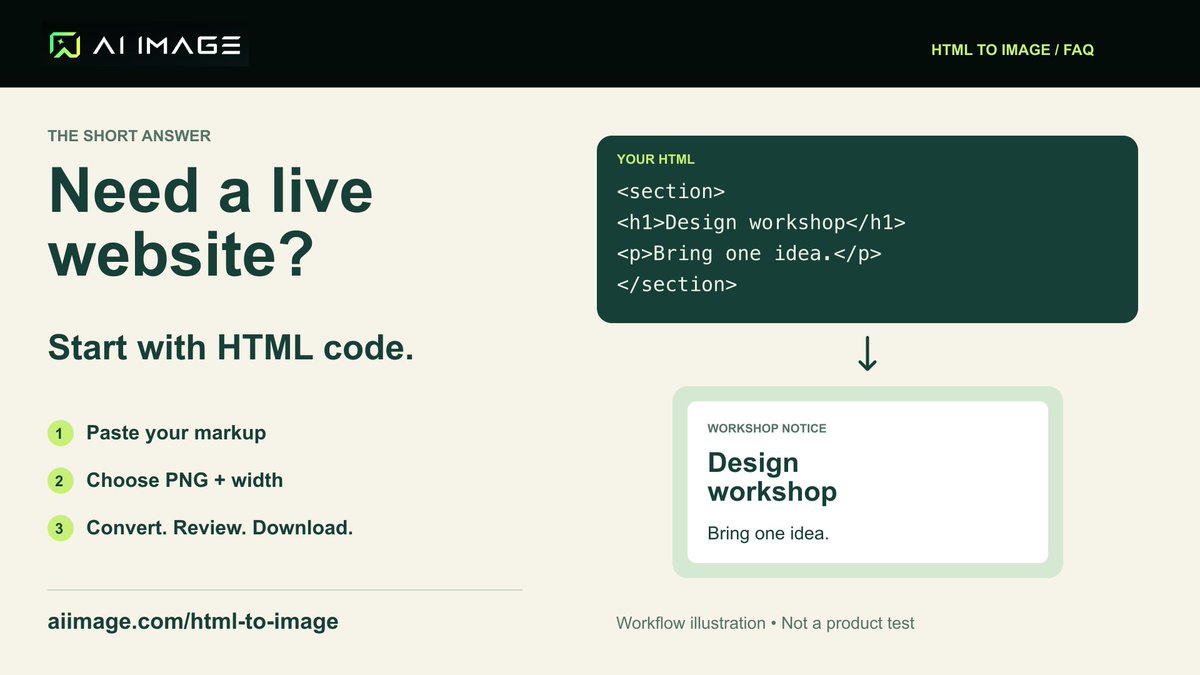
Do you need a live website to turn HTML into an image? No—paste your markup in AIImage's Convert HTML Code tab. Try a workshop notice, choose PNG, then review the result before sharing.
https://t.co/1e3sTucXCj
#AIImage#HTML
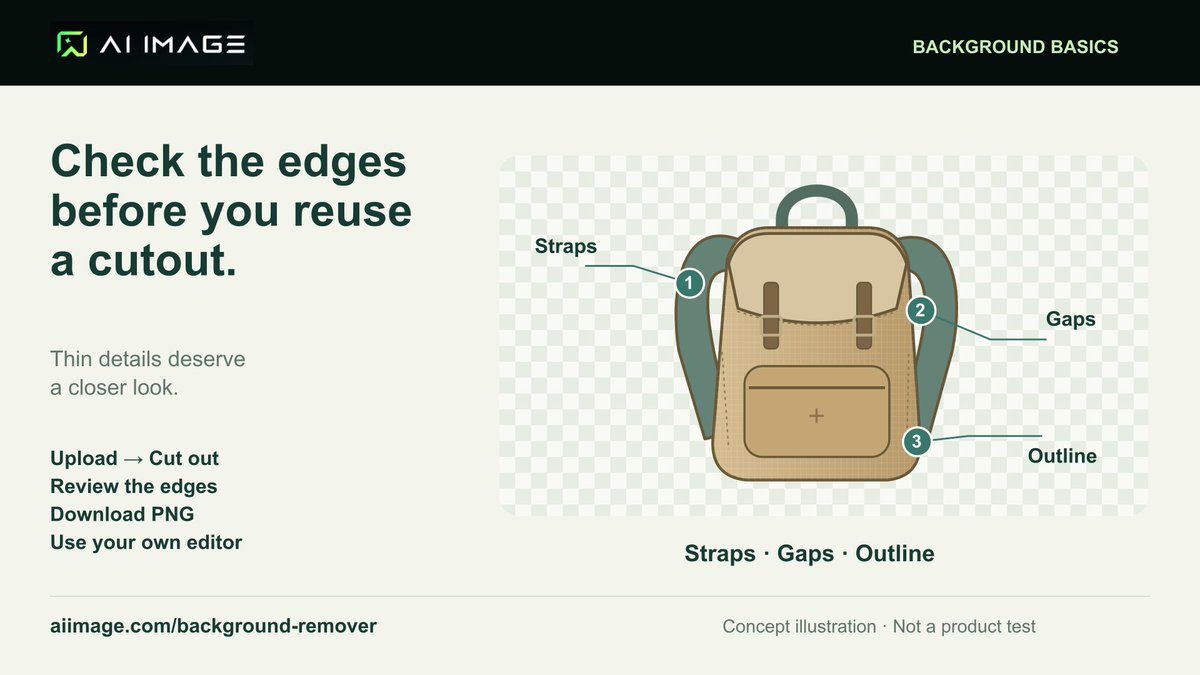
Before you reuse a cutout, check the edges.
For a canvas backpack, inspect the shoulder straps and small gaps. Then place the PNG in your own layout.
https://t.co/1RE3O4GNjX
#AIImage#PhotoEditing
Meet Nano Banana Pro on https://t.co/btTDiMG91i. Type your prompt, choose 1K, 2K or 4K, and create an image.
Explore: https://t.co/gyh1PfLKhB
#AIImage#NanoBananaPro
Make every subject stand out. ✨
https://t.co/btTDiMG91i’s Background Remover turns busy photos into clean, transparent PNGs in one upload—ideal for product pages, ads, social posts, and presentations.
Try it now: https://t.co/1RE3O4GNjX
#AIImage#BackgroundRemover
Clean cutouts, zero design detours.
Upload a photo to https://t.co/btTDiMG91i’s Background Remover and get a transparent PNG ready for product listings, social posts, presentations, and more.
Try it free: https://t.co/1RE3O4GNjX
#AIImage#BackgroundRemover#AITools
One idea. Endless visual directions. ✨
With https://t.co/btTDiMG91i, you can generate, edit, and restyle images in one workspace—powered by leading AI models.
Create your next visual: https://t.co/ks9NrYVVwi
#AIImage#AIArt#GenerativeAI
Create more. Switch less.
https://t.co/btTDiMG91i brings AI image models into one workspace—generate from text, edit photos, restyle visuals, replace backgrounds, and create content for brands.
Start creating: https://t.co/ks9NrYVVwi
#AIImage#GenerativeAI
Meet https://t.co/meKnyf6pj6 — one workspace for AI image creation.
Generate, edit, and restyle images with leading models. Create multiple sizes for pitch decks, product launches, social campaigns, and brand assets.