Just a reminder: from today, Security Copilot is freely available to Microsoft E5 & E7 customers, BUT you must manage ACCESS and SPEND > https://t.co/x5R1SS9lM8 🛡️
Now, depending on how many PAID E5 or E7 licenses you have (Sorry, developer tenant users...), you get some free SCUs:
𝟏𝟎𝟎 𝐥𝐢𝐜𝐞𝐧𝐬𝐞𝐬 = 40 𝐒𝐂𝐔𝐬 𝐩𝐞𝐫 𝐦𝐨𝐧𝐭𝐡
So do the math... but this maxes out at 25,000 licences, or 10,000 SCUs.
Microsoft do provide some guidance into their black box of how much tasks will cost. I have provided that info in the link above.
Also, by default, most administrator roles will have access to and the ability to burn through these SCUs at will. You must follow my guidance in the link above to limit access and manage your spend!
#News #SecurityCopilot #Entra #Microsoft
Intune App Inventory just got a lot faster.
I installed Firefox at around 2:14... Roughly 5 minutes later, at 2:19, it was already showing up in App Inventory...
This means... we no longer need to wait for the normal 4-hour inventory cycle.
The Device Inventory Agent detected the app change, validated that Firefox was successfully installed, refreshed the application inventory, and uploaded only the changed data.
So I went digging into the Inventory logs to see what actually happens between install and upload.
Turns out a lot happens in those 5 minutes.
https://t.co/oNBrxbhrvh
Nice Job @IntuneSuppTeam
#Intune #MSIntune #Windows11
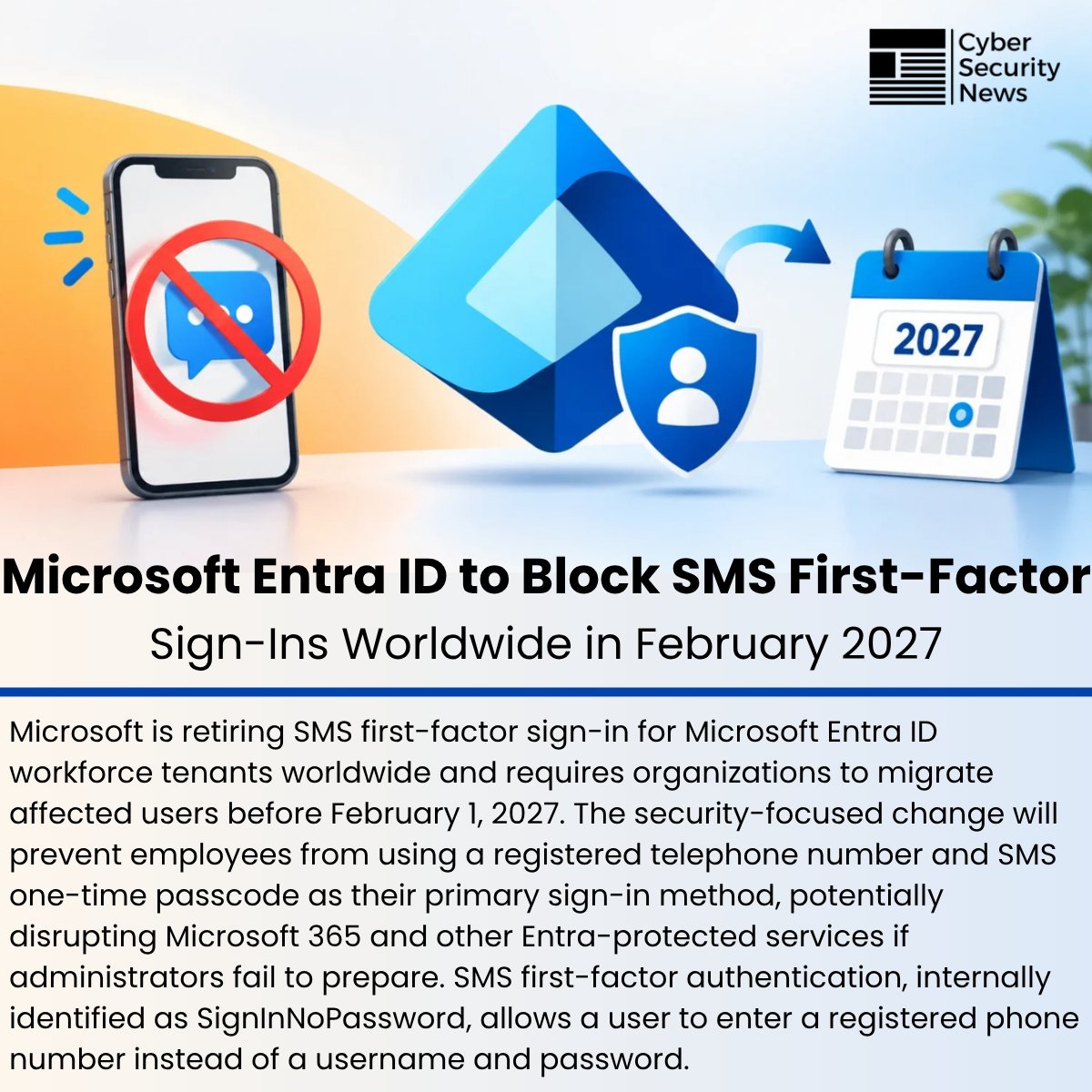
🛡️ Microsoft Entra ID to Block SMS First-Factor Sign-Ins Worldwide in February 2027
Details: https://t.co/8nUEkk9KGW
Microsoft is retiring SMS first-factor sign-in for Microsoft Entra ID workforce tenants worldwide and requires organizations to migrate affected users before February 1, 2027.
The security-focused change will prevent employees from using a registered telephone number and SMS one-time passcode as their primary sign-in method, potentially disrupting Microsoft 365 and other Entra-protected services if administrators fail to prepare.
SMS first-factor authentication, internally identified as SignInNoPassword, allows a user to enter a registered phone number instead of a username and password.
#cybersecuritynews #Microsoft
🚀 Staged rollouts in Microsoft Intune just got released in public preview!
If you've ever had to manage multi-phase app or policy deployments by manually swapping Entra groups or building custom PowerShell automation, Deployment Plans in Microsoft Intune is a massive quality-of-life upgrade.
Instead of all-or-nothing rollouts or manual babysitting, Intune now gives us built-in orchestration to roll out payloads (apps & configuration policies) across staged rings.
Here are 3 reasons why this new feature is a game-changer:
1️⃣ Standardized, Reusable Rollout Templates
No more reinventing the wheel for every application or policy update. With Deployment Plans, you can define your organization's approved rollout pattern once (e.g., Pilot → Early Adopters → Broad → All Devices) with preset deferral intervals (hours/days). When you're ready to deploy, you just attach the payload to your plan.
2️⃣ Cumulative Phased Rings (With Virtual Group Smarts)
Each ring safely expands targeting cumulatively over time. Even better: if your final ring targets virtual groups like All Devices or All Users, Intune automatically handles the transition—clearing previous staging assignments and rolling up the deployment cleanly into a broad assignment.
3️⃣ Full Control with Pause, Resume & Collision Detection
Things don’t always go according to plan, and safety nets are essential. Active deployments can be paused, resumed, or cancelled on the fly. Plus, built-in assignment collision detection prevents conflicts before a ring activates, protecting production environments from accidental dual-targeting or configuration drift.
Native ring-based deployments have been on the community wishlist for a long time, and bringing this directly into the Intune Admin Center is a huge step forward for safer change management.
🔗 Read the full documentation: https://t.co/XWNJFGtP2h
Have you tested this out in preview yet? How are you handling staged rollouts today? 👇
#MicrosoftIntune #EndpointManagement #SysAdmin #ModernWorkplace #CloudManagement #MSIntune
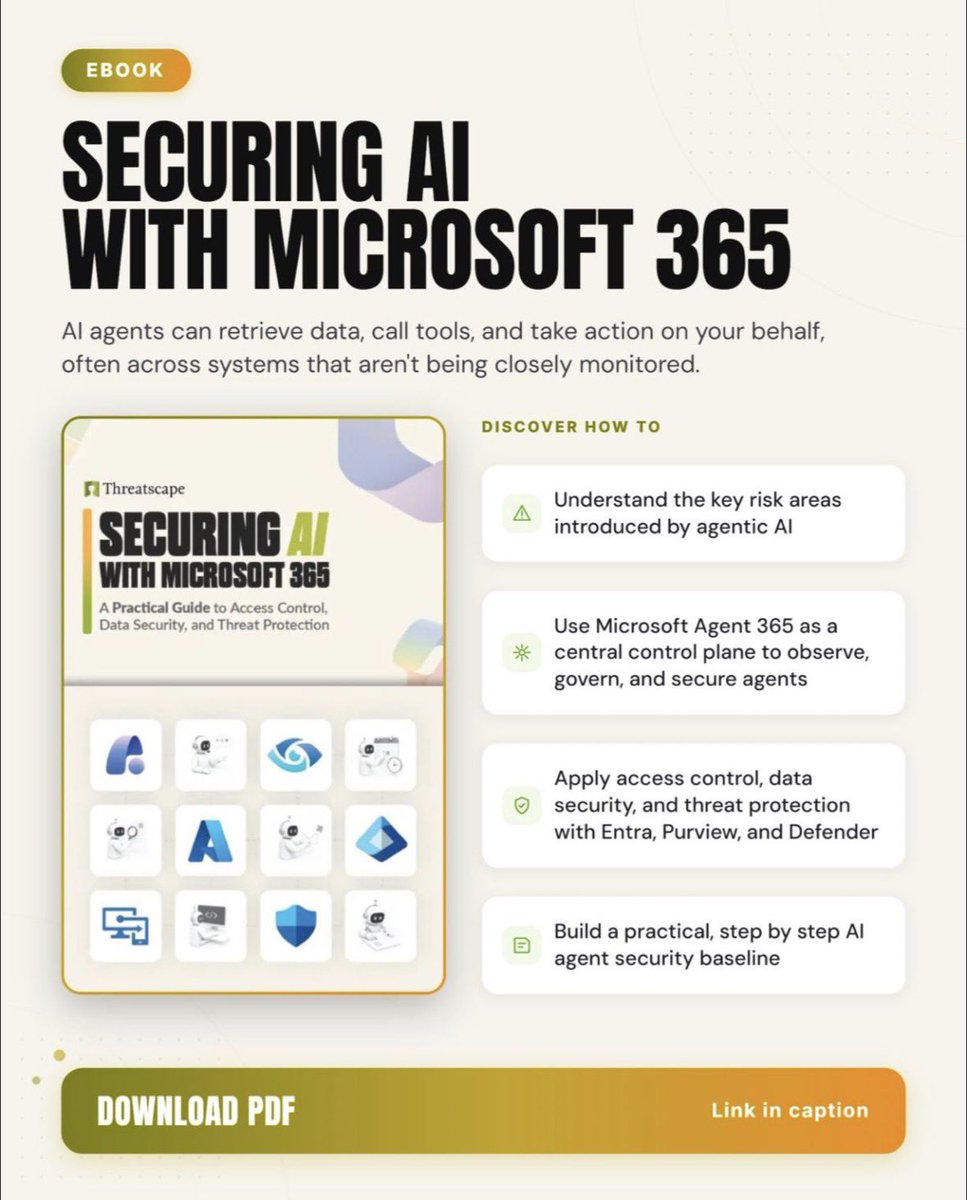
📘 Collaborated with @Threatscape on an e-book Securing AI with Microsoft 365.
Practical guidance for governing AI with Entra, Purview & Defender - whether you have Agent 365/E7 or not.
📥 https://t.co/2e48etNt1h
#AISecurity#Purview#SecuringAI#Defender#Entra#Agent365
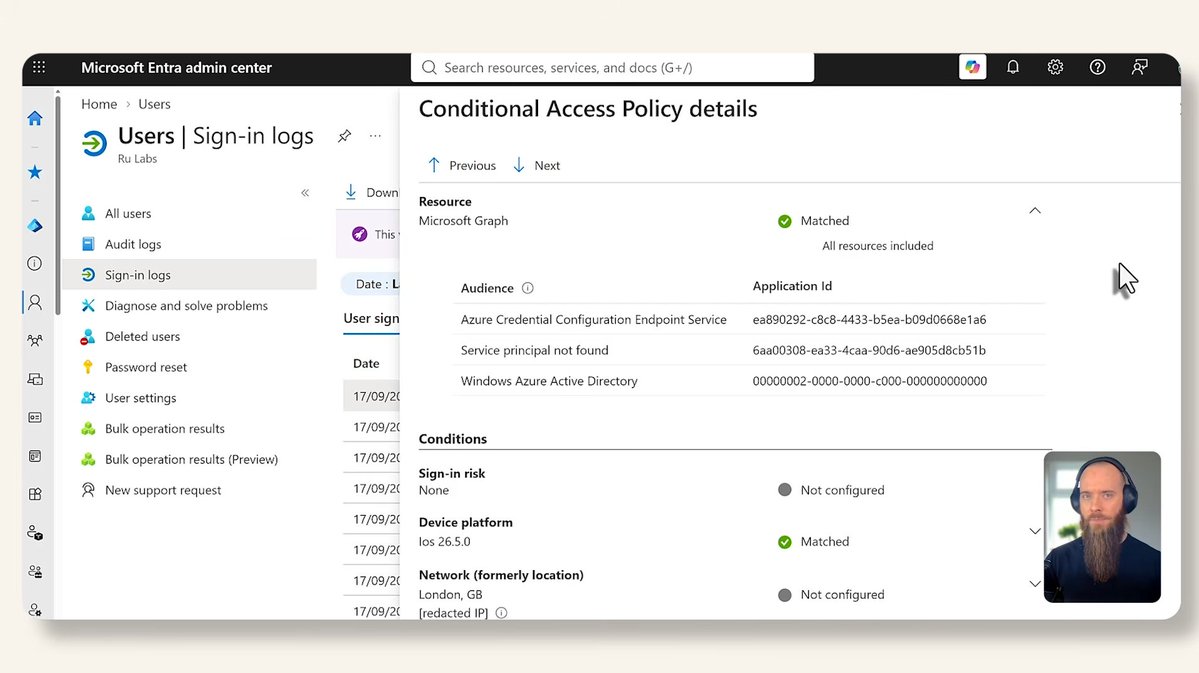
New video: why Entra passkey registration can break when Conditional Access requires Intune app protection policies e.g. on BYOD.
Also digging into how to read + understand Entra resource + audience logs, and think about the security trade-off the (exclusion) fix introduces.
WATCH: https://t.co/L5HAMsF1yf
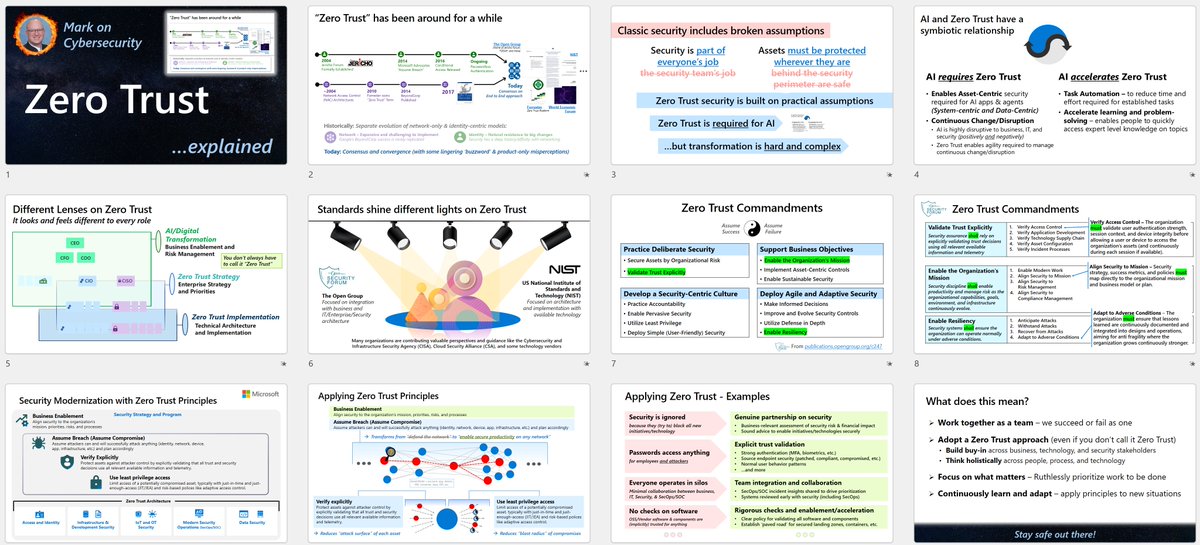
I just released a new video "Zero Trust Explained"
https://t.co/Azl4c5fspn
It covers
► What Zero Trust is (fixing broken assumptions from classic security)
► How this concept evolved, how Zero Trust is required for AI security (and is accelerated by AI)
⬇️
𝗙𝗿𝗲𝗲 𝘁𝗼𝗼𝗹 𝗳𝗼𝗿 𝗘𝗻𝘁𝗿𝗮 𝗜𝗗 𝗮𝗱𝗺𝗶𝗻𝘀: point it at your tenant, get an audit-ready PDF of Conditional Access, PIM, roles and apps in ~3 min, mapped to SOC 2/ISO 27001/NIS2. Read-only, in-browser. Kudos @ugurkocde.
https://t.co/0e3OHoC6JD
#EntraID