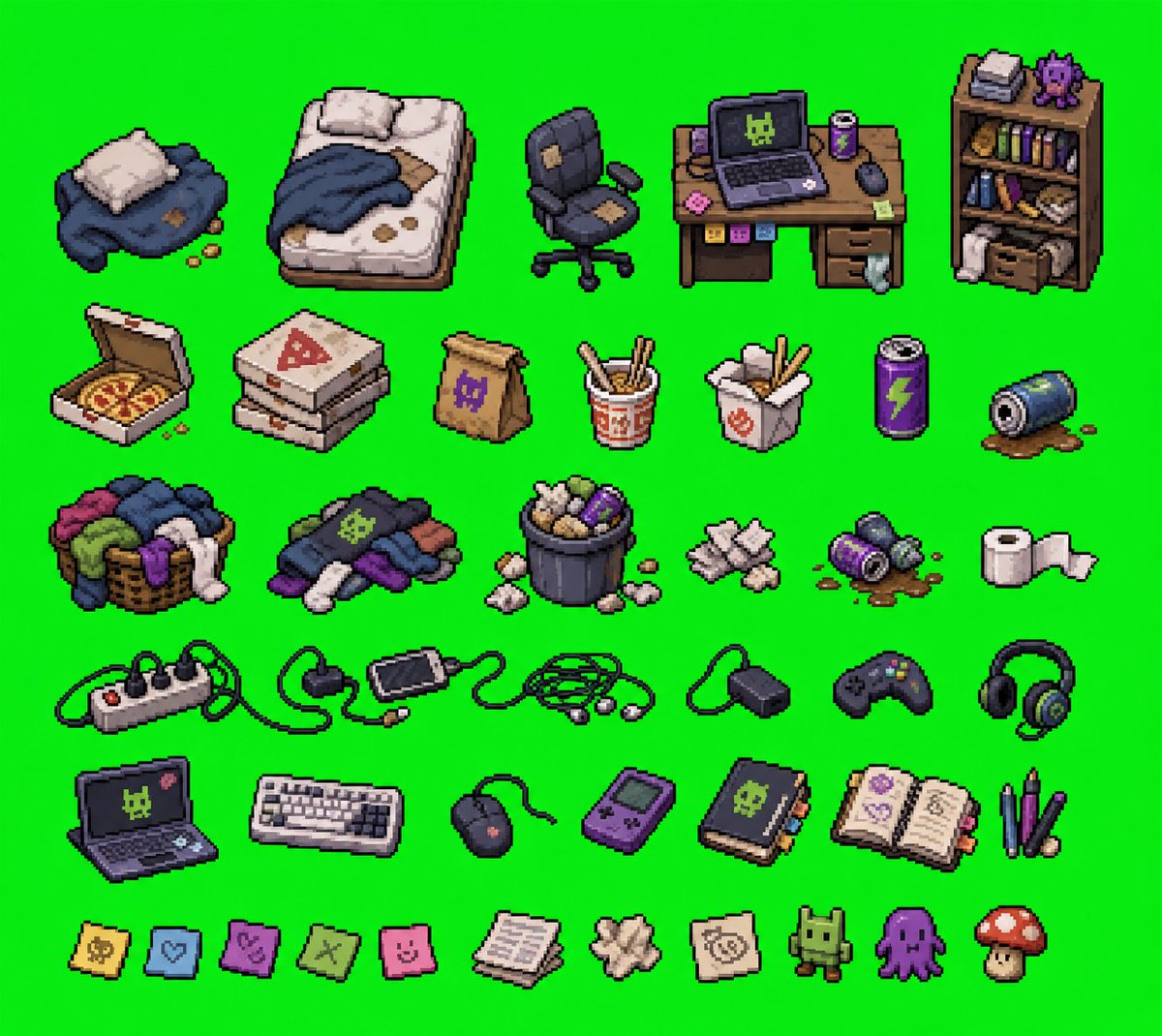
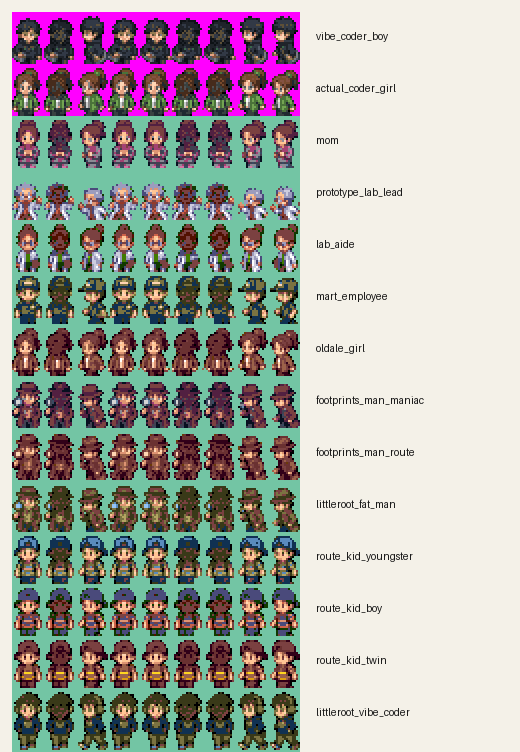
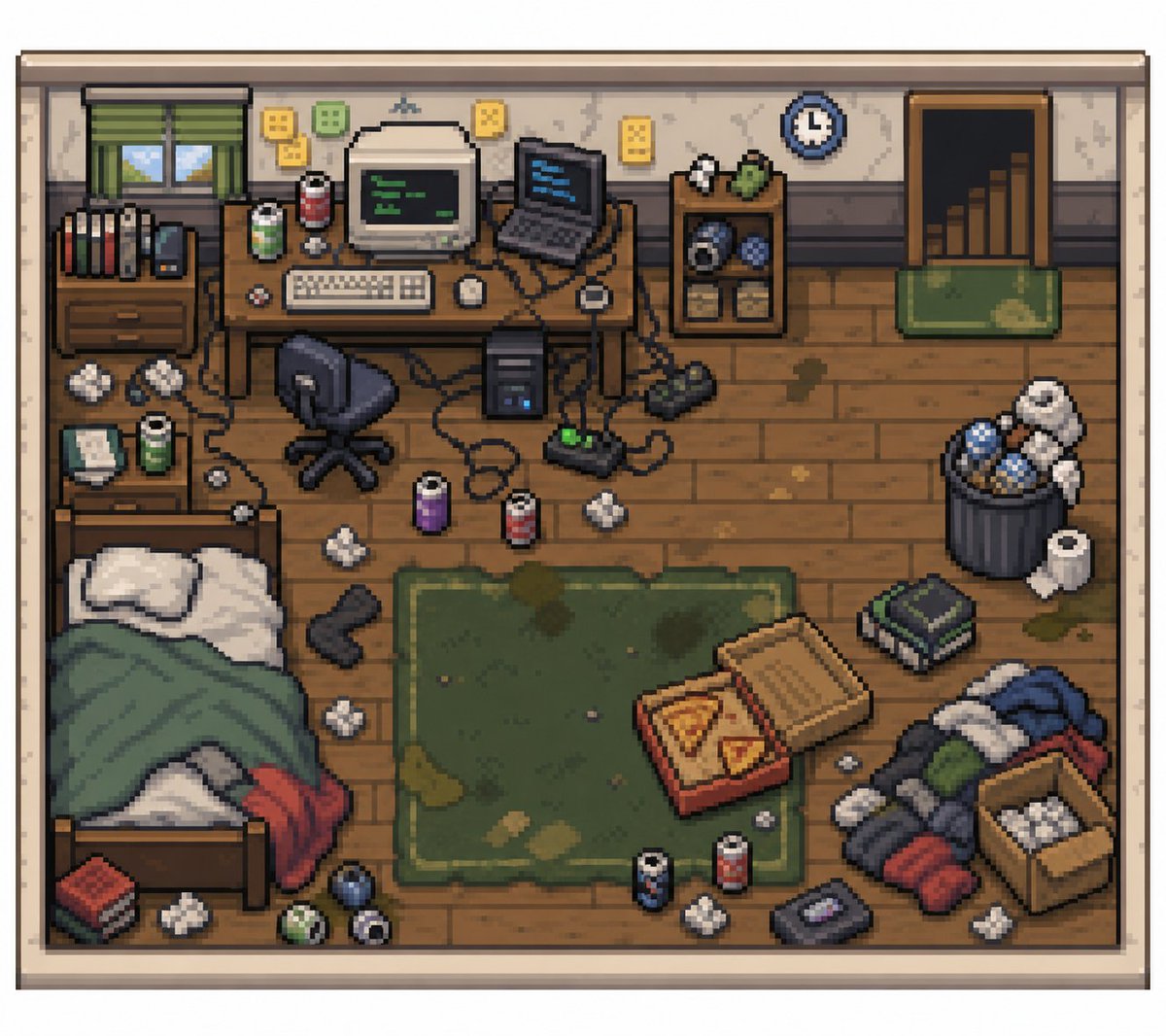
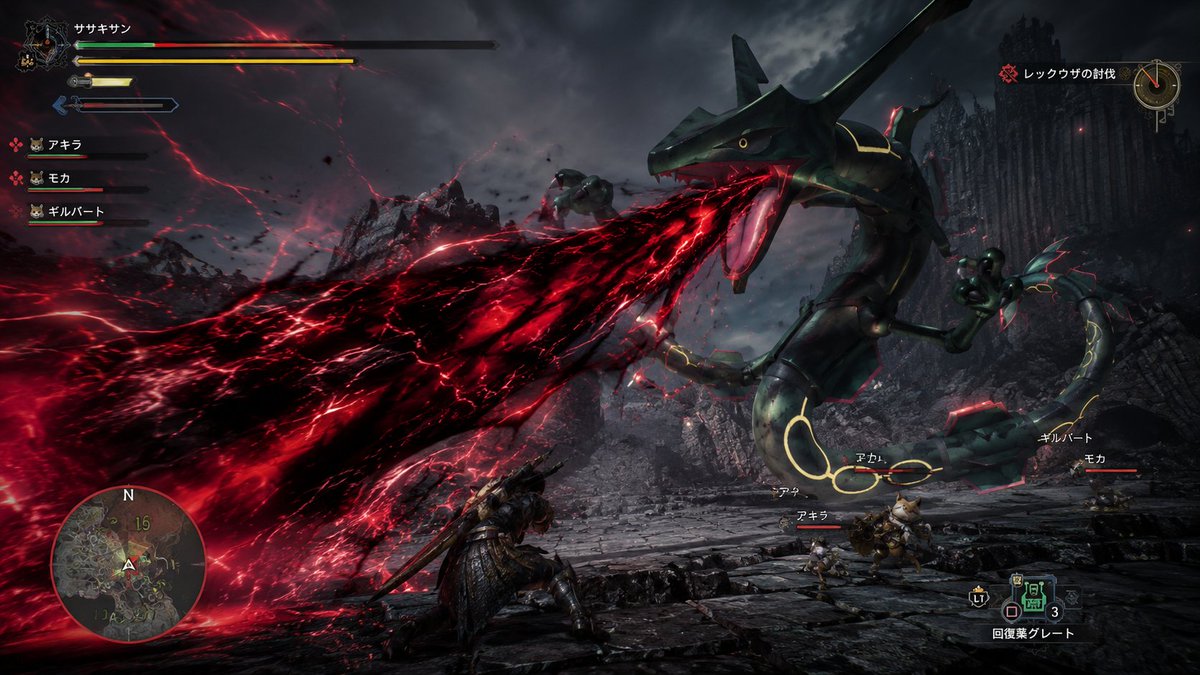
this is probably the coolest thing i've ever vibecoded in my entire ai career i literally MADE A POKEMON GAME
and then just inserted some of the coolest people from Tech Twitter into it in like two seconds
GPT 5.5 + GPT Image 2 is actually cracked you can LITERALLY DO ANYTHING
this also says a lot about the current state of vibecoded gaming which is something I've tweeted about a lot -- we've yet to see an actually good game come out of a vibe coder BUT
now that you can do nostalgic stuff like this, I feel like this could open up some doors where even if it's not a ROM hack for Pokemon, you can just take the base of Pokemon Emerald and do literally whatever you want with it
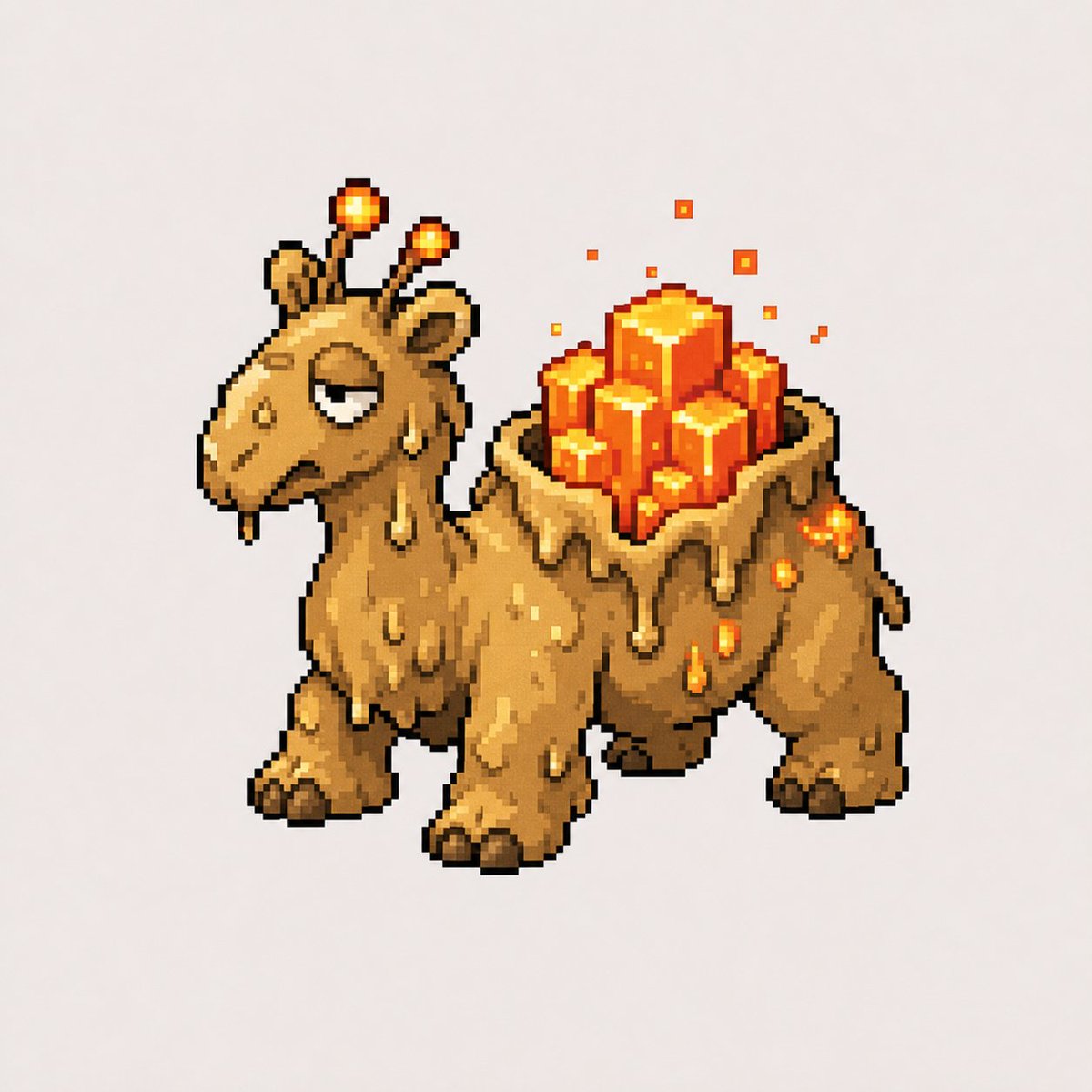
+ the usual barrier of art is no longer even a problem; you can just tell Codex to make all the art for it lmaoo
Welcome if you’re new here 👋
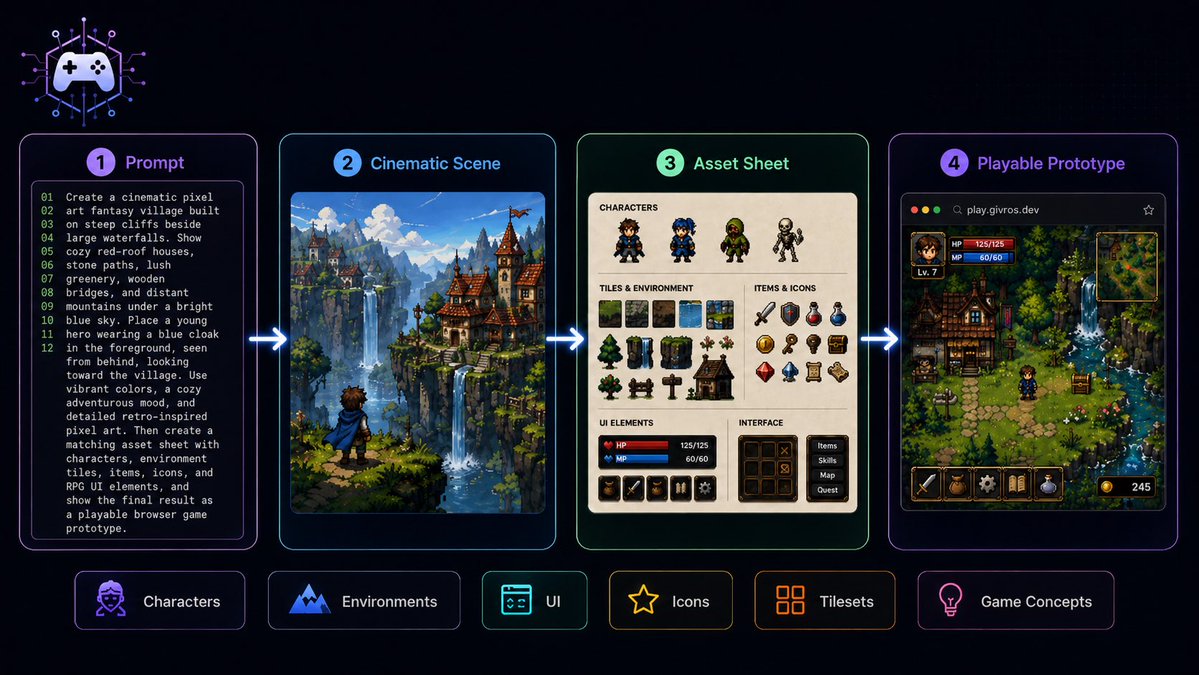
I’m exploring how far you can push AI for game creation: prompts, cinematic scenes, asset sheets, UI concepts, characters, environments and playable browser prototypes.
Most of what I share is built with Codex, GPT Image 2.0 and GPT-5.5.
You can support the experiments here ☕
https://t.co/gxg1bCY439
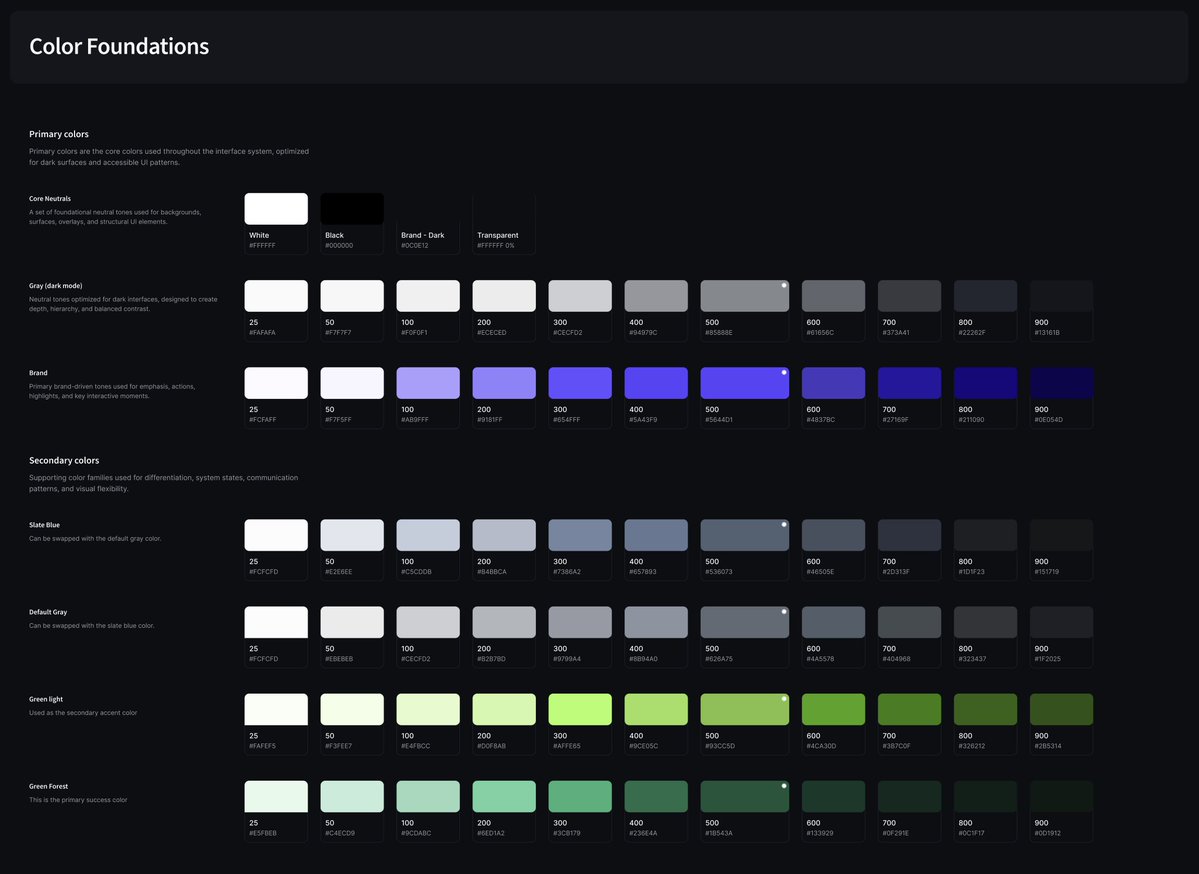
After building 4 design systems since December — mostly for AI-first products evolving beyond basic MVPs — one thing I’ve realised is:
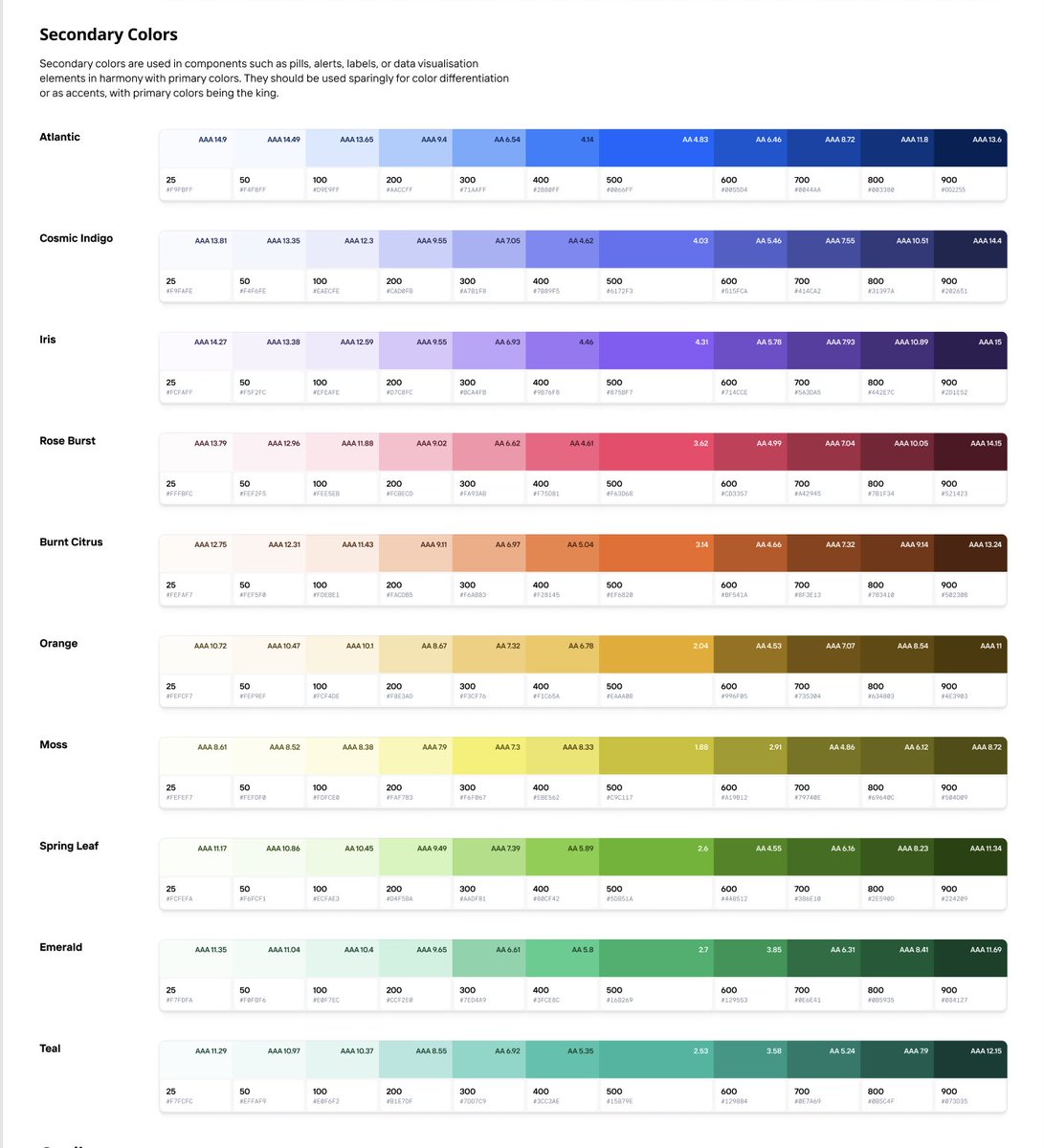
People often underestimate how much (or how little) needs to go into color systems.
Not every product needs an extensive palette from day one.
But once products start dealing with analytics, dashboards, operational workflows, tracking systems, charts, and layered states — color systems start carrying a lot more responsibility than just branding.
One green and one red is almost never enough.
Semantic tokenisation becomes incredibly important here too.
Instead of:
“Use Blue 500”
Teams start designing with:
→ action.primary
→ bg.surface
→ border.subtle
→ field.disabled
→ chart.indigo
Structured tonal ramps also help massively with hover states, overlays, dark mode, elevation systems, accessibility contrast, and scaling UI cleanly without introducing random colors every sprint.
And accessibility mapping becomes critical very quickly in mature products — especially across data-heavy and information-dense experiences.
Fun interactive science app ideas | Part 3
Played around with generating 3D biological structures and made an app to explore them interactively
UI Design
GPT Images 2
Code
Gemini 3.1 Pro
More demos ↓
Just shipped a new skill to GitHub for Web GPT and Codex Agents that turns a single prompt into fully animated 64x64 game sprites.
Screen recorded the whole thing: reference in, prompt once, walk 8 directions + attack animations out, ready for a game.
This kind of workflow still feels a little unreal.
One prompt to playable character pipeline.
https://t.co/QaW3P7jvID
#gamedev #indiedev #pixelart #aiagents #openai #github
introducing CodingPets(.com)
the best way to download and share custom codex pets
gpt-image-2 + codex absolutely cooked with this design
(people are 100% sleeping on this combo for ui)
looking forward to seeing all of your codex pets!
INSTEAD OF WATCHING NETFLIX TONIGHT.
Spend 1 hour with this.
Claude AI FULL COURSE that teaches you how to BUILD and AUTOMATE anything.
The people who watch this tonight will wake up tomorrow with a new skill.
Watch it and Bookmark it now.
The creator of Claude Code teaches more about vibe-coding in 30 minutes than most tutorials do in hours.
Save this — it'll change how you build forever.
Here's what the Founder of Claude Code does before he starts ANY project:
1. Plans first, codes never, he goes back and forth with Claude on the plan until it's perfect. No code gets written yet
2. Creates a CLAUDE.md file (a simple doc that Claude reads every session so it knows your project, your rules, your style)
3. Gives Claude a way to verify its own work
- For backend: write and run tests
- For UI: take screenshots, check in browser
Claude should never finish a task without proving it works
4. Sets up project-level permission rules in settings.json instead of skipping permissions entirely. Shared with the whole team
5. Five more preparation steps in VIDEO BELOW
6. Only then switches to auto-accept mode and lets Claude build
The part most people miss:
he doesn't treat Claude as a magic box that gets things right first try
he treats it like a junior dev that needs clear instructions, feedback loops, and guardrails
at scale he runs multiple sessions in parallel, uses Opus with thinking enabled because it makes fewer mistakes even though it's slower
and relies on background agents that push code for later review
his setup is surprisingly simple. no crazy custom tools. just slash commands, subagents, and a clean CLAUDE.md
the difference isn't the tool. it's how you set it up before you start ❤️
P.S. for sure 99.5% of readers will scroll down this tweet, but I send it to 0.5% who loves to learn how to improve your workflow daily and control 99.5% in 2 years
Hard skills literally mean nothing in our world
The most important skills which you can have are: building architectures and orchestrations
If you master it and use a creative approach, CONGRATS