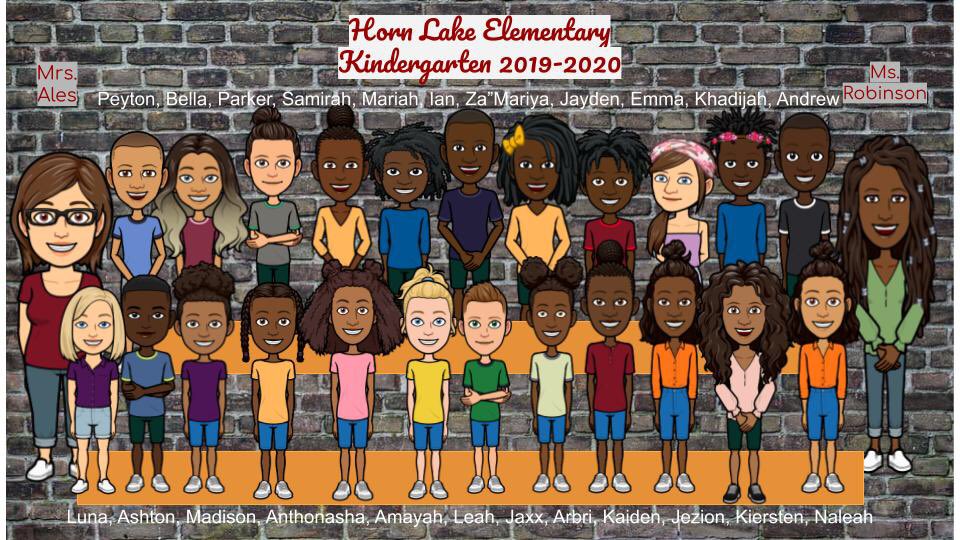
@teachwithhoney Hi! The process is not hard, but it is time consuming. There are a few YouTube tutorials that go through it step by step. Just search for “bitmoji class picture”.
@leehigh1600 It was a combo of the Bitmoji app on my phone, the Bitmoji extension on Chrome and Google slides. Once it was complete, I saved it as a jpeg file. It took about all afternoon yesterday, but I’m really glad I did it.
Congratulations to the Career Tech West Class of 2020! Click the link to view the completer slideshow and see their future plans! https://t.co/nqWv169tmX
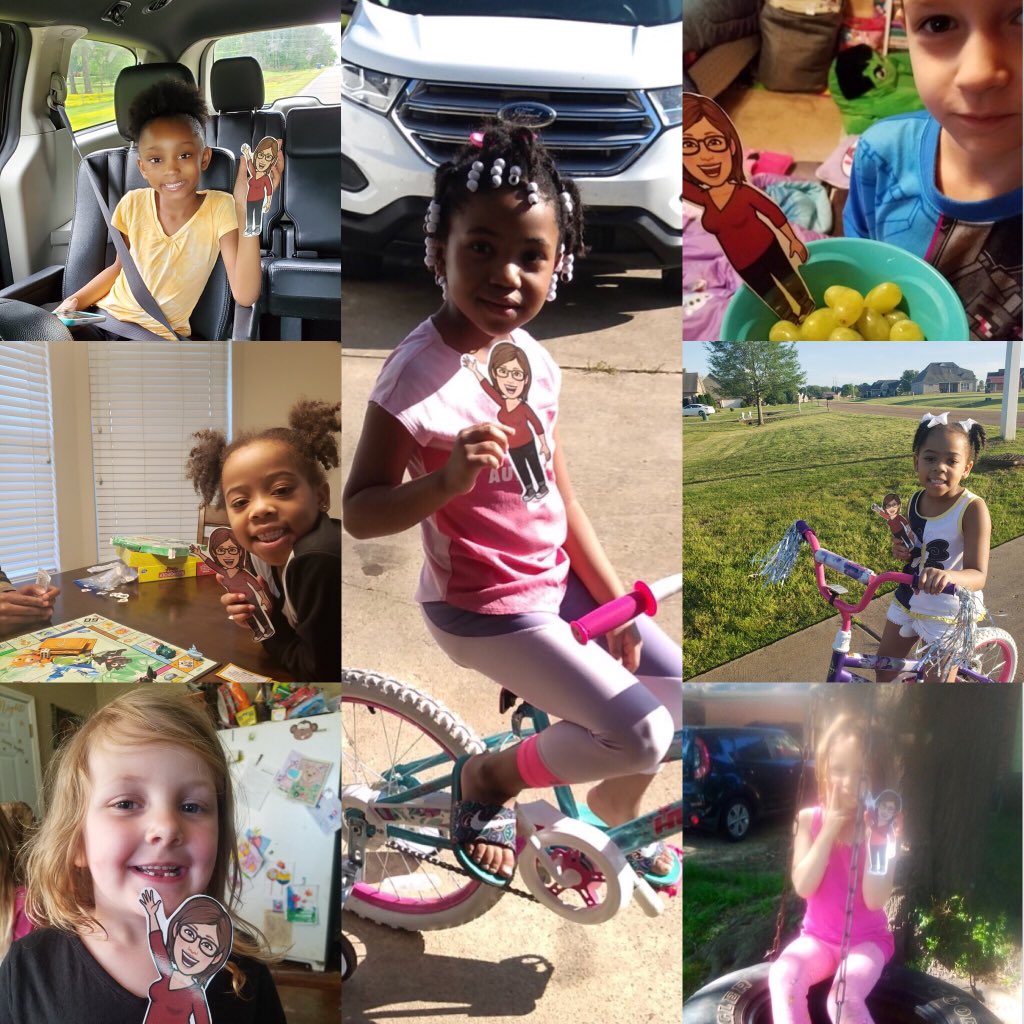
@santiagoAM115@LisaGloverLove1 It is very simple! I used the Bitmoji app on my phone. Saved it as a photo and then added to power point. I printed 3 to a page on cardstock. Laminated & cut them out. There are a lot of examples on social media for a letter template.
Today was a day of virtual meetings. First, we had our team planning and then I had student one on ones so they could read to me. It was great and now I am TIRED! #TweetDCS_HLES#TeamDCS#kindergartenrocksvirtually
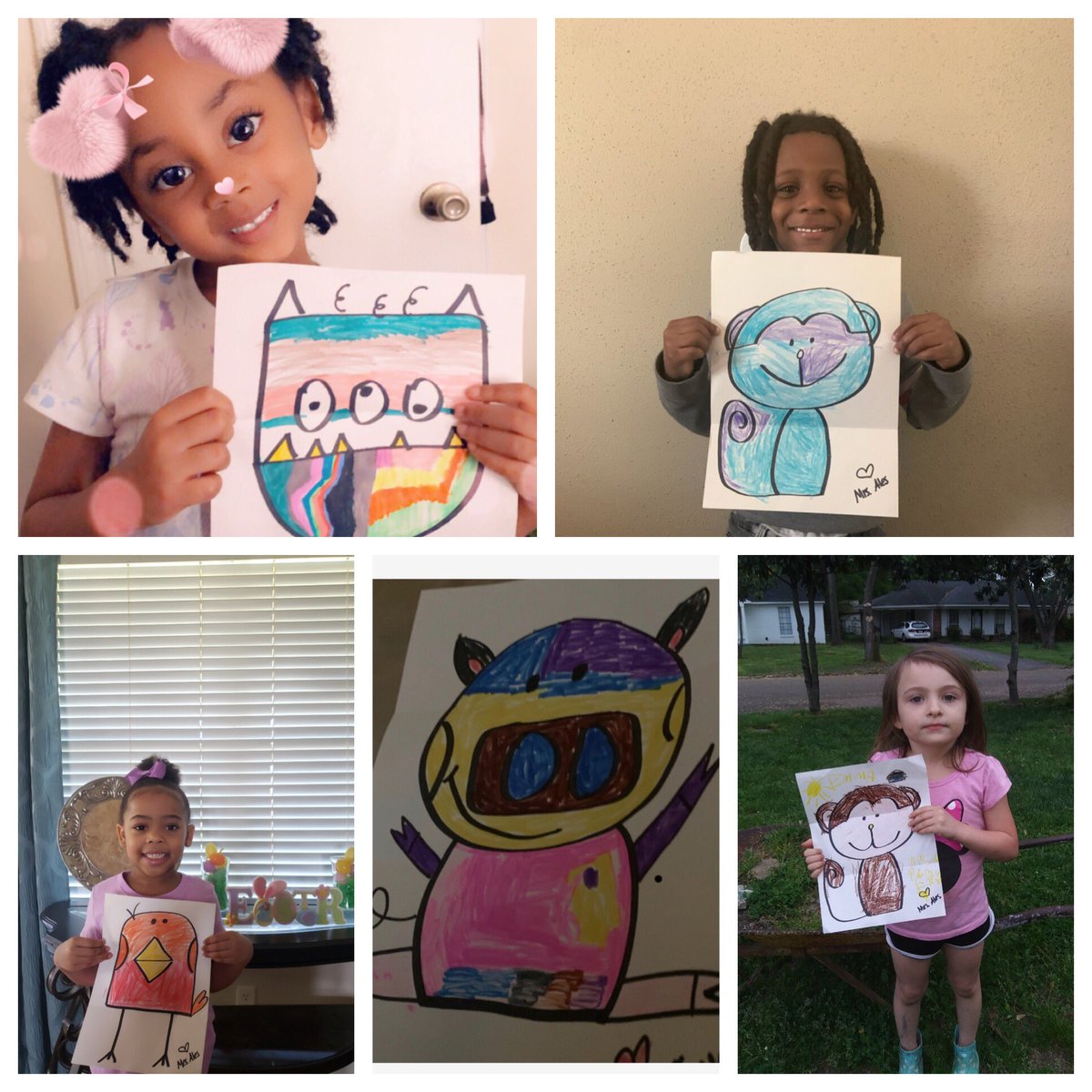
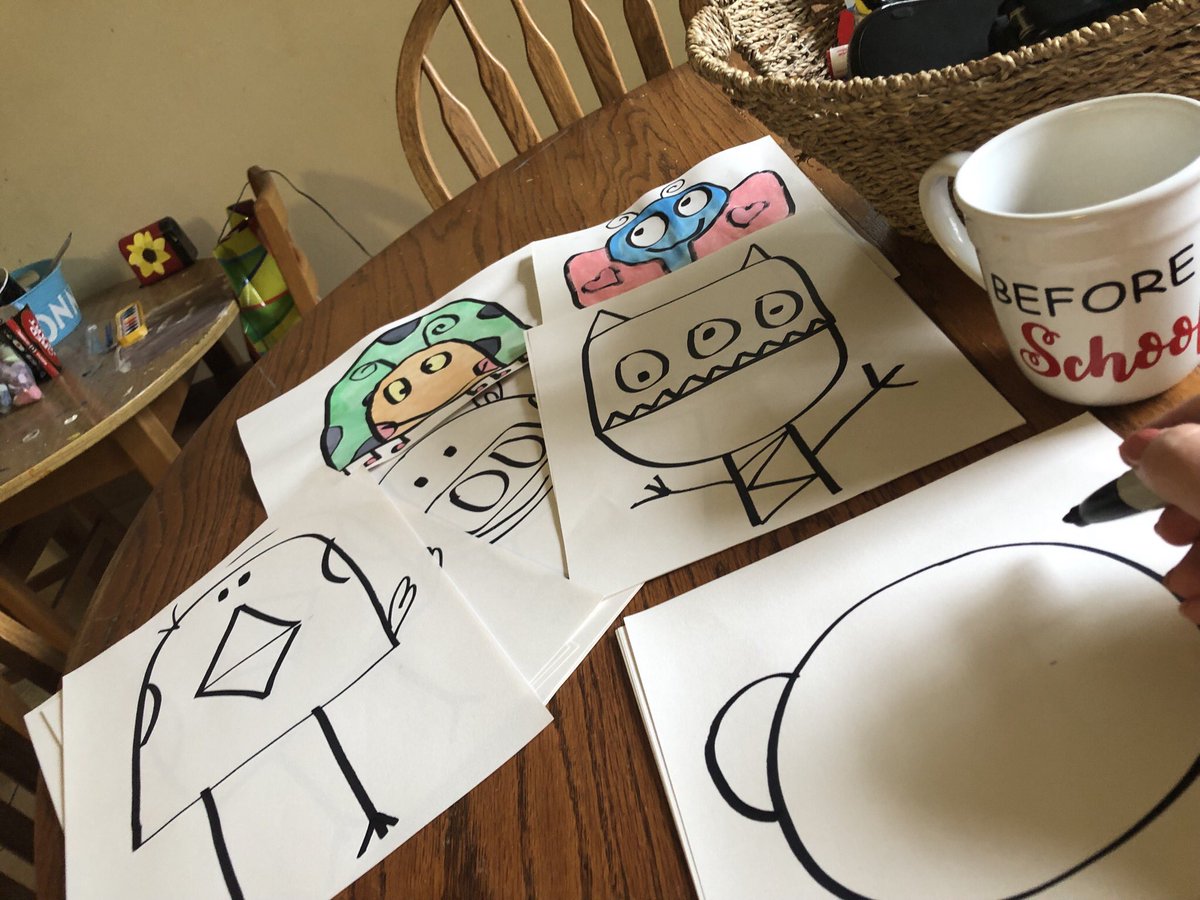
Sent some drawing to my kiddos earlier this week via snail mail. They are coloring them and sending me pics back. Highlight of my week!!💗#TweetDCS_HLES#TeamDCS#kindergartenrocks