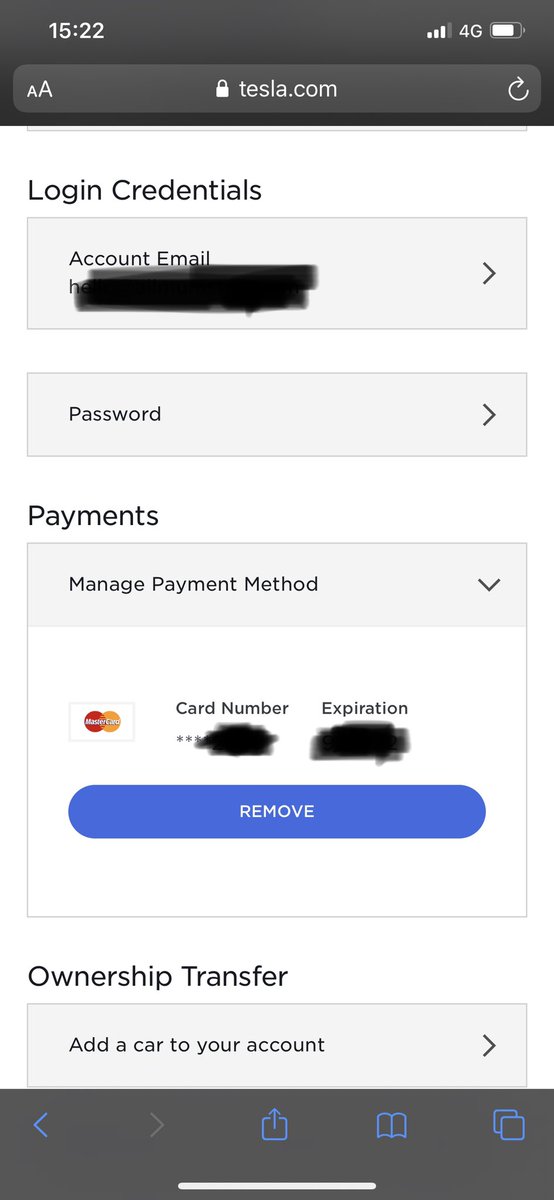
QUICK FIX to all owners - was unable to supercharge for two days with a message saying Supercharger not available - Go to @Tesla Account / History / check idle fees balance (had £12 didn’t showing in account otherwise) / press Pay Now and instantaneous your restriction is lifted
@elonmusk uncool to strand me with “free supercharger” unable to charge when there is a payment method in the account already and I owe you zero, waiting time on the phone is “greater than 5 minutes”... what if there was sub-zero outside and I had my 3 kids with me!? Oh wait...
Another 30 min & I hear drivers have accumulated £3k+ in outstanding #idle#fees so @Tesla decided to punish everyone without properly #testing the software update
So I was told before customer service hang up on me that I will have to go to my Tesla service center to get the issue sorted. That’s 100 miles away. Wait... I haven’t got enough charge to get there ...
So here I am: free supercharger but unable to charge because @Tesla decided they wanted payment details from me out of the blue which I gave to them willingly but they’re IT is abysmal and customer service inexistent ...
Before @Tesla customer service hang up she told me to press the scroll wheel button for 15 seconds 3 different times then get out, lock the car, unlock the car after how many seconds I feel cool about and then retry the MCU...
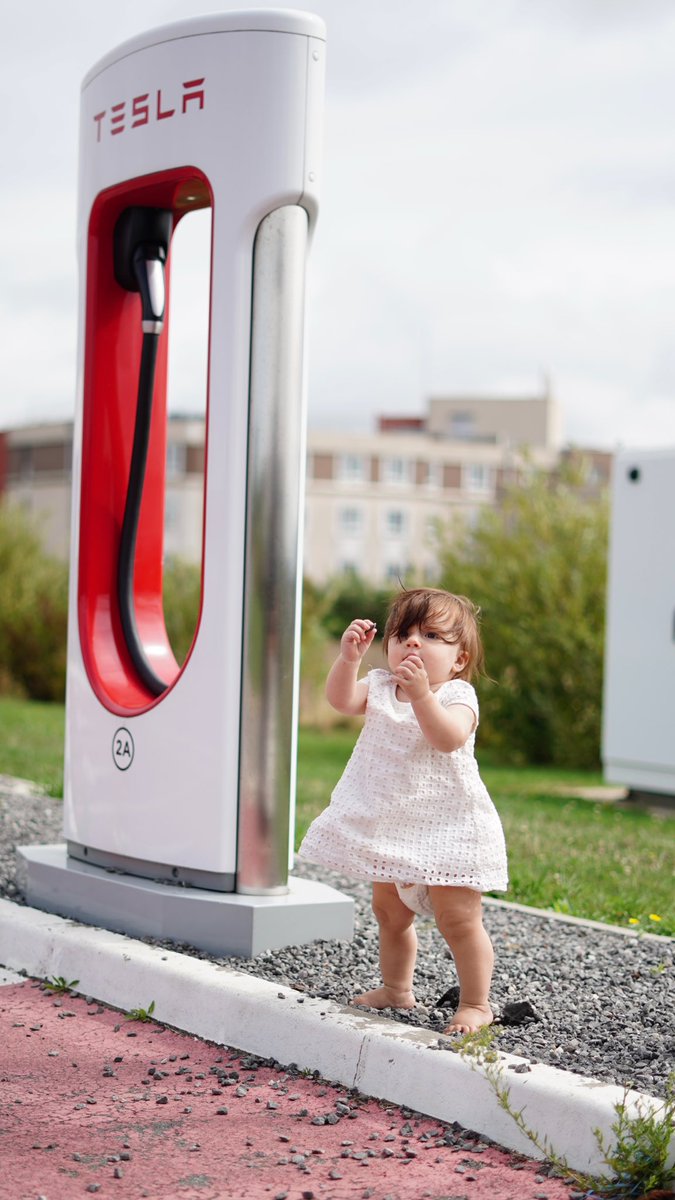
And of course after going a bit ballistic for waiting here for so long @Tesla Customer services hangs up on me and leaves me to the wolves - there is a family of FIVE stranded here @elonmusk including a 4 months old baby
So adding through MCU is not working of course, I’m now told I should add it through my @Tesla app but I have no idea where in the app and neither customer support who just said... “we don’t have access to the app”
Unbelievable: support finally answered and said I should add again the payment method via MCU - of course pressing that button does... wait for it... NOTHING