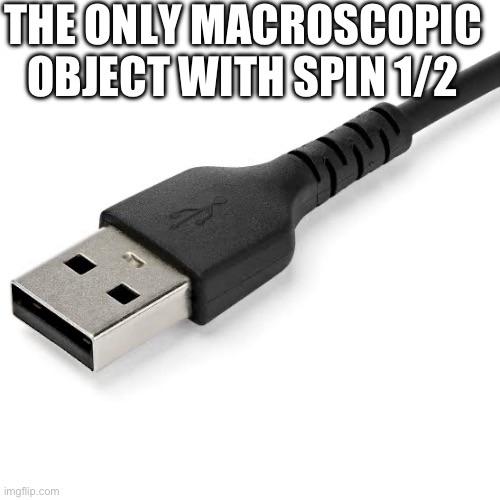
SOMEONE BUILT A WEBSITE WHERE THE SPEED OF LIGHT IS 5 KM/H AND YOU CAN WALK THROUGH IT.
it's called Relativity Park → https://t.co/i46CA7QBGj
open the tab. you are standing in a 3D park. WASD to walk. mouse to look.
nothing weird yet. just a park.
then you start walking faster.
and the faster you move, the more the park starts lying to your eyes.
because in this world, light does not move at 300,000 km per second. it moves at 5 km/h. a brisk walk.
so all the Einstein stuff that usually hides at impossible speeds suddenly happens while you press W.
the world ahead of you turns blue. the world behind you turns red. lengths in front of you start to squeeze. your watch and the world clock stop matching.
you can toggle each weird effect one by one:
> L for light-travel delay
> G for aberration and contraction
> C for Doppler color
> B for relativistic beaming
not a textbook. special relativity turned into a tiny walkable world.
built by Dmitry Brant, a lead Android engineer at Wikimedia Foundation. also the guy behind DiskDigger. open source. 607 upvotes on Hacker News last week.
open tab.
press W.
watch the universe bend.
This is probably the best look at the shockwaves I’ve seen from the latest Starship flight.
Captured from a GoPro I clamped onto a proper camera to record simultaneous video. (I’ll show you the photo the better camera took in the reply)
This looks like it's a daytime shot, but, it's actually taken from the dark side of Earth, with the planet illuminated by moonlight. This lets faint details like the aurora, stars and the sodium layer show up without over exposing the planet.
Oxford University researchers have discovered the densest element yet known to science...
The new element, Governmentium (symbol=Gv), has one neutron, 25 assistant neutrons, 88 deputy neutrons and 198 assistant deputy neutrons, giving it an atomic mass of 312.
These 312 particles are held together by forces called morons, which are surrounded by vast quantities of lepton-like particles called pillocks.
Since Governmentium has no electrons, it is inert.
However, it can be detected because it impedes every reaction with which it comes into contact.
A tiny amount of Governmentium can cause a reaction that would normally take less than a second, to take from 4 days to 4 years to complete.
Governmentium has a normal half-life of 2 to 6 years.
It does not decay, but instead undergoes a reorganisation in which a portion of the assistant neutrons and deputy neutrons exchange places.
In fact, Governmentium's mass will actually increase over time, since each reorganisation will cause more morons to become neutrons, forming isodopes.
This characteristic of moron promotion leads some scientists to believe that Governmentium is formed whenever morons reach a critical concentration.
This hypothetical quantity is referred to as a critical morass.
When catalysed with money, Governmentium becomes Administratium (symbol=Ad), an element that radiates just as much energy as Governmentium, since it has half as many pillocks but twice as many morons.
Earth at Night : la Terre s'éveille quand le soleil se couche. 🌑✨
Je suis très heureux de partager enfin l'aboutissement de ce projet : un tour du monde nocturne des lieux les plus incroyables et insolites. Vidéo dispo en 4k en commentaire (recommandé pour éviter la compression de X)👇
oh, it appears as if you have summoned me
there are several reasons as to why:
1. macOS does not use hinting
hinting is a technique to improve the sharpness of text on low-resolution screens and allow outline fonts to be rendered as bitmaps at a variety of sizes. it works by having fonts contain full-blown programs that instruct the renderer on what to do with outlines when rendering and where to place them on the pixel grid. this results in the shape of a glyph being altered so that it fits into the pixel grid, rather than the original shape of the glyph being maintained. while this can look acceptable (good, even) if a font is meticulously and manually hinted—an arduous process that can take literal years to do by hand and requires knowledge of some extremely arcane software—this is no longer nearly as much of a requirement with monochrome/bitmap rendering no longer being something you'd need to care about and screens being higher resolution on average. therefore, the norm for most new fonts is for them to just go through an auto-hinting process, perhaps with slight manual fixes where needed. this is typically Good Enough™, but… well, really, it's not. there are a handful of issues with this: glyphs will not render consistently at different sizes, stems may be aligned towards the incorrect pixel or aligned when they shouldn't be at all, and it generally will destroy the intended overall character of the font by significantly altering the shapes beyond recognition (something you could argue also holds true for manually hinted fonts, but often, the type designer will take this into account as part of the design itself in those cases).
if you've ever noticed things like a font looking weirdly tall or short at specific sizes only, a font just looking nothing like it's advertised or like how it does at large sizes at all, glyphs like "E" having off-centre bars, "9" having a weirdly tiny or large bowl, or "g" having a small bowl that isn't aligned with the baseline, (crappy) hinting is to blame for all of those. what you're seeing is the renderer bending the glyph into the pixel grid in a way that is either Not Necessary or Not Correct. macOS, by simply ignoring these instructions, avoids all of these issues, which allows glyphs to look correct at the cost of looking softer and fuzzier.
2. Windows (usually) does not perform vertical anti-aliasing
Windows has, generally speaking, two font renderers: DirectWrite (the New Good One) and GDI+ (the Old Terrible One). and generally, you are meant to perform anti-aliasing in both the vertical and horizontal direction for it to be Useful. ClearType in its original GDI+ implementation simply does not bother to anti-alias glyphs vertically at all—only horizontally—which results in glyphs like "s" and "a" ending up with a distinctly jagged appearance. they are literally only half-anti-aliased. DirectWrite is actually able to do vertical anti-aliasing, allowing these glyphs to look much smoother and more pleasant, but for some arsefucked reason that completely eclipses my understanding, it does not do so by default, and necessitates the use of a special flag. MacType can force this flag, and Firefox also has the ability to enable this flag in about:config, although of course, it is not enabled by default, resulting in markedly inferior rendering.
3. macOS does not use subpixel anti-aliasing
subpixel rendering is an ancient technique dating back to when users began transitioning from CRTs to LCDs that aims to improve the horizontal resolution of text by taking advantage of the uniform horizontal RGB subpixel grid on LCDs. while it technically, to some extent, works, it brings about a LOT of complications: it cannot be trivially alpha-blended against dynamic backgrounds, it relies on a specific subpixel grid layout and native resolution, and it creates visible coloured fringing artefacts that may cause eyestrain for some (including myself), manifesting as text that doesn't look purely black, but rather black with a bunch of green and yellow crap around it. subpixel rendering is thus unsuitable for things like OLED screens (which all tend to have hilarious and made-up subpixel layouts for some reason) and setups that mix horizontal and rotated vertical monitors, which are actually quite common among enthusiasts. while there is arguably *some* merit to this technique, the benefits are simply are vastly outweighed by its drawbacks. Windows in most cases employs a very aggressive form of this (which I perceive to be rather abrasive and unpleasant to look at), while macOS sticks to basic greyscale anti-aliasing, which is far more reliable and does not result in unpleasantly fringed text.
4. macOS always uses fractional glyph positioning
traditionally, font rendering had been done by rendering an atlas of glyphs once, and simply referring to it for each new glyph, with the position of the glyph being rounded to the nearest pixel. unfortunately, this is not sufficient in order to faithfully reproduce the spacing of glyphs as was intended by the type designer and as is encoded in the font, as kerning and spacing happens at a much, MUCH finer scale than even a high-DPI pixel, let alone a low-DPI pixel. rounding glyph positions to the nearest pixel therefore tends to result in inconsistent and off-pissing kerning that Doesn't Look Right. fractional glyph positioning addresses this by actually rendering glyphs individually in between pixels, so that the intended spacing and kerning that the type designer spent days carefully tuning can be reproduced accurately on-screen, even at small sizes. it is very easy to determine whether fractional glyph positioning is in use by typing one character in quick succession and seeing if all of them look the same or not:
iiiiiiiiiiiiiiiiiiiiiiiiiiiiiiiiiiiiiiii
if all of these look the same, then fractional glyph positioning is not used; if they look different, then it is. Windows's God-awful GDI+ renderer indeed does not use it, but macOS, as well as Windows's good DirectWrite renderer do use it. (thankfully, your browser most likely does use DirectWrite to render text, unless it is so old that it creaks upon being clicked on)
5. macOS performs intense stem darkening
to compensate for gamma correction during the AA stage resulting in perceived thinner and lighter text due to simply not covering enough pixels, particularly on low-DPI screens, macOS's text renderer performs a rather noticeable amount of stem darkening, something that it confusingly refers to internally as "font smoothing". this simply expands the stems by a small amount in relation to pixel size, increasing their coverage of the pixel grid, which enhances the contrast and results in glyphs appearing darker. this allows text to remain easily readable even at small point sizes on low-resolution screens. if so desired, stem darkening can actually be disabled using a terminal command in macOS.
in short: macOS treats fonts with respect and dignity, and Windows mercilessly beats and tortures them to death and throws their mangled, desecrated corpses by the roadside all while laughing about it
The footage I got from this launch is unreal. This is 350 of 3500 photos hand stabilized showing the hot staging sequence. There's so much happening in this video every time I watch it I notice something different.
Bravo @spacex team!
Tons more content coming, including prints!
New particle at last! Physicists detect the first “glueball”
It's not a new "fundamental" particle, but finding a glueball — a composite particle made solely out of gluons, with no valence quarks — is a huge deal.
https://t.co/xsdMLJpvHL
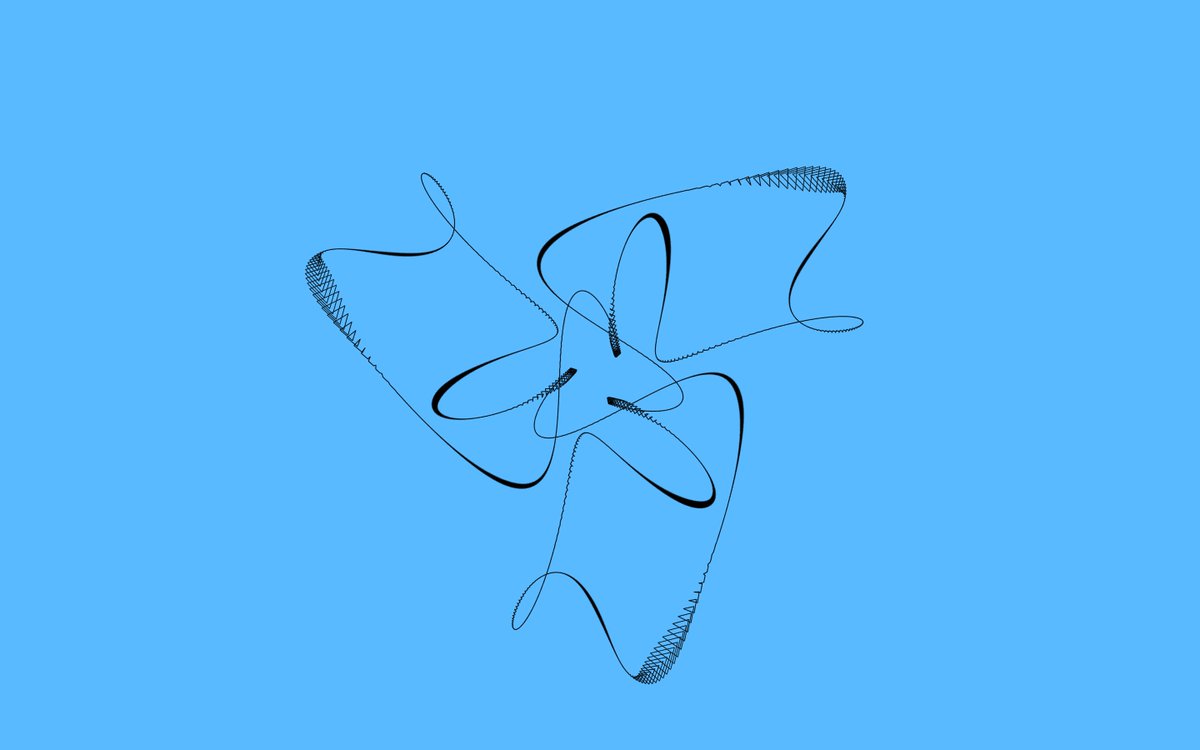
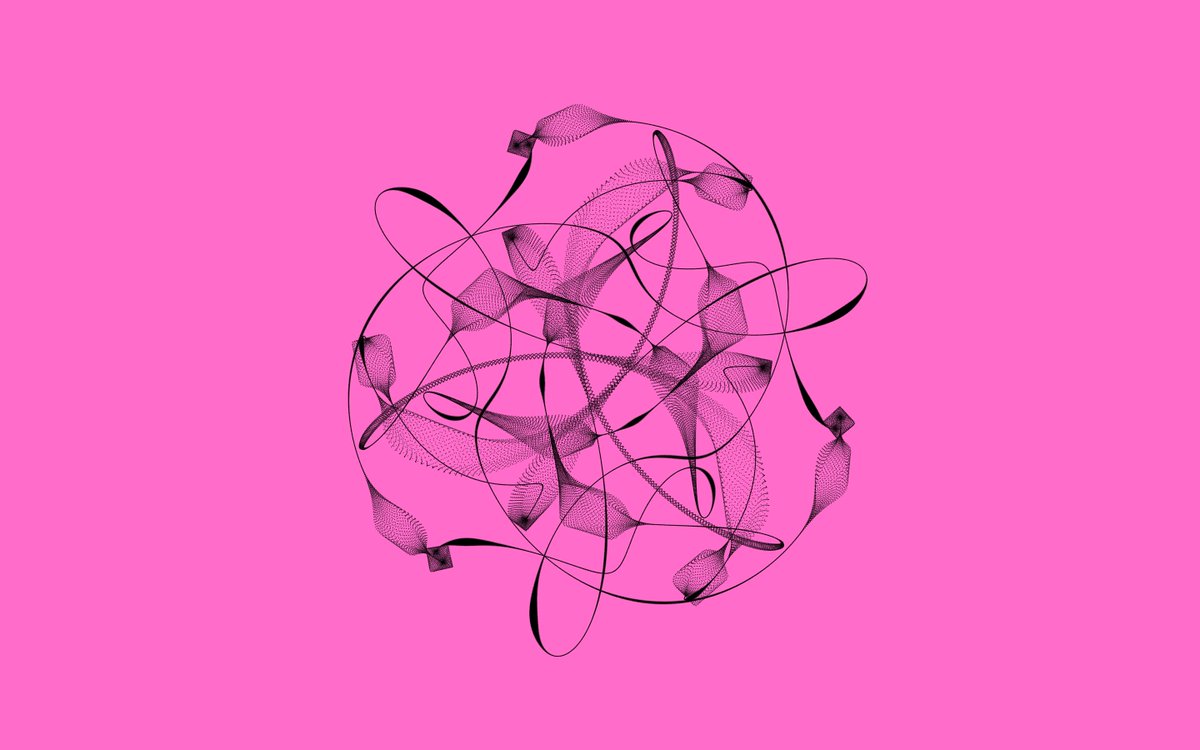
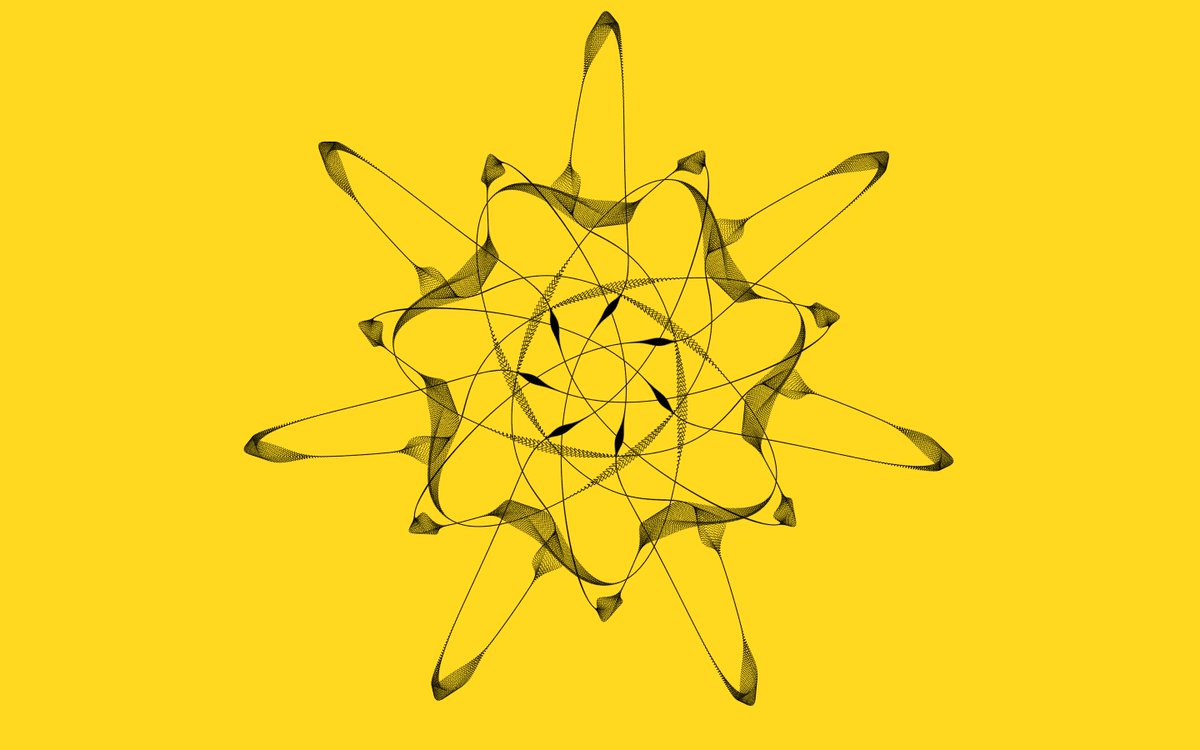
OK for anyone who didn't get a plotted one in Venice or just can't get enough of Epihyperderpflardioids, here's an online version for your phone:
https://t.co/13C1UG6tUx
Tap for a new shape. For phones, uses orientation sensor. On iOS tap once to give permission.






![Rainmaker1973's tweet photo. Starship compared to the Space Shuttle, Crew Dragon, Cybertruck and a human.
[✏️ Dale Rutherford] https://t.co/aFF0wnX1JZ](https://pbs.twimg.com/media/Gc5CoqbXEAA0soq.png)