Ammo Box 1.3 (1.4 on Android) is here! The barcode scanner now has better focus, box types can be edited/moved, and a Total Cost widget is now on the Usage Data page. Plus, box costs are in reports, and past range sessions can be deleted!
Ammo Box 1.2 (1.3 on Android) is here! Bulk edit/remove boxes, auto-archive empties, and manually add reloaded ammo. New Range Box Selector + dropdowns to prevent duplicates. Improved barcode scanning & iOS widgets for quick access!
Wishing you a joyful and festive holiday season from all of us at Ammo Box. Thank you for being part of our journey—here’s to a bright and successful year ahead!
Ammo Box 1.1 is here! Add boxes during range sessions, track who used your ammo + price, and enjoy fixes for charts, inventory, and empty boxes. Update now for smarter ammo tracking!
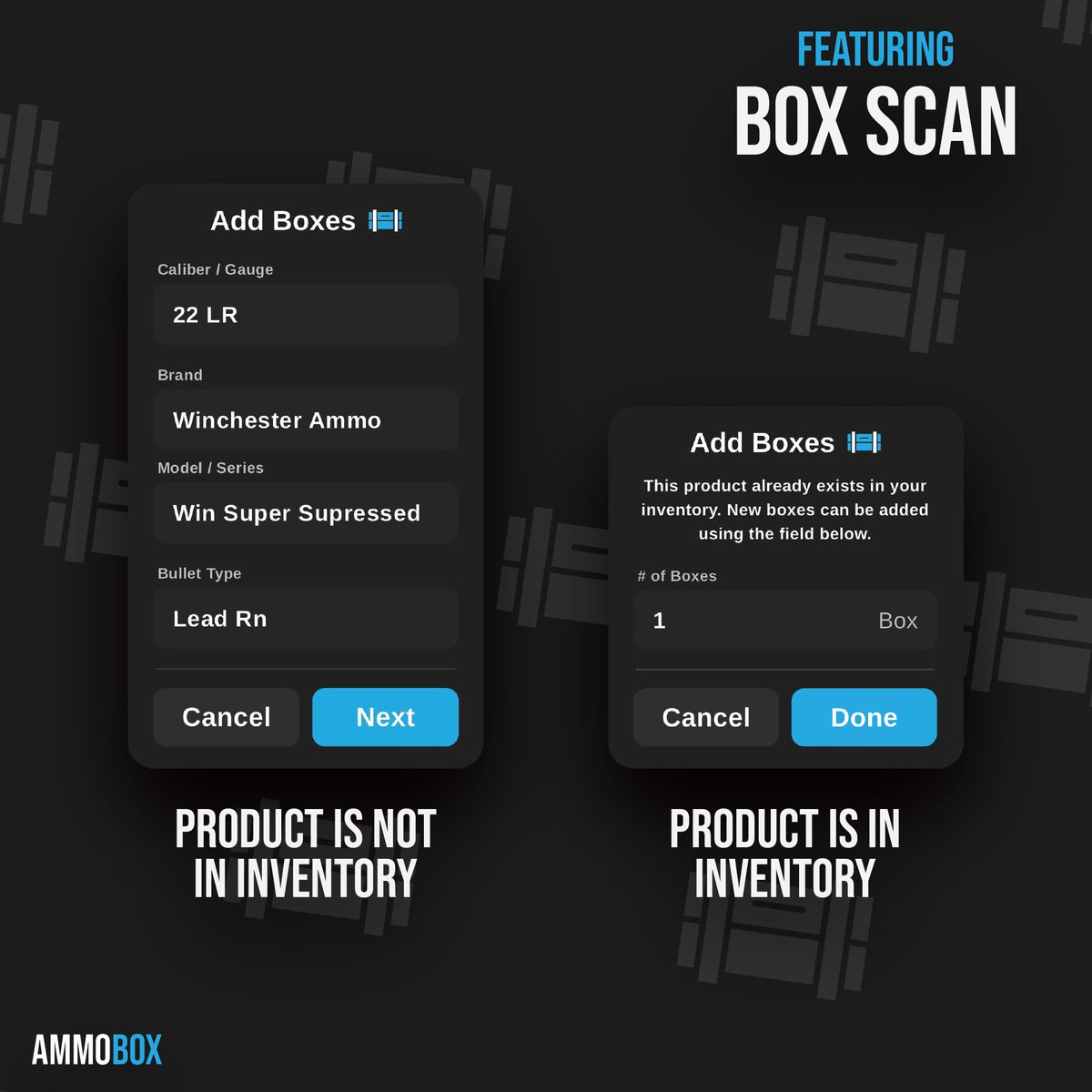
If a box isn't currently in your inventory, the app will retrieve the information from our database, allowing you to review and confirm it before saving. If the box is already in your inventory, the app will just prompt you to specify how many you're adding.
This Thanksgiving, we're taking a moment to thank our amazing community for your continued support and collaboration. We’re grateful to be part of such an inspiring journey with all of you—wishing everyone a joyful and memorable holiday!
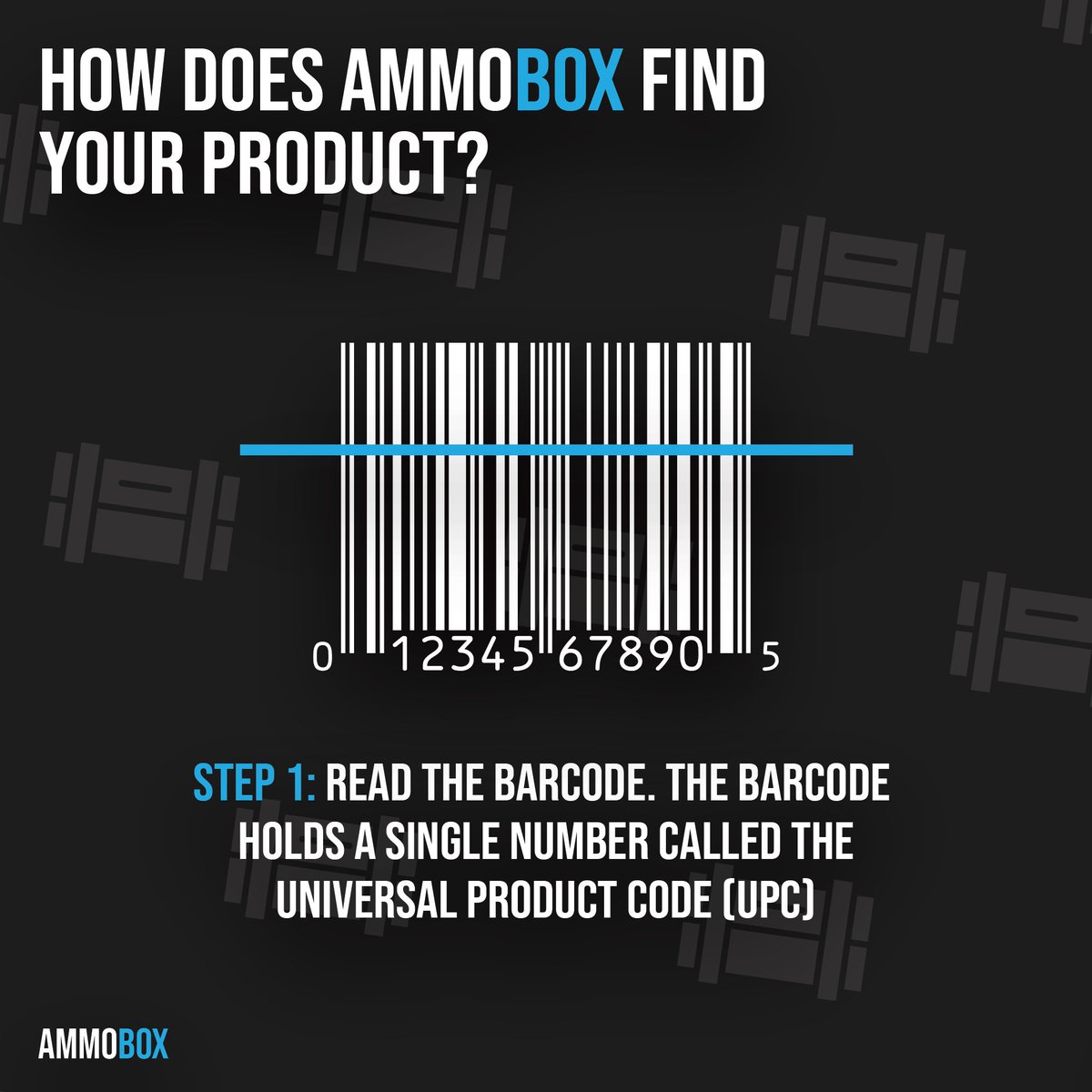
Each time you scan a new box's barcode, the Universal Product Code (UPC) is instantly sent to our remote database, where all product details are securely stored. Within seconds, the relevant information is delivered back to your device.
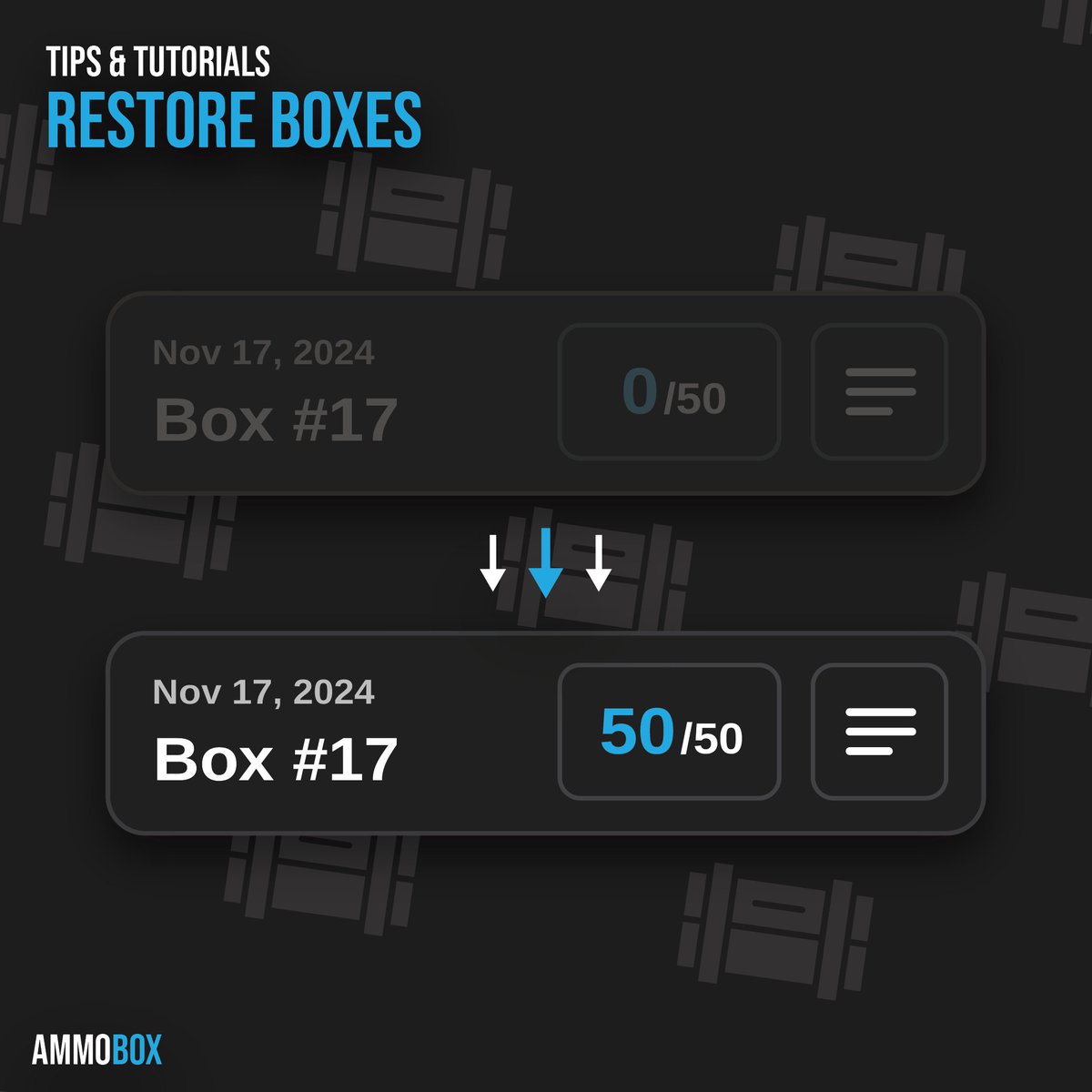
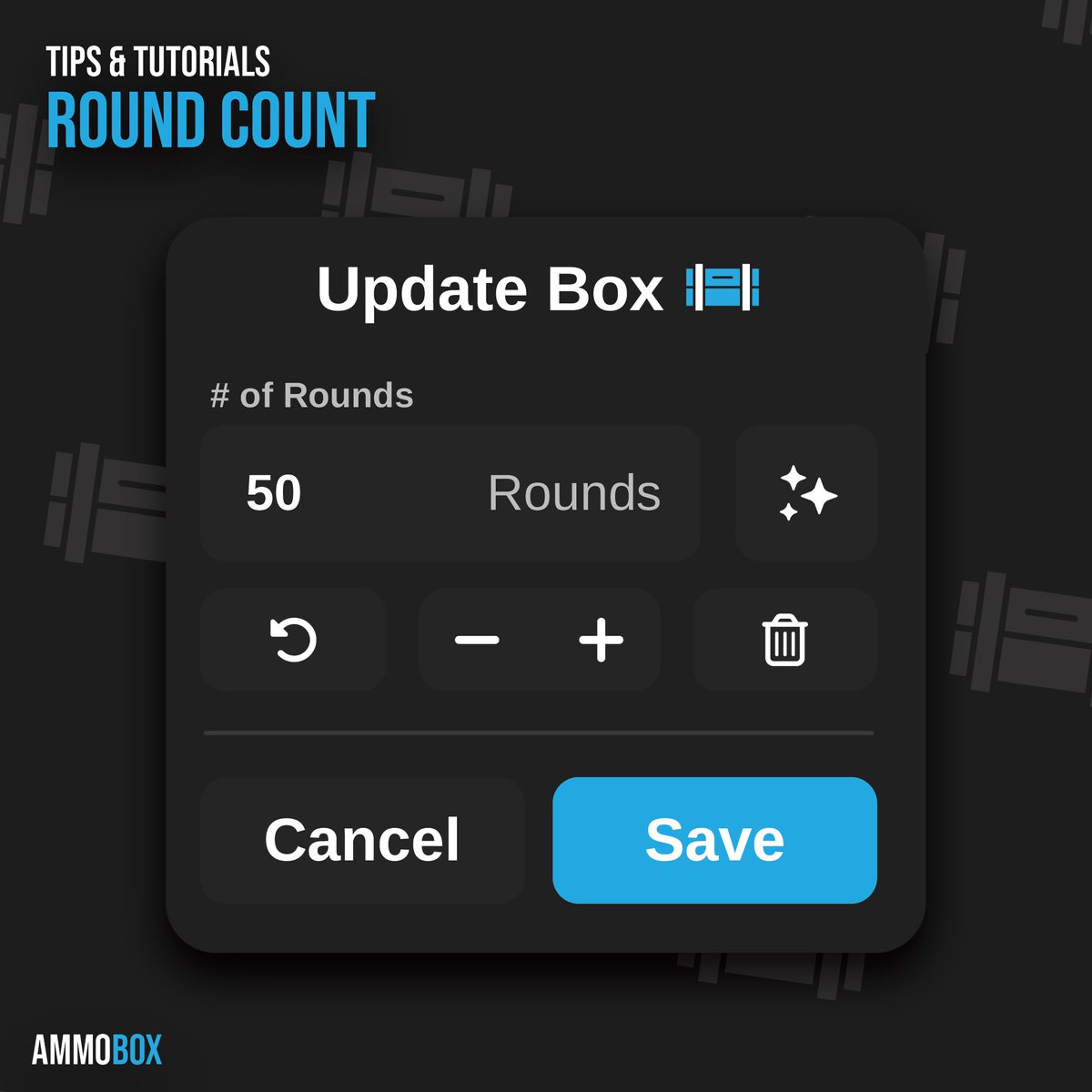
Made a mistake updating the round count or deleted a box you still need? No problem! You can easily adjust the round count by tapping on any box—even if it’s been removed.
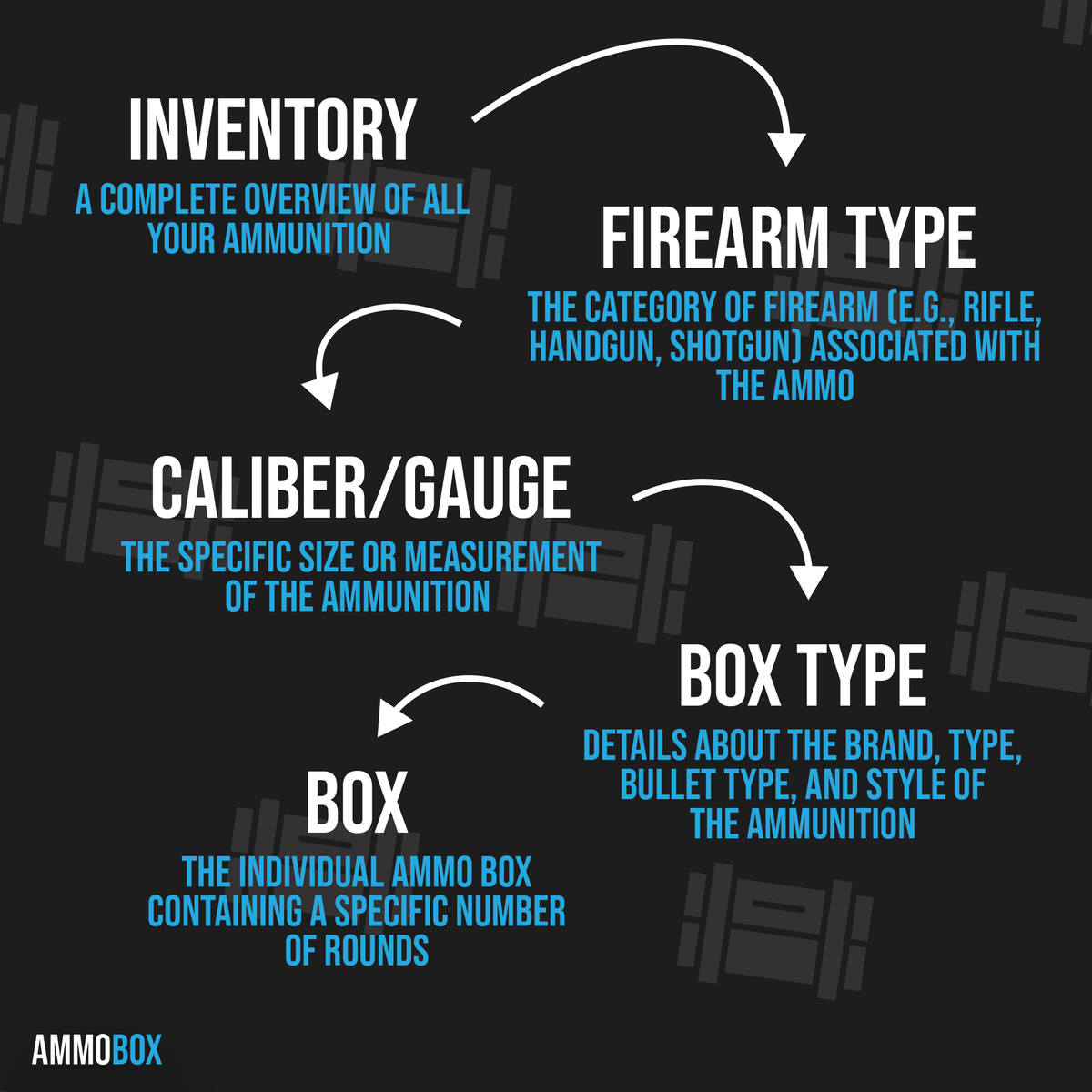
Easily track your ammo with a clear hierarchy: Inventory holds all your supplies, sorted by Firearm Type, then by Caliber/Gauge. Get specific with Box Type (brand, bullet type, style), and manage each Box down to the last round.
There are several ways to update a box's round count. Besides using the Ammo Detector, you can manually enter the count, increase or decrease it, reset it to the starting count, or set it to zero.