Need a hand with Office 365? Stop looking, you've found your experts.
We also build #intranets, #apps and #databases to put IT to work for companies like yours.
We are now merging with Transparity, therefore we will be closing this profile.
Fear not! You will still be able to see all the great news, updates & events from Transparity's social, so unfollow AMT and follow us over at @transparity_ltd.
Thank you so much for your support!
*THURSDAY TEAMS TIP*
COMING SOON! Teamwork makes the dream work.
In the next couple of months, organisers will be able to assign the co-organiser meeting role to up to 10 specific people they invite to their meeting.
#MSTeams#MicrosoftTeamsUpdates#TeamsMeetings#Teamwork
*THURSDAY TEAMS TIP*
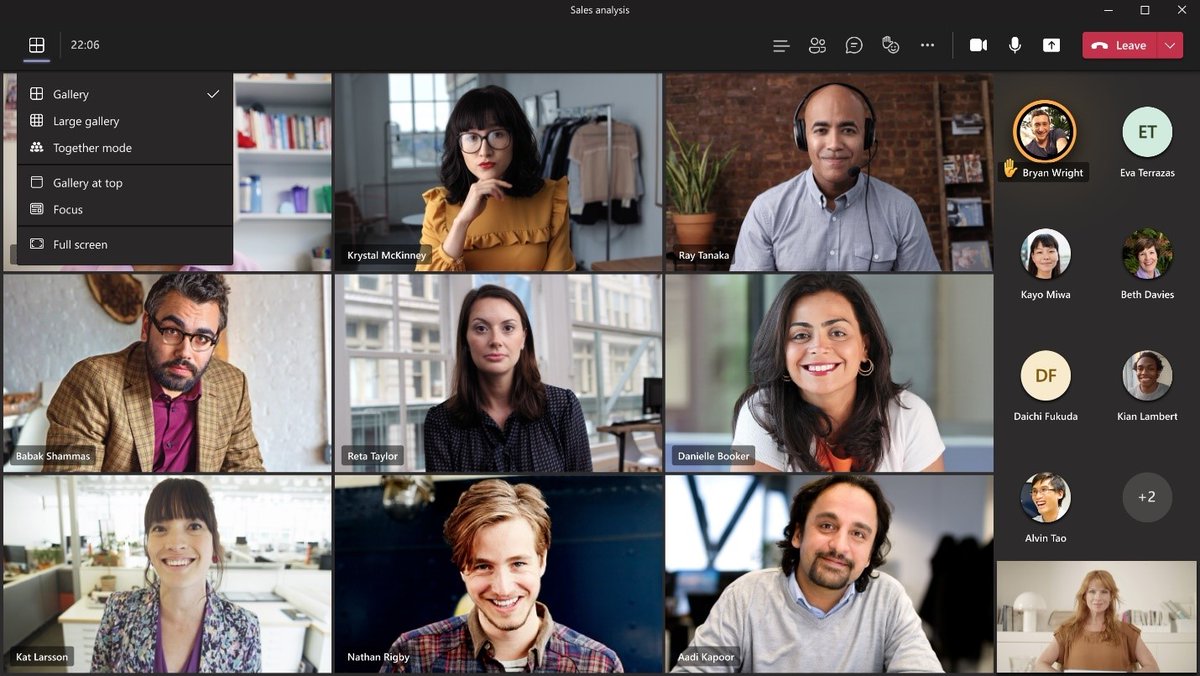
This new feature will place all of the view related options that are found in Teams Meetings (Gallery, Large Gallery, Together Mode) into a separate, dedicated menu called View Switcher.
#MSTeams#MicrosoftTeams#BusinessApps
Integrating PowerApps is a good way to increase functionality within your SharePoint environment. This can be done in a couple of different ways. Richard, senior developer at AMT, explains how to do this in this weeks blog.
https://t.co/pBjKDexnjM
#sharepoint#powerappintegration
*THURSDAY TEAMS TIPS*
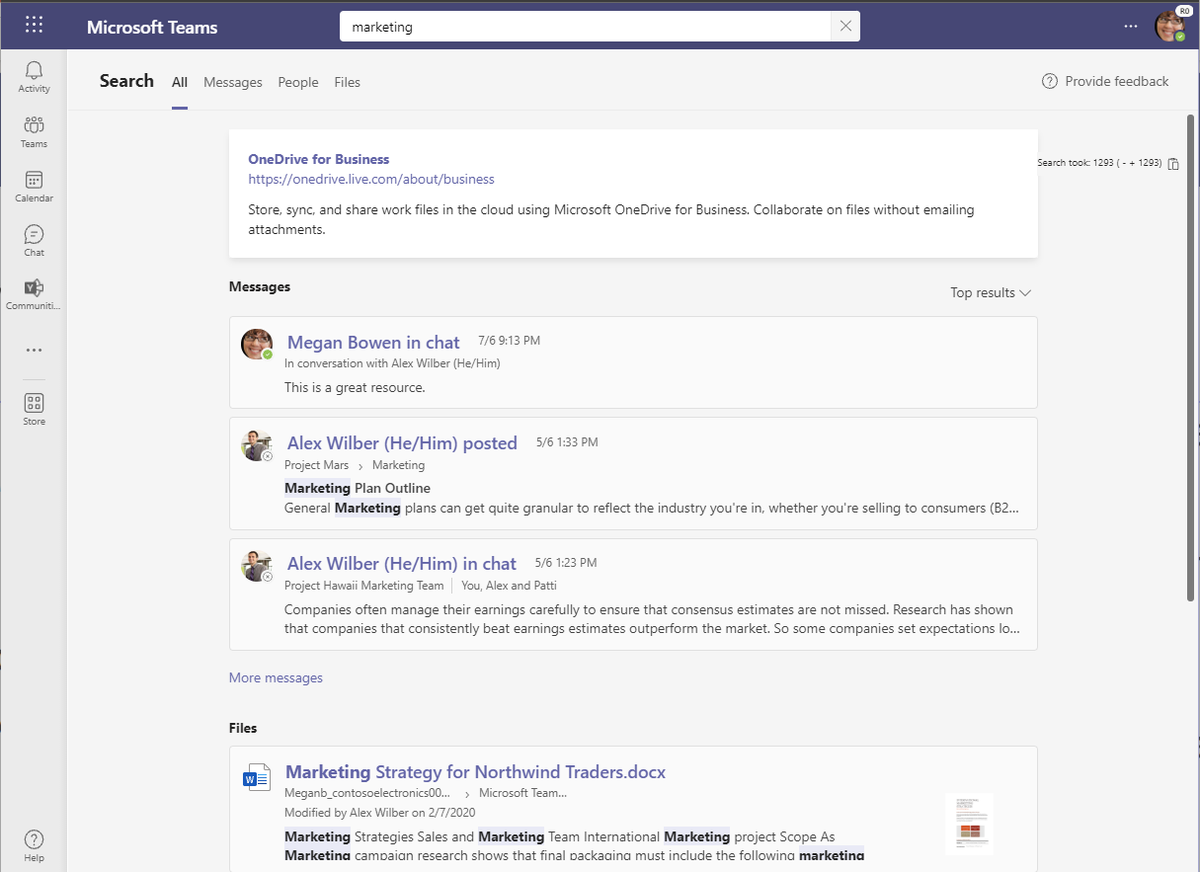
NEW #MSTeams' redesigned 'search results page' features better context, faster results, improved filtering capabilities with AI powered relevance based on the people & content you engage with most in Teams and other Microsoft 365 services.
#MicrosoftTeams
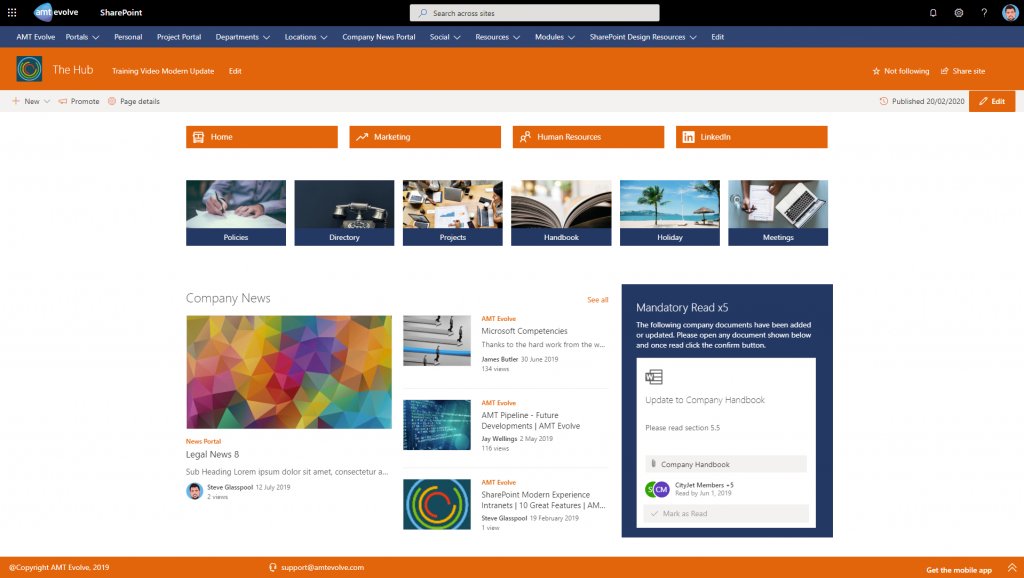
Phonebook, Mandatory Read, Tiles, Discovery and Carousel are all modules that make a huge amount of difference to the functionality of your #SharePoint environment.
Take a look and see what they look like:
https://t.co/iLljRwzjOH
#SharePointIntranet#CompanyIntranet#Intranet
*THURSDAY TEAMS TIP*
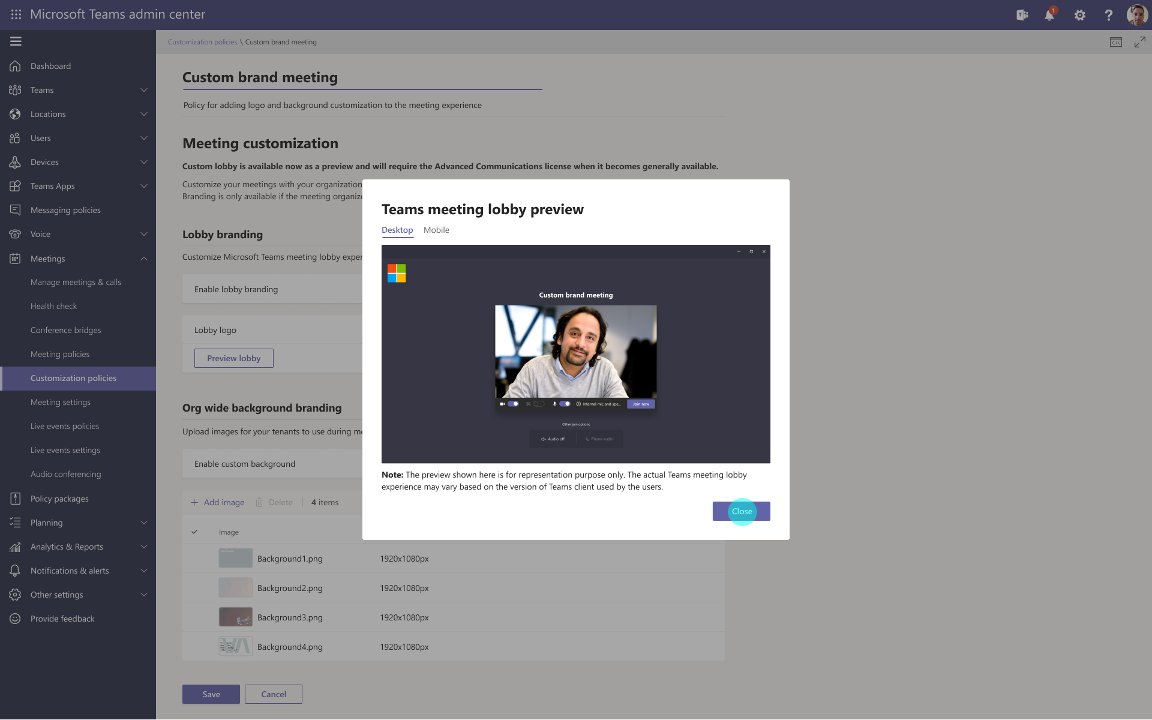
Branding the lobby -
Meeting Join Custom Branding will allow tenant admins to upload their company logo to the #MSTeams admin portal so it appears on the meeting pre-join and lobby screens for meetings organised by members of their tenant.
#MicrosoftTeams
Migrating to #SharePointOnline is a great move for multiple reasons. If you are currently thinking about moving from an on-premises solution to SharePoint Online - read this quick guide to get you started.
https://t.co/kUhEcvlK9Z
#SharePointMigration#MigrateToSharePoint
Getting your staff up and running properly in Microsoft 365 is one of the most beneficial things to do when it comes to improving efficiency and productivity for your business.
For all your Microsoft 365 training needs, visit:
>> https://t.co/nuH8sZzbli <<
#Microsoft365Training
*THURSDAY TEAMS TIP*
Hybrid workplaces are becoming more common, which is why Microsoft is launching content from camera in #MicrosoftTeams.
This option allows you to stream content directly from physical artefacts (eg whiteboards&documents) in a legible way.
#MSTeams#TeamsTips
One big question in the world of digital transformation with SharePoint is whether to use Folders or Metadata.
Check out what Colinda has to say about it in Part 4 of our Records Management Series.
https://t.co/1vNpD7fDnm
#RecordsManagement#FoldersVMetadata#DocumentManagement
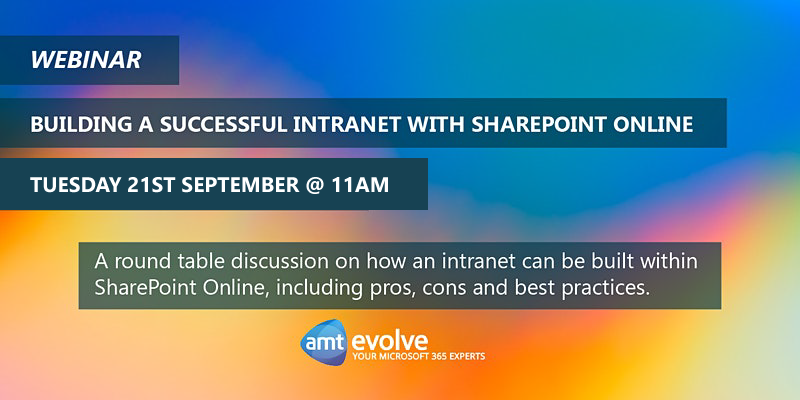
Fancy finding out how to build the best intranet in SharePoint?
Join our 1 hour webinar where our SharePoint experts will be doing a roundtable discussion on what they think, followed by Q&As.
See you there!
https://t.co/b9M8xukJ8H
#SharePointIntranet#SharePointBestPractice
*THURSDAY TEAMS TIP*
A new update for Teams will allow you to apply sensitivity labels to teams created from templates.
Sensitivity labels allow #MicrosoftTeams admins to protect and regulate access to sensitive organisational content created during collaboration within teams.
With #cloudcomputing proving its strong security with far less up-keep whilst vastly improving collaboration, many companies are looking to make the switch.
Here are some things to look at before migrating across to #SharepointOnline:
https://t.co/d3W5aU7gwa
#SharePointMigration