All of the "network optimization" guides out there don't understand how RSS (Receive Side Scaling) works 🤦♂️
They tell you to enable RSS and crank your queues for gaming, that's just inherently wrong 🚨🚨🚨
How it actually works: RSS spreads RECEIVE processing across cores by hashing FLOWS into queues. A flow = one src/dst IP + port pair. Each flow maps to ONE queue -> ONE core. It physically cannot split a single connection across cores.
Your game is ONE flow. So it rides one core whether you set 1,2, or 4 queues. Extra queues only earn their keep under HEAVY load (an active download or stream eating the NIC). Discord vc and a few background pings aren't enough load to matter.
Proof, same NIC, same 4 queues:
- 1 stream -> one core lit (img 2)
- 8 streams -> every core lit (img 3)
The only variable that changed the spread was flow count + load, not queue count.
ATU in all of our benchmarks is significantly outperforming every other tweaking utility so far
Can't wait to release our newer features in the upcoming weeks 🫡
ATU is out.
The most advanced PC Optimization tool is now available 🔥
✔️ 1000+ System Parameters
✔️ 500+ Hidden Bios Settings Auto Configured
✔️ Custom Heterogenous Scheduling Configuration
✔️ ~8 Years of Extensive Optimization Research packed into one program
Download Here 👇
https://t.co/kfP2ouT9fS
ATU is out.
The most advanced PC Optimization tool is now available 🔥
✔️ 1000+ System Parameters
✔️ 500+ Hidden Bios Settings Auto Configured
✔️ Custom Heterogenous Scheduling Configuration
✔️ ~8 Years of Extensive Optimization Research packed into one program
Download Here 👇
https://t.co/kfP2ouT9fS
Ancel’s Tweaking Utility launch was supposed to be today, March 21st, but we’re delaying it to March 28th to polish up the program.
The website is officially released and you can check it out: https://t.co/Faew0ur4xf
Here are some stats on the new utility:
Average AVG FPS Gain of 65%
Average 0.1% Low FPS Gain of 86%
Average Ping Drop ~7ms
Average Bufferbloat Grade A+
Average DPC Latency drop 53%
All benchmarks are publicly displayed on the benchmarks page and verified by real testers in the discord.
Was gonna leave the redesign for V2.0 but we’re doing it now I guess…
Here’s some things included in the program:
- Hardware aware logic, not a one size fits all utility
- Low latency heterogenous system configuration
- Smarter thread scheduling & kernel adjustments for REAL workloads
- 400+ BIOS Parameters
- ~0.15ms script processing
- 8 years of PC optimization knowledge packed into one studio
THIS IS NOT ANCEL’S OPTIMIZATION BATCH. That batch file I created who every “tweaker” copies and pastes from is 3 years old and made for windows 10.
This is brand new.
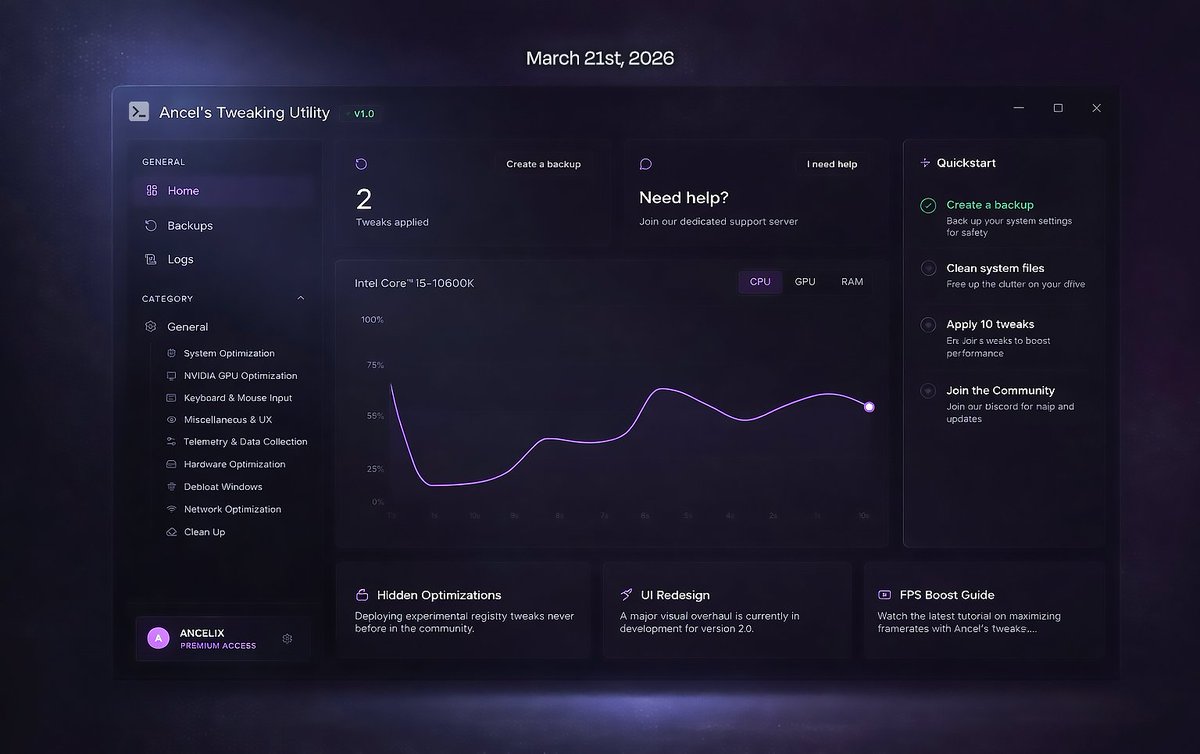
Everything looks AI to you at this point 🤣. I don’t have a claude subscription, it is an account based system but I don’t have profile picture uploading available because there is a little vulnerability there I haven’t thought about and it’s not my priority. What other icon should I put for a checklist? I don’t know what gradient you see on the graph because there isn’t any. I added the glowing dot because the static color dot looked ugly. And a normal description text doesn’t feel human? Should I put typos and slang in the description
@L00100978425@ReczoFn Nice, u have a horrible UI that has no working components. You clearly haven’t developed anything production grade if you think this is it.