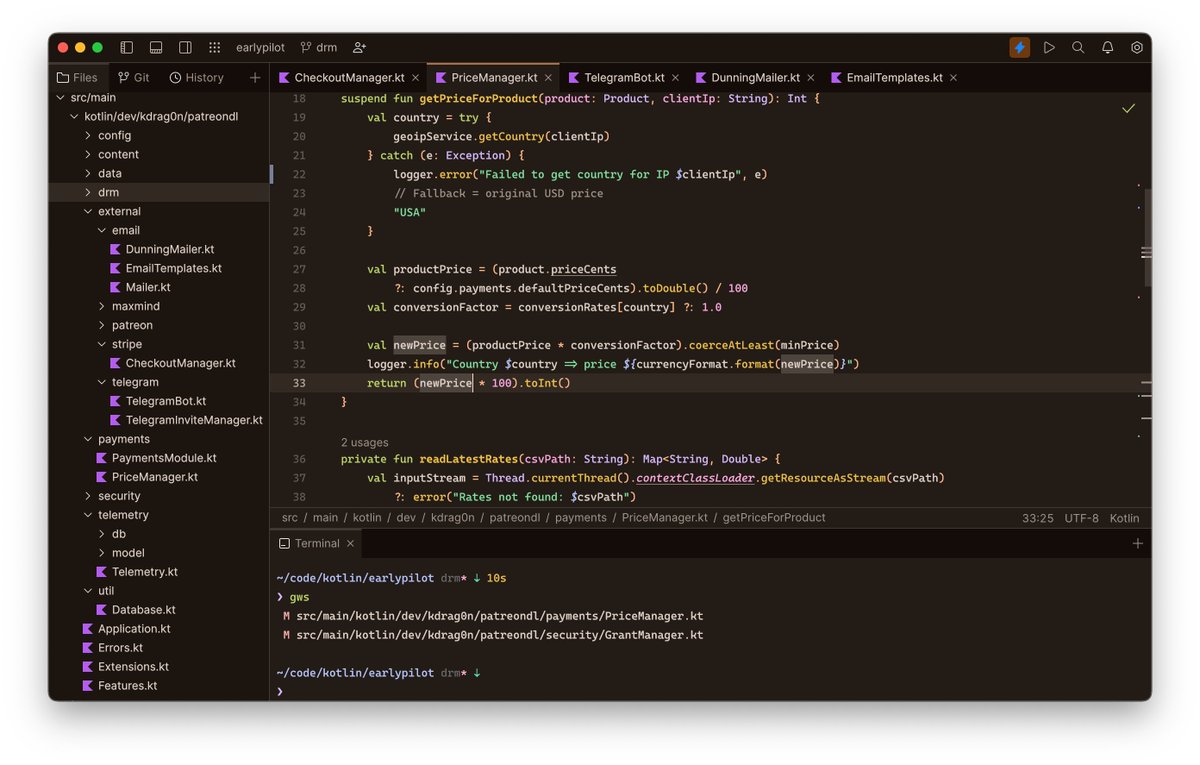
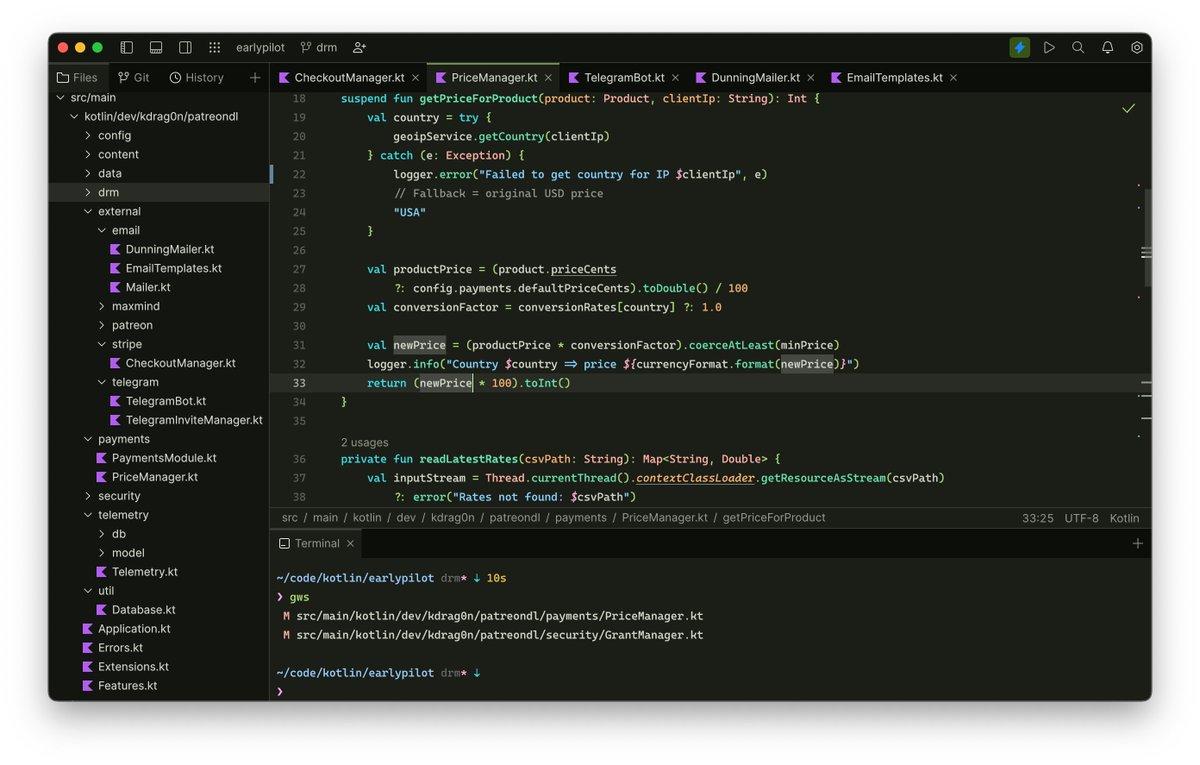
Heya support engineers out there! Do you share same passion for sw development and always curious about the new? Want to take part in the development of the greatest sw product used by millions of developers and make a real difference? You believe customer support is important?:)
@hmemcpy@kskrygan Hi, Igal. A web page opened by the CWM join link contains the "jetbrains://client/code-with-me" handler for the Toolbox app. If no Toolbox is found after clicking the “Join session” button, the page offers to install it or use an old join method.
@_jeroka@JetBrains_Fleet You can run Fleet from the command line with sudo: https://t.co/Vtvj3POecP e.g. `sudo fleet /ets/hosts` Does this work for you?
@LeeCBrindley Thank you! Completion and advanced highlighting (at least for the most popular languages including ts) should work. Could it be that the Smart mode was not enabled for the project?
Btw, we are going to bundle more TextMate language packs by default.
@engineerYodaka@JetBrains_Fleet There was an issue that the Fleet EAP had been filtered out from the Toolbox App feed. It should appear soon again soon. Sorry about the inconveniences caused.
Finished JetBrains Fleet support for Hueflake, so all themes can now be exported for @JetBrains_Fleet. I think that makes Hueflake the first Fleet theme(s) ever!
https://t.co/t0Kg7bNf8Q
@geetsww Ce n'est que pour la Public Preview, pour la Release en revanche, il est prévu que Fleet soit disponible sans obliger l'utilisation de Toolbox.
@ArnoOff@jetbrains@JetBrains_Fleet Fleet can run as a simple text editor but turn into a fully featured IDE with the Smart Mode enabled bringing all the smart code editor features like completion, inspections, intentions etc.