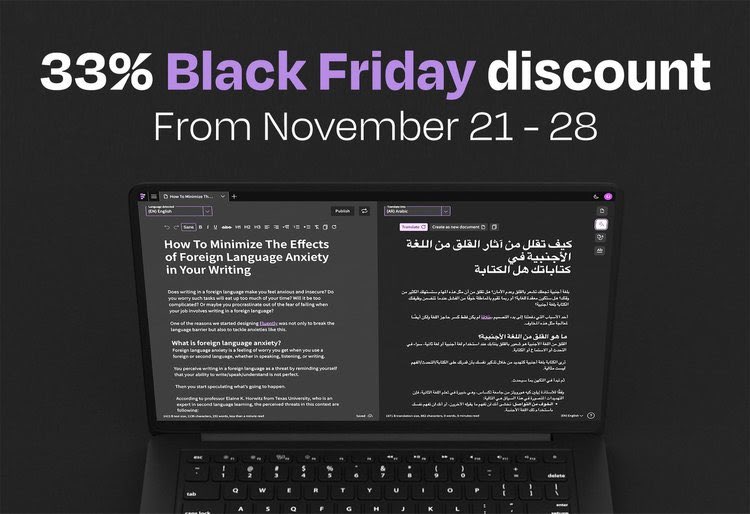
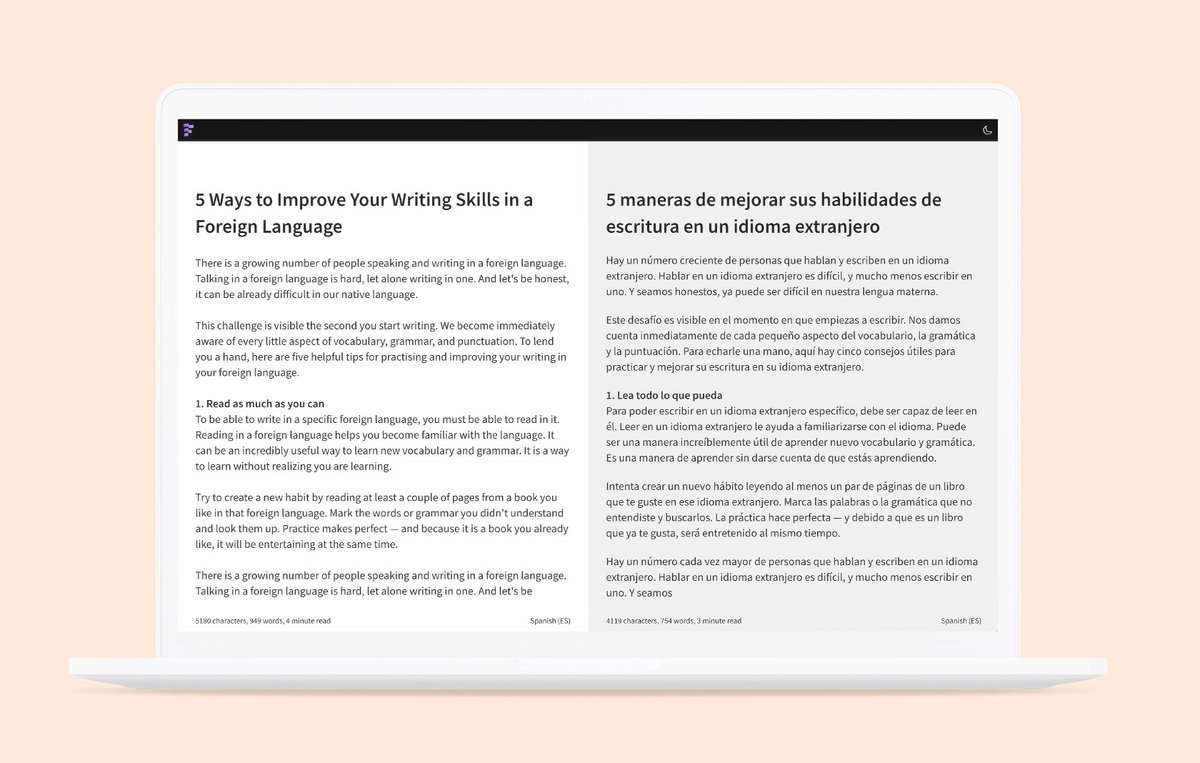
We added a document overview to Fluently to manage your documents.
It makes managing multiple documents super easy!
You can now close documents in the tab bar and open them again.
Check it in the app!
#language#writing#editor#grammar#writingtool#translation#editor
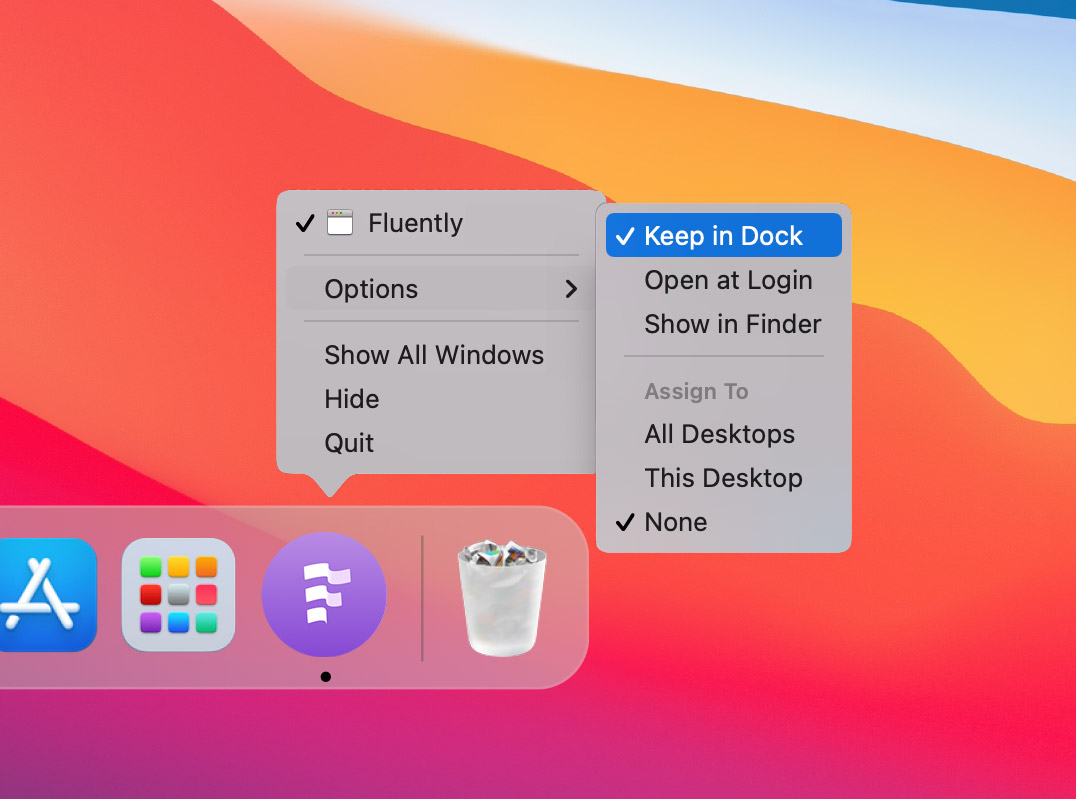
Create your own "WebApp" shortcut on macOS or Windows for Fluently.
➡️ Go to https://t.co/C7csUY9g5g in Chrome.
➡️ Click the three vertical dots ⠇ (top right).
➡️ Click "More Tools" > "Create Shortcut."
➡️ Make sure to check the box "Open as Window."
#writing#editor#language
Fluently officially has launched 🎉
We are thrilled to see the first members start using Fluently to communicate their ideas in other languages.
If you haven’t subscribed yet, we would love to welcome you onboard as well.
https://t.co/k8paaiVFwz
#language#writing#launching
@Rydeck Yes, you're right about tabs not being sufficient. A more accessible overview of all your documents is going to be available soon! Keep tuned :)
There are only six days left to take advantage of the 25% early bird discount. Save $24 on a yearly subscription to Fluently until the end of February.
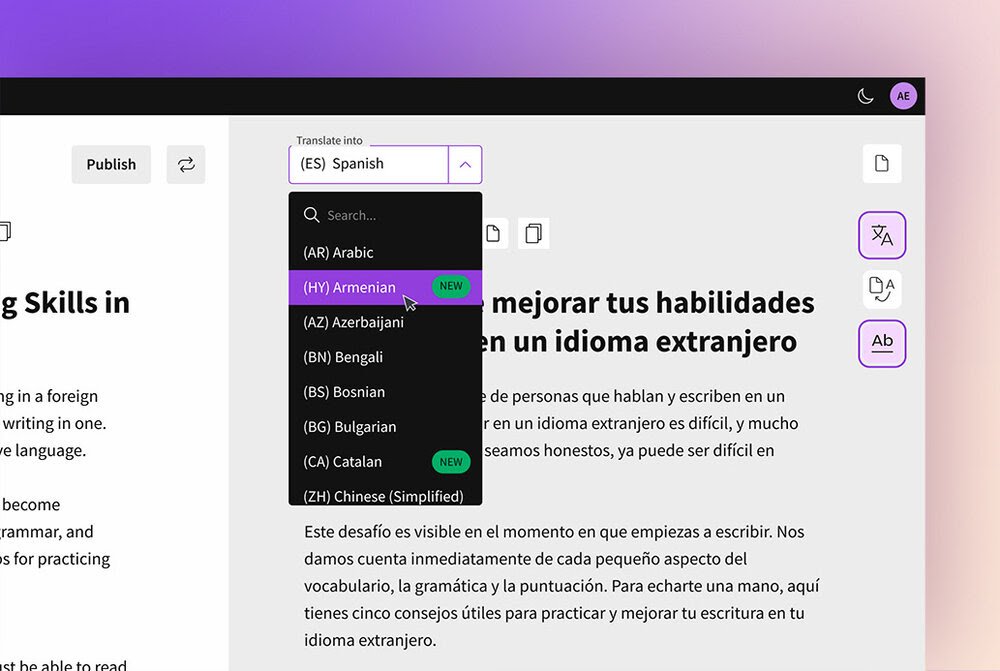
News 🎉: 16 new languages are added to our language translation support.
From March 1, you’ll be able to translate your content into 71 languages and variants. Empowering you with 4970 translation combinations.
New to this list are:
Armenian, Catalan, Gujarati, Haitian, Icelandic, Kannada, Kazakh, Lithuanian, Malayalam, Macedonian, Maltese, Mongolian, Sinhala, Telugu, Uzbek, and Welsh.
@muhalab2012 Hi @muhalab2012, lets' make sure to fix that. Do you want to change the email address you signed up with another email address? Or did you make a mistake while writing down your email address? Please let us know by sending us an email to [email protected] to explain what went wrong.
We recognize that it is crucial to work together to deliver quality content, merge ideas, and learn from one another.
That's why we decided to take an essential first step towards collaboration by adding a simple but powerful publishing feature.
🧵👇