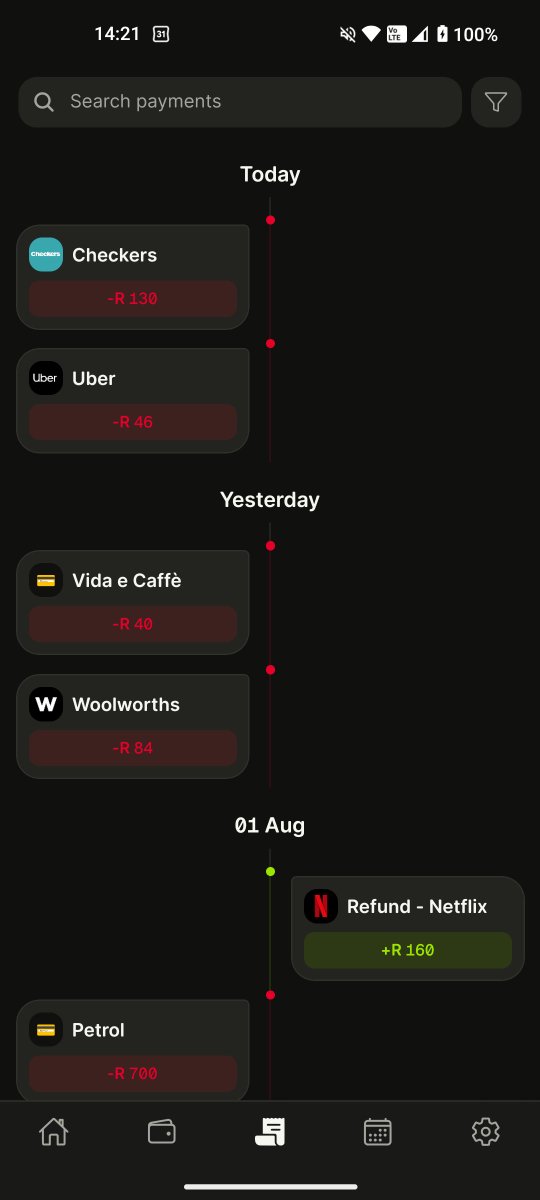
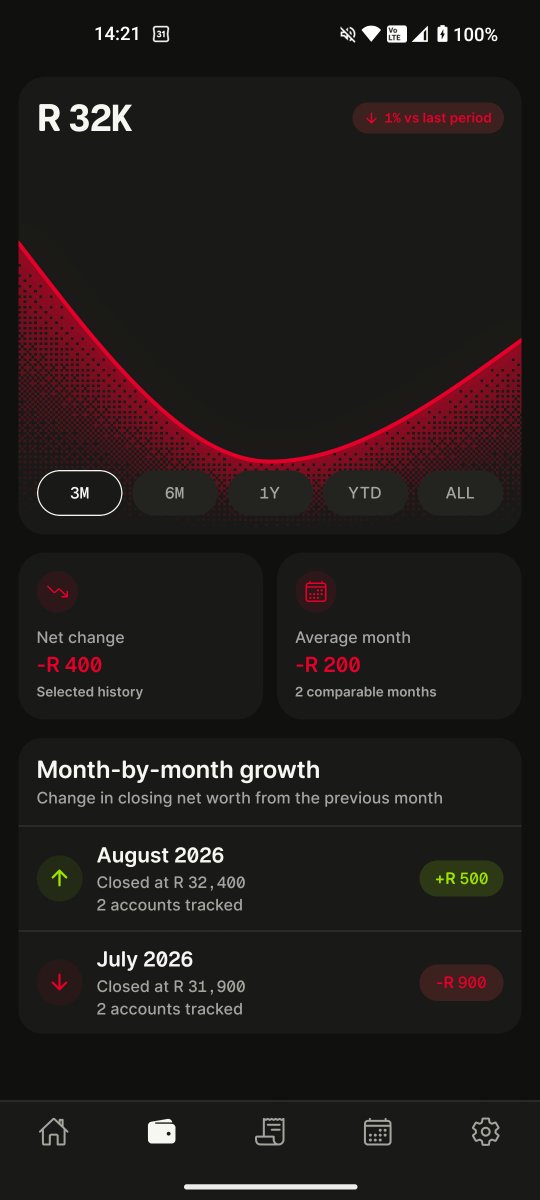
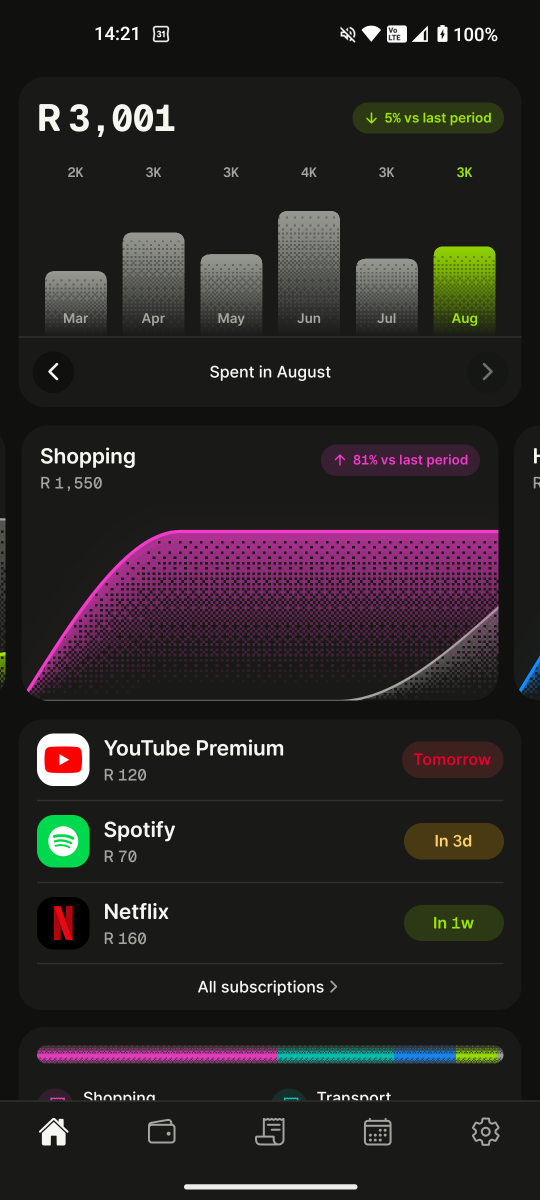
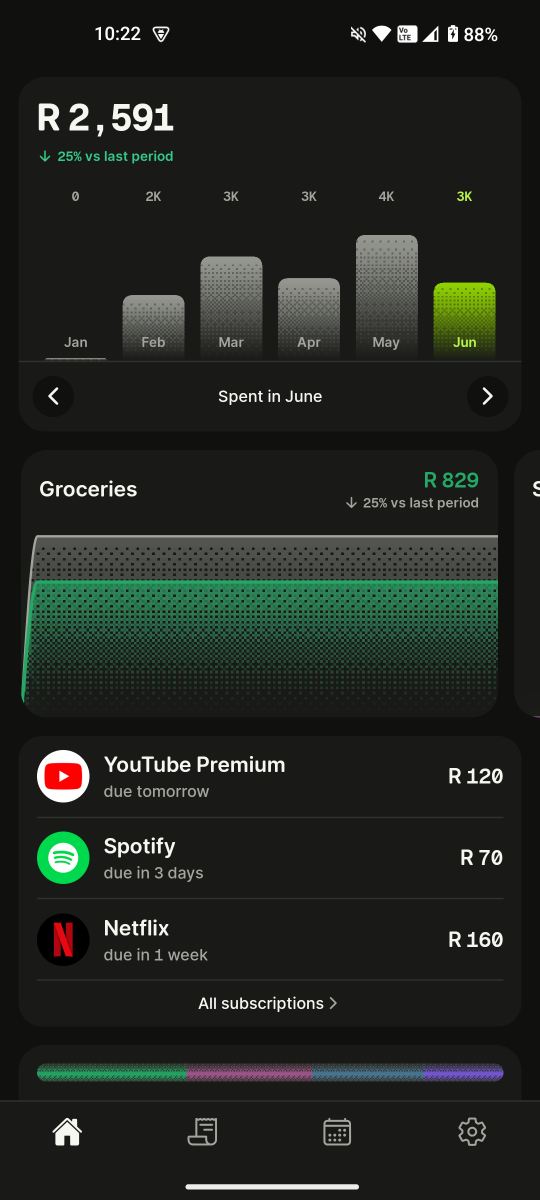
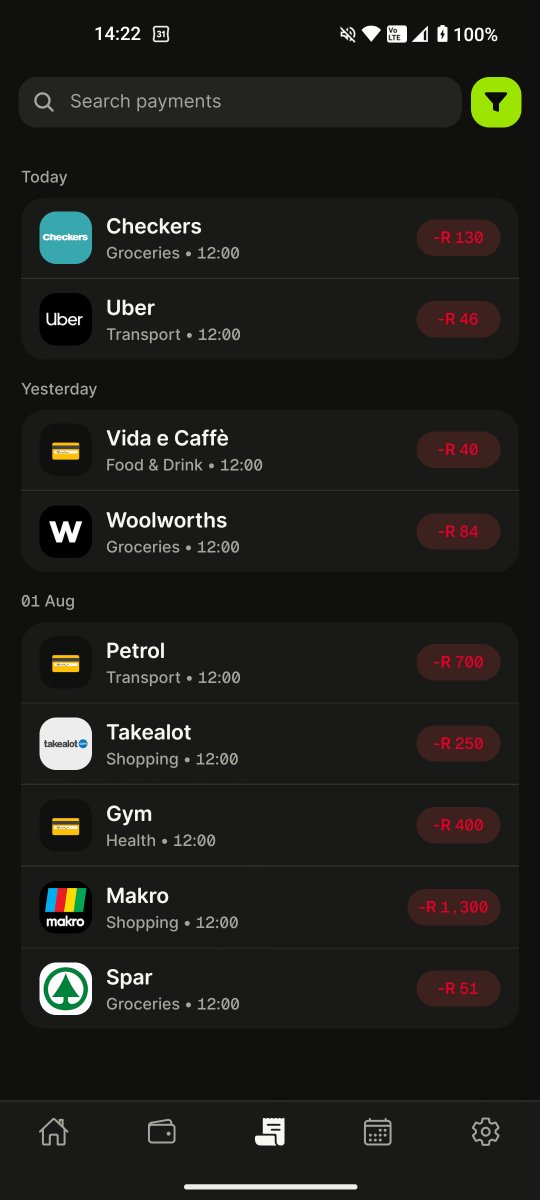
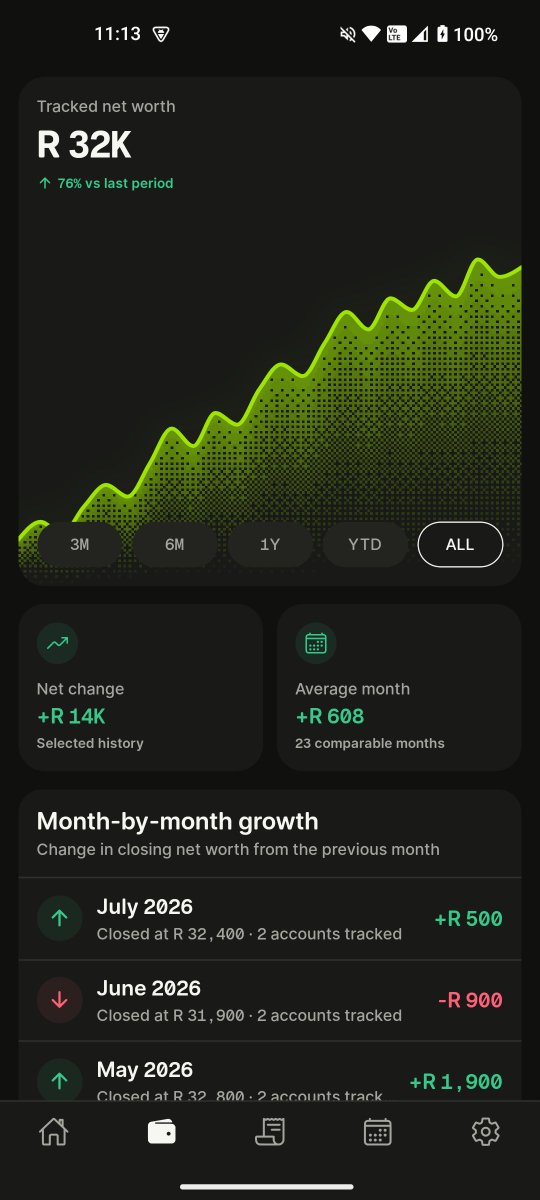
mooola is coming to desktop.
Your payments, budgets, account balances, recurring expenses and shared costs, all with a bit more room to breathe.
Online access is optional. Your financial data only goes online if you choose.
Take a look: https://t.co/Z4NoDZaLQ5
We're bringing automatic Apple Pay expense tracking to mooola on iPhone!
Set up a Shortcut, tap to pay, and supported purchases appear in mooola. No manual entry or statement import needed.
Everything stays on your device.
Coming soon!
https://t.co/VHsDnuUglS
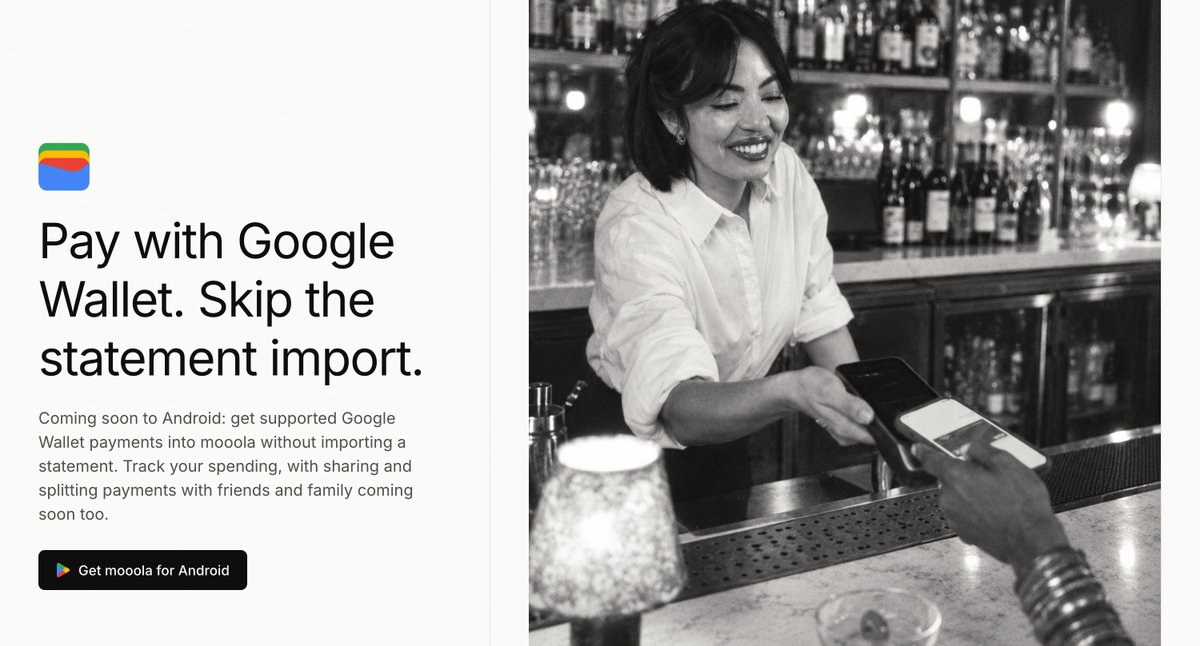
Soon, Android users will be able to automatically track supported Google Wallet purchases.
Just tap to pay, and mooola picks up the transaction. No manual entry or statement imports.
All processed locally on your device.
https://t.co/eRiiq6vYvs
Soon you'll be able to split or share expenses with friends, family or roommates, straight from an existing transaction.
No more manually entering amounts or keeping track of who owes what. Just tap a transaction and hit Share.
https://t.co/v9YWFl4MMj
Ever wonder where your salary actually went?
mooola helps you make sense of your spending from the statements you already have — no bank login required.
See what’s eating your salary.
R30,000/month sounds comfortable.
Then tax, rent, groceries, transport, utilities and medical come off.
In this example, you’re left with roughly R6,100 before savings, debt, eating out, subscriptions or emergencies.
🇿🇦 What would you change in this breakdown?
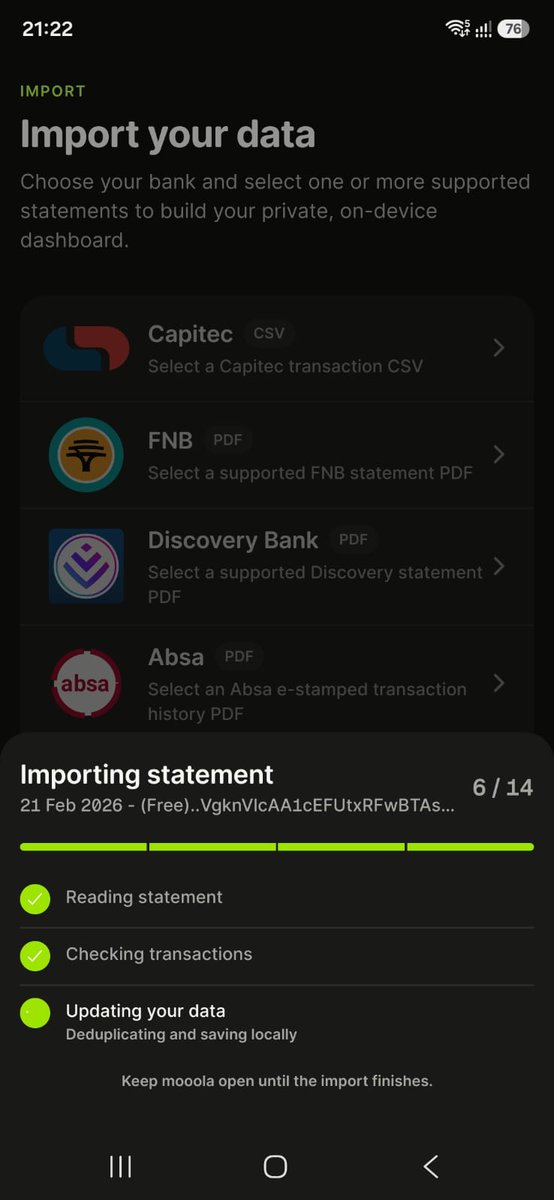
@lukey_stephens mooola allows for multiple account imports so you can see all your data in once place. watch the following video for more information.
https://t.co/HYyVgYMfcw
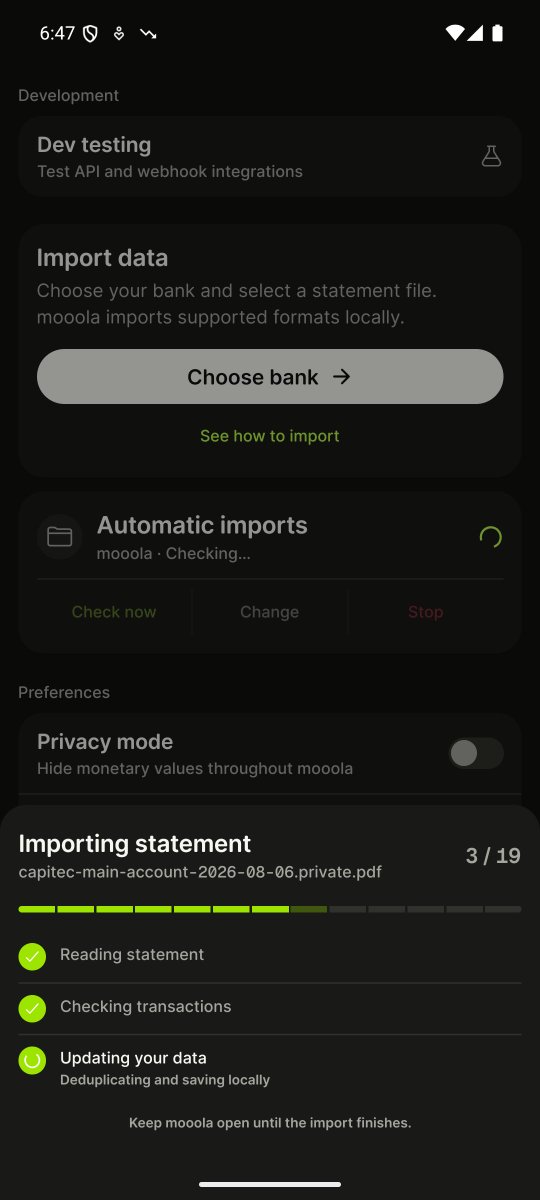
automatic imports will be shipping in the next release.
set a Google Drive, iCloud or local folder as your automatic folder and any time a new statement appears in that folder mooola will automatically import that statement the next time you open the app.