Announcing design assets support for @appshotss today🥳
You can pick from 200+ design assets to beautify your store screenshots and stand out on app stores👌
💙 200+ design assets(variants coming this week)
3️⃣ zIndex support for elements
✨ UI/UX updates
#buildinpublic
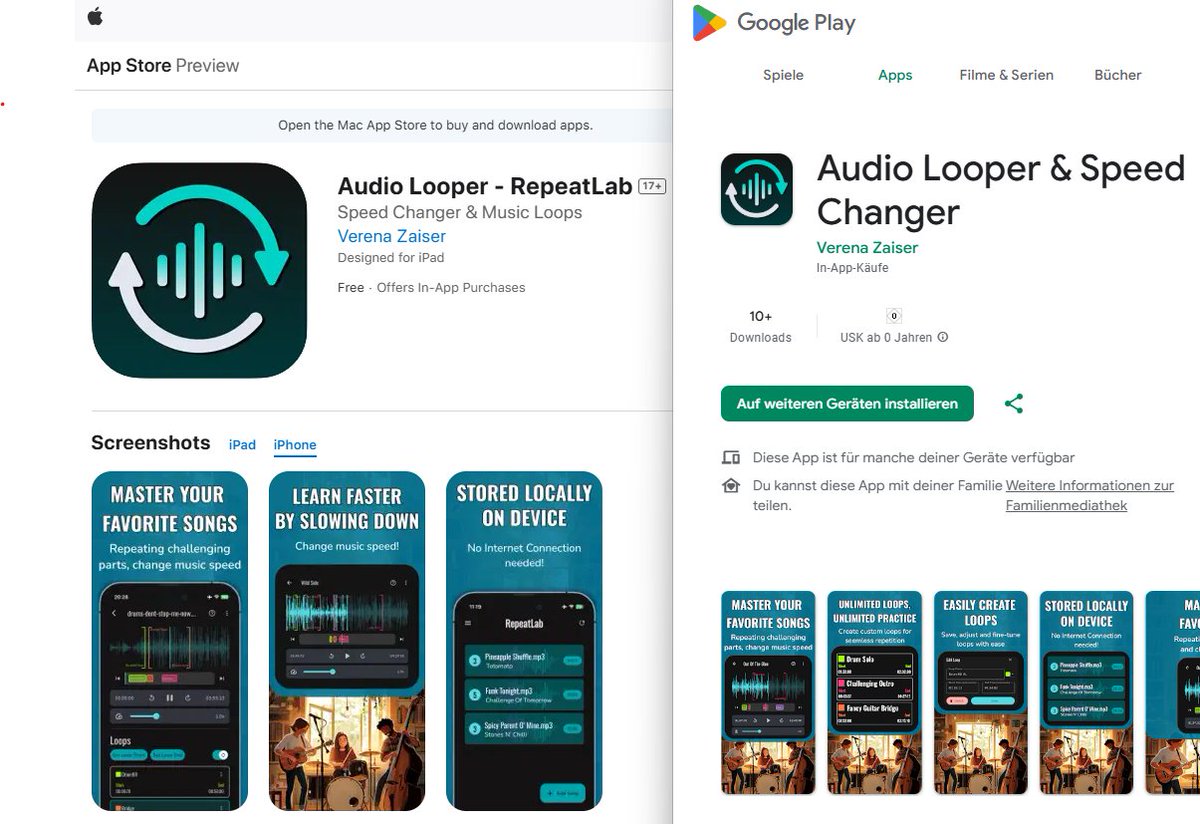
I made it :D! I launched my 2nd indie flutter app (MVP state ;D) in Apple App Store and Google Play Store 🥳!
It helps you with practicing songs by setting multiple loops and changing the music speed 🐢!
If you want more about the proces - lmk☺️! Links 👇
@SEGVeenstra@FlutterDev It's painful. My last approach was using device_preview package. I think I had to fork it to add some screen sizes... and then I load them into @appshotss. It's still a lot of effort.
@SEGVeenstra@FlutterDev I’ve been setting up an iPhone, an iPad simulator, my old Android device, and two different android simulators for the different tablet sizes. It’s 💯 a hassle. I think I’ll just take iPhone and iPad snapshots from now on and put them into @appshotss
Always puts a smile on my face whenever I see people recommending AppShots😍 in the wild.
So grateful to have such a great user base🫶
Thanx a lot @verry_codes and others who share the good word💙
@H3ndrick_@verry_codes Hey Sebastine, hit me up if you've got any questions or anything you wanna ask me abt AppShots. Would be happy to discuss those things with you and help you get started. 🙌
For #ScavengerHuntApp I've created a main_screenshots.dart that just contains a PageView widget with the 3 Screens I wanted for the store screenshots.
Then I ran that on the different devices and used those in @appshotss .
But with this new idea, that could be better/faster(?).
A new @appshotss release after a long time 😌,
✨ v.1.20.10
Here's a brief summary of updates in a short video, also my first time sharing updates in a video format 🙈
https://t.co/eJROFQAg3q
Hey y'all, been a while since we've had our last updates here. Sharing some things abt what I've been upto recently, and more details on how AppShots is gonna continue will be sharing over this coming week.
Let's get back to building the best app store screenshots builder💪
Back to straight up grind and building 👊
Last few months has been challenging for me to keep working on my projects, and balancing my new job. Had a big break from all socials as well in this time, and just took this time to adjust to this new flow.
But I really missed...
@appshotss is quietly and steadily growing up🥹
Some great milestones since it launched ~6 months back🙈,
🫶 ~35 lovely members
✅ Most stable it has ever been😄
💪 Learned to build a product people want
💰 >$600 in revenue
📈 $12 MRR
Hope to write something soon on this🤓
A new AppShots release is available, v1.20🎉
This release includes,
✅ Fixes jumping caret while editing text
✅ Fixes an issue which prevented adding new screenshots
🌏 Updates to Translation/Localization feature
Did a minor release of @appshotss today,
v1.11🎉
This release includes,
✅ Improves text editing experience, adds auto-save.
🐞 Copy/Paste bugs reported by @RaresCruceat#buildinpublic
A brand new product demo has gone live today🥹
Wanted to work on this for long time, so found time today to finally ship this✨
I think it catches the spirit of what I'm trying to build perfectly🙌
What do you guys think?
#buildinpublic
Pushed out AppShots v1.01 with a few small improvements✨,
✅ Screenshots now shown at full screen zoom instead of adjusting through zoom-in slider.
✅ Shows highlight box around elements when hovering over.
✅ Screenshots automatic generation updated to handle design-assets.