A wee thread about a young boy and the tweet that got away. Feel free to RT.
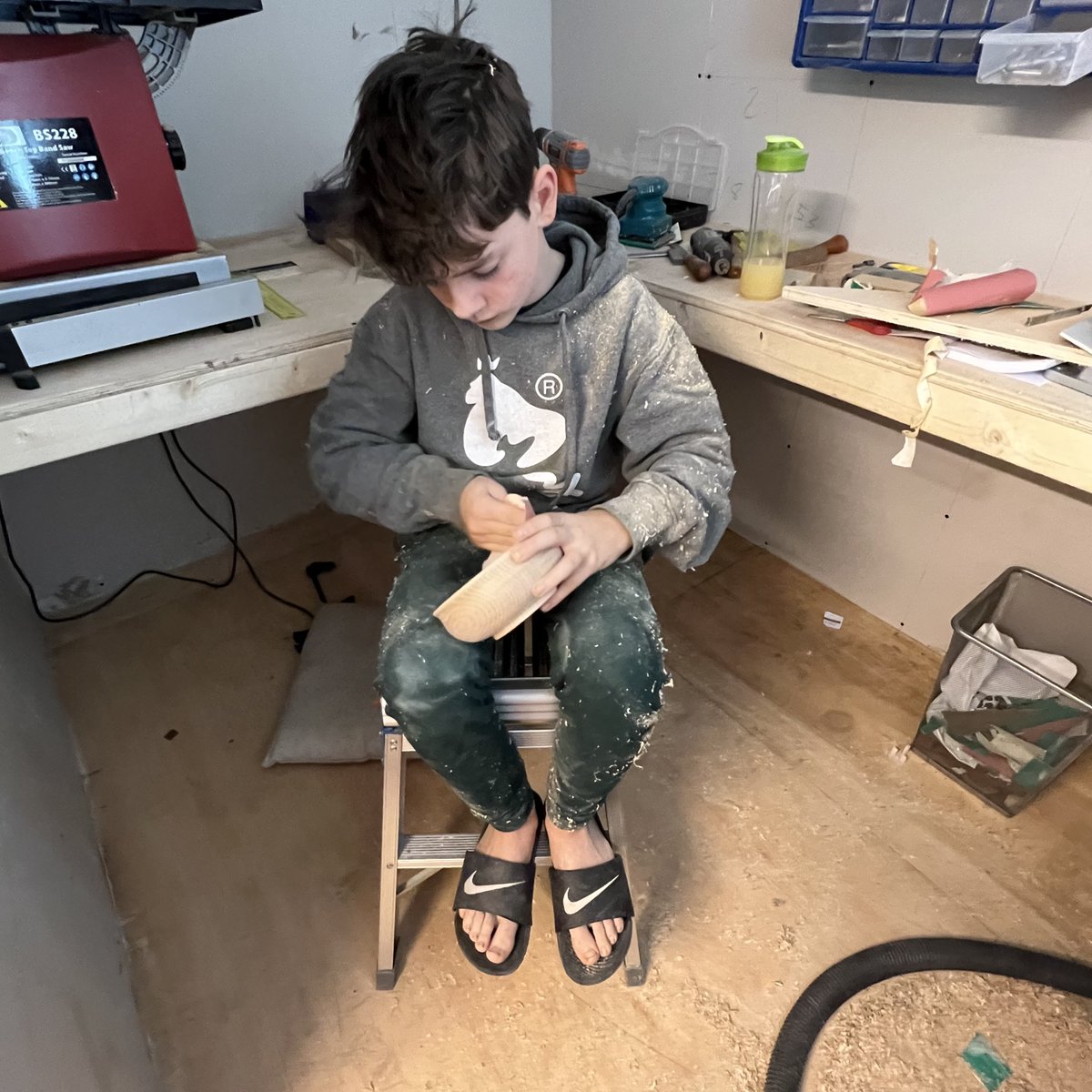
Three weeks ago my youngest, Gabriel 12, came home upset. His love of woodwork was not deemed cool, nor was only having 6 followers on his instagram. 1/15
@heymrsbond I do check-ins on sundays and ask staff what they need for the week. And then I provide it, no matter what the ask. I do personalized pd. I turn meetings into emails. I ask Ts before making decisions that will impact them. I cover classes. And I tell them they’re brilliant. ♥️
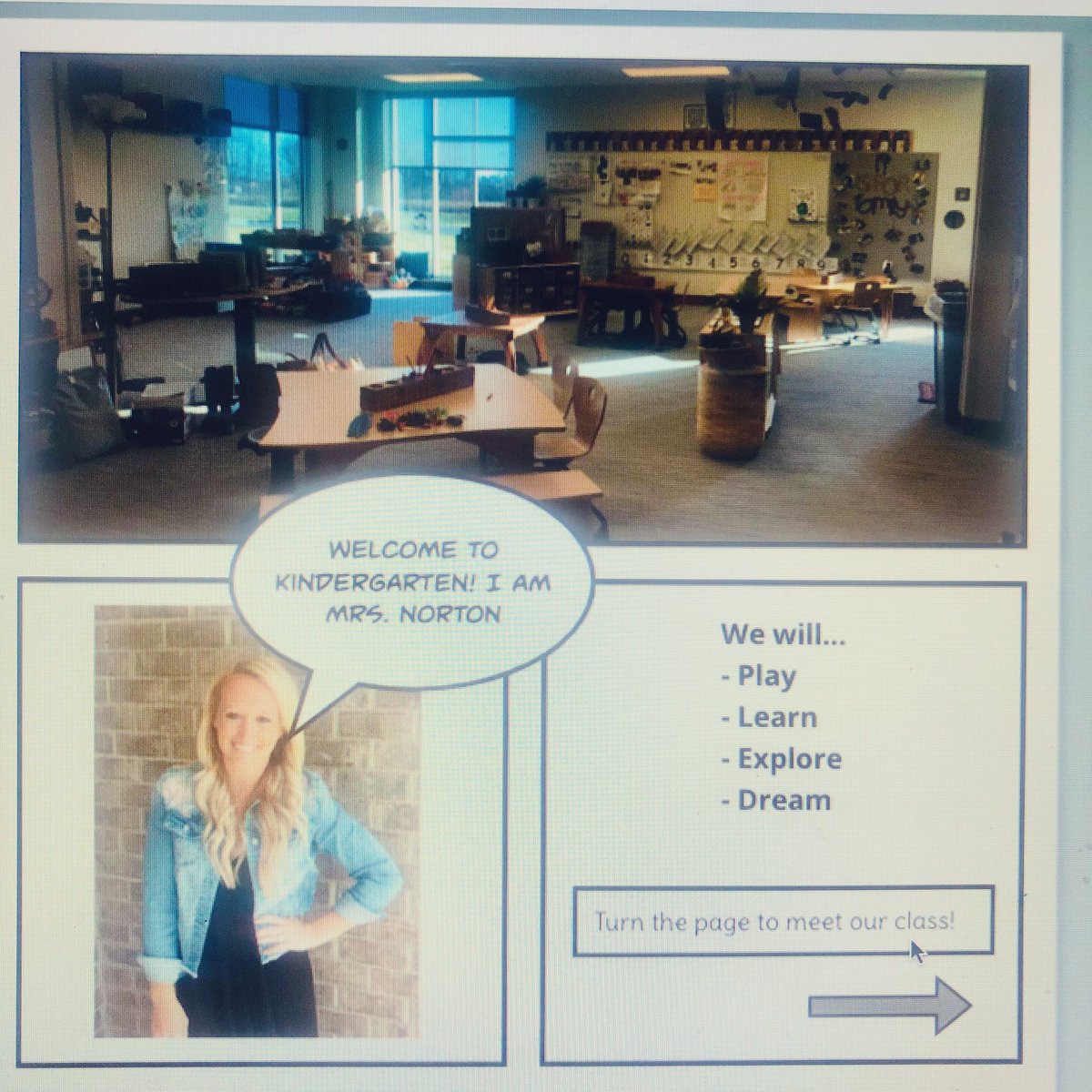
@Fendweller Teach kindergarten to 20 in seat students and a few still on DL. 3 screens! Laptop to see my 5 years olds, monitor to see what I’m presenting to them at home, and big screen to display to in seat students. Could not survive without the set!!!
@unprocast @NicholasFerroni California
Hybrid-3 cohorts-since 9/28/20
Feb 1st-vax appts available to educators in my county(Placer)
My first dose 2/3
All return F2F-4 days starting March 1
@arsmith70@Seesaw@cogswell_ben@KSzajner If you use Seesaw activities, put the date in the activity name. It helps parents. Share your screen at the end of the zoom and show/explain what they will do on Seesaw. This helped SO much with virtual summer school. Provide video and voice feedback for your students in Seesaw.
@arsmith70@Seesaw@cogswell_ben 1. Start slow and work up to the tips below
2. Embed or share the Zoom links in Seesaw
3. Minimize the number of activities you send out (Multipage)
4. Host small group learning on Zoom and follow up with activities
5. Embed supports into activities (Recordings, Video)
@arsmith70@Seesaw@KSzajner Great tips Kris!! Adding a few I made a YouTube video for parents on how to access their virtual meeting from Seesaw And also letting them know how to navigate seesaw. You can find the videos https://t.co/xcD643qY3o Under the parent portal