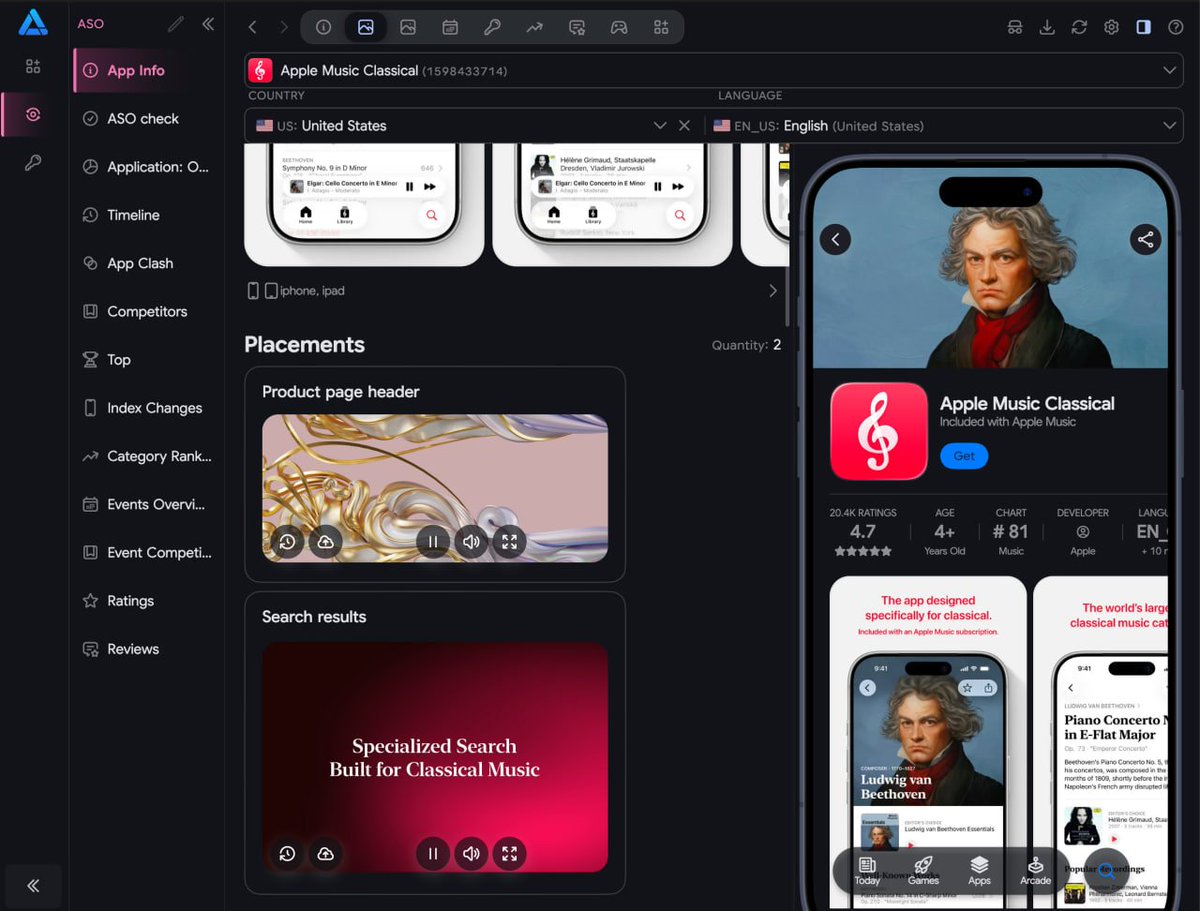
Our screenshot localization Figma-plugin just got approved!!! 🤩
Creating localized App Store screenshots is now super simple:
1. Design your base screenshots in Figma using our ready-to-use Screenshot Template https://t.co/SnDvEH8f5y
2. Localize them instantly to 39+ languages with our newly approved Figma Localization Plugin: https://t.co/jsnAH8J8Ru
3. Translate & Upload everything in bulk through https://t.co/HQqo0nX9nN : screenshots, CPP/PPO
Grab your access code and check out the setup guide here: https://t.co/iEwwnFmoVP
If you release updates through the App Store Connect website, check after every release that all your localizations are still there. You can check on the website, in the App Store Connect mobile app, or in App Info / ASO Check in https://t.co/HQqo0nX9nN. A bug in Apple’s web console can cause localization data to disappear.
If this happens to you, reach out. We’ll help you find the easiest way to recover your data.
If the localizations are still available in the previous release, they’re easier to recover with https://t.co/HQqo0nX9nN. If they disappeared several releases ago, recovery takes more work, but there are still options. We’re collecting reports and looking for ways to make recovery easier for anyone affected by the web console bug.
Waiting won’t bring the data back. The missing localizations are already unavailable through Apple’s API, the App Store Connect website, and the mobile app. To restore them, you’ll need to release an update with the recovered localizations.
So far, we haven’t seen any localization data loss when releasing new versions through https://t.co/HQqo0nX9nN.
Either can catch it - we haven’t confirmed that the website or mobile app shows the loss earlier.
The Apple bug affects Apple’s App Store Connect web console. When editing or submitting a version there, localizations and localized screenshots can disappear, leaving only the primary language. Even selecting a new build without changing the metadata may trigger it.
Once lost, the data is unavailable on the Apple’s App Store Connect web console, in the mobile app, and through Apple’s API. This isn’t caused by https://t.co/HQqo0nX9nN, and so far we haven’t observed it when releasing updates through https://t.co/HQqo0nX9nN.
We’ve already released https://t.co/HQqo0nX9nN 7.2 with additional checks and tools to help users affected by the App Store Connect bug restore their missing localizations. If you’re affected, contact us before submitting another release so we can help with recovery.
If you release updates through the App Store Connect website, check after every release that all your localizations are still there. You can check on the website, in the App Store Connect mobile app, or in App Info / ASO Check in https://t.co/HQqo0nX9nN. A bug in Apple’s web console can cause localization data to disappear.
If this happens to you, reach out. We’ll help you find the easiest way to recover your data.
If the localizations are still available in the previous release, they’re easier to recover with https://t.co/HQqo0nX9nN. If they disappeared several releases ago, recovery takes more work, but there are still options. We’re collecting reports and looking for ways to make recovery easier for anyone affected by the web console bug.
Waiting won’t bring the data back. The missing localizations are already unavailable through Apple’s API, the App Store Connect website, and the mobile app. To restore them, you’ll need to release an update with the recovered localizations.
So far, we haven’t seen any localization data loss when releasing new versions through https://t.co/HQqo0nX9nN.
Black Friday at https://t.co/HQqo0nX9nN - 20% off 🎉
Tomorrow we’re turning 4!
For four years, we’ve been making ASO simpler - from keywords and localization to managing subscription pricing.
To celebrate our anniversary, Black Friday, and Cyber Monday, use promo code FRIDAY for 20% off your subscription payment.
Thank you for using https://t.co/HQqo0nX9nN, sharing your ideas, and helping us make it better 💙
P.S.: The discount applies to one payment on current plans only. Excludes legacy plans.
We’re building something similar into https://t.co/HQqo0nX9nN, so users won’t even need to know what Git is. Exporting localizations for backup was already possible, but we want to make protection and recovery automatic.
The bigger issue is that Apple’s console can wipe screenshots too, not just metadata. We’re working on one-click recovery for those as well.
We’ve been seeing this since around early November, so your summer ranking drop may have a different cause. In the cases we’ve seen, localization data disappears for languages other than the primary language after changes or a release through Apple’s web console.
To check, look at the localizations in App Store Connect or in Editor/App Info in https://t.co/HQqo0nX9nN. A ranking drop alone wouldn’t confirm this issue—you’d need to check whether the localization data is actually missing.
We’re building automatic checks and recovery tools to help protect that data. So far, we haven’t seen this happen with releases made through https://t.co/HQqo0nX9nN.
It can happen even if the metadata is left untouched—simply changing the build number in App Store Connect can trigger it. So far, we haven’t observed this issue when submitting updates through https://t.co/HQqo0nX9nN. We’re already working on additional double checks and recovery options to help restore any localization data or screenshots lost by Apple.
@shipwithjay This only happens when you release a new app version through the App Store Connect web console. After the release, only the primary language remains on the App Store listing. All other localizations disappear.
In App Store Connect analytics, exports of all metrics by country (and other dimensions as well) currently return only the top 10 results instead of the full dataset.
We’ve already found a way to fix this in and are releasing an https://t.co/HQqo0nX9nN update with the fix.
Unfortunately, we still can’t submit fixes to Apple’s code ourselves :)
https://t.co/1Pw8cT6ck3
How https://t.co/8w2QE4i9GL tests adaptive UIs across 5 platforms using Flutter → https://t.co/b4p24sYlmS
Dive into their Golden testing strategy, how they manage complex device matrices, and their newly open-sourced packages ff_golden and ff_golden_presenter ✨
We’ve updated the logic: for removed apps, the App Info screen now shows the latest available data snapshot instead of displaying an “app not found” message.
In the next release, we’ll also add a clearer status indicator and a button to force-refresh the app information and recheck its availability on the App Store. These controls will be available on the App Info screen, in data tables, and on app cards.