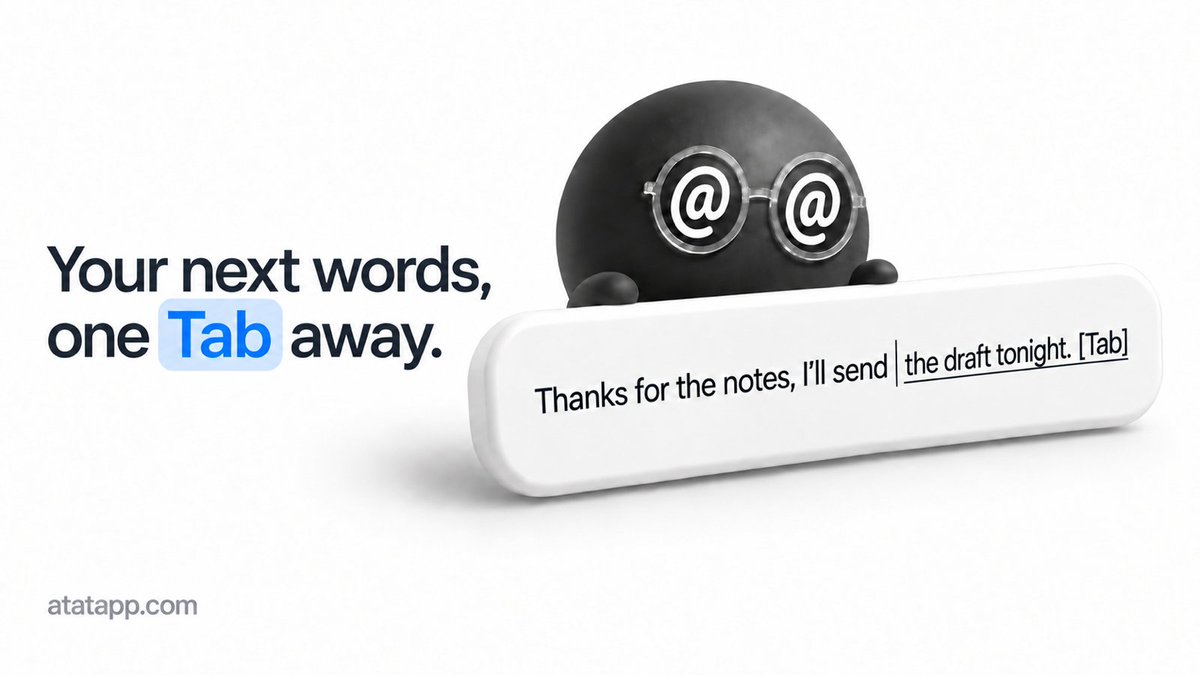
meet @@: type it in any text field on your mac, hand your agent what you're looking at, and press tab. the answer lands back where you were typing.
works with claude code, codex, or cursor. out today.
https://t.co/qmeRssrRbk
AtAt 2.3.0 is out.
your agent can draw now. ask @@ for a picture and it lands under the answer. Codex, Grok and Antigravity draw on their own. Claude Code borrows one of them, or your image key.
plus: steer a task mid-run, and a much simpler Settings.
https://t.co/i6nJimGhVT
@@ 2.2.0 is out. fixed:
- signing out now lets you pick another account
- TabTab works with Codex 0.164+ again
- quick access buttons show up right away
- long Chats scroll smoothly
new: Chat syncs across your Macs via iCloud, and a 14-day trial.
https://t.co/i6nJimGhVT
@@ 2.1 is out!
hold Fn and talk, your words get typed. give Ask by Voice its own key, hold that, and your AI answers. Tab puts it right where you were typing.
longer jobs now run as threads beside Chat. they keep going after you quit and ping you when they need you.
also: Gmail, Calendar, Slack, Notion and GitHub as connectors, way fewer approval cards, and links in your clipboard now show the page.
https://t.co/m75ORA5ZrB
@@ 2.0.1 is out.
each new @@ now starts your agent from the earlier work that relates to it, not just whatever you did last.
Chat got calmer too: it opens at the latest answer, turns never overlap, and the wheel scrolls over images and code.
https://t.co/i6nJimGhVT
meet @@, your agent in any app on your Mac. 2.0 is out today.
type @@ in any text field and ask Claude Code, Codex, or whatever agent you already use. what you see, select or copy comes along, and the answer lands right where you're typing. you stop copy-pasting into a chat tab.
new in 2.0: one conversation across every app, a memory your agents read before they start, and your agents can use @@ back.
rebuilt most of it to get here. enjoy!
TabTab is here in @@ 1.2.
Press ⌥ Option + Tab in any text field and the next words appear at your cursor, drawn by the app itself. Tab to keep them, keep typing to skip.
Introducing @@ TabTab.
Cursor Tab, but for every text field on your Mac.
i've had Tab completion in my code editor for years. everywhere else, Mail, Slack, Notes, i still typed every word.
so i built it. pause, it writes the rest. Tab to keep.
https://t.co/qmeRsssp0S
cleanshot.
paste.
popclip.
three apps.
three licences.
three icons in the menu bar.
i got tired of that stack.
so i built one system that does all three —
and feeds claude code / codex via @@.
not a cheaper alternative.
the thing those three were missing.
https://t.co/MLo15C4Jvm
i used to be the courier.
screenshot → save → switch → drag → prompt → wait → copy → switch → paste.
nine steps. the agent did one.
now i type @@ where i already am.
the answer lands back in the same field.
still building the thing that fired me.
https://t.co/ZdvIjAP9Kl
I shipped @@ 1.1.1 with 6 fixes.
Complete text replacements in browsers, clipboard history that keeps its place, and fixes for screenshots, the image editor, and iCloud Sync.
https://t.co/ETtUW2VJsv
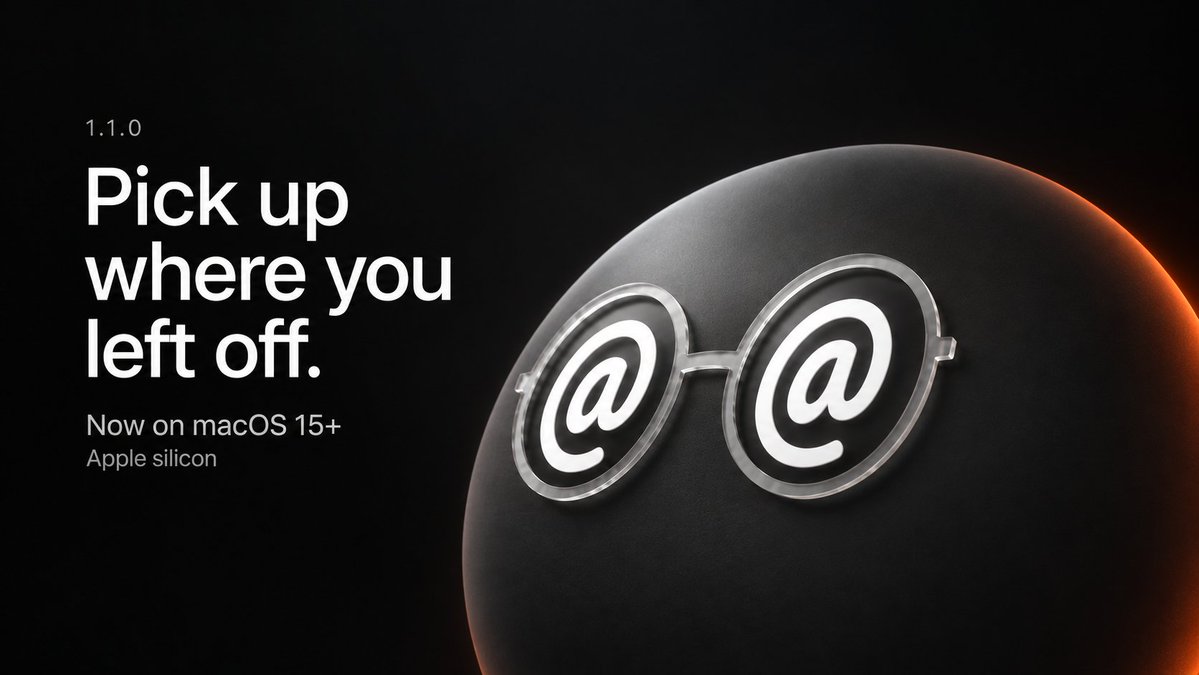
Meet @@ 1.1.0
Close a chat. Pick it back up from History, with your messages, files and saved draft intact. Stop a reply halfway—the text stays.
Now supports macOS 15 on Apple silicon, too.