One tiny SharePoint button. One very annoying problem solved. 🔝
Meet AvantIT Back to Top — a free SharePoint extension that gives every modern SharePoint page a simple floating button to instantly return to the top.
👉 Explore AvantIT Back to Top: https://t.co/YvHSSNklRv
SPFx Developer Tip💡
A slow request can return after a newer one — and overwrite the correct data.
In SPFx, cancel or ignore stale requests when using useEffect
→ New request
→ Old request finishes later
→ Old data overwrites the new data
💡Always handle request cancellation
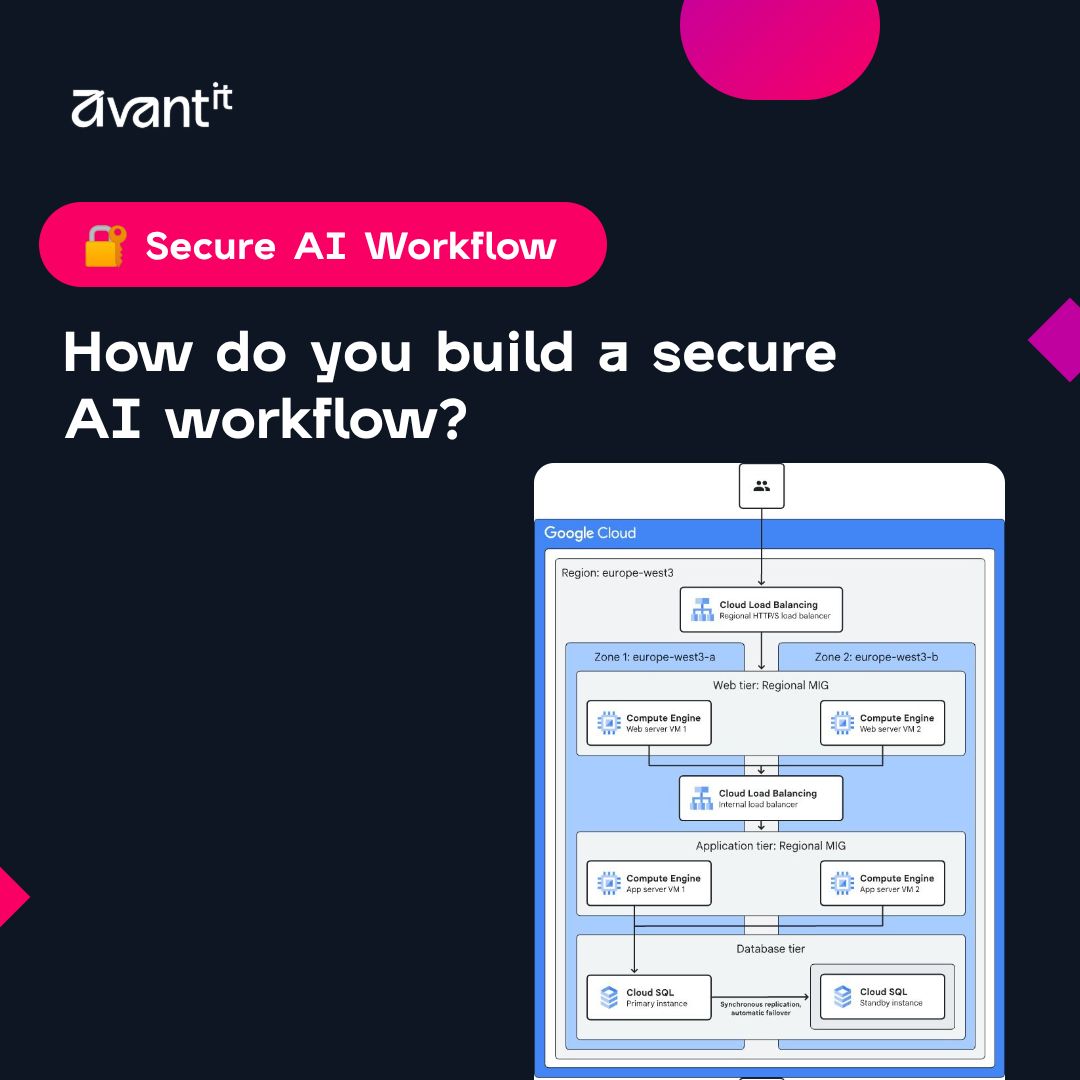
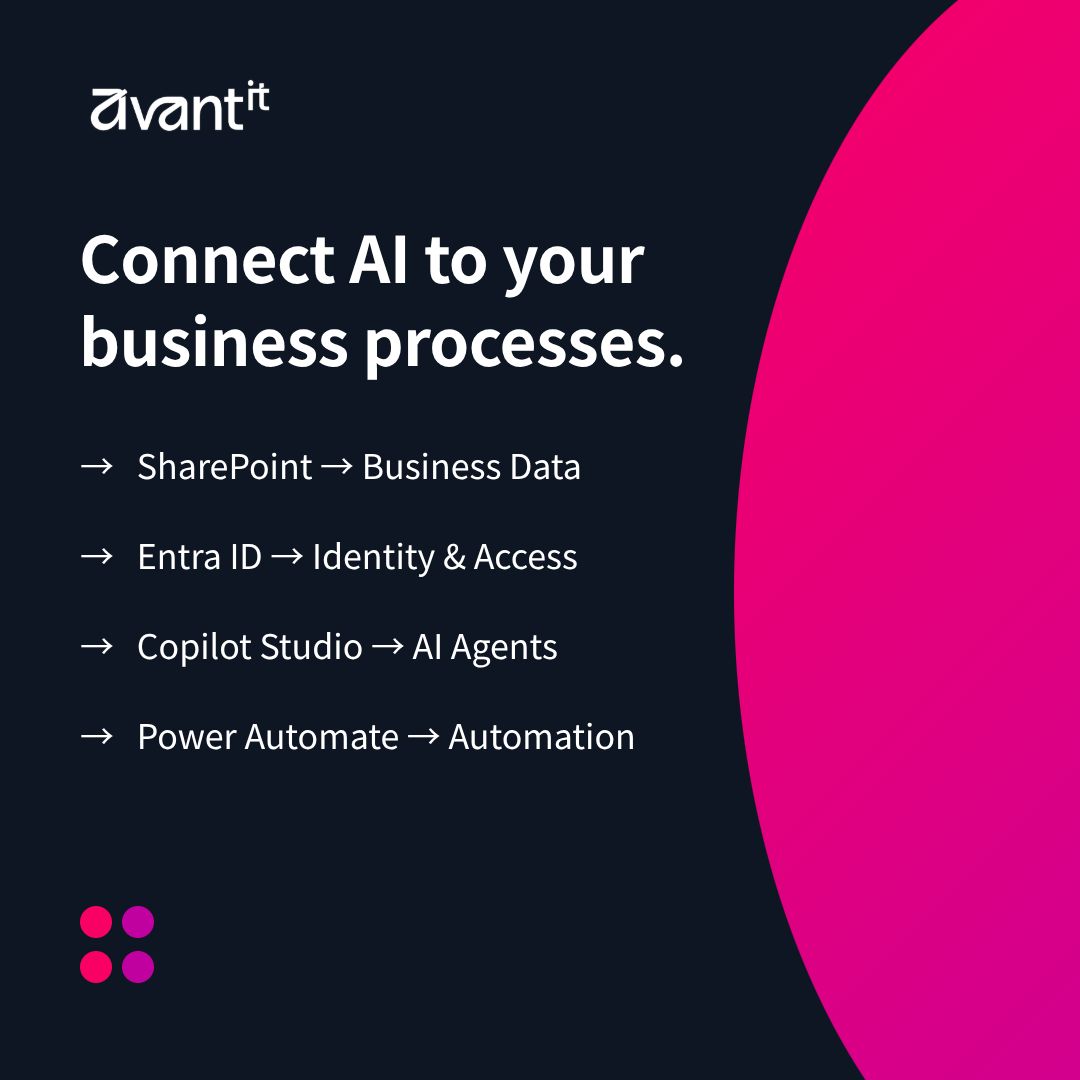
Educational Tuesday 💡 How do you build a secure AI workflow?
→ Protect your data
→ Control access
→ Automate with Power Platform
→ Add governance
→ Monitor AI use
💡 Secure AI = data + identity + automation + governance.
#Microsoft#PowerPlatform#Cybersecurity#AvantIT
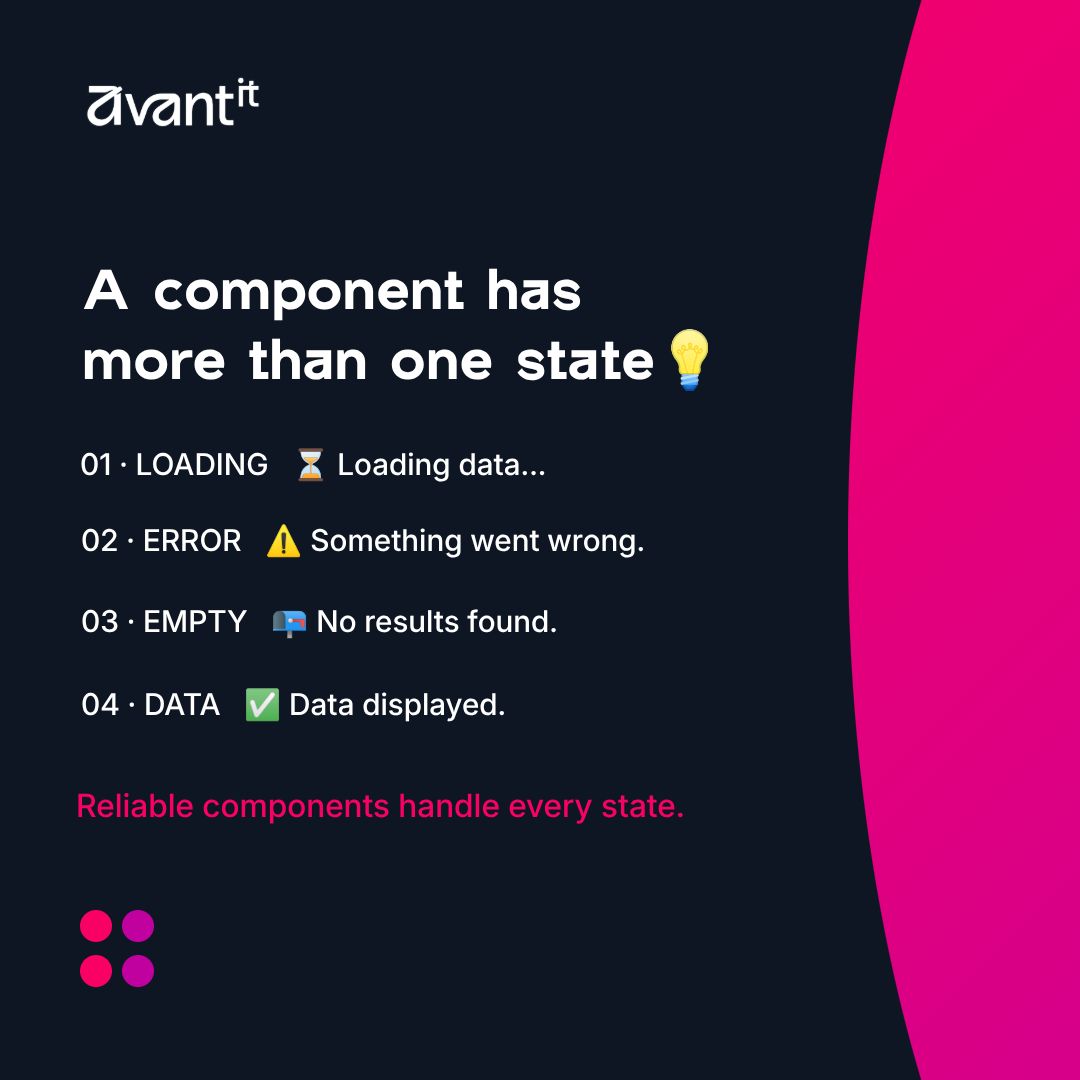
AvantIT Developer Tip 💡
A good component doesn’t only handle successful data.
In SPFx, always plan for:
→ Loading
→ Error
→ Empty
→ Data
💡 These aren’t optional polish — they’re part of a reliable user experience.
#SPFx#SharePoint#AvantIT
AvantIT Friday Tip 💡
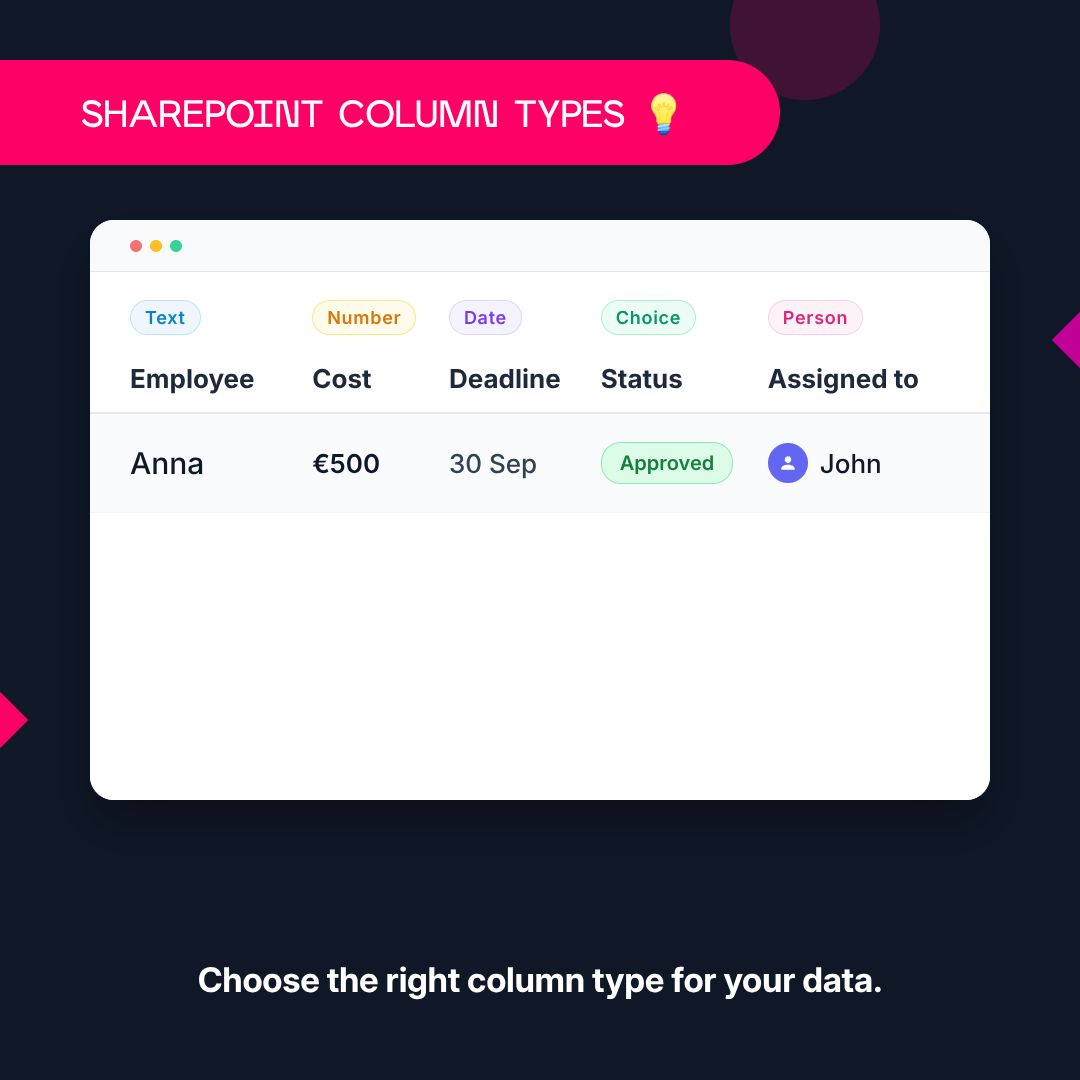
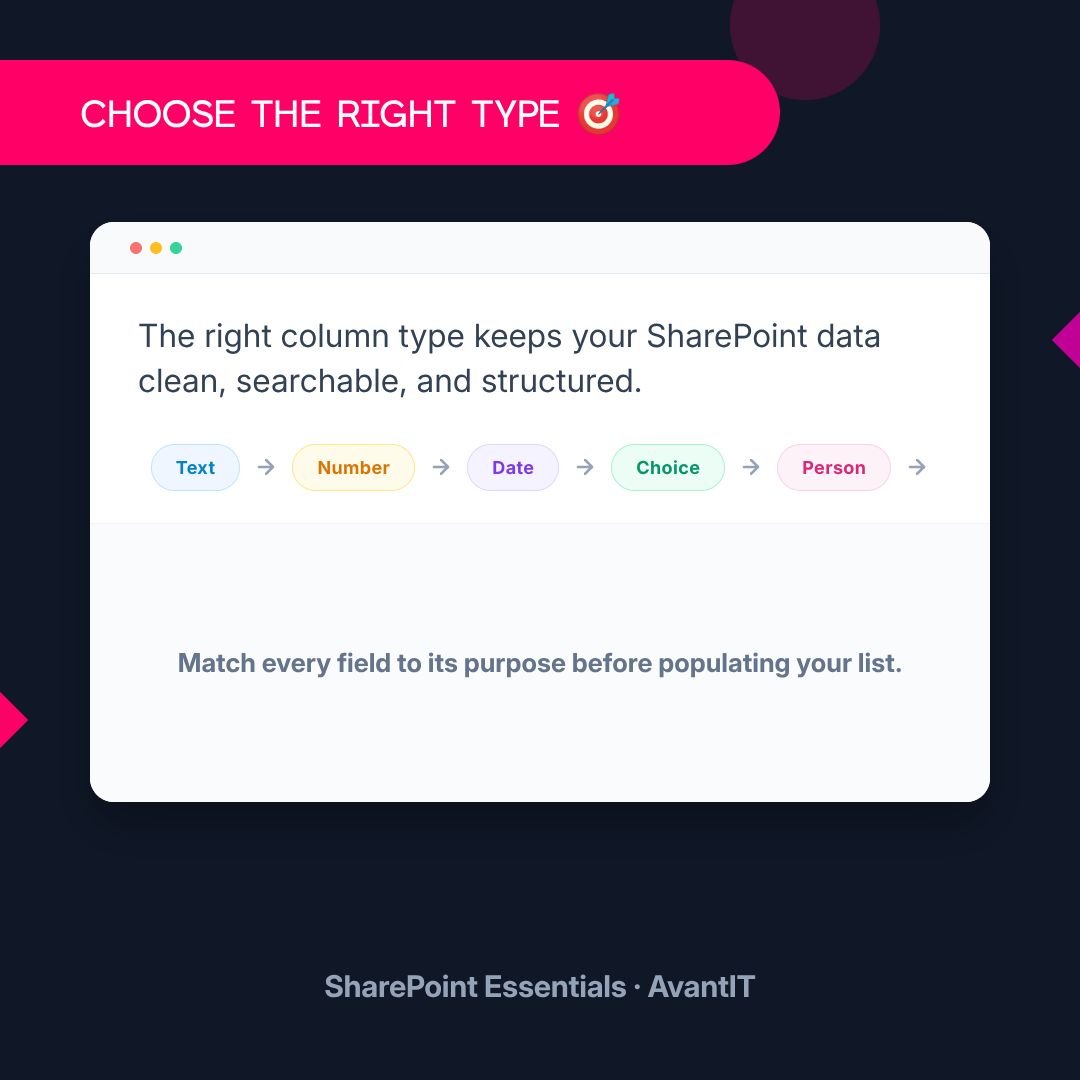
SharePoint Essentials: Column Types
→ Text — names
→ Number — costs
→ Date — deadlines
→ Choice — options
→ Person — users
→ Lookup — related lists
💡 Choose the right type for your data.
#AvantIT#SharePoint
☕ Happy Coffee Day!
Did you know coffee has been to space? 🚀
Astronauts have enjoyed coffee in orbit using specially designed equipment.
From Earth to space — coffee keeps us going✨
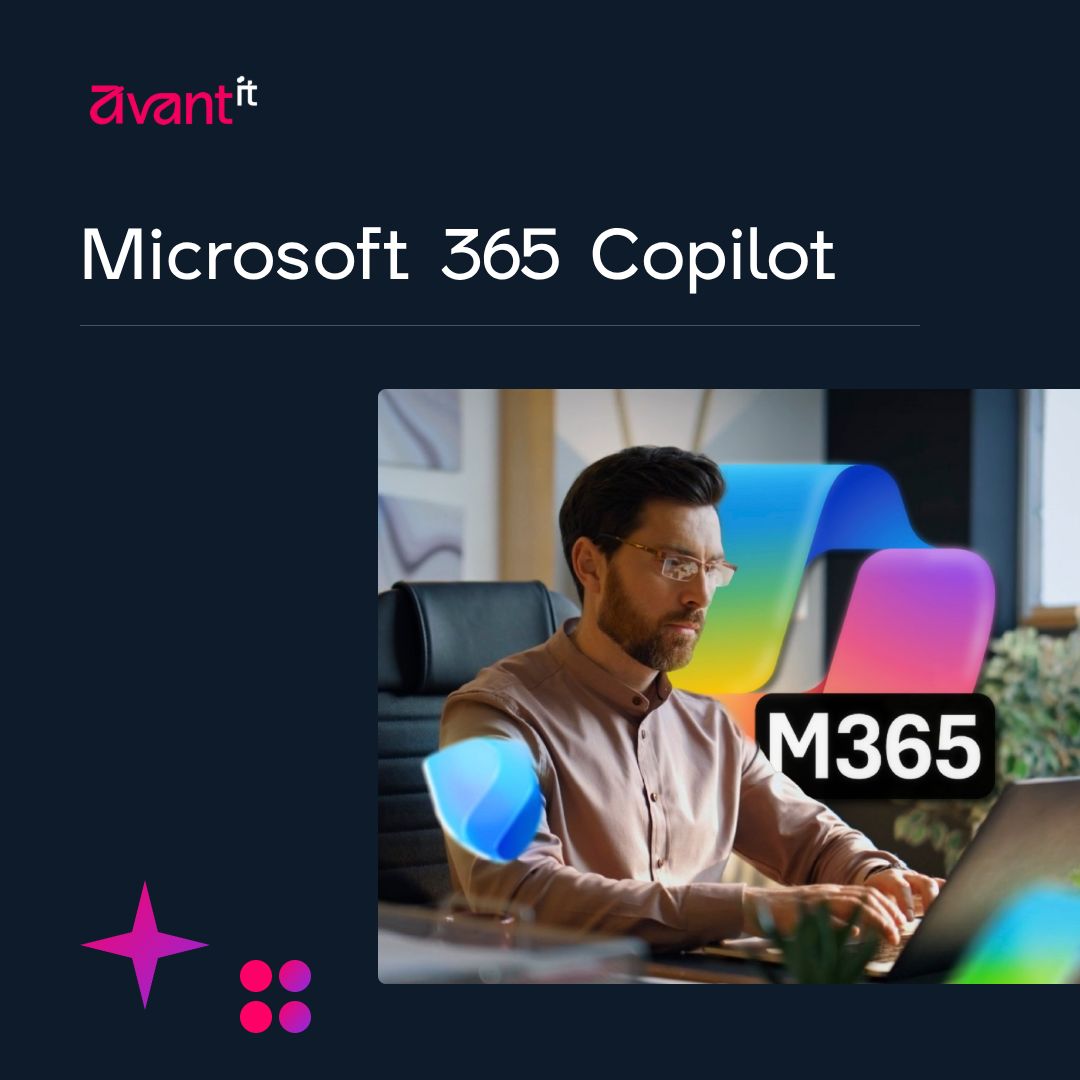
Microsoft 365 Copilot costs $30/user/month—but the license is only part of the equation.
For CTOs, real ROI depends on:
→ Implementation & training
→ Data governance & security
→ Adoption & measurable productivity gains
The key: measure value, not just seats.
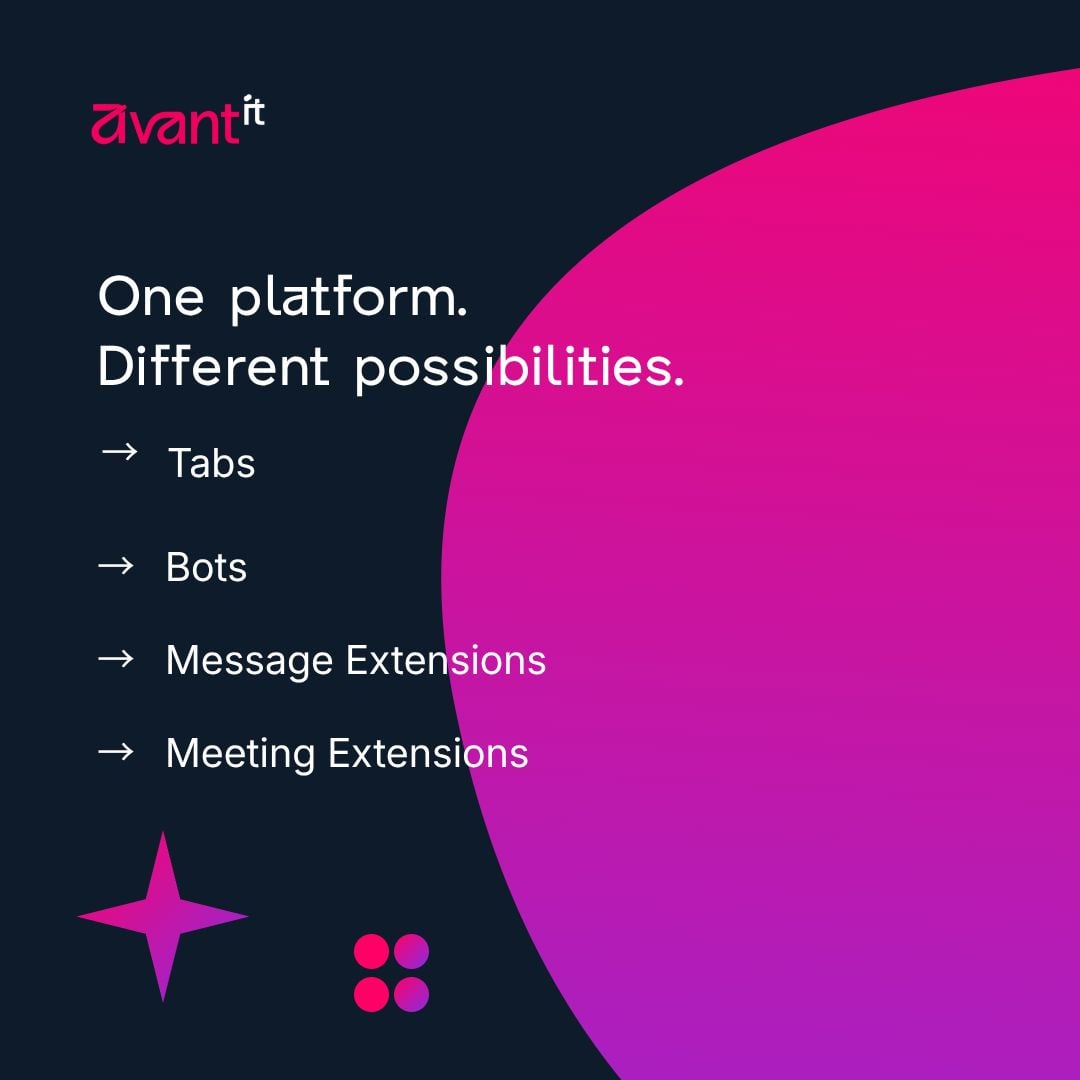
📔 Educational Tuesday — Custom Teams Apps
Teams can be more than chats and meetings.
🧩 Build with:
→ Tabs
→ Bots
→ Message Extensions
→ Meeting Extensions
💡 Turn Teams into a productivity hub.
🔐 What’s Being Built Inside Your Organisation?
Power Platform is putting app development and automation in everyone’s hands. But who is securing what gets built?
Join us for The New Microsoft Security Challenge — Part 1.
📅 Sep 29 | 11:00 AM
Register: https://t.co/wJk061hJup
AvantIT Friday Tip 💡
SharePoint Essentials: What are Libraries?
Libraries help you store and manage files in SharePoint — documents, PDFs, images and more.
💡 More than a folder: files + structured information.
A simple Power Automate flow can become a licensing problem when you add one Premium Connector ⚠️
What starts as a small process improvement can turn into an unexpected bill — especially when many employees use the flow.
Check the licensing impact before you build 💸
SharePoint essentials: What are lists?
Lists are structured data containers in SharePoint.
You can use it to track tasks, build employee directories and calendars. You can even attach files to list items!
It's the #1 replacement for your old Excel table.
#avantIT#fridaytip
Umbraco CMS combining flexibility, scalability and cost efficiency
- Intuitive content management - Multilingual & multisite - Enterprise integration with ERP systems, client portals, Microsoft Azure
Reach out if you need help with your Umbraco project
#avantIT#umbraco#cms
🖼️ Why is this presentation different?
Your entire team is using PowerPoint, but the final output varies with team member.
Centralize your template collection - proposals, reports, presentations - in SharePoint. Lead everyone to use your brand consistently.
#avantIT#branding
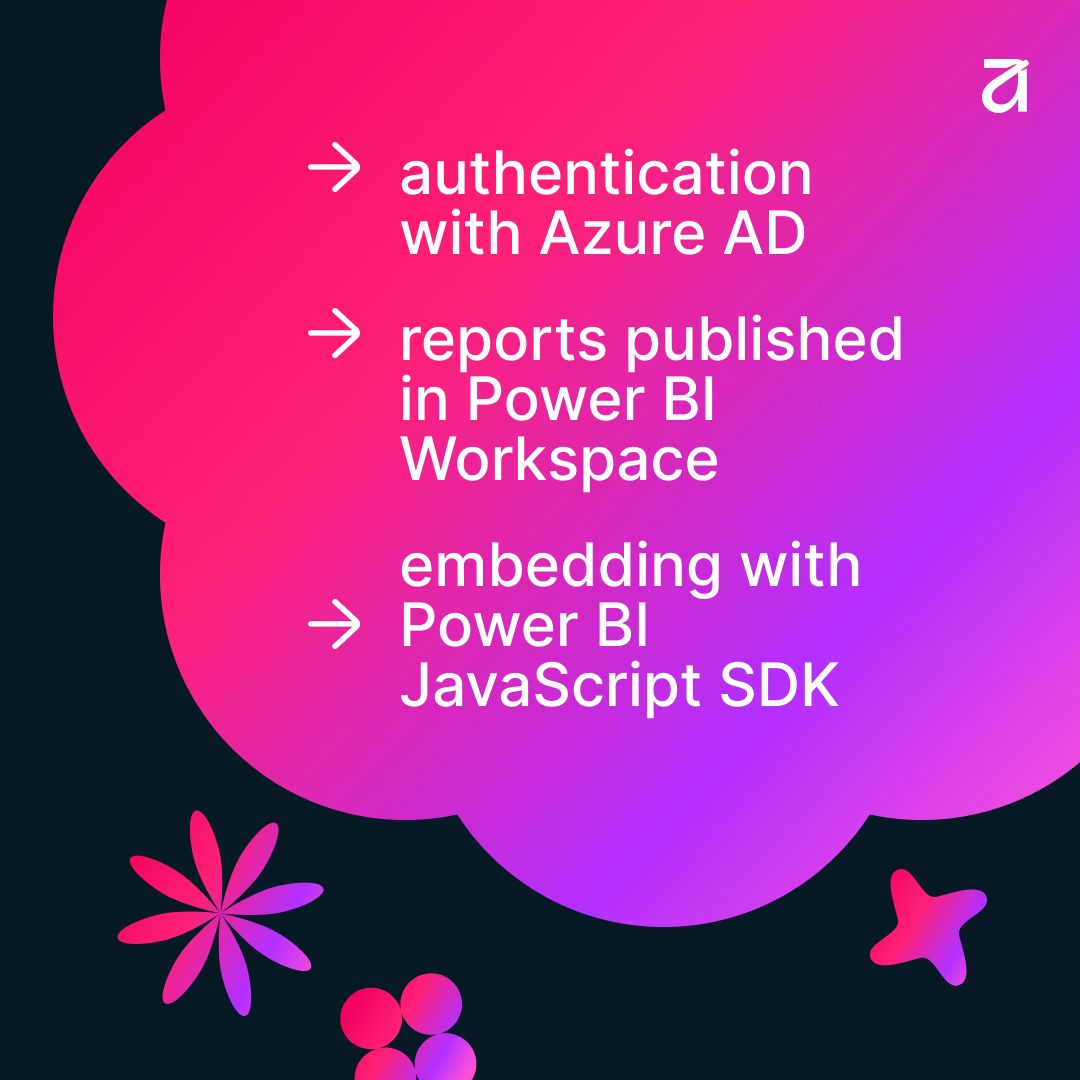
📔 Educational Tuesday - Power BI embedded
Whether you're building a SaaS platform, a customer portal, or extending your SharePoint, embedded analytics provides an integrated end user experience.
Read more: https://t.co/woaJtZtr8o
#avantIT#powerbi
🍂 We are hosting a webinar this fall!
#avantIT has partnered up with #frci to bring you an event dedicated to The New Microsoft Security Challenge.
On the first webinar, we'll talk about Power Platform and cybersecurity
🎫 Register here: https://t.co/wJk061hJup
#powerplatform
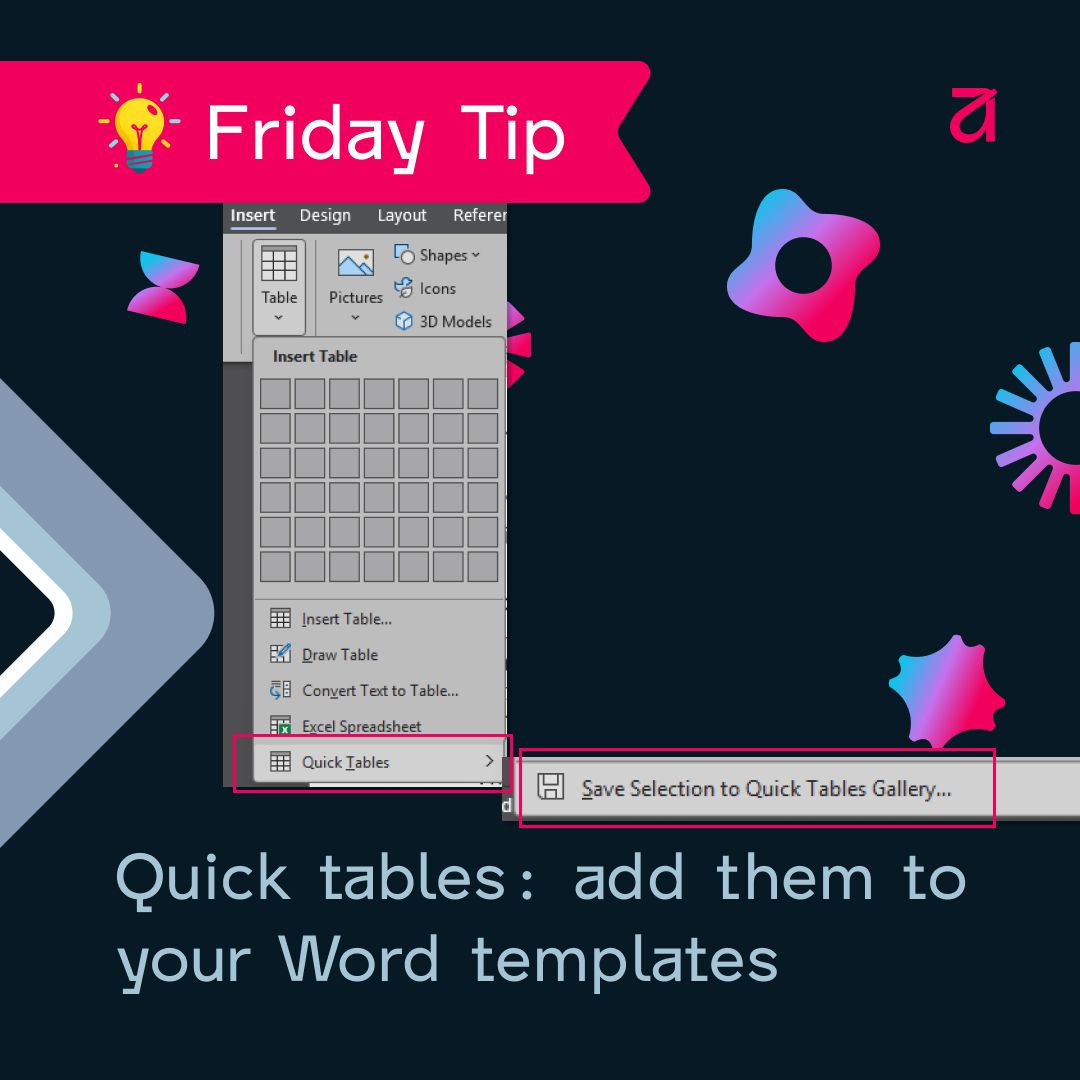
Build Word templates like a pro: Quick tables
You can design table layouts for your brand by selecting the Word table you created and going to Insert > Table > Quick tables > Save to quick tables
New documents will have that custom table ready to insert!
#avantIT#fridaytip
File chaos in Teams: not a technical, but a way-of-working problem. And you are already paying for the solution.
Each Teams channel is connected to a SharePoint library where live co-authoring and version history are built-in.
Message #avantIT if you want help getting started ✉️
Responsible AI-use to empower your team:
- Find repetitive tasks that can be improved with AI
- Build based on clear roles for people and for AI (AI assists, decisions and oversight stay human)
- Expand your team's AI capabilities with training and skills development
#avantIT
📔 Educational Tuesday - Unlock the full potential of SharePoint Search with KQL (Keyword Query Language).
You can use these and many others:
- quotation marks - filename: - filetype: - operators AND, OR, NOT
Read our full blog here: https://t.co/8LNkzIS9sW
#avantIT#sharepoint