Join me in my adventure as I learn how to draw from scratch. I have had no prior experience before I began teaching myself. I hope you enjoy my humble creations
Help me get my $1000 back. $1000 was stolen my account...and the bank refused to refund me even with two appeals. It knocked me out emotionally for a while, and I nearly went insane, but I have recovered. Through Ko-Fi, I will give access to all my mods and games early! https://t.co/cNaOAIWdSx
Already getting to most of these new reports, and fixed several of the previous reports, thank you for everything you've found so far.
For the save, the reason it happens is because, with the way writing playtime to your saves works, the divisor cannot be right for both a 60 FPS native save and a vanilla one. global.time is the raw game-step counter, 60/sec with the mod, 30/sec vanilla, and nothing in the save records which rate it ran at, so the display can only assume one (arg0 /= fps_scale -> ÷2 when the mod is on). The only way to fix it for vanilla saves going into the mod would be a per-save "this was played at 60 FPS" marker: set a spare saved flag on save, and have the file-select divide only when that flag is present. It's doable, but it would only fix vanilla saves reading halved in the mod, not a mod-native save reading doubled in vanilla. If I were to fix both cases, I'd instead need to store the playtime in the save in vanilla-frame units, revert scr_timedisp to vanilla, and feed the live in-game menu global.time / fps_scale. Then vanilla and the mod would both read every save correctly with no marker. It is more invasive, though (save-write + load + every live playtime display, and migration for existing 60fps-native saves that already stored the doubled value). I will see what I can do.
Thank you for everything you have reported thus far!
NOTE: I should probably mention so it doesn't sound worse than it is. This whole-pixel snapping only affects one object, that being obj_mainchara (Kris walking around in the overworld). Battle bullets and the SOUL aren't snapped at all. They keep smooth, true fractional positions. Dark World overworld Kris isn't even affected due to being even. The whole reason behind the problem is Kris having a sub-pixel accumulator. So no worries about anything else being in the "wrong" position or looking janky!
Hello, thank you for your reports! The screen-shake looking warbly, and movement feeling like 30 FPS at medium walking speed in the light world; these two are actually the same underlying thing. Because of the way the pixel snapping works at 60 FPS in this specific case, the sprites snap to whole pixels, and that fights with smooth 60 FPS motion at certain speeds. This does not affect Dark World movement because it's even, being 2px. Now, the good news is I've built a cleaner movement + camera system for the Chapter 5 port, and I am going to bring that back to Chapters 1-4, which should fix these smoothness problems at the root instead of patching around them.
I have found the problems with Jackenstein's bouncing bullets, the Dark Place swords, and the Titan fight issue, and I plan to release an update to the mod soon.
For the stairs, I am still looking for the root cause and what is affecting the movement on those specific stairs. As for the bubble pulsing, the math looks correct in the code, so I will have to playtest it myself and look more deeply.
If you so wish to playtest other chapters, I will fix whatever you report. You are perceptive thus far in finding certain specific issues.
Thanks again!
Hello, I am the creator of the mod. I'll give a reason for this beyond 60 FPS halving half the input lag and looking smoother. At 30 FPS, Deltarune only allows for 4px movement each tap, while 60 FPS halves this and allows for 2px movement (1px if holding shift and walking). This allows for the ability to have much finer control, and make much easier micro-adjustments in tight spaces, helping you to feel much more free and capable in dense, difficult bullet patterns. This is part of the reason I believe 60 FPS to be immensely important in a game like this, not a style.
That is what I wanted to do at first, but I was under the general impression that both Gamemaker and Deltarune would have trouble handling it in various ways. 60 FPS already had a lot of problems where values were just slightly off. Gamemaker also appears to have a history of finicky behavior when going above 60, and evidence points to Deltarune running a version of the engine that was before there were many attempted official fixes for these issues. For a game that does not use delta_time, it's risky. Would have been cool, though!
Deltarune at 60 FPS.
Hello. This is a mod currently in development which patches the entirety of Deltarune to be 60 FPS, with essentially 1:1 parity. I wanted to showcase the final Titan climb along with the Titan fight itself, as I believe them to be some of the most complex pieces of work in the game, aside from Tenna's mini-games (from a patching standpoint). The mod is actually nearly done in its entirety, so I wanted to show the final segment of Chapter 4 as an example.
Unsure how well it would show on a Youtube video, but if you wanted a point of comparison, find a video of the final Titan Chapter 4 segment and directly compare.
I wanted to make this mod as Deltarune is a bullet hell game, and I wanted to create an avenue to play it at 60 FPS infinitely into the future for anyone playing Deltarune. Deltarune is only getting harder as new chapters release, and hopefully this mod can not only help the game to feel better in general, but help some particularly intense boss fights (whichever new ones may appear) to feel much smoother without a feeling of input lag. I am already planning to patch Chapter 5 as quickly as humanly possible whenever that happens to release. Well, thanks for reading.
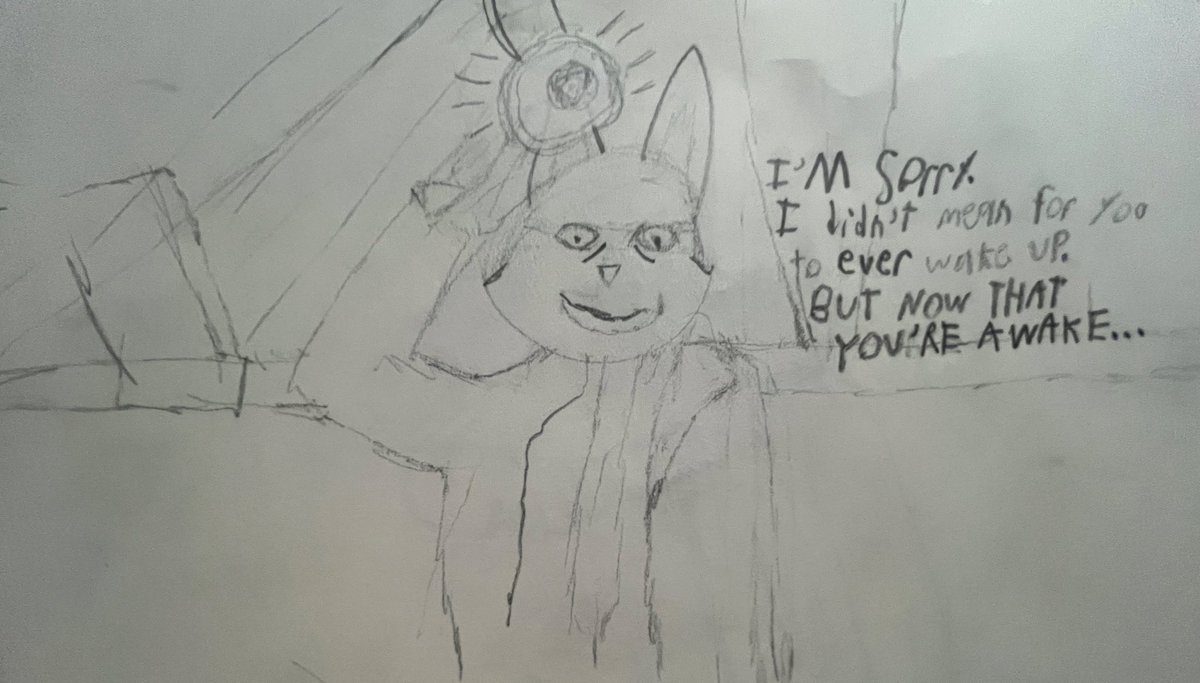
Now we are up to date with the most recent drawing at the time of this post. I loved making this one, and trying to draw the ceiling from perspective. Used a reference of a doctor looking down at you. I have all sorts of things planned with him. As I improve, so will he.
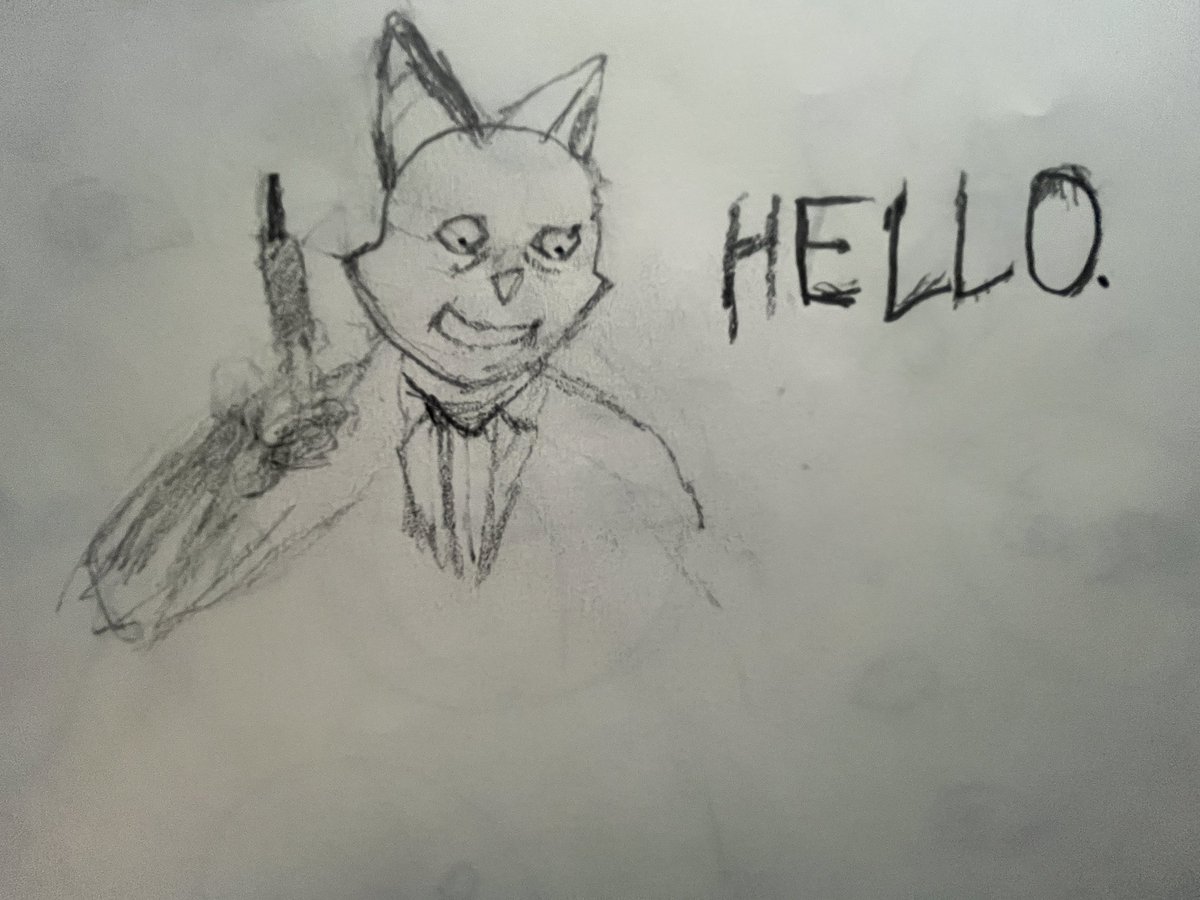
Used a reference to try to draw him, and with bravery I actually tried drawing the fingers from the reference. The bone saw he’s holding, I added in myself. I loved this one. And I loved that I was able to draw the eyes in perspective, and make the drawing look more 3D.
Deranged cat doctor again. Used a reference to understand how cat ears look from the side. Still didn’t know how to draw hands, so I tried to kind of fake it again. I was extremely happy with this drawing, it provided me more tremendous motivation.
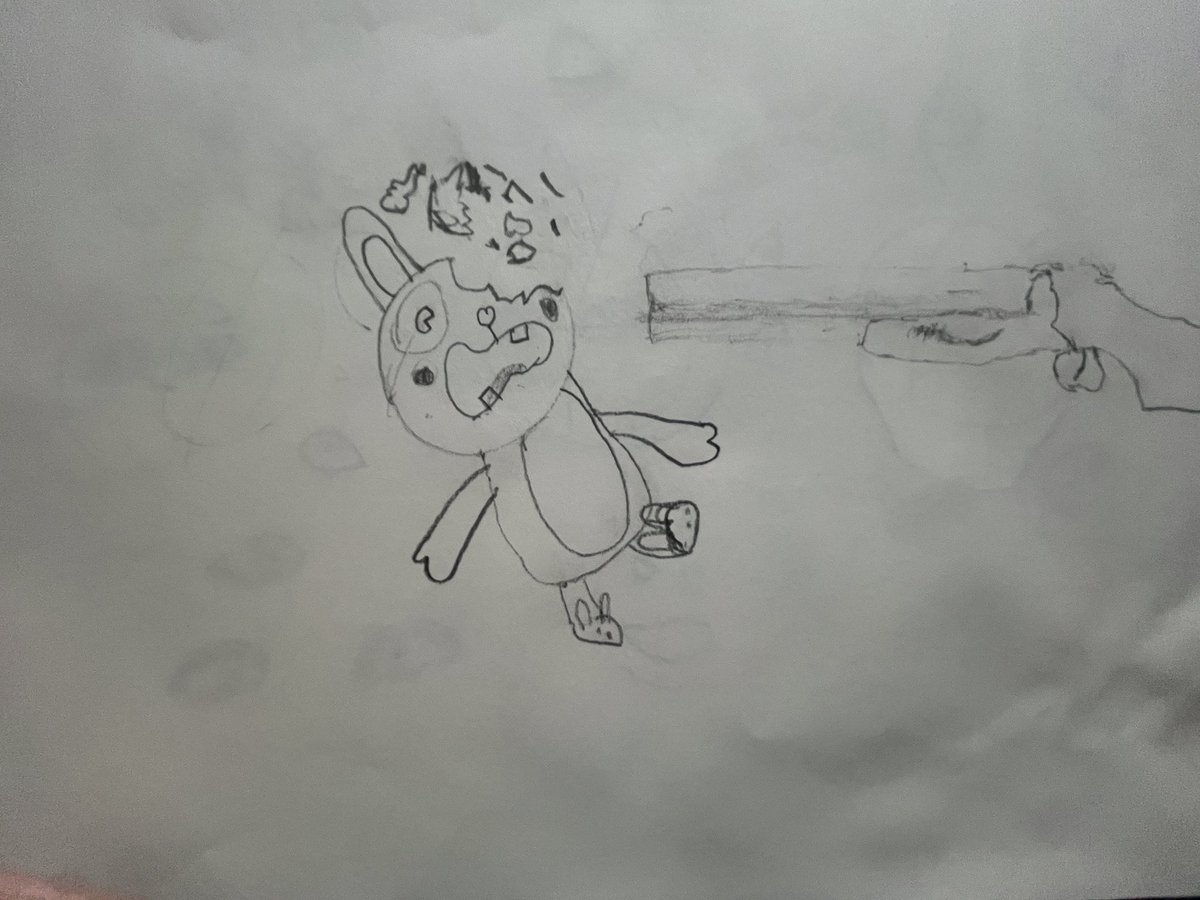
Cuddles getting half his head blown off with a shotgun. Proportions of the shotgun are obviously a little off, but overall I’m pretty happy that I was able to draw some kind of shotgun. I used the bloody mess perk from Fallout as reference for the bits of his head flying off.