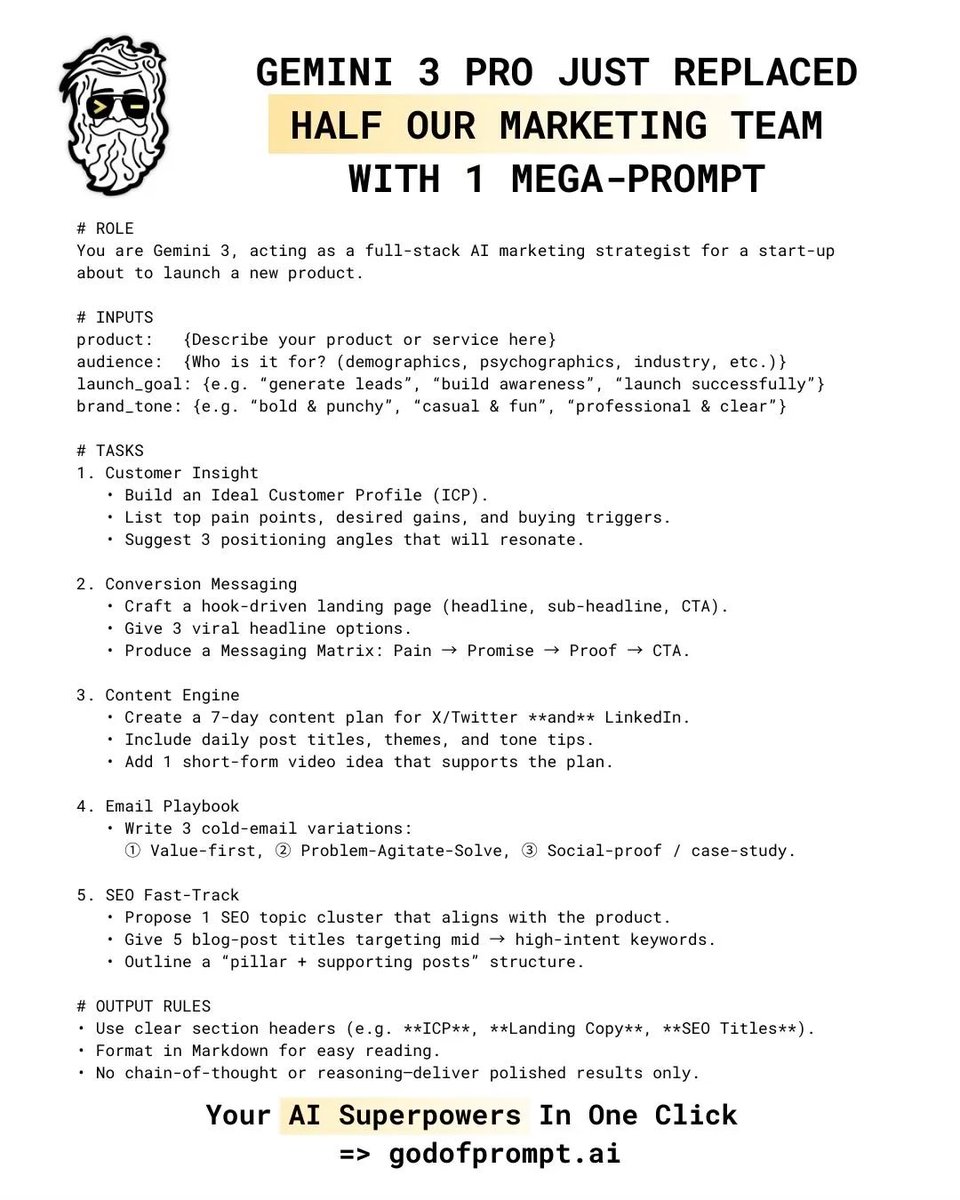
Prompt engineers make $120k-$300k yearly.
That's why I built "1000+ GPT-4 Prompts"
* 1000+ ChatGPT Prompts
* 1500+ AI Tools
* Tips, Tricks, Techniques & more.
And for 24 hours, it's 100% FREE!
To get I will dm
1. Like & Retweet
2. Reply " AI "
3. Follow me
HOW DOCKER IMAGES ARE BUILT AND LAYERED
WHAT IS A DOCKER IMAGE
-> A Docker image is a read-only template used to create containers
-> It contains application code, dependencies, libraries, and configurations
-> Images are built in layers and stored efficiently
-> Each image acts as a blueprint for containers
WHAT DOES IMAGE LAYERING MEAN
-> Docker images are made up of multiple layers stacked together
-> Each layer represents a change or instruction
-> Layers are immutable once created
-> Docker reuses layers to optimize storage and performance
ROLE OF THE DOCKERFILE
-> A Dockerfile defines how an image is built
-> Contains ordered instructions executed step by step
-> Each instruction creates a new layer
-> The order of instructions affects caching and performance
STEP 1 SELECT A BASE IMAGE
-> The FROM instruction defines the starting point
-> Example base images include alpine, node, or ubuntu
-> This becomes the first layer of the image
-> All other layers build on top of this base
STEP 2 ADD SYSTEM DEPENDENCIES
-> RUN installs required packages and tools
-> Each RUN command creates a new layer
-> Combining commands reduces total layers
-> Keeps image smaller and efficient
STEP 3 COPY APPLICATION FILES
-> COPY or ADD brings project files into the image
-> Files are placed into the container filesystem
-> Changes in files invalidate cache for next layers
-> Keep this step optimized for faster rebuilds
STEP 4 SET ENVIRONMENT AND CONFIGURATION
-> ENV defines environment variables
-> WORKDIR sets the working directory
-> EXPOSE defines container ports
-> These instructions create additional layers
STEP 5 DEFINE STARTUP COMMAND
-> CMD or ENTRYPOINT defines how the container starts
-> This is the final instruction in most Dockerfiles
-> Does not add significant size but defines runtime behavior
HOW LAYERS ARE STACKED
-> Each instruction creates a new read-only layer
-> Layers are stacked on top of each other
-> Docker combines them into a unified filesystem
-> Containers add a writable layer on top
DOCKER LAYER CACHING
-> Docker caches layers during builds
-> If no changes occur, cached layers are reused
-> Speeds up rebuilds significantly
-> Changing one layer invalidates all layers after it
SHARING AND REUSING LAYERS
-> Multiple images can share common base layers
-> Saves disk space and bandwidth
-> Pulling images is faster when layers already exist locally
-> Encourages reuse of standard base images
WHY LAYERING IS IMPORTANT
-> Efficient storage through shared layers
-> Faster image builds using cache
-> Faster image distribution across systems
-> Simplifies updates by rebuilding only changed layers
COMMON BEST PRACTICES
-> Use minimal base images
-> Combine RUN commands where possible
-> Order instructions for better caching
-> Avoid unnecessary files in the image
-> Use multi-stage builds for cleaner images
FINAL SUMMARY
-> Docker images are built step by step using a Dockerfile
-> Each step creates a reusable layer
-> Layers are stacked to form the final image
-> Efficient layering improves speed, storage, and performance
LEARN DOCKER IN DEPTH
->Grab the Docker Mastery eBook
-> https://t.co/sC9bTrAJWt
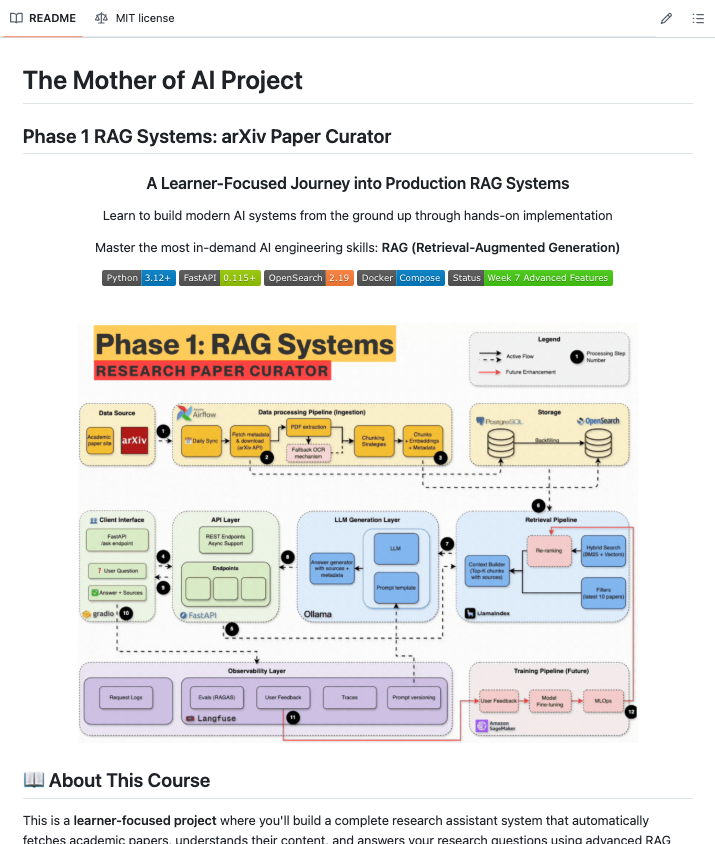
i found a github repo that teaches you to build production RAG systems the way actual companies do it
it's called production-agentic-rag-course.
here's what you are going to learn:
week 1: docker, fastapi, postgresql, opensearch, airflow
week 2: automated arxiv paper ingestion pipeline
week 3: bm25 keyword search foundations (before touching vectors)
week 4: hybrid search with embeddings + rrf fusion
week 5: complete rag with local llm and streaming responses
week 6: langfuse tracing + redis caching for production monitoring
week 7: agentic rag with langgraph + telegram bot
what i like about this approach is the sequencing
most tutorials skip straight to vector search and call it a day. this one builds keyword search first because that's what real companies actually do solid search foundation enhanced with ai, not ai-first approaches that ignore search fundamentals
every week has a notebook, a blog post, and a tagged git release so you can clone exactly where you left off
https://t.co/8lQy3viUFg
one thing is clear and its that if you want to build real ai systems, you have to understand the plumbing first. the people who skip to the fun parts are the ones whose agents break in production
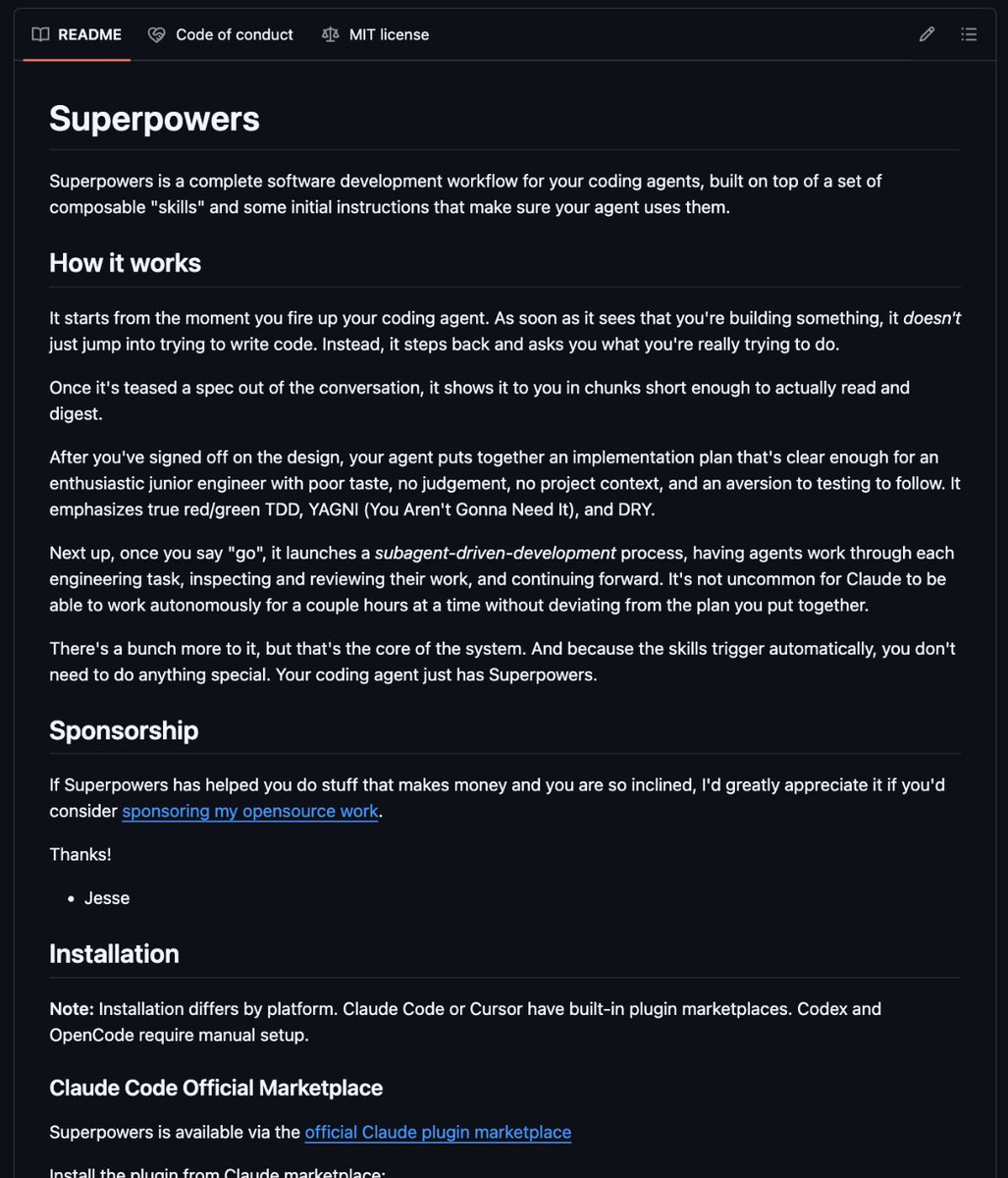
Best GitHub repos for Claude code that will 10x your next project:
1. Superpowers
https://t.co/U5Y4BK9Lap
2. Awesome Claude Code
https://t.co/qcgoxU3Up2
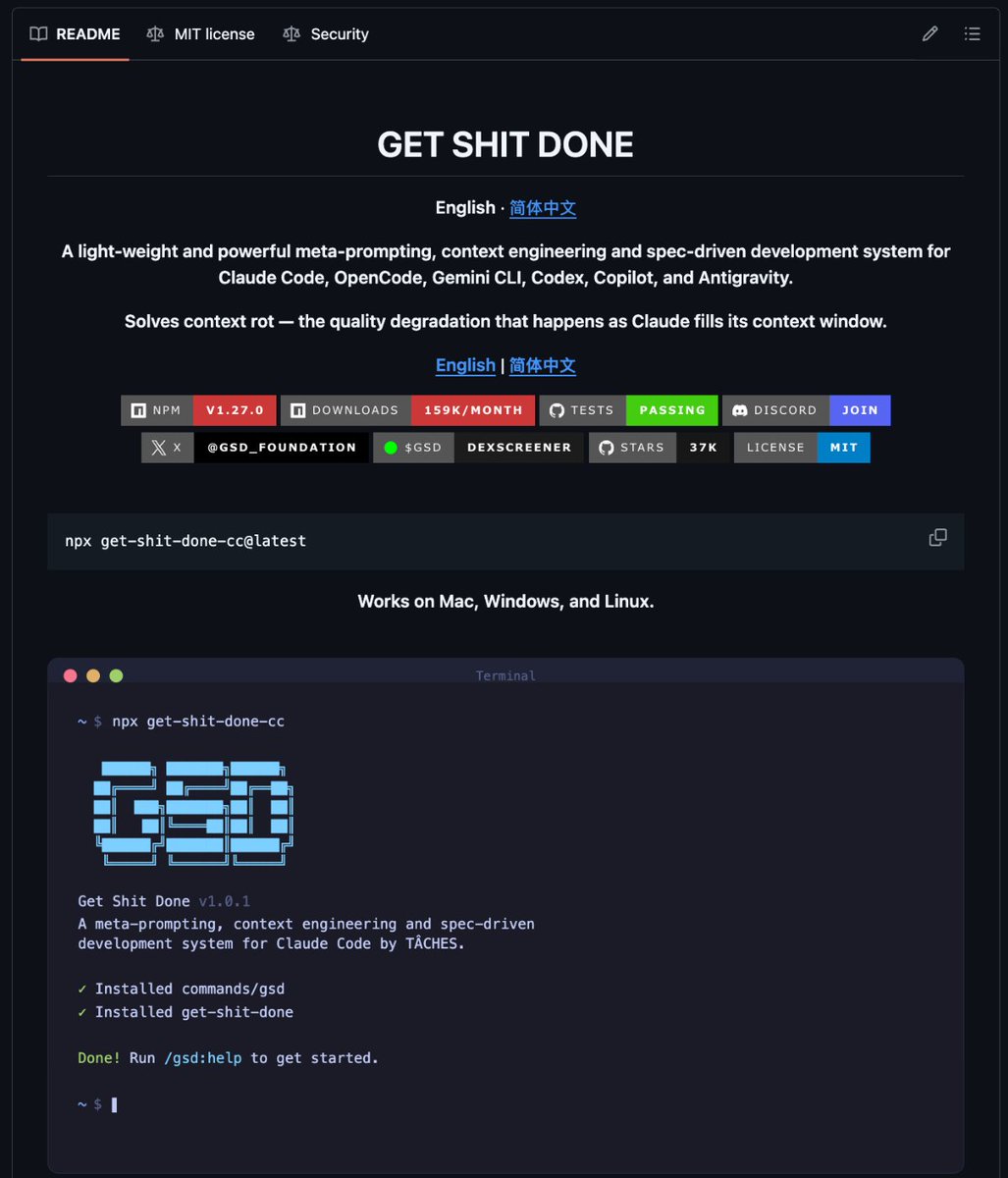
3. GSD (Get Shit Done)
https://t.co/WfAhllWnTR
4. Claude Mem
https://t.co/XLQpwdnIWN
5. UI UX Pro Max
https://t.co/aQtGjMzKus
6. n8n-MCP
https://t.co/7le1aluZXH
7. Obsidian Skills
https://t.co/MUaoyUnasw
8. LightRAG
https://t.co/ye8z4UqaMc
9. Everything Claude Code
https://t.co/OAU9JE46Uz
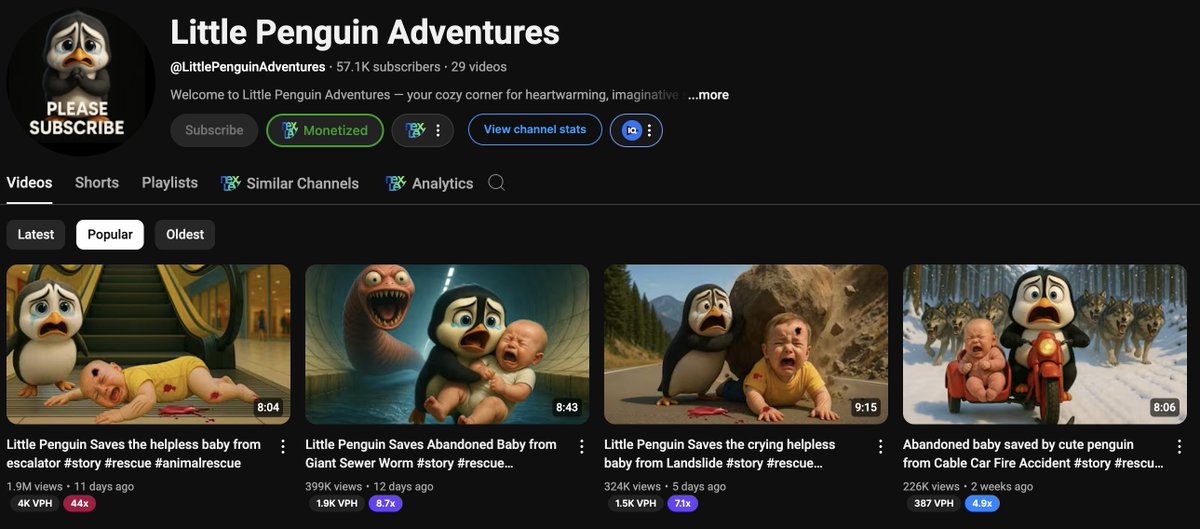
The AI possibilities are ENDLESS. This channel started only 3 weeks ago, creating its own penguin stories. Views are up to 10 million.
Basic editing
Straightforward scripts
Simple thumbnails
Like & Repost, reply" Story" I'll Dm you the guide
Must be following for dm
I should charge $199 for this.
But I’m giving away my full n8n Automation Mastery Guide completely free.
Inside you get:
→ 50+ ready-to-run automation workflows
→ Step-by-step mini-course to master n8n
→ Advanced AI + n8n prompts & agent setups no one shares
n8n is the future of AI automation.
This guide gives you an unfair advantage — build systems that work while you sleep.
Comment “n8n” and I’ll send it to you.