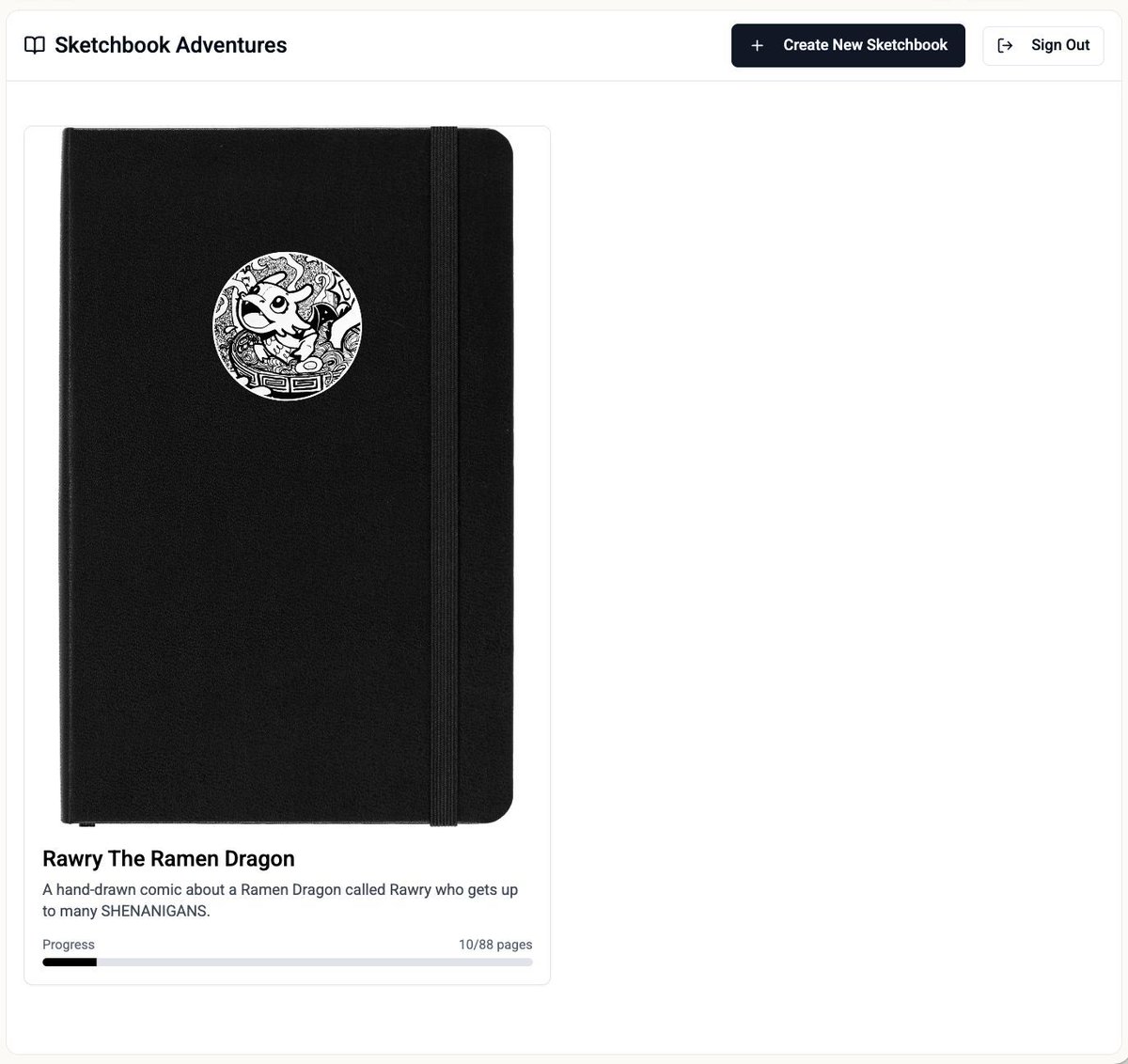
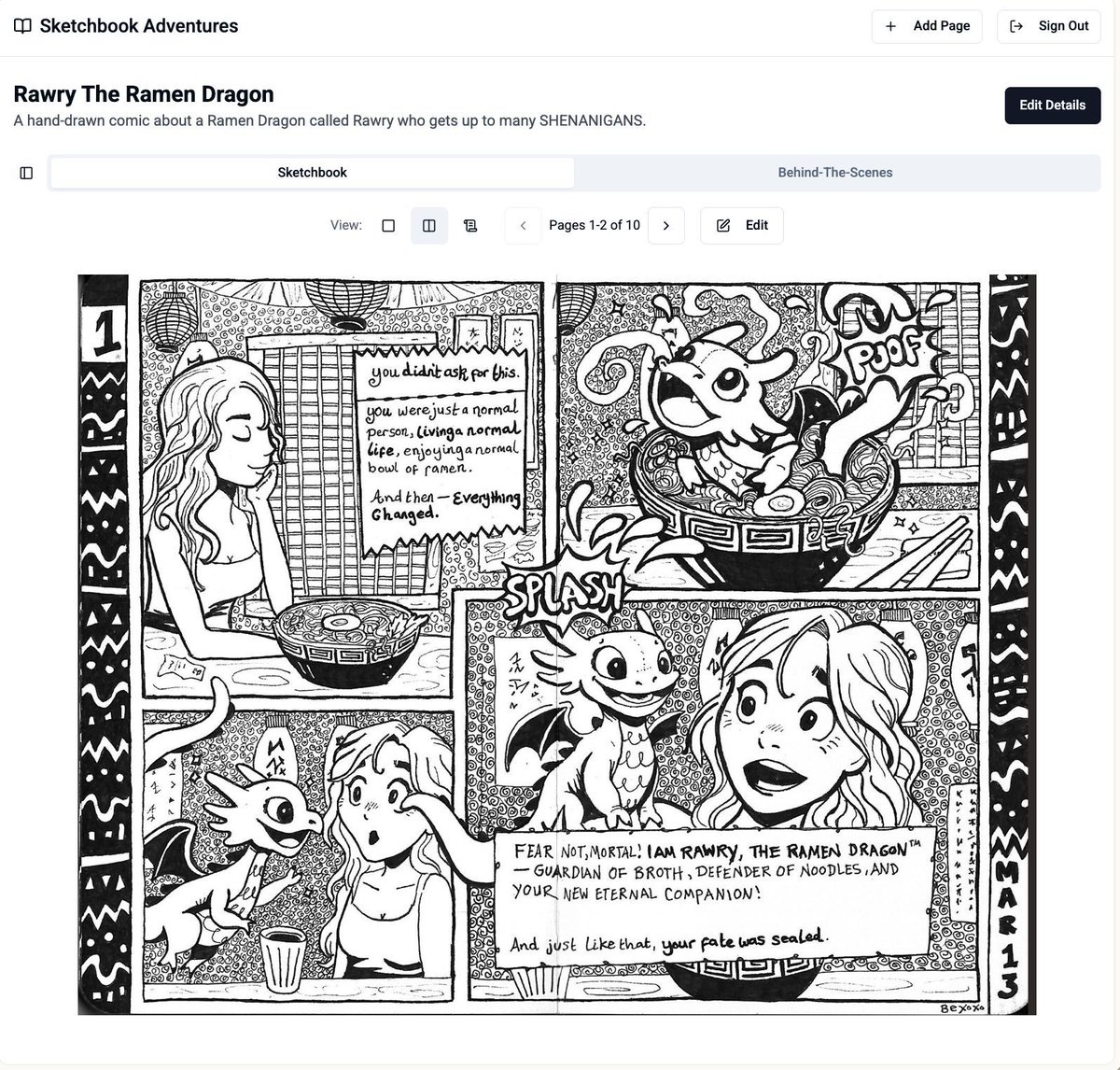
Made this lil sketchbook viewer in @Lovable :) I drew the comic in a physical moleskine notebook, then scanned the pages. My app lets you upload sketchbooks and pages. There's also a behind-the-scenes journal which lets you tag specific pages (or not) so you can share the process
I MADE A GAME. A REAL GAME. Eeep! (a trailor)
Introducing Whimsy Hollow, a place where you can explore a tiny forest patch that's suspiciously floaty.
I generated the 3D models in 3D AI Studio based on crochet toys I designed.
Then Unreal Engine to bring to life
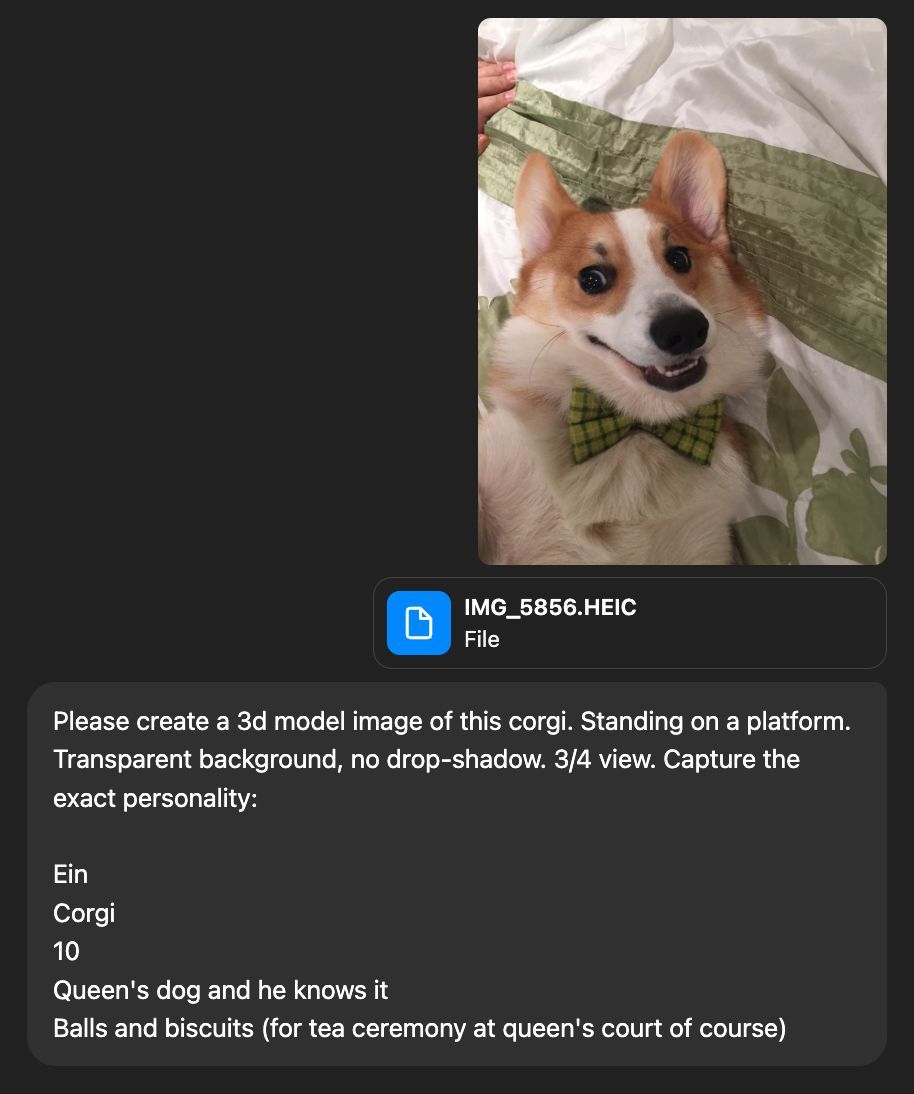
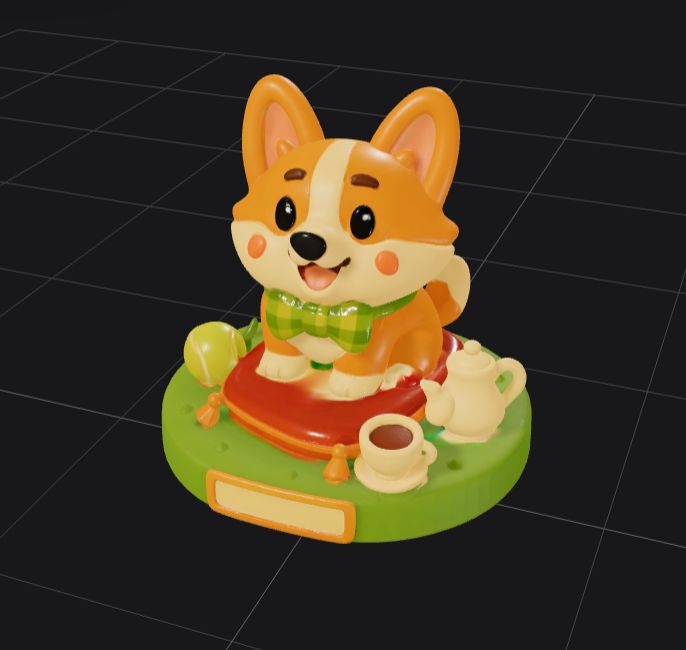
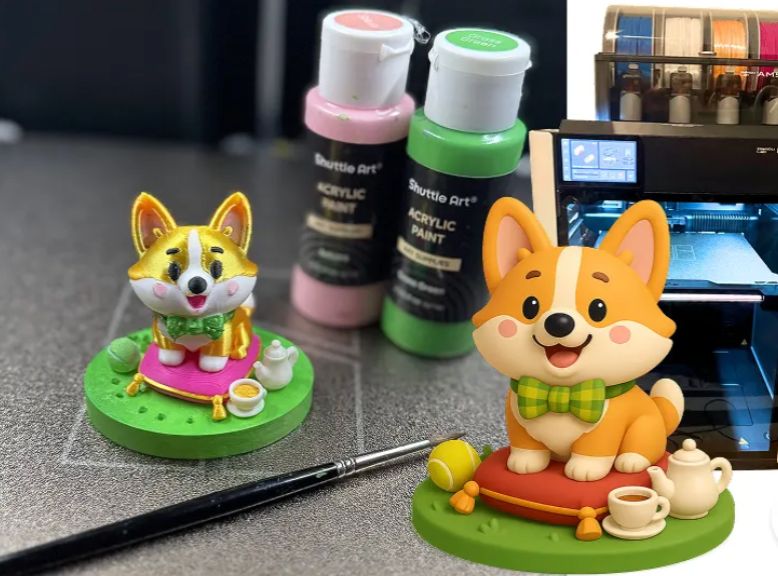
If you have a 3D printer, you can make hyper-personalised gifts like this little corgi model I made for a colleague.
- ChatGPT: Create image of a 3D model (3/4 view, no drop shadow).
- 3D AI Studio: Turn image into real 3D model
- H2D: Print on your 3D printer
It's that easy!
This cute little doggo stealing cupcakes video was generated by an AI agent I built.
The agent uses Pixverse-5 model under the hood to turn an image into a video. It followed my prompt perfectly! 🐶☕️🧁
Free agent: https://t.co/OXt8j3EoA0
This 75s video video was generated by a bunch of people in my team pinging an AI Agent in our slack channel to generate the next 5 seconds in the video.
The agent I built uses the Pixverse-5 model under the hood, it's so good!
Free agent: https://t.co/OXt8j3EoA0
I can't believe it was possible to prompt this magical flying wizard slide deck to life in Relevance AI's slide builder.
One slide has this interactive abacus where you have to move all the beads across before you get the definition of what a term is.
PowerPoint could never!
You can vibecode crazy web-apps like this dinosaur tamagotchi that lives inside a Microsoft Paint application. I used Relevance AI's slide builder to prompt this to life.
You keep the tamagotchi alive by caring for it, and you can draw and paint with the paint tools too!
Give this agent a LinkedIn profile url, and it'll tell you what their top performing original content is, and what content they reshare the most.
I use it to curate my feed (before accepting connection requests), and for AI trends.
Free agent: https://t.co/KGu3Ri9WQP
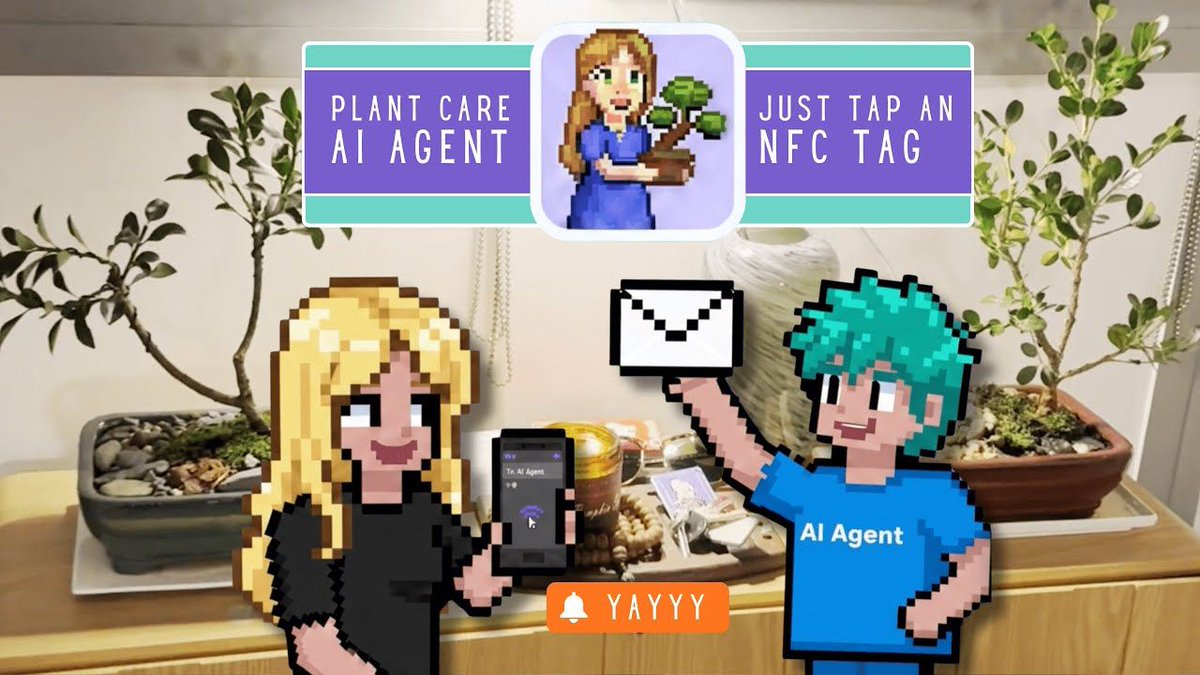
Learn how to make a plant care assistant agent triggered by an NFC tag. When you tap it with your iPhone, the plant name and time will get sent to an agent.
The agent will manage the activity log and plant care reminders for as many plants as you want :)
https://t.co/3ygSmwRiGy
How I made the video below (17s):
1. Use Nano Banana to generate keyframes (a consistent world + full environment)
2. Use Kling with first/last frame reference to generate the in-between shots (bring the keyframes to life)
3. Use CapCut for revisions and editing (pacing, transitions, SFX, subtitles)
There are three main challenges:
1. Getting AI to produce story-driven visuals: you need to bake relationships and narrative intent into the prompt
2. Writing prompts in cinematic language: specify shot types, camera movement, and framing changes to make transitions smoother
3. Editing is the real “ceiling”: assembling shots, controlling rhythm, building emotion, and syncing sound with visuals all come down to editing
Making AI shorts is basically a hybrid job: writer-director + editor. If you understand storytelling and camera grammar—and then cut it with the right rhythm—the results get dramatically better.
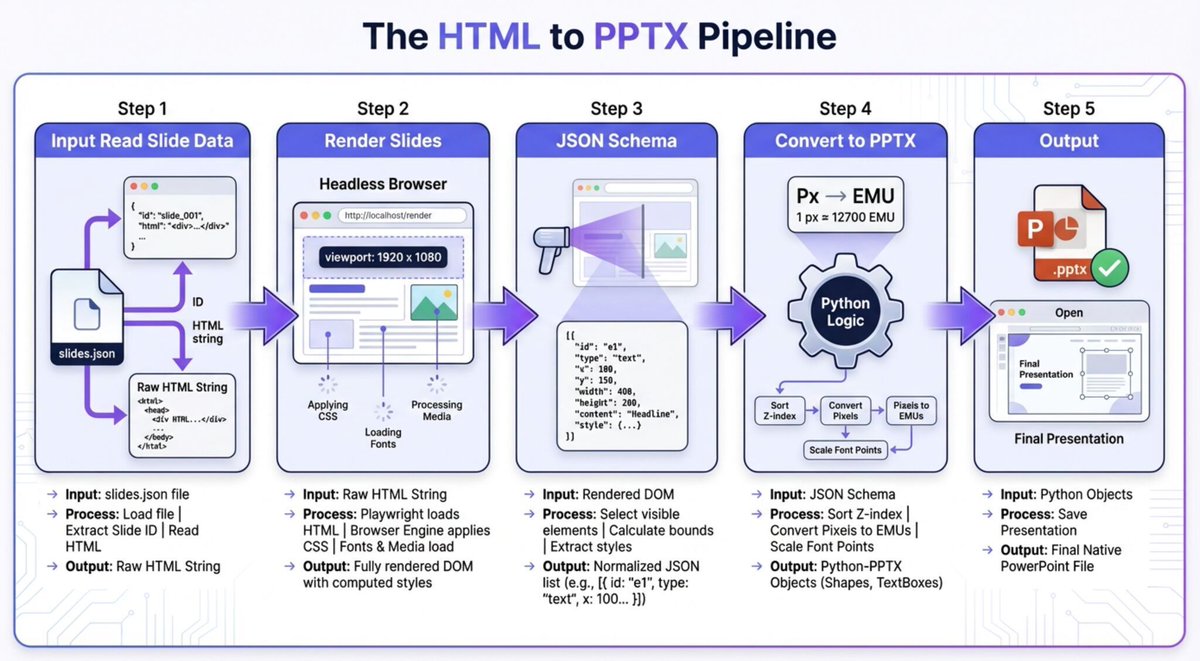
My go-to prompt for thinking through a feature (in this case html to pptx) before building:
💬 Guide me through thinking through a prog problem, one baby step at a time, 15 Socratic questions. Wait for my response before next step. At the end I should have an action plan.
Made this digital colouring book just by prompting :) I generated an image with nano, converted to SVG then asked @RelevanceAI_'s slide builder (an AI Agent) to turn it into an interactive colouring book in pop-art style.
You can save the image when you're done :D