🪄One Video + Two Apps = Green Screen Magic!
📹Create your own 'One Shot' Green Screen effect with this fun and easy-to-follow tutorial.
⭐️Follow along yourself or share with your class.
😍RT's + shares are much appreciated!
➡️https://t.co/omr4yb9rq0⬅️
#AppleEDUchat#iMovie
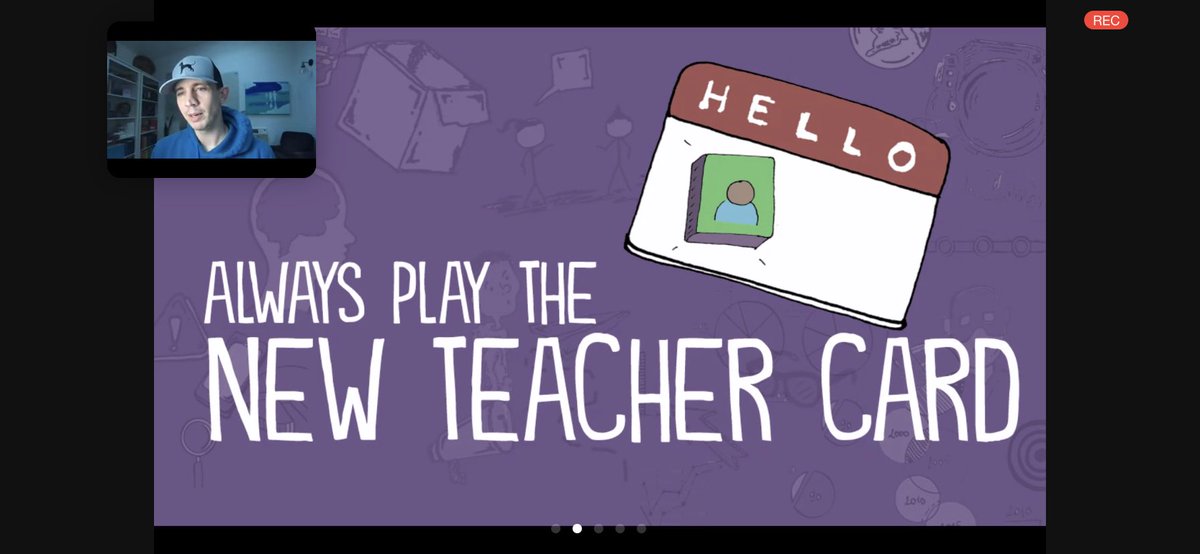
Learning tonight from @spencerideas hosted by the @Institute4PL. Love this idea of being a “new teacher” every year & it being an “invitation to innovation”. Thx for the learning tonight! ~Mrs. Ackermann
It’s not selfish for educators to bring up concerns about exposure to COVID-19. It’s not even self-care. It’s basic self-preservation. And that’s often motivated by the human desire to be alive for our loved ones. Saying, “I want to live” shouldn’t be a controversial stance.
@tweets2jen @pernilleripp I shared this with staff on Tuesday as well! Great minds think alike 😂😉 I laugh every single time I watch this. My fav is when he closes his eyes with the slow blink a few times like “oh my gosh....I can’t believe this is happening”
I don't know who needs this, but I've been creating tutorials focusing on our "Five Key Tools" for distance learning, and a few other things. They are as specific as I could get and only a minute or two a piece.
Use if it helps. Still updating it.
https://t.co/5ShTg76tEo
@mrgfactoftheday@googledrive I’m encouraging staff to download & share the actual file in Classroom instead of sharing the Drive link to the vid. I tested it on my son’s CB to make sure he could view it & was able to view if downloaded the .webm or .mp4 (not available in preview by clicking on the thumbnail)
✨ @meredithakers shares a template for "magically" revealing answers in Google Slides.
🔍 The answer text is the same color as the background. The magnifying glass image is layered behind the text, so when moved, the text can be seen.
https://t.co/k7bkxsexnW