On the Internet since 1988. Learnt the ropes through Basic, Z80 asm, Pascal, LISP & other languages no one uses these days. Enjoys tinkering with vintage Macs.
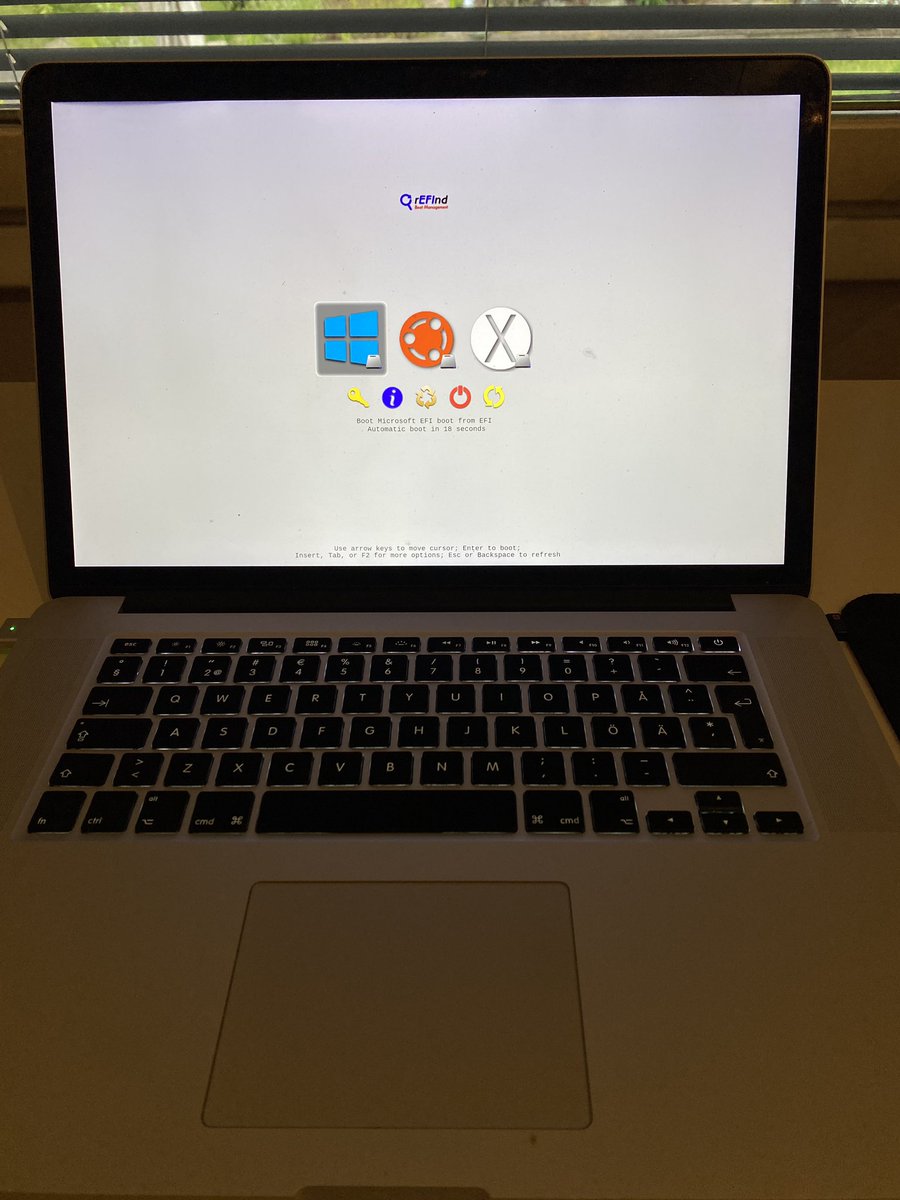
This 15" 2015 #Macbook Pro with dual graphics is now my daily driver for home use, nicely running #macOS Monterey, Windows10 and #linux (elementary OS 7). The boot manager I use is #rEFInd .
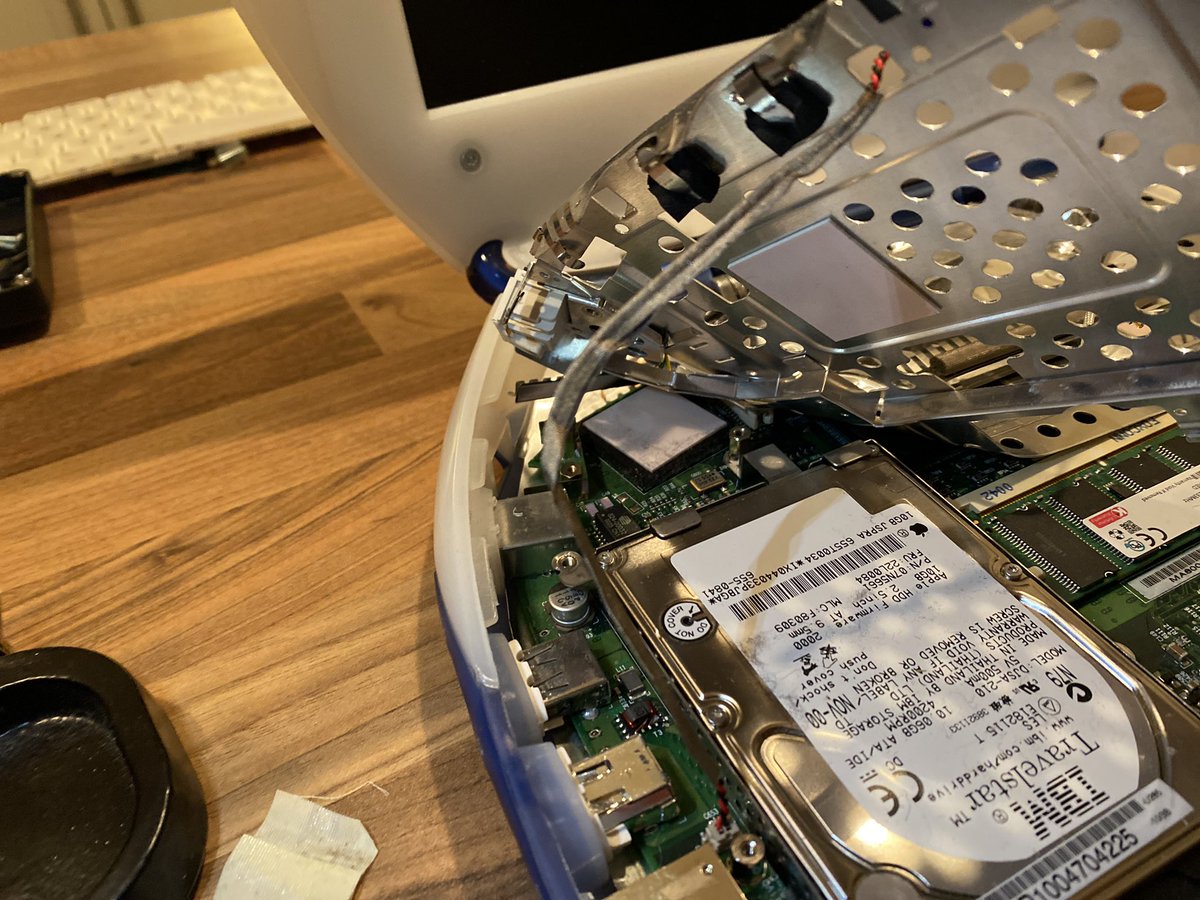
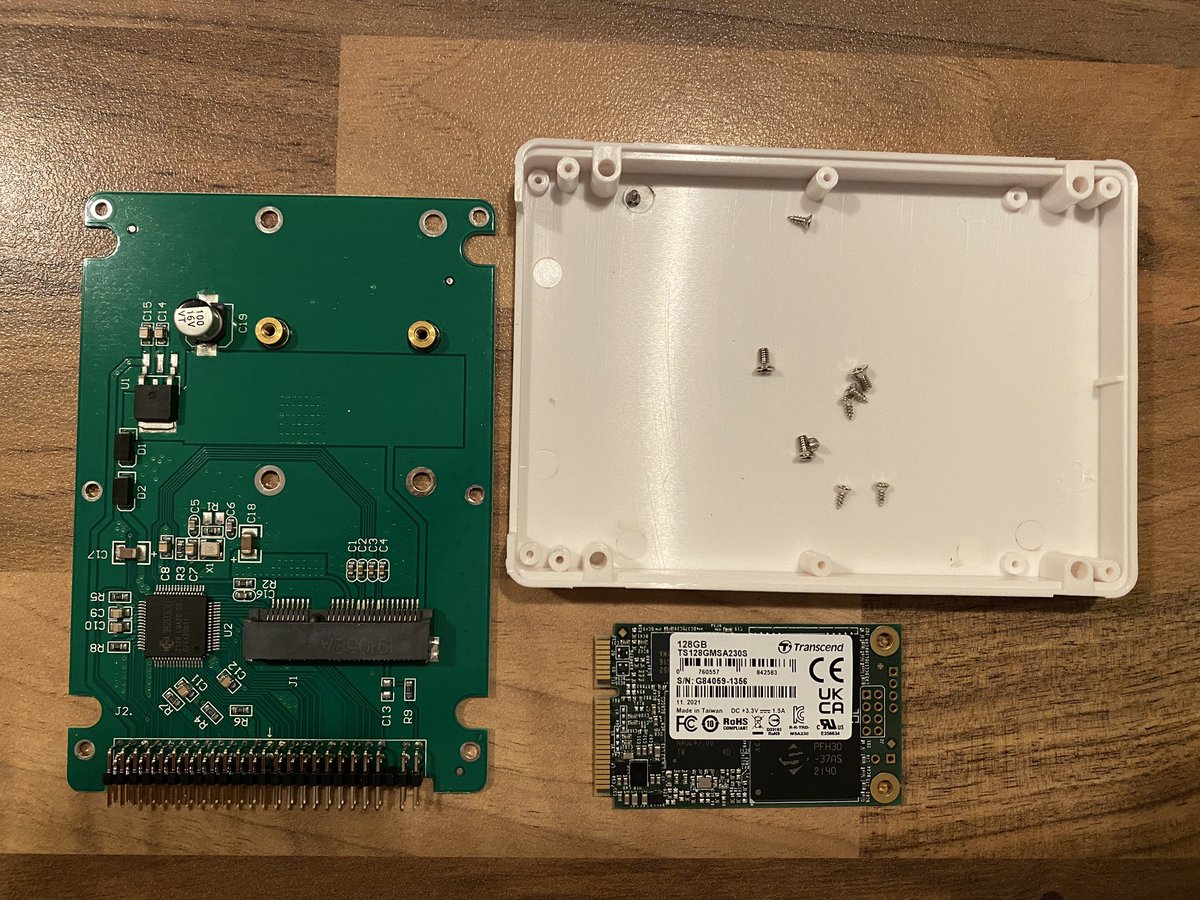
Opened up the #iMac G3 #Clamshell and installed the 128GB mSATA & IDE/mSATA adapter. Disassembling this iBook model is ....hell, but Internet showed me a quick-n-dirty way ,where you use mild and careful force to bend up the EMI shield to access the harddrive to replace it.
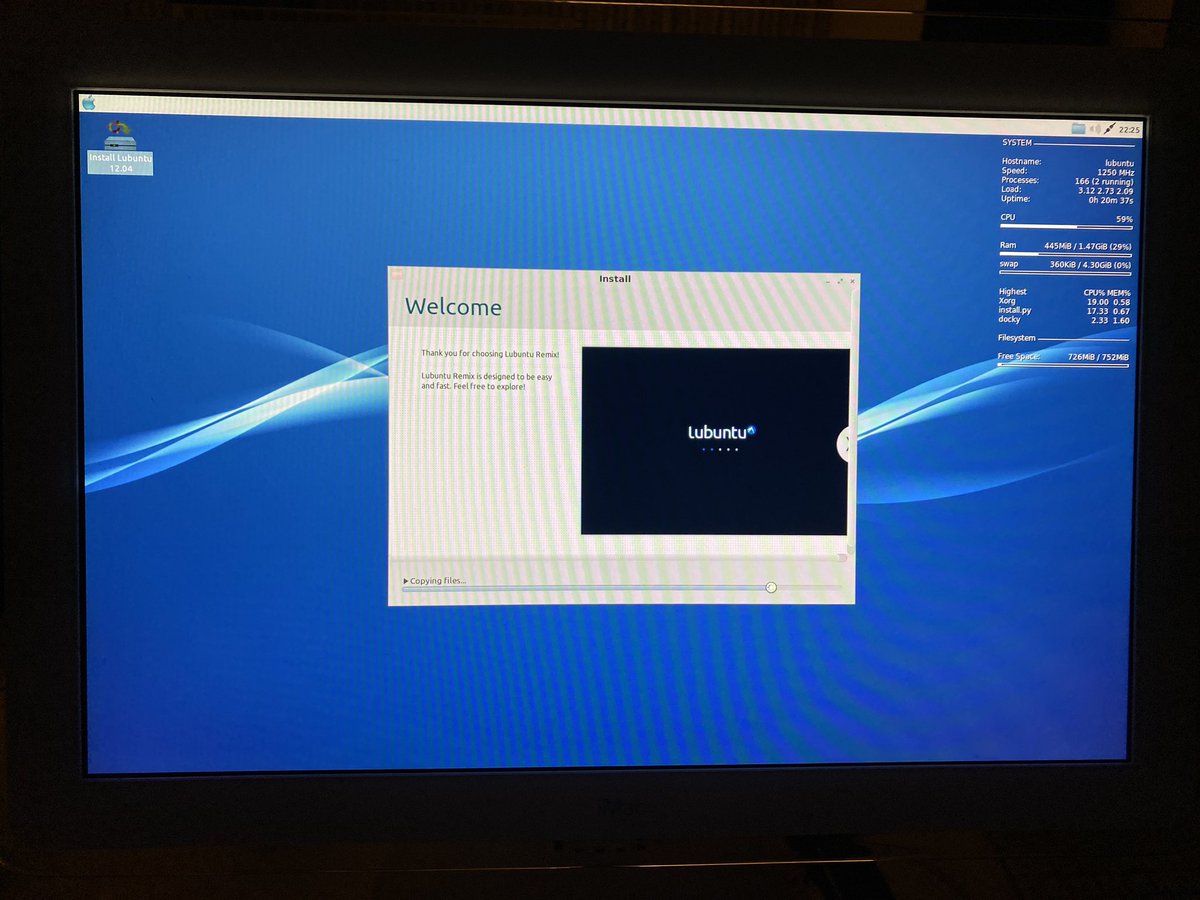
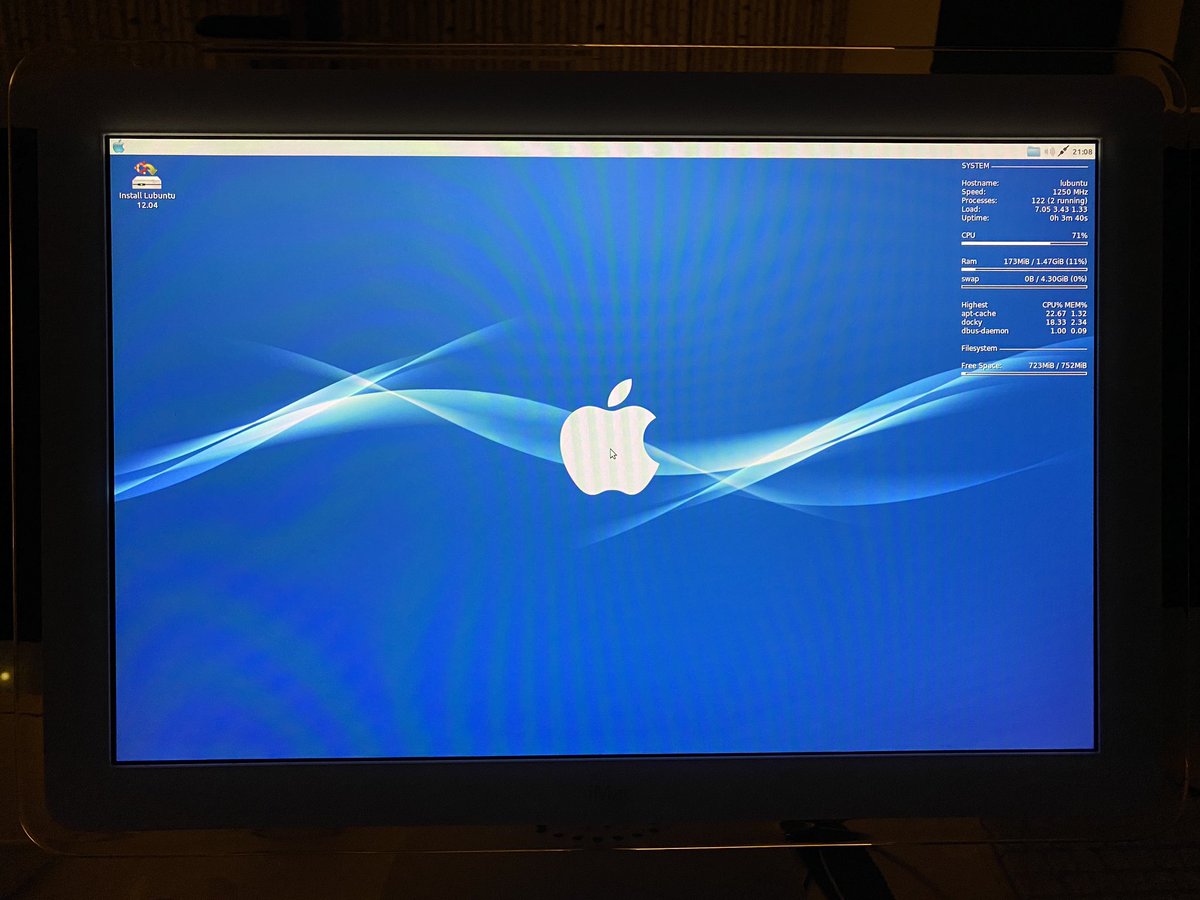
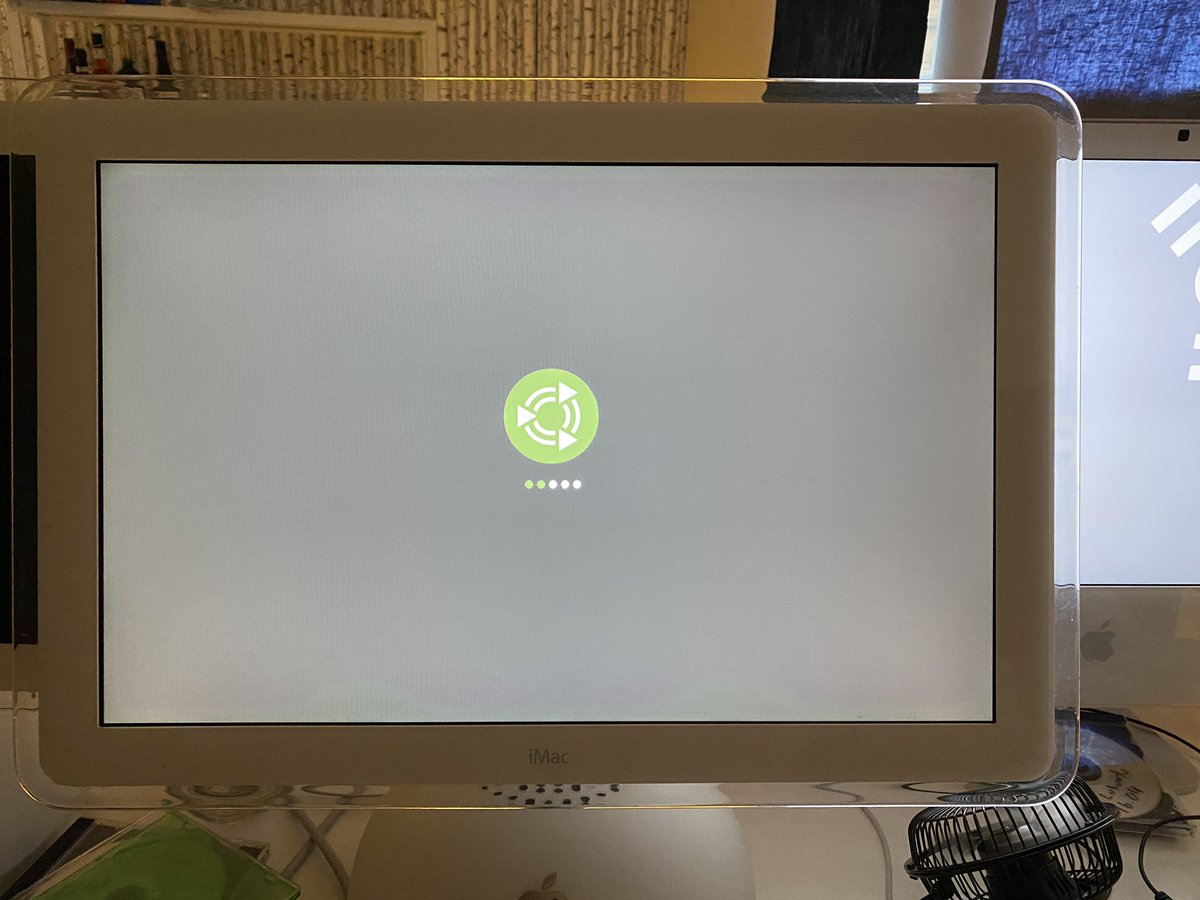
In between upgrading my #Clamshell iBook, I am trying out various #Lubuntu remixes on my #iMac G4 20"/1.25 GHz. This is Macbuntu 12.04 Remix by #wicknix . https://t.co/nMlpbZAeWT
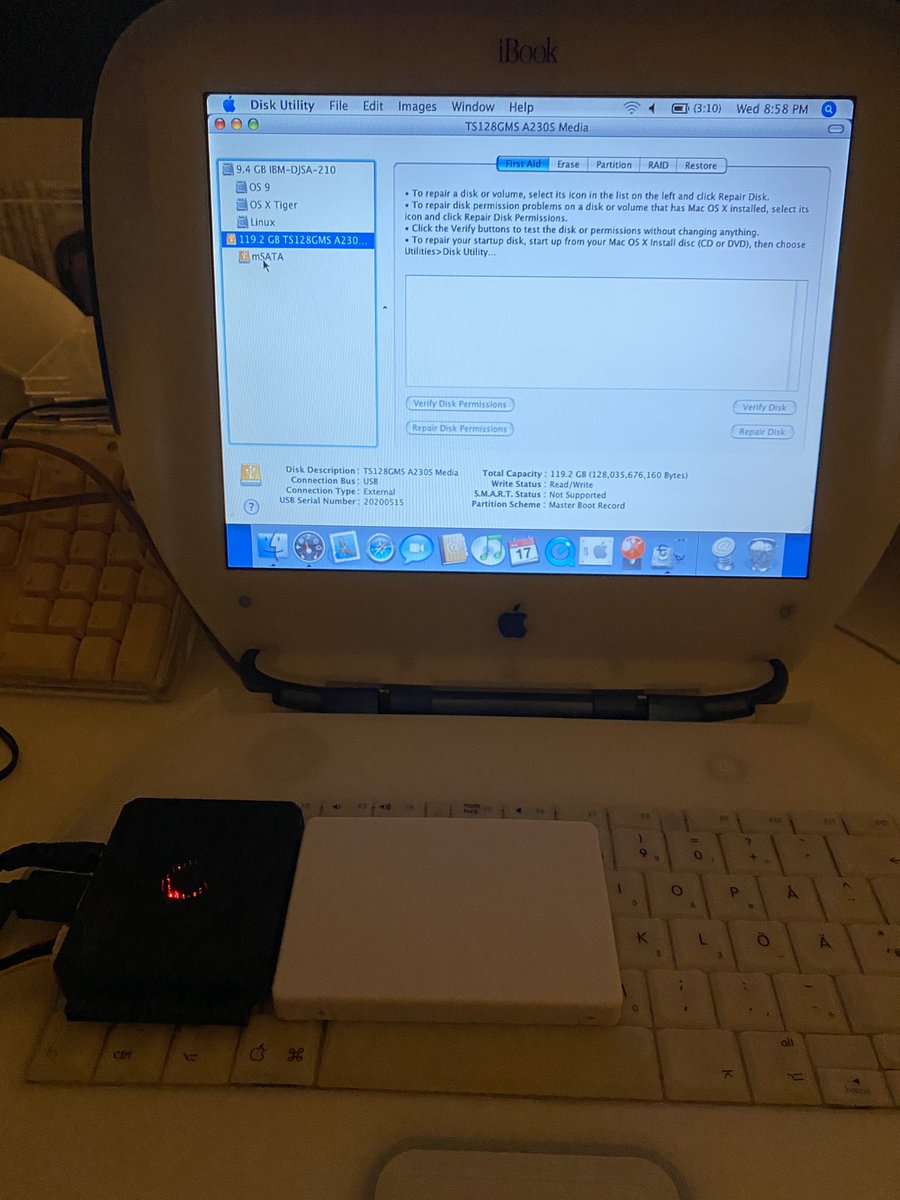
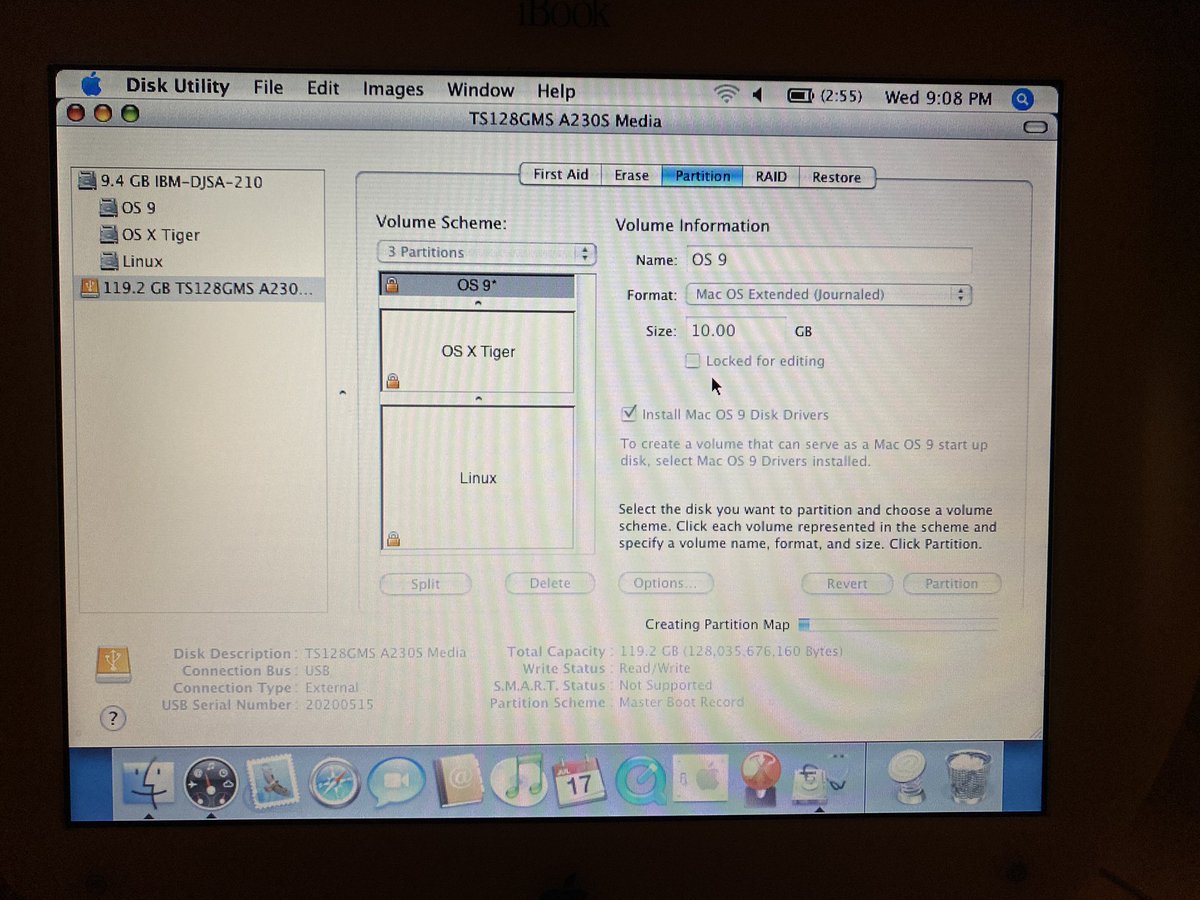
Tried connecting the now initialized mSATA ssd to my iBook #Clamshell via the USB<->IDE/SATA adapter, and it showed up on the desktop directly. Prepped it by partitioning for target OS installations. Not sure how easily it may triple boot with #Linux though.
@mdvfelisberto I would be hard pressed to specify exactly which adapter I have bought though.. Got it from Amazon, sold by a HongKong company but delivered by Amazon. But when I click the item link in purchase email, it says item is no longer available...
Just got this 128GB mSATA SSD with and IDE<->mSATA adapter + case. Will put in my #Clamshell#iBook G3 / 366. Normal SATA SSD will not fit, as an IDE<->SATA adapter simply will not fit inside the Clamshell.
@mdvfelisberto Yes it worked! Hooked it up to my laptop trough another adapter (USB<->IDE/SATA, have posted about this adapter previosly) just to try to initialize the mSATA , and worked nicely. So next step is to put into live testing inside the Clamshell :-)
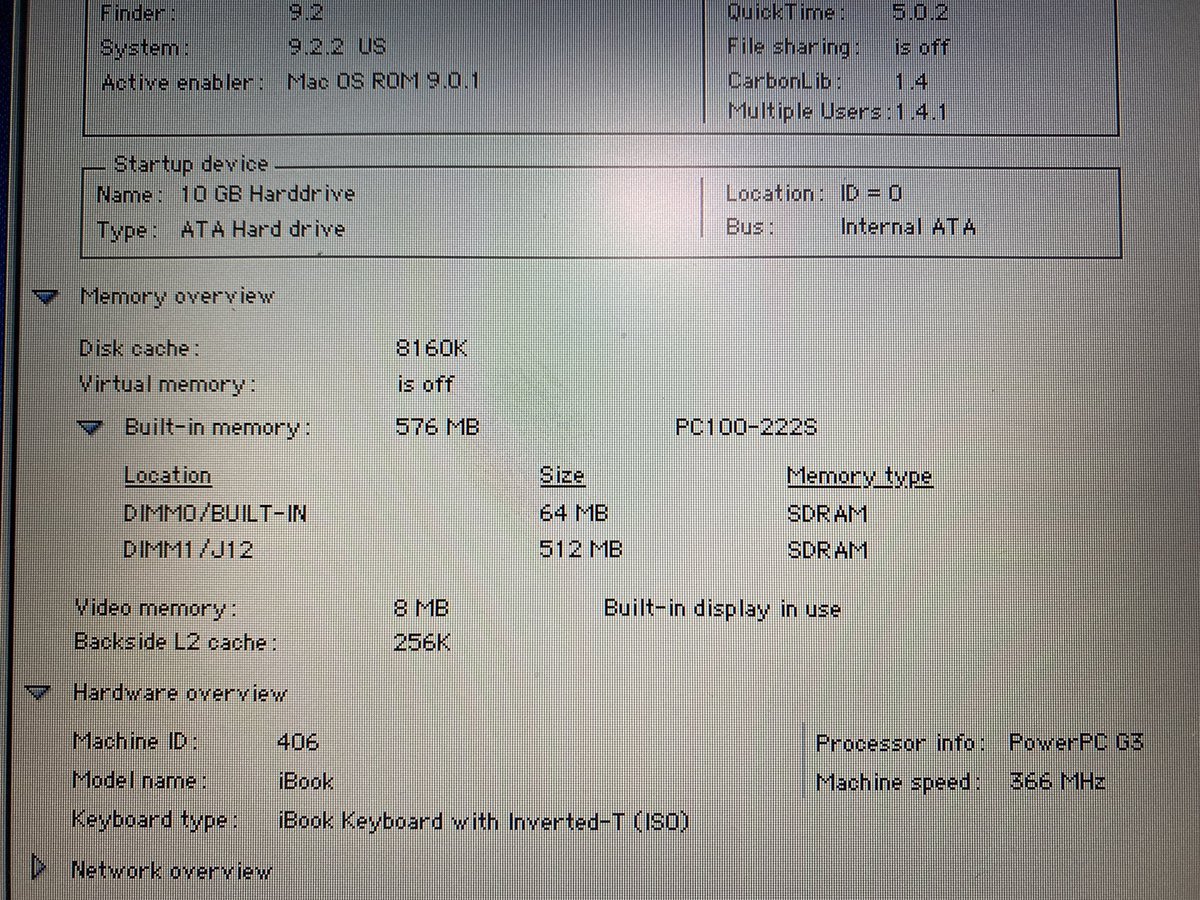
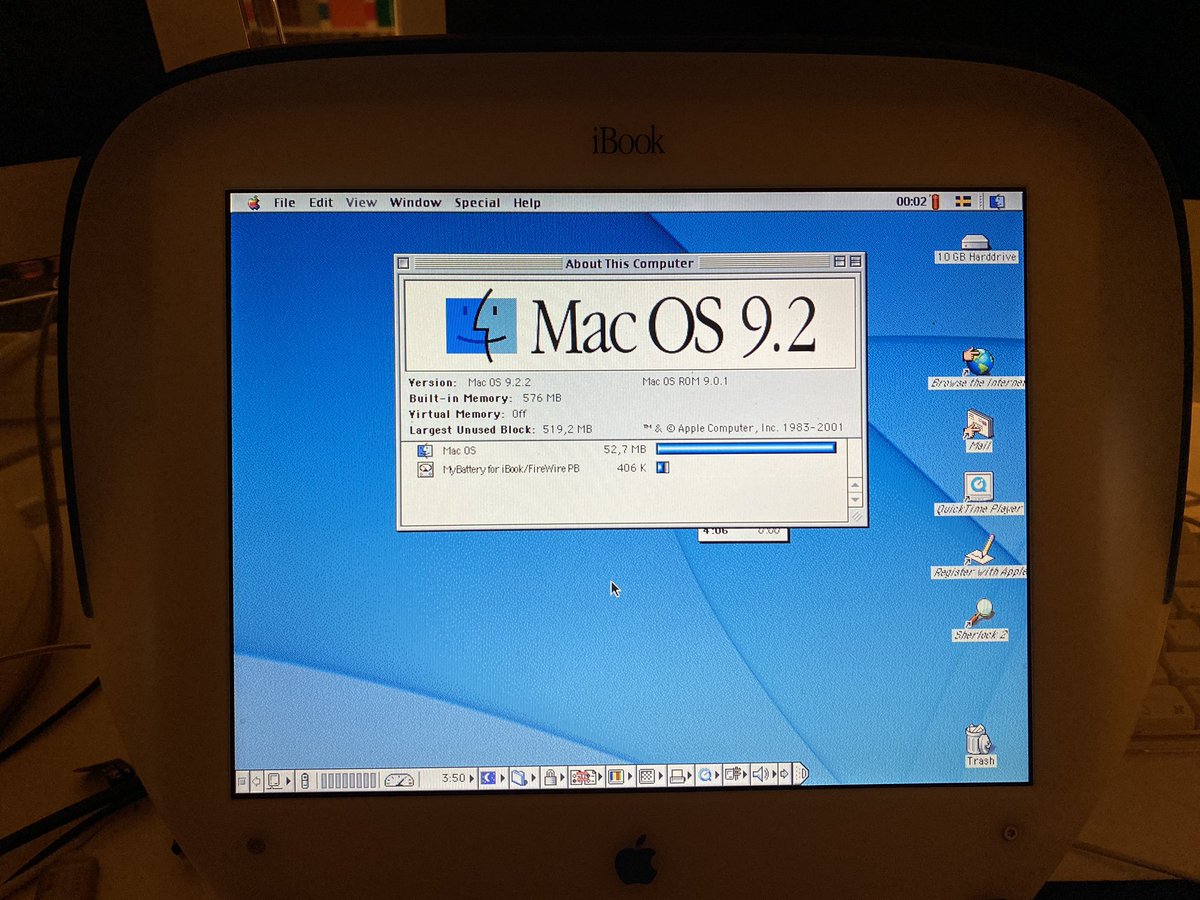
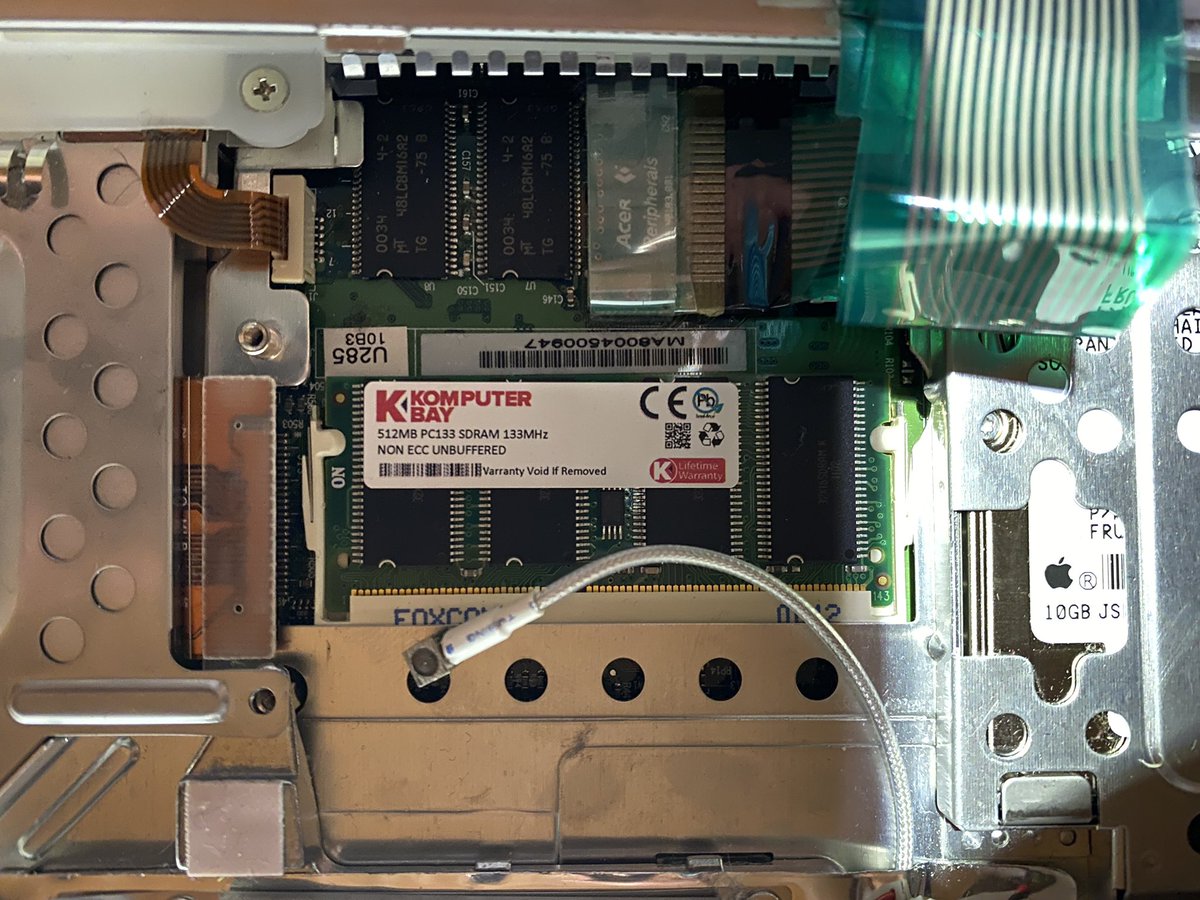
Upgraded my #iBook#G3 with a 512MB memory stick. Had two 512 sticks , both PC133/144 pin SDRAM, which, in theory should be backwards compatible and work nicely with the built in PC100 memory, but with the first stick I got a compability issue error, but the second stick worked!
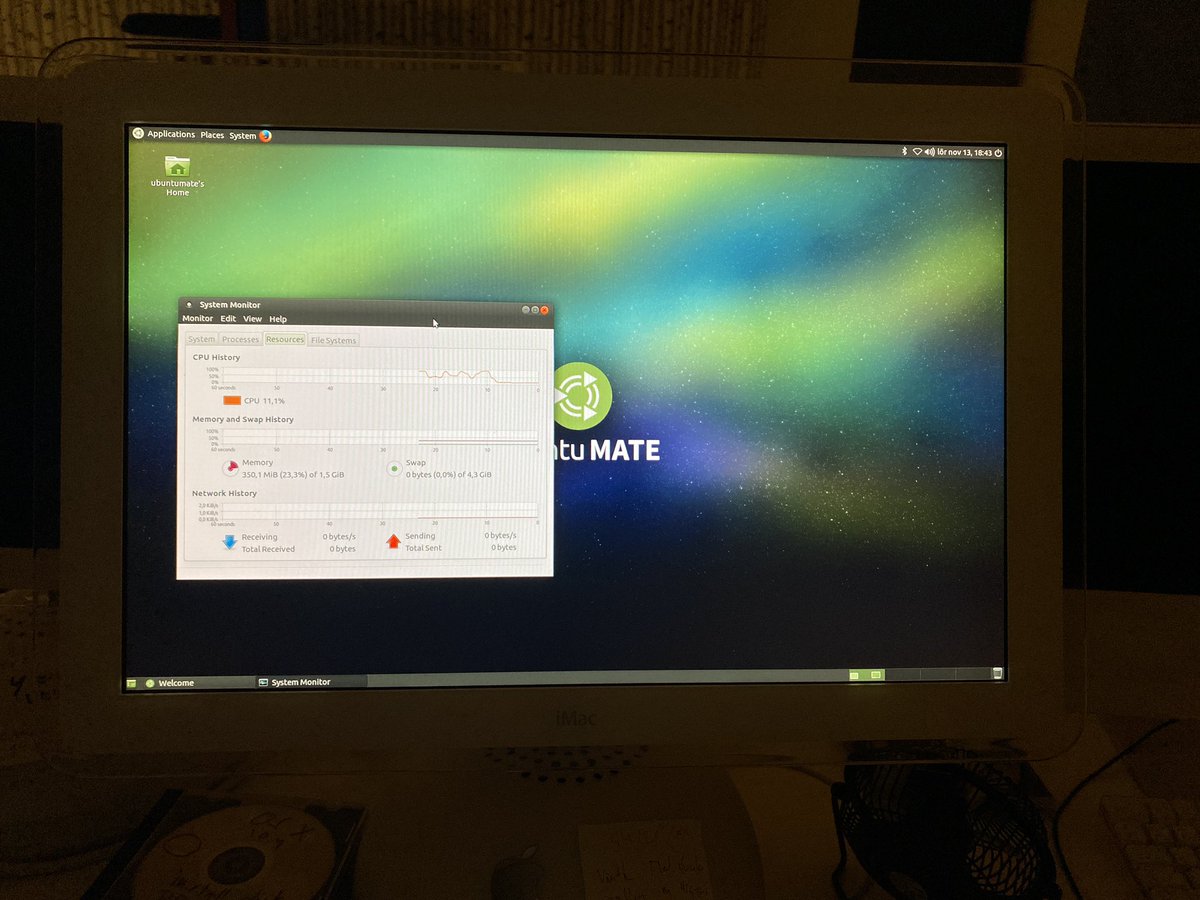
@ppc970 Yeah, I mainly installednit to be able to use a more modern browser than OS Tiger or Leopard can offer. But it is obviously not streamlined for the iMac hardware, so you will have to update wifi adapter software to go wireless etc.
I may have celebrated a bit 2 early about getting the 16.04 LTS versions #UbuntuMATE & #Lubuntu to work. Installing goes ok,but after a first round of update & upgrade,the OS starts 2 crash & burn. Will try a with a more selective update/upgrade approach. #imacg4#PowerPC
Ok, this was a new one, cannot remember ever seeing any of my iMacs booting to this before.... #UbuntuMATE 16.04 install on iMac G4 (20" / 1.25 GHz) is not going as smooth as I had hoped. Trying a clean install with only UbuntuMATE, but keep running into disk problems.
During install to HDD I ran into a number of issues around having a proper boot loader partition, have to do some reading on best approach for this when setting up dual boot OS X/Ubuntu. On Intel macs there is #rEFIT, but that is not available for PPC iMacs.
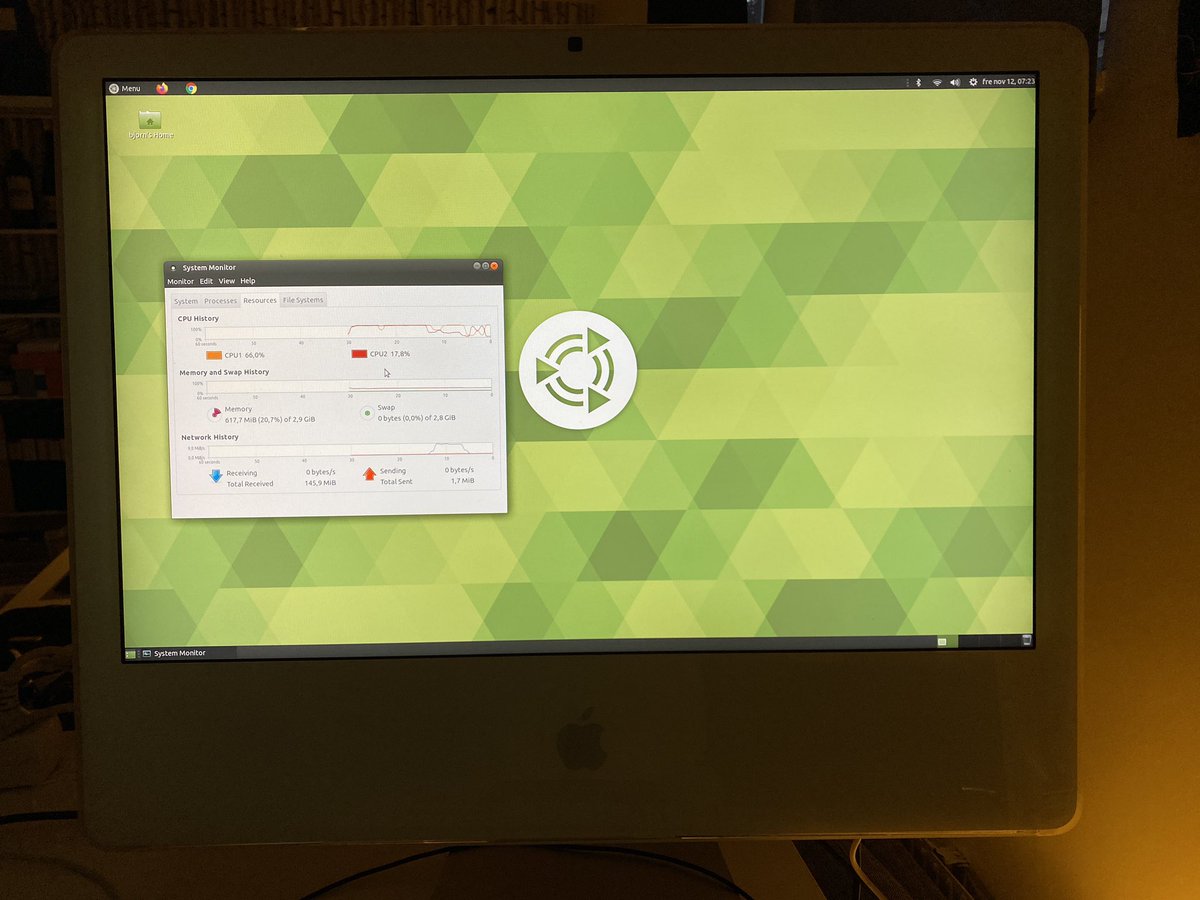
Installed Ubuntu MATE 18.04 LTS on my iMac Intel 2006 (iMac 6.1), used a modded version to be able to install the 64 bit version on this machine, as it only has a 32 bit EFI. Next step is to find a way to control fan speed, as these iMacs tend to overheat the GPU.