🚨 MASSIVE $32M RUG PULLS OPERATION UNVEILED 🔒
We are sharing an investigation conducted by our team, which resulted in:
- More than 1.300 different token rug pulls
- More than $32M stolen
- More than 42.000 victims
- Novel techniques used to avoid being detected
A thread 🧵 ...
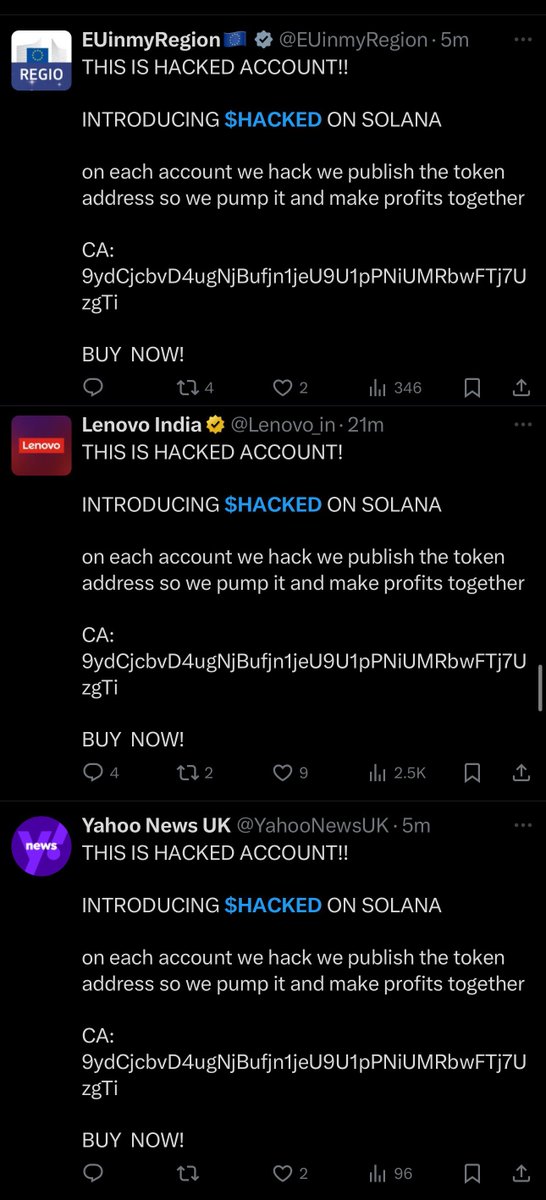
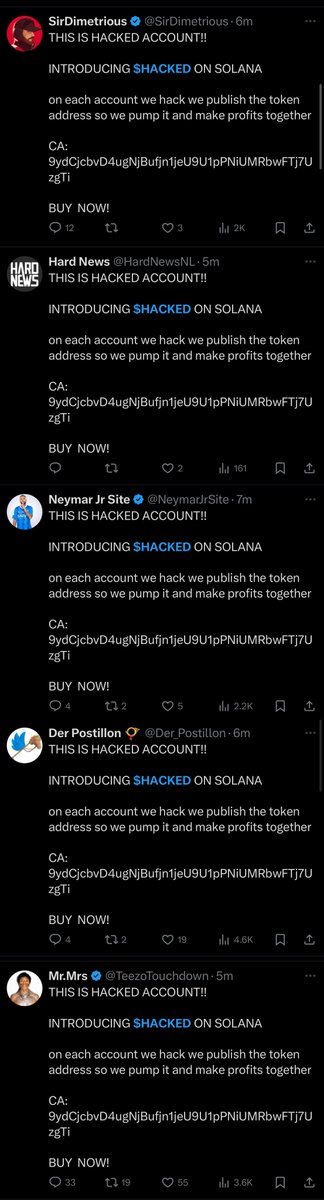
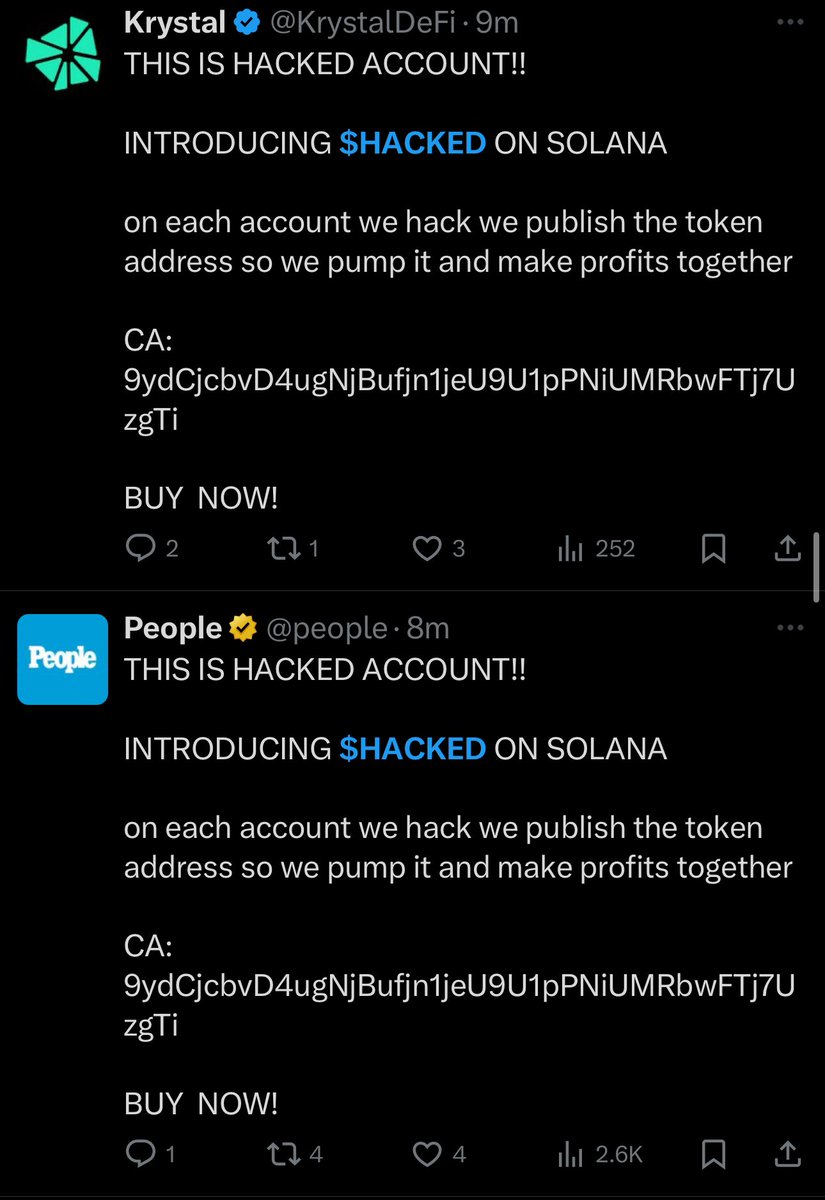
1/3 A threat actor has stolen ~$500K over the past month by compromising 15+ X accounts (Kick, Cursor, Alex Blania, The Arena, Brett, etc) from sending targeted phishing emails which impersonated the X team to steal credentials and then launch meme coin scams.
1/ I was hacked this week for the first time in 8 years.
Both my crypto wallets and entire socials were compromised.
It didn't happen through clicking any obvious phishing links.
I hired an expert and what he told me was shocking.
Here's the untold story and how to avoid it 🧵👇
Indodax(@indodax) was hacked for $22M 10 hours ago, including:
6.14M $USDT;
1,047 $ETH($2.48M);
25 $BTC ($1.41M);
2.2M $MATIC($849K);
1.4M $ARB($749.6K);
2M $ENA($465K);
...
The hacker has converted most of the stolen assets into native tokens and currently holds:
5584 $ETH($13M);
16.74M $TRX($2.56M);
6.84M $POL($2.55M);
25 $BTC($1.41M);
https://t.co/gMb0bF5Q1H
French football star Kylian Mbappe's Twitter account was hacked and released the token MBAPPE, which has now been deleted. The market value of MBAPPE tokens surged to tens of millions in a few minutes and then quickly returned to zero. A user bought 2 SOL (about $286) and sold it at a high point for a profit of about 1,398 SOL (about $200,000). https://t.co/8p8HqHcJaR
🚨ALERT: A new macOS malware that steals cryptocurrency by disguising itself as a legitimate app. Always verify the source before downloading any application to protect your crypto assets.
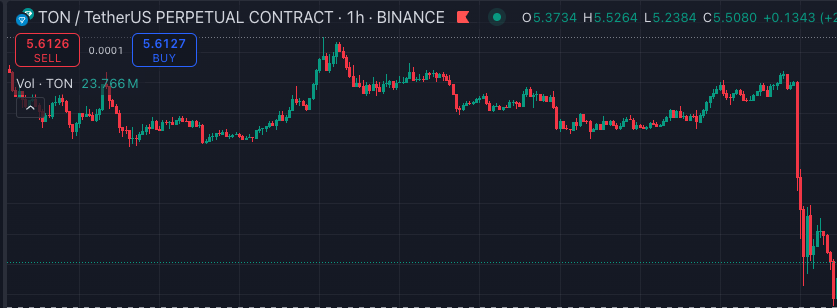
Yesterday, Telegram's native token - $TON - plunged 20% as Pavel Durov, the founder and CEO of the Telegram messaging app, was arrested at Bourget airport outside Paris for alleged offenses related to Telegram.
Identification Of Malicious Extension
Over the last week, we received reports that a small number of users using Solana DeFi got drained.
After extensive investigation, we have identified a malicious Chrome extension called “Bull Checker” that had targeted users on several Solana-related subreddits.
Users with this extension would interact with the dApps as per normal, have the simulation show up as normal, but have the possibility of their tokens being maliciously transferred to another wallet upon transaction completion.
If you have this extension (or similar extensions with extensive permissions you cannot trust), please remove it immediately.
Note that there is no vulnerability found in any of the dapps or wallets.
A report with all the key technical details, including why the simulation looked normal, is available at:
https://t.co/u5mfmRbJMz
For the report, we collaborated with @0xslipper from @Offside_Labs who was extremely helpful for much of the technical analysis.
Much thanks to @blowfishxyz, @RaydiumProtocol and @phantom who also reviewed this post too.
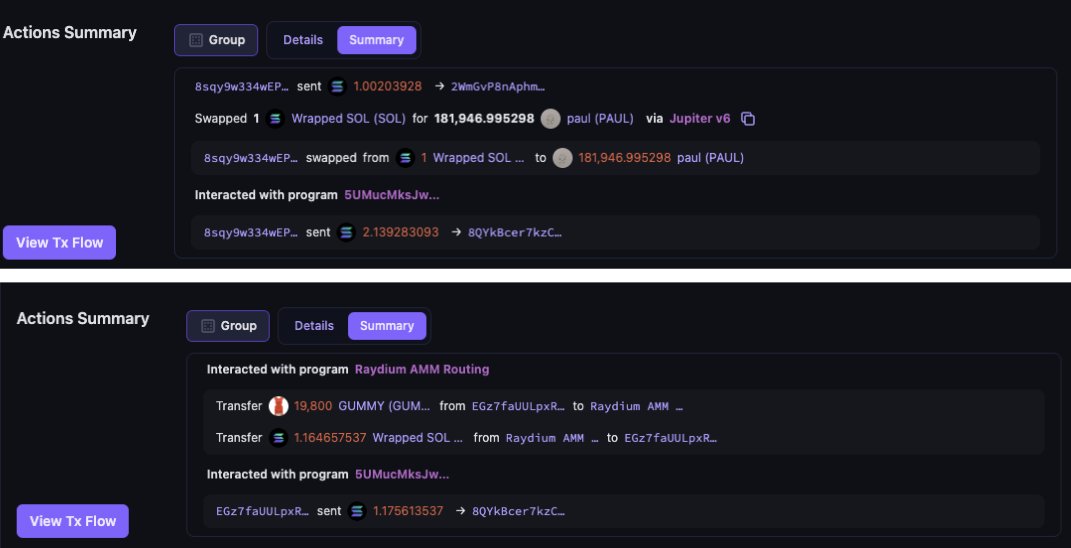
Example Transactions
Here are 2 examples of transactions that have interacted with the malicious program
5UMucMksJweA1AtgyxrK8DJeBXr3DQGEGRs5Kkq2pZjr
https://t.co/gGodMZNuvK
https://t.co/hvziyniTuQ
In both cases, malicious instructions were added to regular Jupiter and Raydium instructions, and the resulting transaction was signed by the user as per normal, but had their tokens and authority transferred to the malicious address.
The Suspected Extension: Bull Checker
Upon further investigation of several affected users who have been drained by the same program, we have identified an extension called “Bull Checker”, which has the permissions to read and change all the data on the website, as a potential cause.
Raydium has confirmed that their affected user has the same extension installed.
Bull Checker is supposed to be a read-only extension that allows you to view the holders of memecoins. There should be no need for an extension like this to read or write data on all websites.
This should have been a major red flag for users, but apparently several users continued to install and use the extension.
After installing Bull Checker, it will wait till a user interacts with a regular dApp on the official domain, before modifying the transaction sent to the wallet to sign. After modification, the simulation result will still be “normal” and not appear to be a drainer.
Technical Analysis
For a full technical analysis, including why the simulation check looked normal, how the drainer tx worked, and what the extension code did, please refer to the jupresearch post here:
https://t.co/u5mfmRbJMz
Targeting Memecoin Traders
In addition to the above information, while researching “Bull Checker” we discovered that it was publicised by an anonymous Reddit account, “Solana_OG”. This person appeared to target users looking to trade memecoins, and lured them to download the extension.
Links:
https://t.co/WuhFWj5gdH
https://t.co/j5Du0YRi4L
Key Safety Habits
While we have identified one malicious extension, there might still be other malicious extensions out there.
1. If you suspect an extension contains malware, particularly if they have both “read” and “change” permissions, uninstall it immediately.
2. Do not trust something just because someone mentioned it on Reddit or other media and it has many upvotes. Astroturfing and social engineering for the purpose of scamming are very real.
3. Extensions that request for extensive permissions are highly suspicious. An extension like Bull Checker should not need to read and modify all your website data. You should have an extremely high degree of confidence in an extension before you start using it.
4. In addition, Blowfish has released a new guard instruction feature called SafeGuard that prevents all simulation spoofing attacks. It’s currently being adopted by multiple Solana wallets and will likely be useful in prevent such future attacks.
Conclusion
Stay safe out there, and don’t install extensions that can read/write data unless you are really sure.
Many thanks to Siji from Offside Labs, Blowfish, Raydium and Phantom for assisting in this investigation.
1/ Recently a team reached out to me for assistance after $1.3M was stolen from the treasury after malicious code had been pushed.
Unbeknownst to the team they had hired multiple DPRK IT workers as devs who were using fake identities.
I then uncovered 25+ crypto projects with related devs that have been active since June 2024.
Earlier today, A FAKE $CATDOG token on Solana executed a RugPull, causing major losses for investors! Scammers are using FOMO to push fake tokens and drain funds.
Remember: Always verify contracts and do thorough research before investing.
🚨 Beware of Rugpull in #memecoin PVP world! A FAKE $CATDOG on #Solana has recently executed a #RugPull, causing significant losses for unsuspecting investors. 🐱🐶
The deployer initially added a mere 1 $SOL of liquidity. However, he true intentions became evident as he proceeded to spend a total of 800 $SOL to purchase 99.87% of the supply at a low price. 😱
Shockingly, just 10 hours later, he executed a RugPull for 2061.22 $SOL, resulting in a devastating 100% price drop. ❌
https://t.co/97dBywoJ4V
🔍Before purchasing any memecoins or investing in any project, it is crucial to verify the contract, conduct thorough research, and exercise caution.
Stay vigilant and be aware of potential scams and rugpulls in crypto space. 🕵️♂️
#CryptoSafety #StayInformed #DYOR
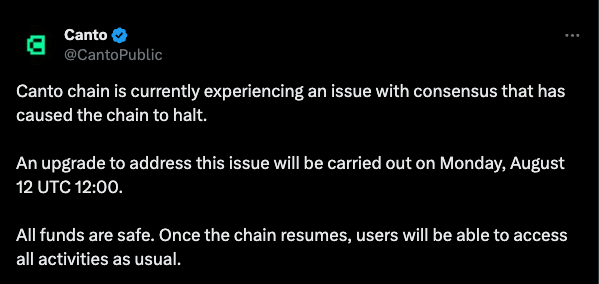
🚨Alert: The @CantoPublic chain was halted due to a consensus issue. A scheduled upgrade on Monday, August 12, at 12:00 UTC, will resolve this. All funds remain safe, and normal activities will resume once the chain is back online.
🚨 Wallets inactive for 3.3 years are now moving 789,533 ETH (approx. $2B)! These funds originated from "Plus Token Ponzi 2" and were seized by Chinese authorities during their crackdown on the PlusToken Ponzi scheme. The sudden activity raises concerns about potential large-scale sell-offs, possibly affecting Ethereum's market stability.
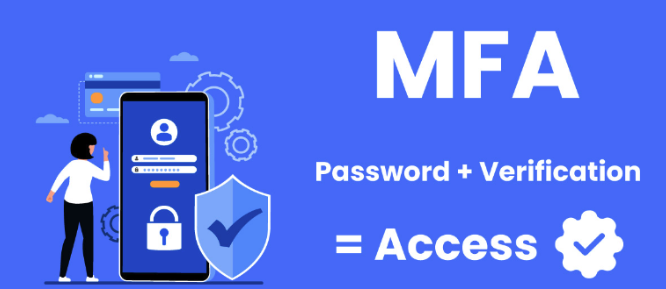
🔒Keep Your Accounts Safe! Use Multi-Factor Authentication (MFA)
Enhance your online security by enabling Multi-Factor Authentication (MFA) on all your accounts. MFA adds an extra layer of protection by requiring a second verification form, like a code sent to your phone and your password. This makes it much harder for hackers to access your accounts, even if they have your password.
✅ How to Enable MFA:
1. Go to your account settings on the platform you want to secure.
2. Find the security settings and look for Multi-Factor Authentication.
3. Follow the prompts to set up MFA, usually by linking your phone number or using an authentication app like Google Authenticator.
Stay safe and keep your accounts secure! 🚀