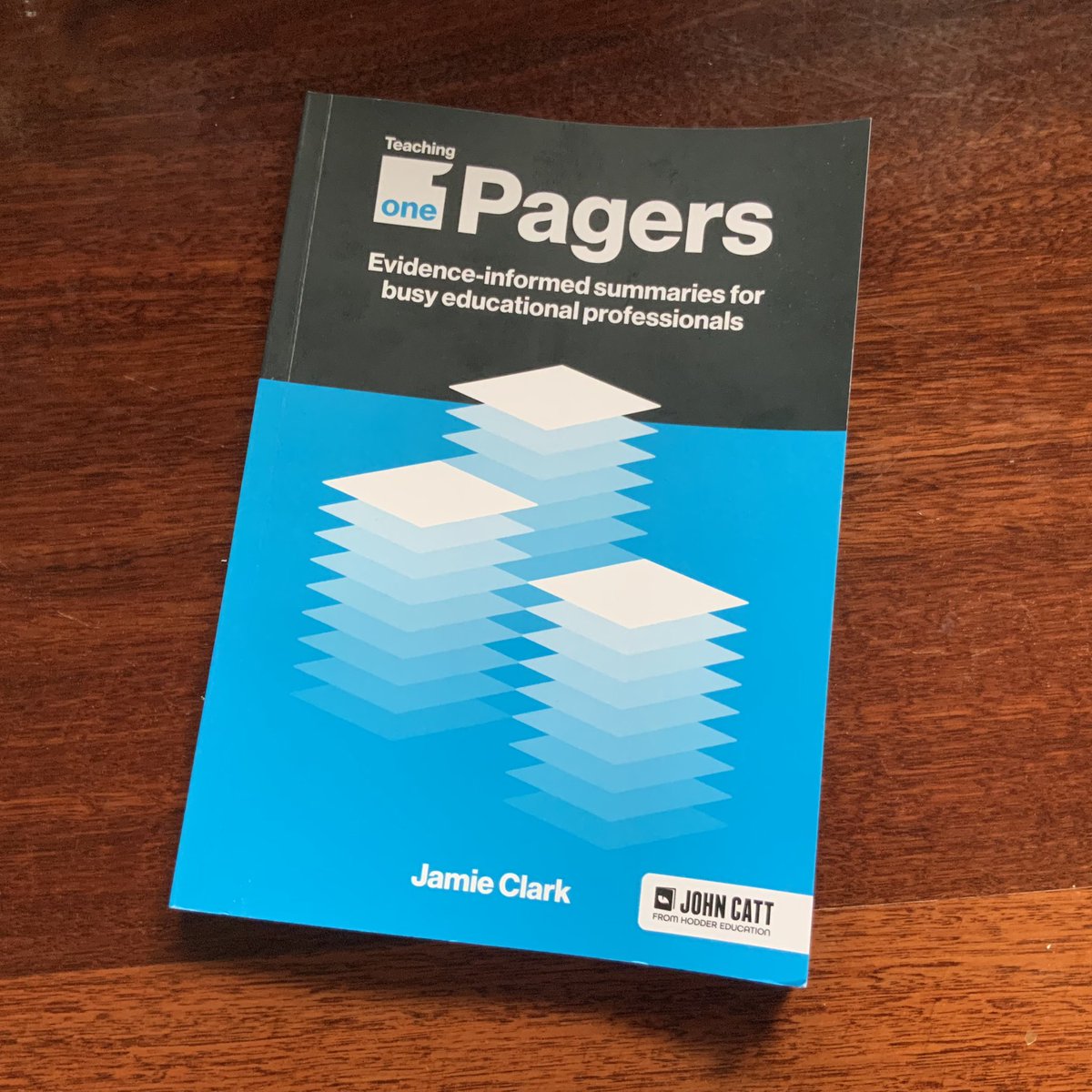
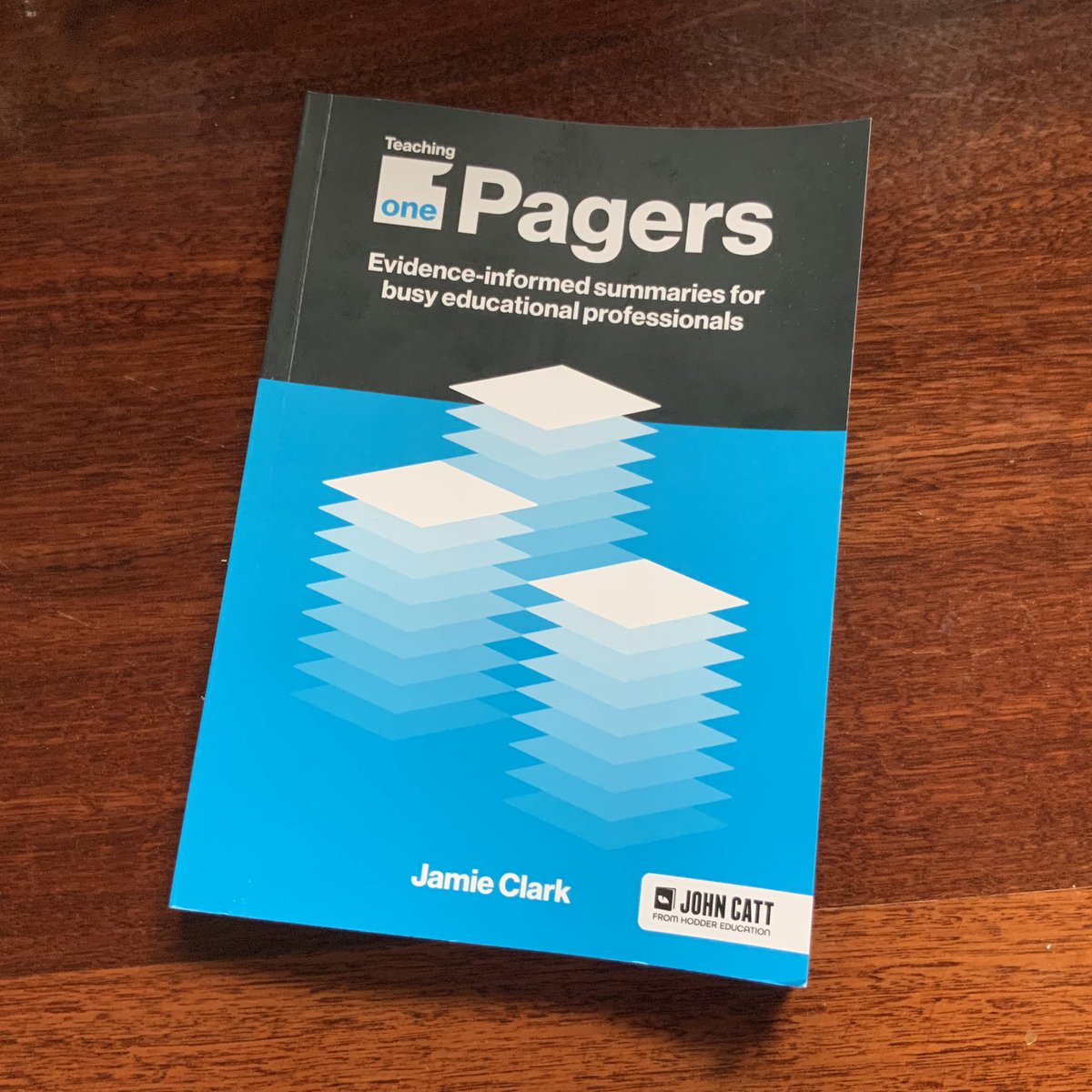
2/2 The ‘what - why - how’ structure of the summaries and the extensive use of visuals to unpack concepts make this a powerful entry point into key pedagogical concepts.
Congratulations Jamie for a powerful addition to teacher professional learning.
1/2 Excited to have received a copy of ‘Teaching One Pagers’ from @XpatEducator. I’ve been lucky enough to witness the development of this book over time & know how much research and design work have gone into making this fantastic collection of evidence-informed summaries.
Today I got my final results back for the Graduate Certificate in Educational Design I’ve been studying at Monash. It’s been an amazing experience and I’ve learned so much along the way.
It’s been great working with the talented @XpatEducator and sharing some of the learnings from my recent uni studies.
Excited to see the potential of university/industry level instructional design software being realised, along with micro-credentials, in the secondary years.
And this is our Year 7 course fully integrated with online, interactive lesson components.
Thanks to @BlueprintLearn for the inspiration & introduction to the software. It’s transformational for both staff & students. 🙌 3/
@reniemck You can actually do a lot with the shapes and snap to object lines in #Keynote, #Pages and #Numbers. The combine shapes menu is handy for creating any shapes you don’t have that can then be added to your ‘my shapes’ library,
@PaulHamilton8@phill_cantone@AppleEDU We’ve been asking for this for several years now - it would have a significant impact on ease of use by learners. Keep sending that feedback!
Creating slides to support student learning? Research says our eyes are drawn to things that move.
Animated backgrounds draw the eye away from the content you want your students to engage with, increasing extraneous cognitive load.
#BrightShinyThings#UseWithCare
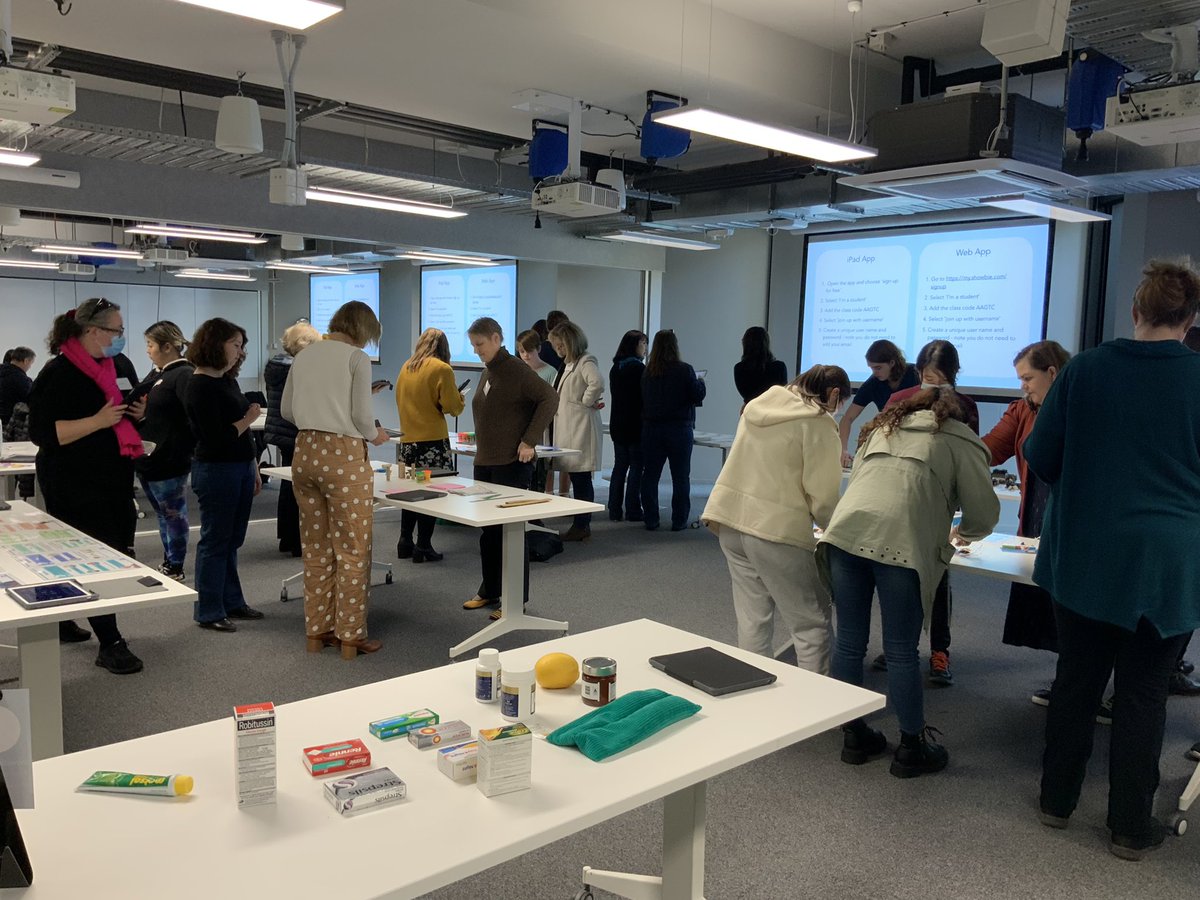
I’ve been practising the instructional design skills I’m learning at Uni. These slides are for a Mentoring Educators workshop I’ll be running next term.