That’s a useful distinction. 😀The regression test should cover an in-place upgrade with the legacy helper already running; a clean install won’t exercise that teardown path.
I’d assert that the old job is no longer loaded or able to register the shortcut, rather than necessarily requiring the label itself to disappear.
1/7
After upgrading from ChatGPT Classic to the unified ChatGPT/Codex Mac app, I assumed the old background pieces had gone with it.
On one Mac, they hadn’t: a legacy helper was still running—and quietly holding on to Option+Space.
Here is the prompt for you to check your codex app and chatgpt:
Perform a read-only audit of this Mac for possible legacy
ChatGPT/Codex desktop migration residue.
This task is diagnosis and evidence collection only.
Authorization boundaries:
- Do not kill, stop, unload, disable, enable, or restart any process or service.
- Do not use launchctl bootout/bootstrap/disable/enable.
- Do not use kill, killall, tccutil, sudo, defaults write/delete,
lsregister -u, rm, mv, or any equivalent state-changing command.
- Do not move applications, change shortcuts, reset permissions, or edit files.
- Do not open ChatGPT Classic or trigger Option+Space.
- Do not read raw chats, session databases, credentials, tokens, browser data,
or private project files.
- Redact usernames and replace home-directory paths with ~/.
- If a check cannot be completed read-only, mark it unverified and continue.
Goal:
Determine whether an older ChatGPT installation left ChatGPTHelper or
com.openai.chat-helper running after migration to the unified ChatGPT/Codex app.
Checks:
1. Record:
- macOS version and architecture
- physical RAM
- current unified ChatGPT/Codex app version
- any installed ChatGPT Classic version
2. Inspect, without modifying:
- whether com.openai.chat-helper is loaded
- whether launchctl marks it enabled or disabled
- its RunAtLoad, KeepAlive, BundleProgram, and executable path
- whether a ChatGPTHelper process is running
- its PID, parent PID, elapsed time, current RSS/physical footprint,
and executable path
Do not print complete process arguments or unrelated environment variables.
3. Read only the legacy shortcut preference:
defaults read https://t.co/0AzrDhDxoy KeyboardShortcuts_toggleLauncher
Decode carbonKeyCode and carbonModifiers if present. State whether the
stored value corresponds to Option+Space, but do not change it.
4. Check whether the current app’s settings visibly expose this legacy
shortcut owner. Use UI inspection only if available; do not click controls
that would change a setting.
5. Look for relevant legacy URL-handler or privacy-permission entries only
through safe, filtered, read-only inspection. Do not dump the TCC database
or unrelated application registrations.
6. Do not infer a memory leak from elapsed time or RSS alone. Report current
measurements exactly. Clearly distinguish:
- directly verified facts
- machine-specific observations
- plausible hypotheses
- facts that could not be established
7. Produce a concise report containing:
- Affected / not affected / inconclusive
- Evidence table
- Current helper resource usage
- Whether legacy Option+Space configuration remains
- Which findings could plausibly generalize to other upgraded Macs
- Which findings are specific to this machine
- Broad investigation directions for the product team
Do not propose or execute a fix. Do not claim that memory belongs to the
helper unless it was measured directly. Ask the user before performing any
future remediation.
7/7
Please share only sanitized results in the issue—never usernames, raw process arguments, logs, tokens, chats, or private project paths.
One machine was enough to surface the question. A small community sample can tell us whether it deserves a wider fix.
The goal is not to turn every environmental change into a warning. It is to organize the available signals around what you chose to watch, and give the summary enough context to be useful.
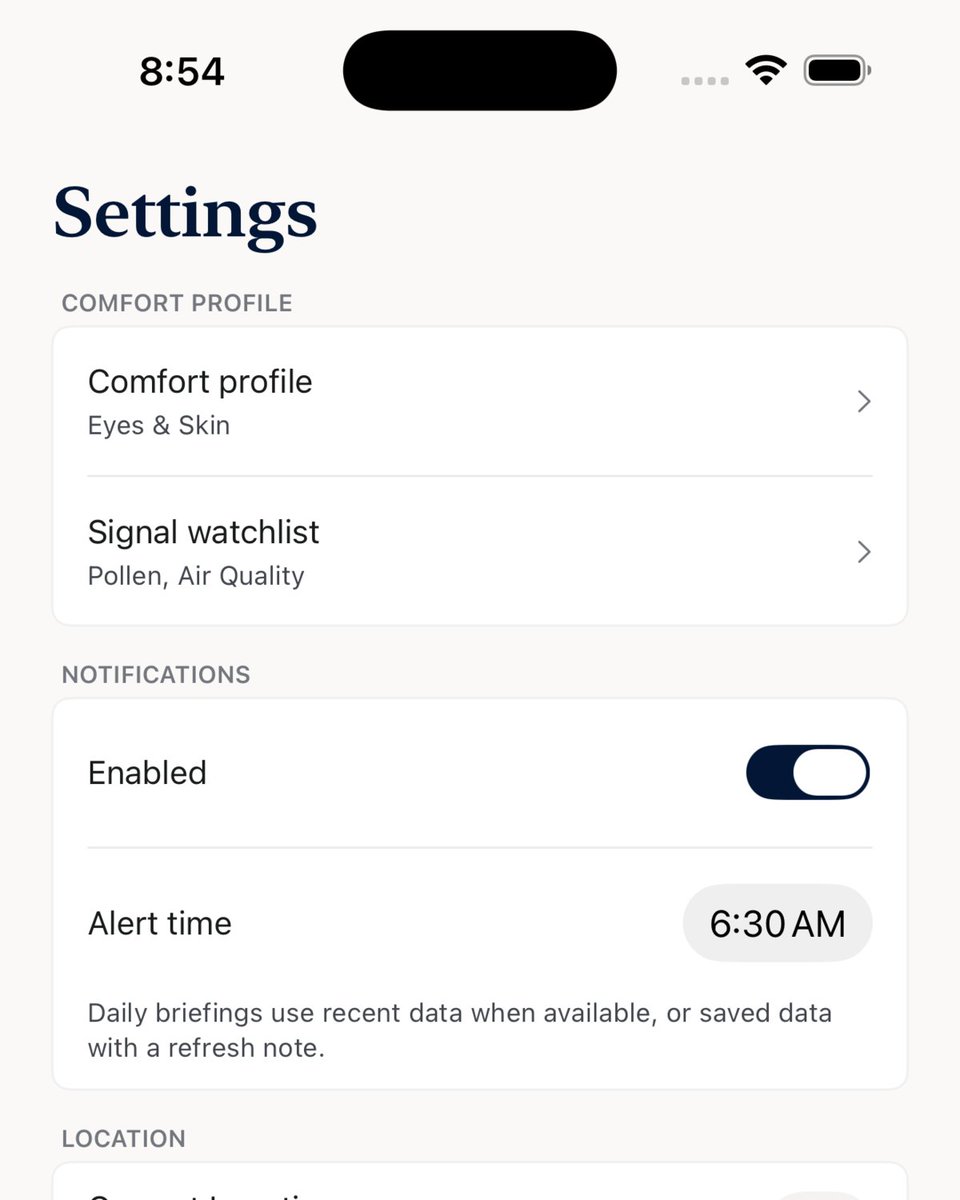
In the next thread: why profiles matter.
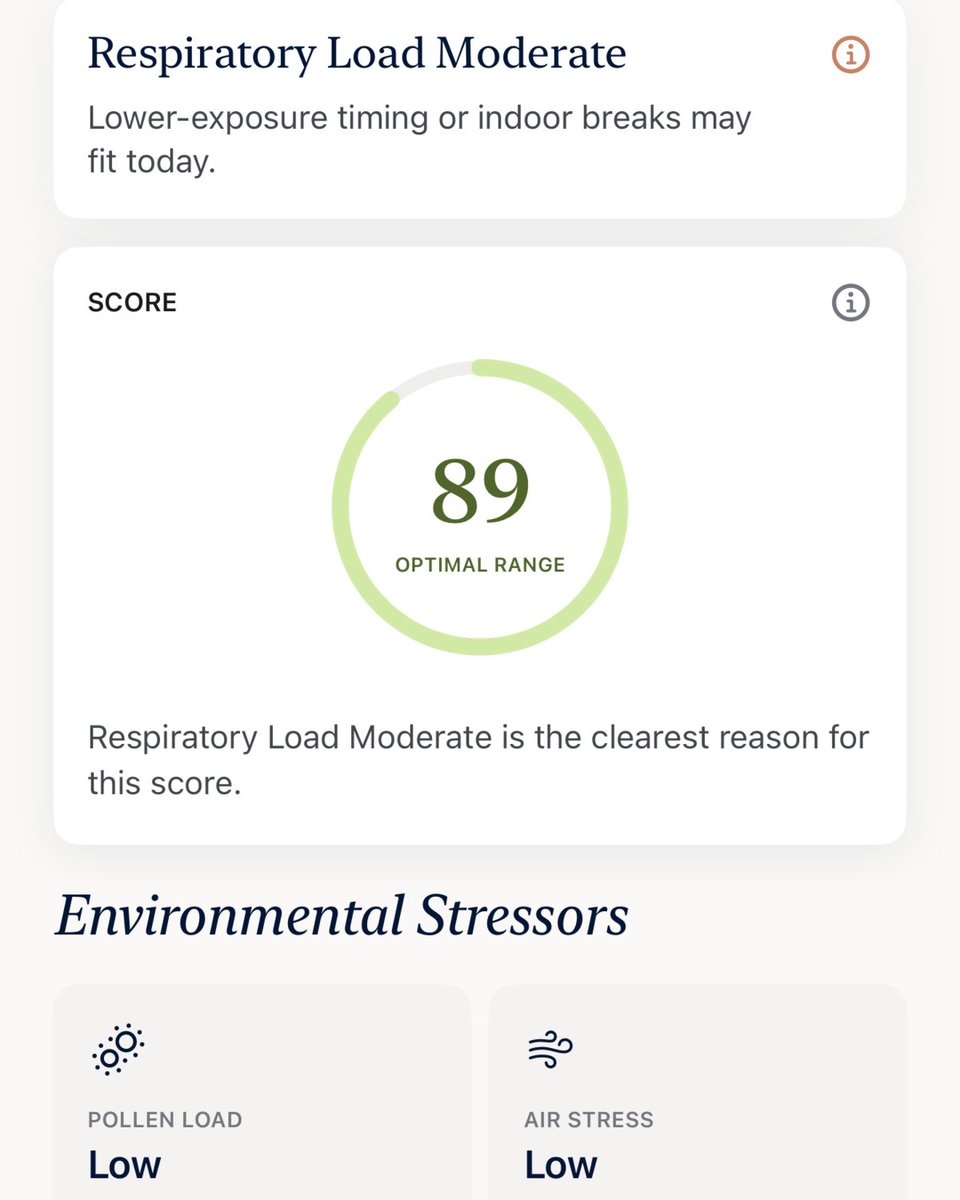
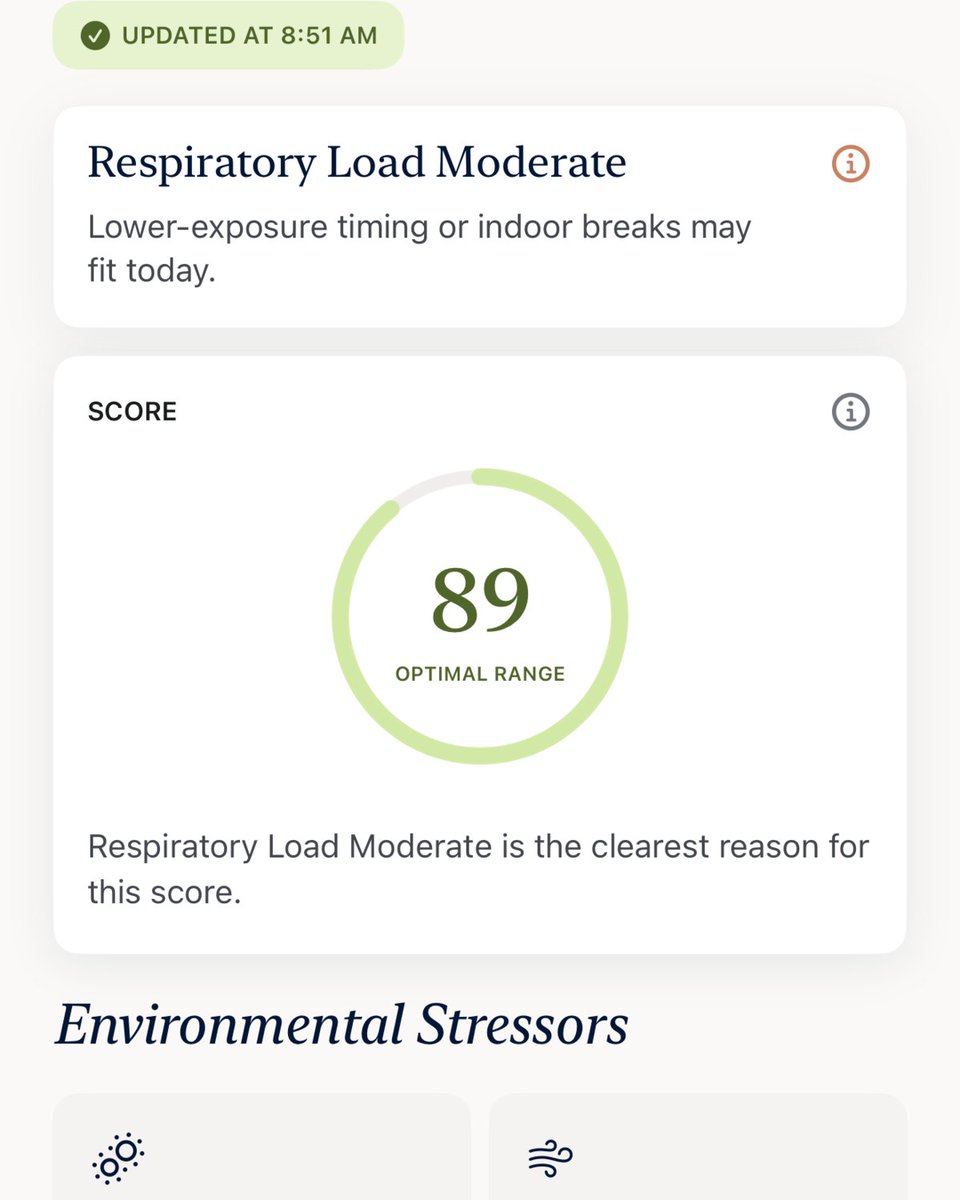
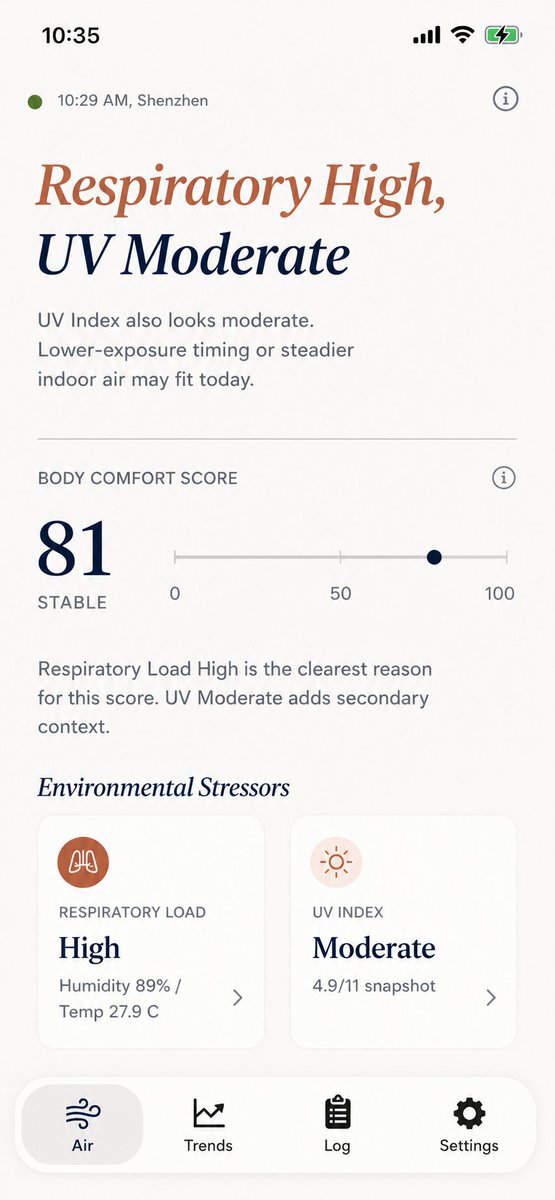
Sensewise begins by combining those signals into a Body Comfort Index, but the score is only the entry point. We also keep the main reason visible.
In this snapshot, the score is 89, while Respiratory Load is Moderate.
That distinction matters because an overall picture and an individual signal can tell different stories. Pollen Load and Air Stress are Low here; Respiratory Load is Moderate.
We don’t want the large number to erase the detail underneath it.
The problem is not a lack of data. A typical forecast already contains temperature, humidity, pressure, UV, particles, ozone, pollen and more.
The problem is that these signals usually arrive as separate numbers, leaving you to decide which ones deserve attention.
Weather apps are oddly impersonal. They can tell you it’s 72°F and sunny, but not why the day feels different from what that forecast suggests.
Over the next 15 days, I’ll share how we tried to close that gap with Sensewise. Day 1, thread 1 of 2.