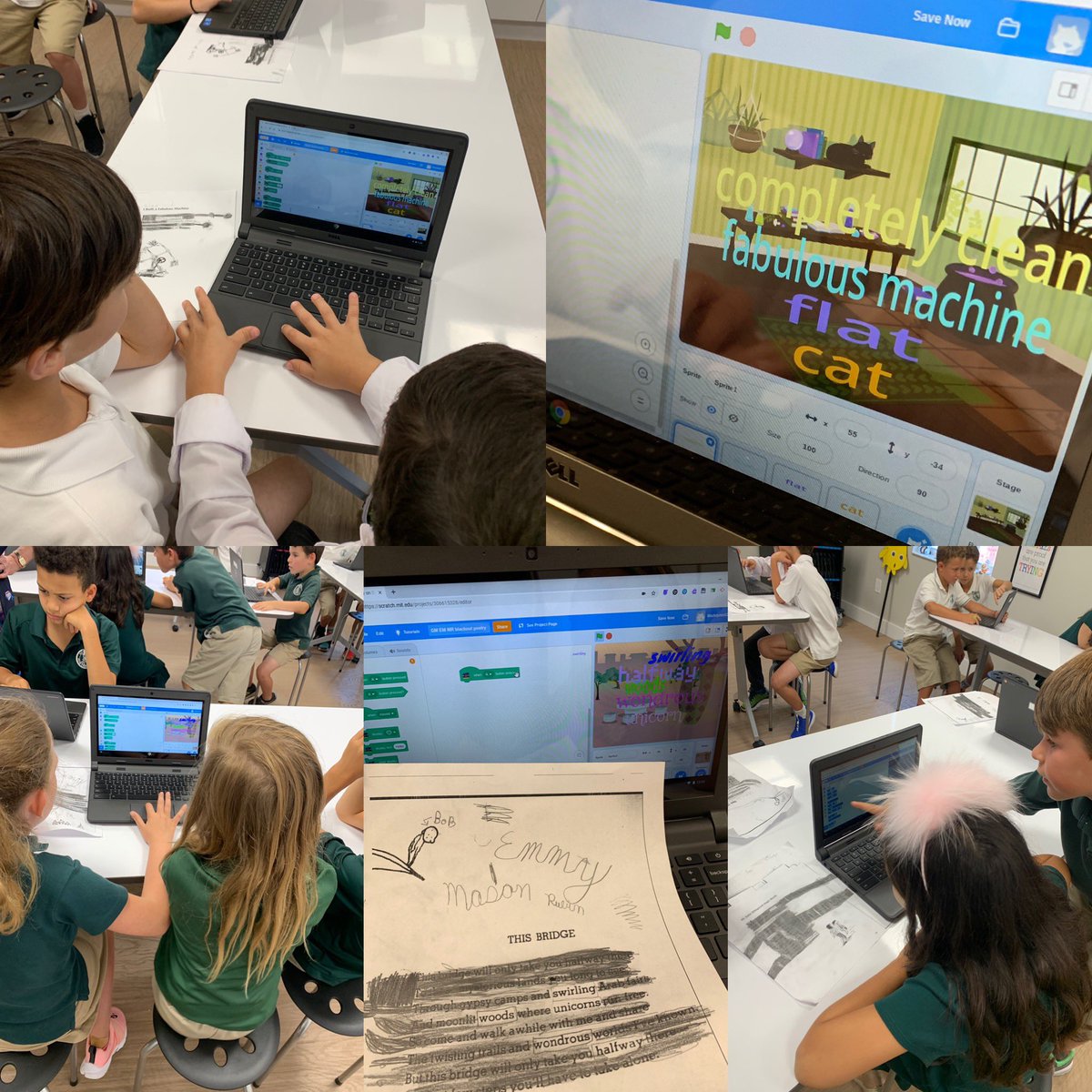
1G Ss put their #creativecoding skills and tablets together to create a Mardi Gras parade using @PBSKIDS@ScratchJr! They used the camera tool to turn their crafty cardboard floats into sprites. @scratch
@ChromtasTic_T Loved your presentation, Creating Green Screen Experiences! Thank you for sharing the creative projects, which are a source of inspiration for the upcoming school year! #GreenScreen4EDU@capcutapp@Touchcast@Artsteps_
We're excited to introduce a new way to explore the #CreativeComputing Curriculum! Visit https://t.co/6EbrqstnO2 to preview, download, and edit any of the activities in this curriculum for K–12 educators—and stay tuned for tips on using this resource in your classroom!
1G classrooms are abuzz about one of their favorite Science units. Ss share un-bee-lievable bee facts using @DoInkTweets and post to @Seesaw#greenscreen#STEAM
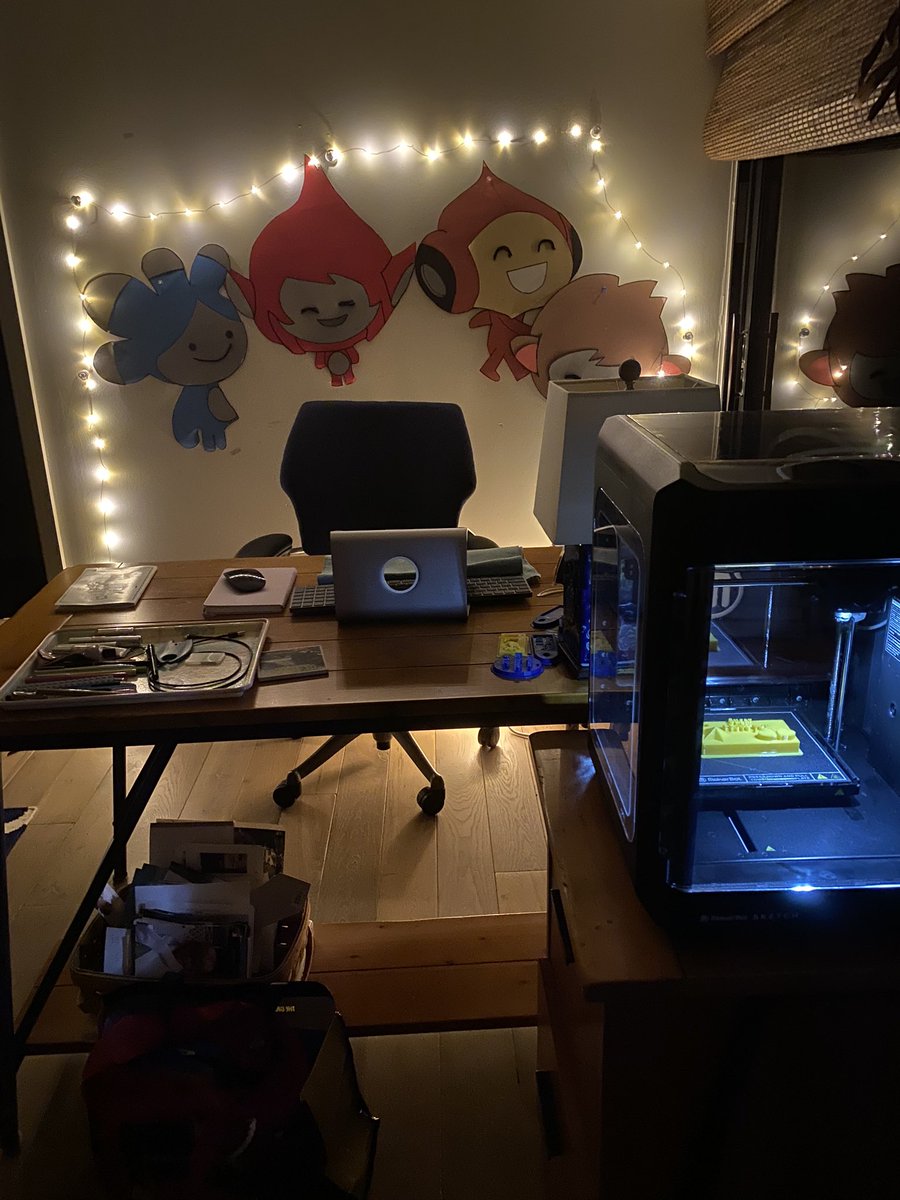
Love your #makerfaire light-up mural! And thank you for sharing the tips and tricks on #howto. @MrsHassanClub Let’s do this with the Ss to kick off our 2019-20 school year.
Success! 🙌 Our light-up mural is completely filled up at #makerfaire!! Thanks to everyone who came by to add your light to @nuevaschool!! ❤️ #MFBA2019 Curious how to do this yourself? See my blog post with tips and list of supplies: https://t.co/DZLVdHlXBT
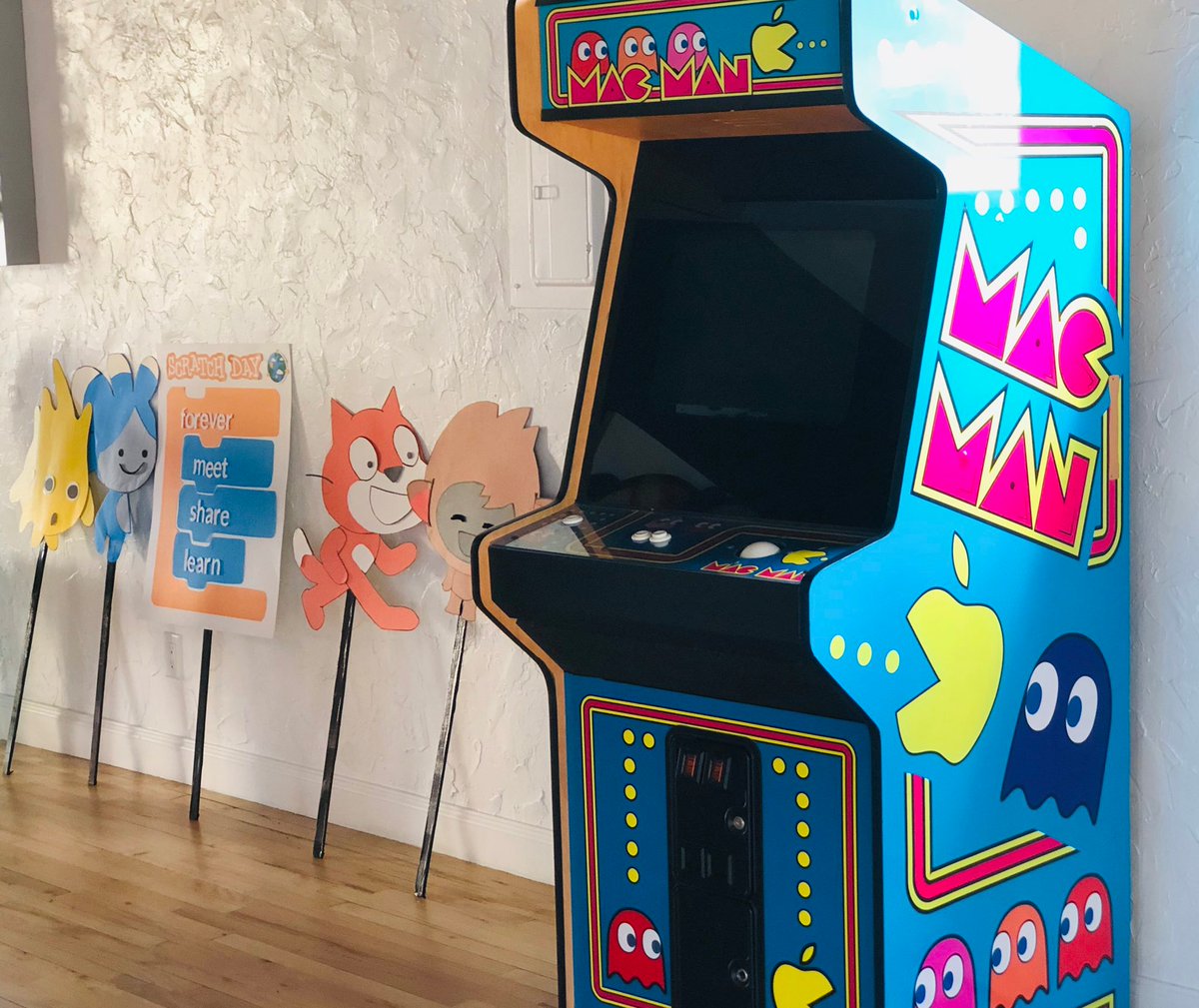
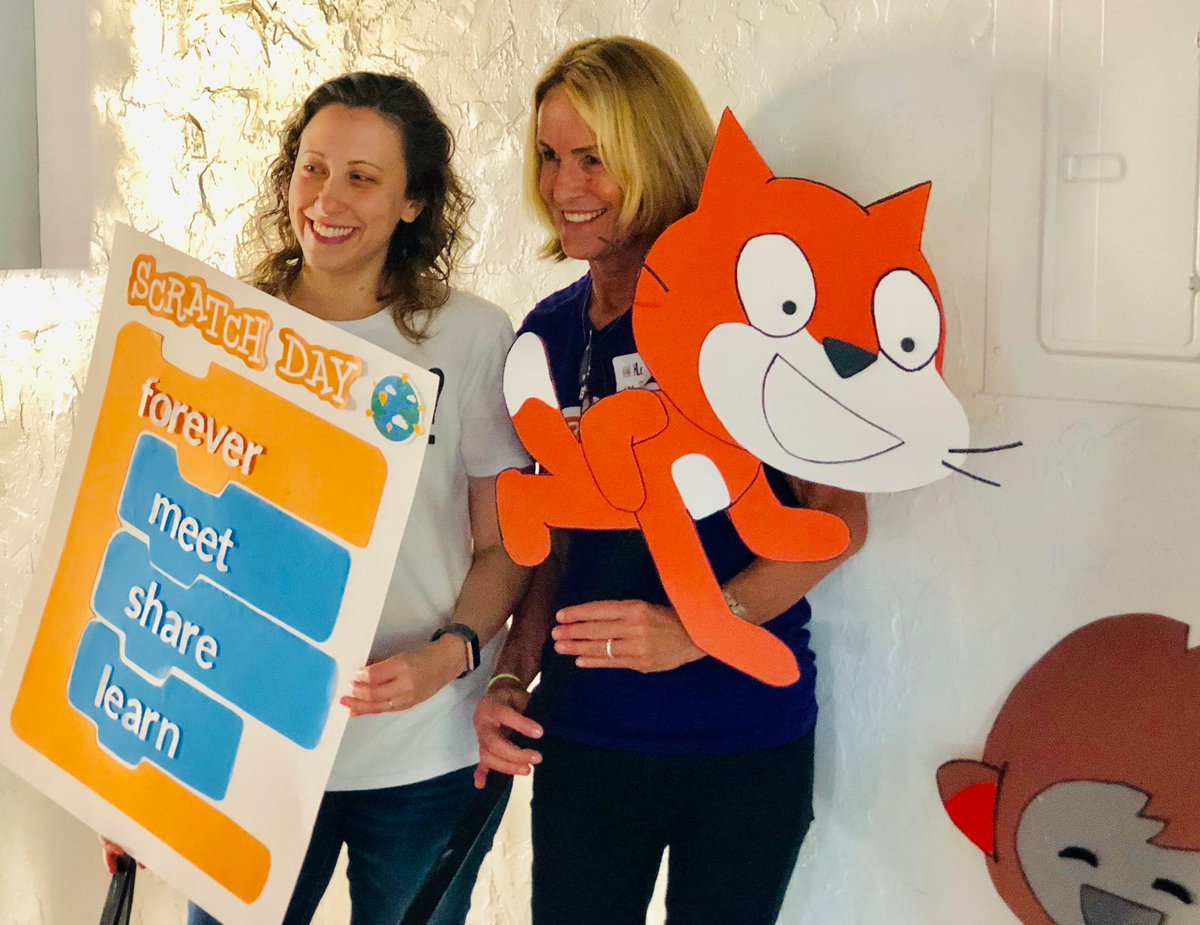
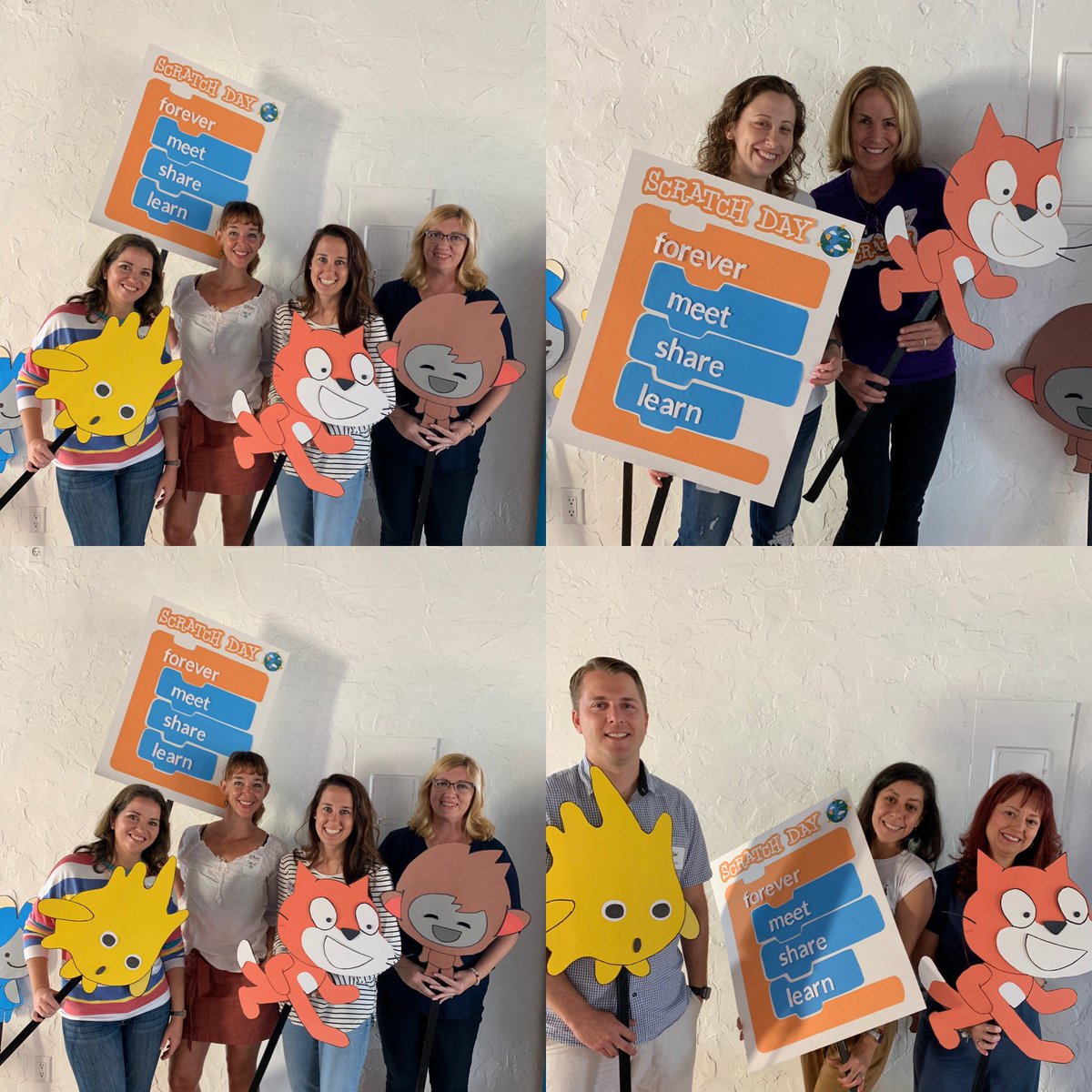
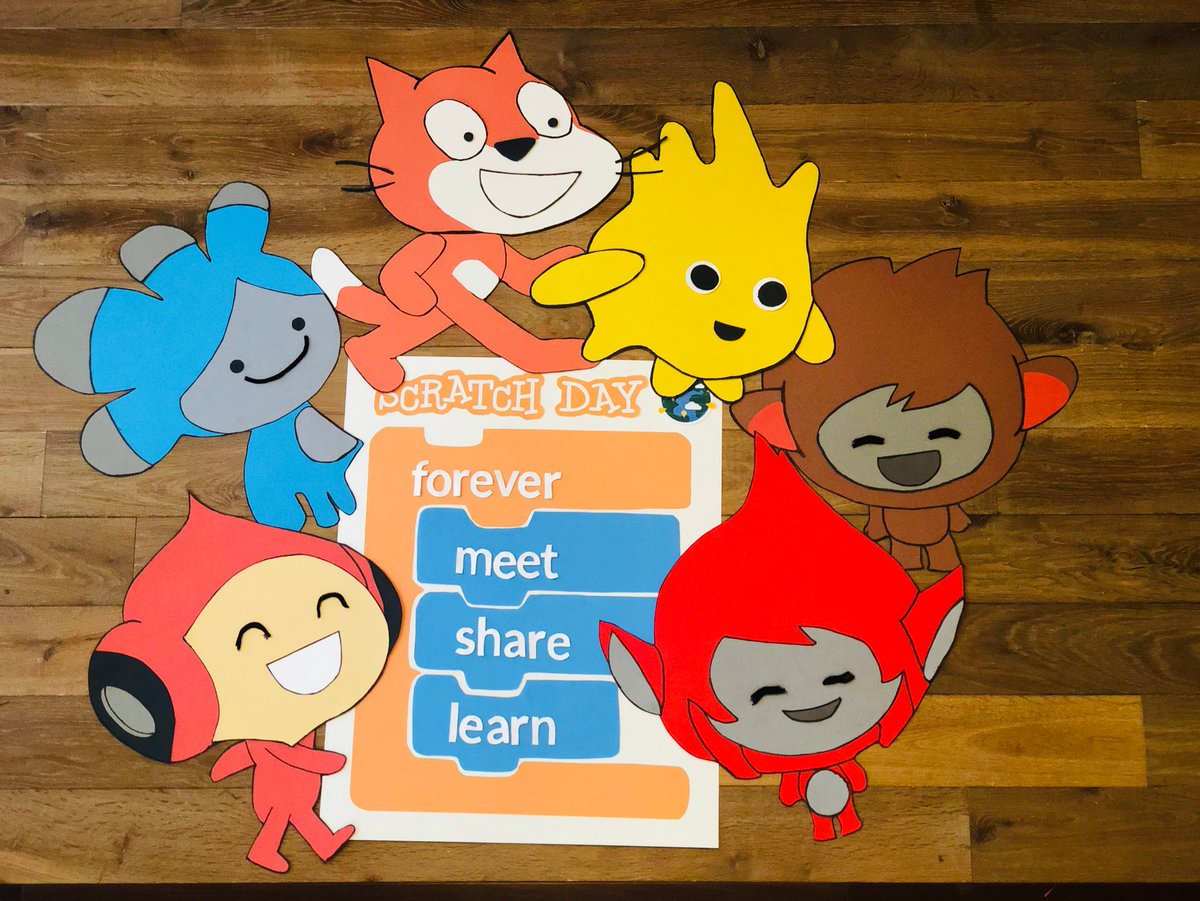
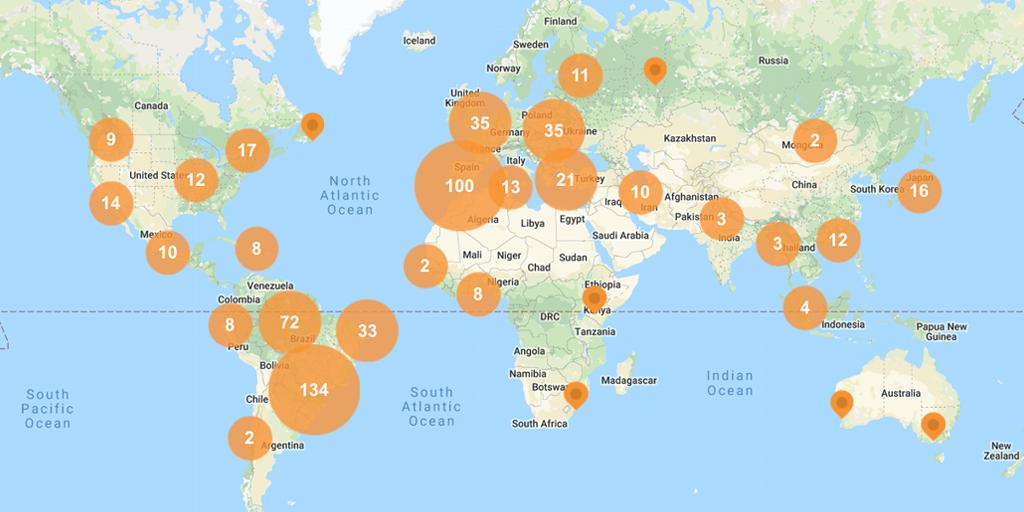
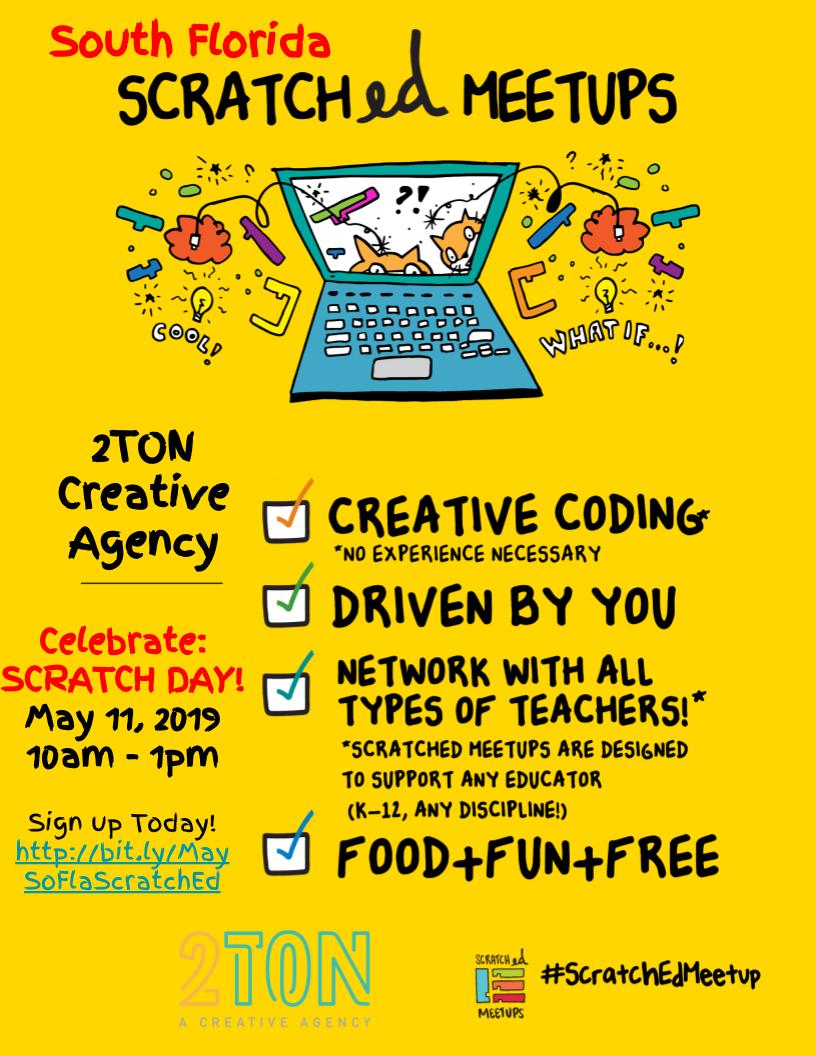
Scratch Day is 1⃣ week away! Join one of 600 celebrations happening around the world—or host your own!
Go to https://t.co/cqqflCG68J to find events, resources, and inspiration for #ScratchDay
The new @VernierST extension unlocks new ways to connect the physical world to your Scratch projects. Use the sensor to switch scenes and control characters, play a virtual drum kit, navigate a flying spaceship, and much, much more! Visit https://t.co/SE1YlNq7GP to get started!