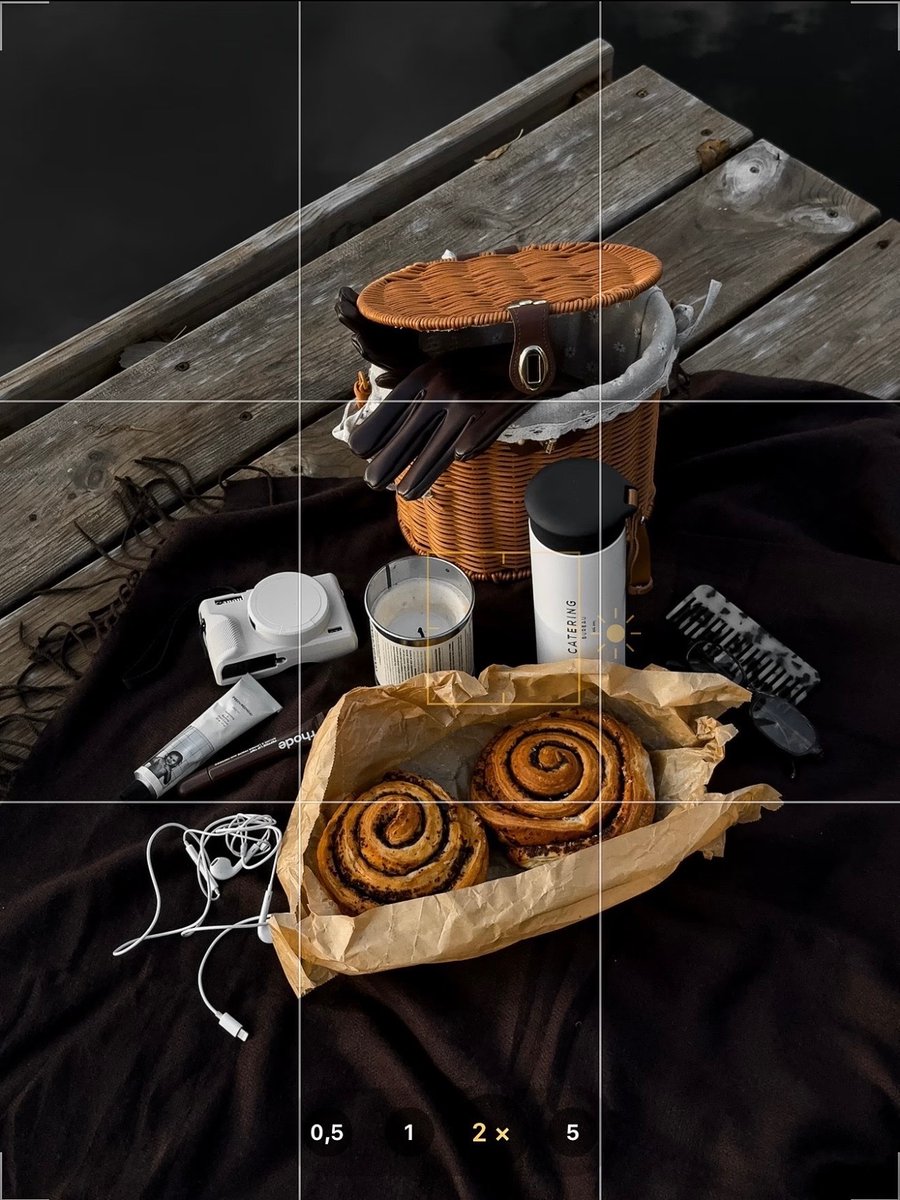
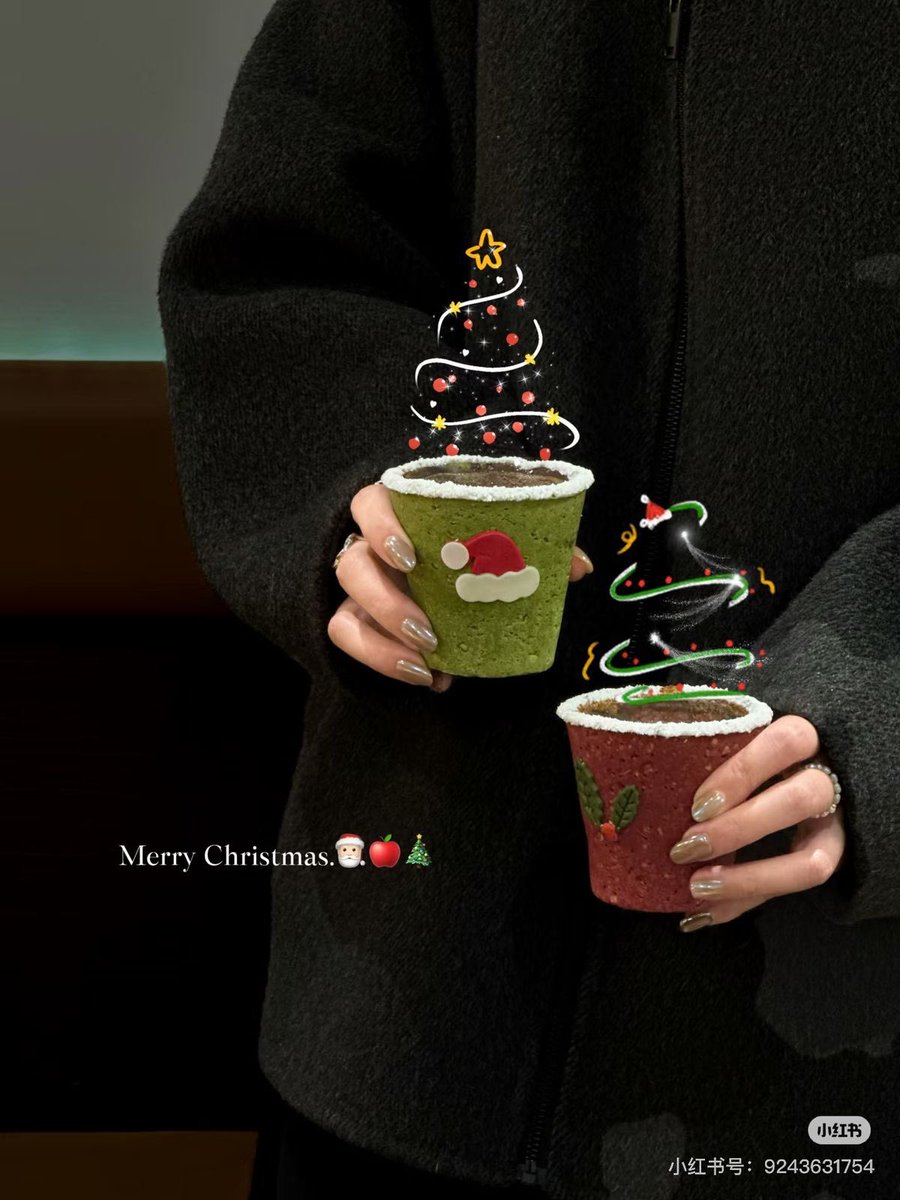
how to get this dark, moody food filter!!
📱iphone original camera
• Exposure -20
• Brilliance +15
• Highlights +20
• Shadows -15
• Contrast +20
• Black Point +2 (since the background is clean)
• Vibrance +5
• Warmth -10 (adjust based on your actual pic)
• Tint +3
• Sharpness +25
• Definition +10
✅Just zoom in 1.5-2x when snapping pics,
lower the exposure, and get close to the food!!
Omg! So this is the secret to that moody dark filter look!!!
🍎 iPhone Camera settings
Exposure: -12
Brilliance: -56
Highlights: -30
Shadows: -22
Contrast: +10
Brightness: +8
Saturation: +16
Vibrance: +10
Sharpness: +30
Definition: +50
Finally figured out how to get that moody dark filter for cafe hopping!!
📸Zoom in to 1.5x or 2x when shooting
Exposure -15
Brilliance +10
Highlights +22
Shadows -8
Contrast +10
Black Point +5
Saturation +3
Warmth -10
Tint +3
Sharpness +25
Definition +10
✅Once you've got the look right, tap "Copy Edits" in the top right corner
✅Then just paste it onto your other pics and you're good to go!
Weather's getting chilly, try shooting like this
Sharing my original camera filter settings:
Exposure -25
Brilliance -15
Highlights -6
Contrast +8
Vibrance +12
Warmth +10