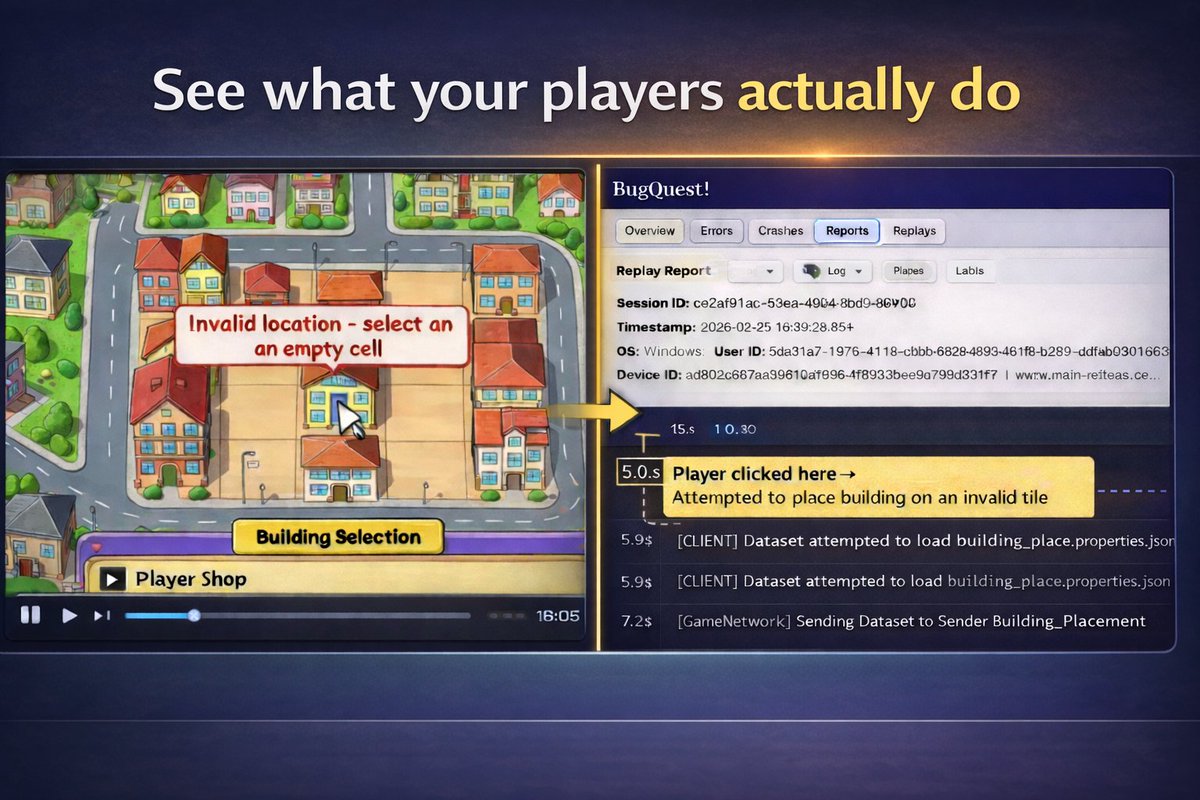
On a quest to help devs make better games
- Video of Unity playtest sessions with no tester setup
- Runtime error, crash, and ANR reporting for Unity and Godot
Running a Steam Playtest?
Let us help you get more out of it.
1. Install the BugQuest Unity plugin
2. Add a simple consent dialog
3. Watch gameplay video of player onboarding
No setup required by your players. They just play.
#gamedev
@GiusCaminiti There's difficult games that make you want to try again and there's difficult games that make you want to quit. Watching gameplay video of players during difficult parts can help discern which you have.
Running a Steam Playtest?
Let us help you get more out of it.
1. Install the BugQuest Unity plugin
2. Add a simple consent dialog
3. Watch gameplay video of player onboarding
No setup required by your players. They just play.
#gamedev
Running a Steam Playtest?
Let us help you get more out of it.
1. Install the BugQuest Unity plugin
2. Add a simple consent dialog
3. Watch gameplay video of player onboarding
No setup required by your players. They just play.
#gamedev
Next Fest devs, your players are quitting your demo and you don't know why.
Find out tonight! Integrate BQ in minutes and update your demo before Next Fest ends.
#gamedev
We've received some recurring questions about BugQuest videos. Here are a few common ones:
Will this impact game performance?
- Modern GPUs have dedicated video encoders that can record without impacting performance. BugQuest only records when an idle video encoder is available.
What are the requirements?
- Error Clips and Replays currently only work in Unity using D3D11 with modern Nvidia GPUs capable of hardware video encoding. Unsupported GPUs will automatically disable video features.
What about privacy concerns?
- Ultimately this is up to the game developer since we don't know what will be on the screen in your game. The utility will only record footage from within your game. Also, popular monitoring software such as Sentry already grabs screenshots when an error occurs. So while the video feature is unique to BQ, images from gameplay for debugging is not unusual.
@ShortCircuitSt Played the demo and really liking it. I went off the rails some during the tutorial and figured I should shameless plug our tool that lets you watch gameplay from your demo players. Great work though.
@_theMatteBlack Looks great. Steamdb says it's Unity - check out our next video replay feature to see how players are actually interacting with your game.