PS5X360 v0.6.0 is out! 🎮💚
🎞️ Frame generation with modes up to 4x
⬆️ Title Updates can now be installed directly from the game menu
📦 DLC management — install, enable or disable DLCs without deleting them
📱 Phone-as-Kinect support — no PC required
🛠️ More compatibility improvements and fewer shader hitches
⬆️ How to use Title Updates
Copy the update package to:
PPSA50011/updates
Then simply launch the game with Play. The newest update available will be installed automatically.
You can also open the game's Updates tab using L1/R1 and press Cross (X) to install, enable or disable updates manually.
📦 How to use DLCs
Open the game's DLC tab.
There you can see whether each DLC is:
On / Off / Not installed
You can disable DLCs without deleting them, and the emulator will also explain when files are being ignored.
If there are DLCs waiting to be installed, launching the game with Play will install them automatically.
📱 Kinect setup
Go to Settings → Kinect and scan the QR code shown by the emulator.
The camera page is hosted directly by the PS5, so you can use your phone without needing a PC.
Also make sure to enable:
Game Settings → Controls → Camera Motion
⚠️ Kinect is still experimental and has currently only been tested with Dragon Ball Z for Kinect.
🎞️ Frame Generation
Go to: Settings → Performance
Frame generation is disabled by default
Example: 30 FPS → 60 FPS
⚠️ Kinect, frame generation, DLCs and title updates are still experimental, so please test them and report any issues you find.
A huge thank you to everyone supporting the project through Ko-fi, bug reports, logs, testing, feedback and suggestions. Every bit of help genuinely contributes to improving PS5X360. 💚
Download v0.6.0: https://t.co/6M4I2Jwjgm
☕ https://t.co/D1ggqXcUBB
Support is completely optional. In future builds, Ko-fi supporters who agree will also be included in a Thank You / Supporters section.
#PS5X360 #PS5 #Xbox360 #PlayStation #Emulation #RetroGaming #Gaming #Homebrew #PS5Homebrew #FrameGeneration
🎮 PP (PS5 Proton) — A homebrew that runs Windows games on PS5.
The project is growing into something bigger: Mihawk OS, a Windows 11 Clone🔥
32-bit and 64-bit Windows gaming through Proton, with a Linux compatibility layer planned as well.
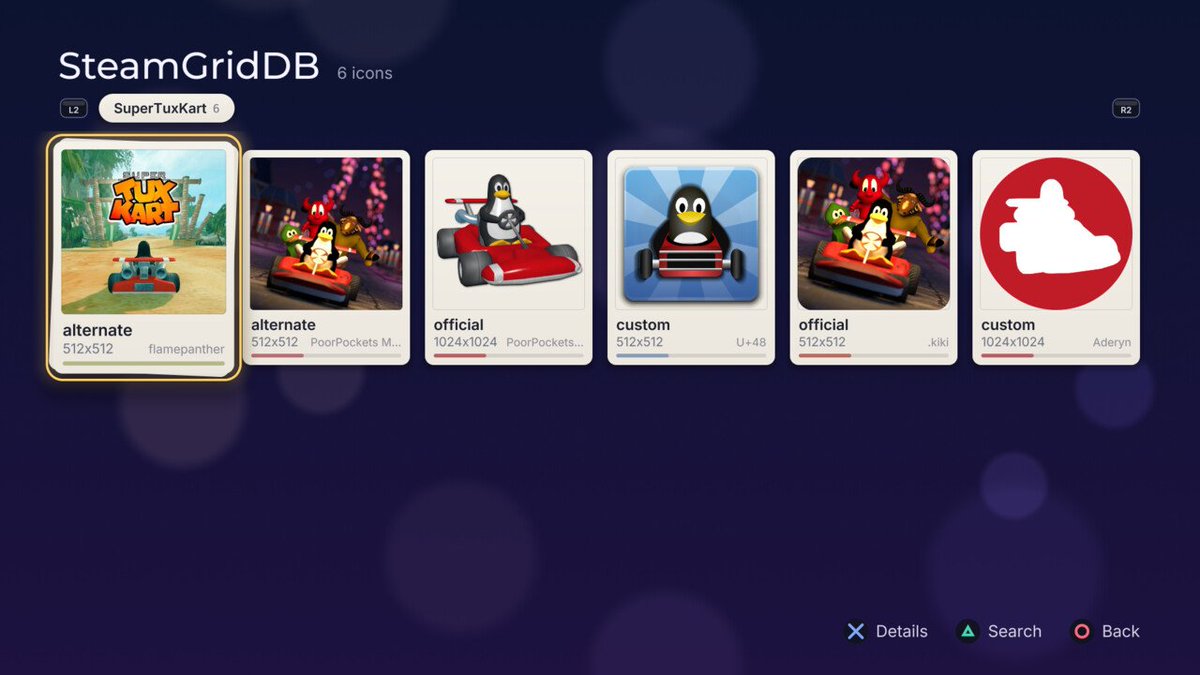
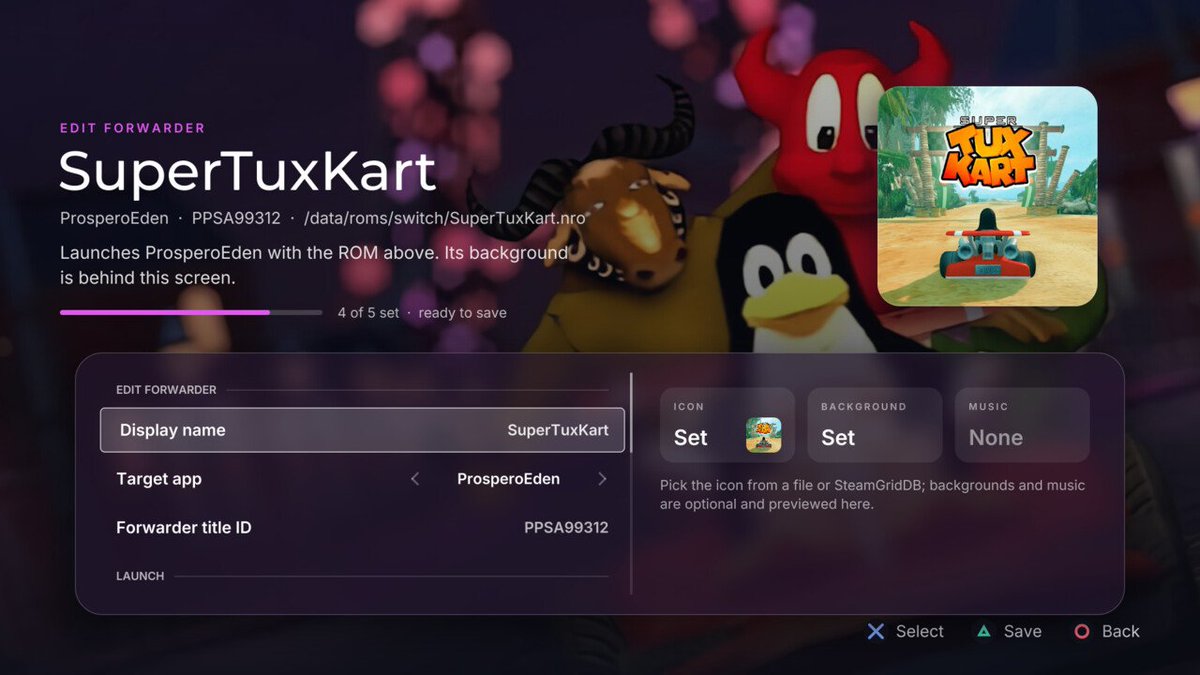
Versión 1.000.100 de ProsperoEden, port no oficial para PS5 del emulador Eden (emulador de Switch para Windows, macOS y Linux): https://t.co/Ca4o2cOeGU
#PS5#Switch#Gaming#Videojuegos#Homebrew
Detectar el disco
Una carga útil de PlayStation 4 y PlayStation 5 que ve la unidad óptica. Informa el disco de la misma manera que ShellCore, registra el perfil y el ID de título, y abandona los discos de PlayStation, PlayStation 2 y PlayStation 3 a /data.
https://t.co/9bcQn6nBZo
PS5_RetroArch-v1.0.0-beta.1
-33 native cores · 18 new additions · Shared artwork and game details · DualSense stylus controls
-More systems to play, a new game library in your browser, and artwork shared across RetroArch and EmulationStation.
https://t.co/WQEUwdUvv2
PS2 discs. Straight into a PS5.
20+ years of nostalgia, one disc away.
PS5SX2 🎮
special thanks to @_AlAzif
🔗 https://t.co/5dJBpctESW
💬 https://t.co/0NNel5pqQt
☕ https://t.co/EypS5hoENk
#PS5#PS2#PlayStation#PS5SX2#Homebrew#Emulation