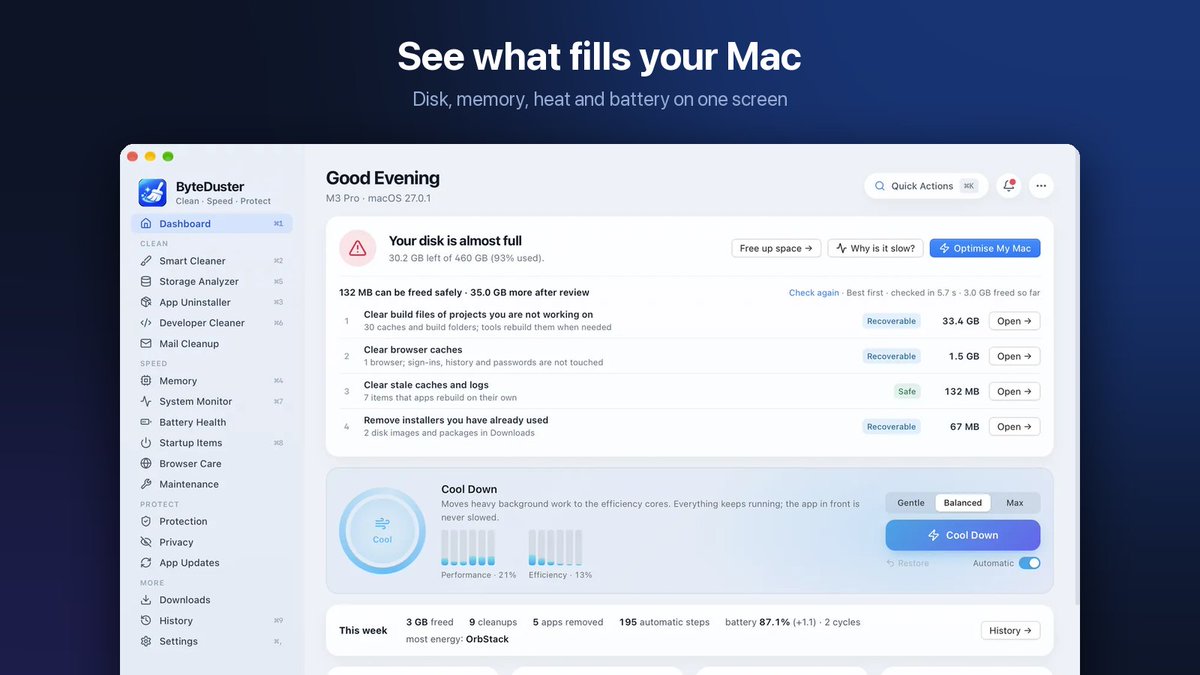
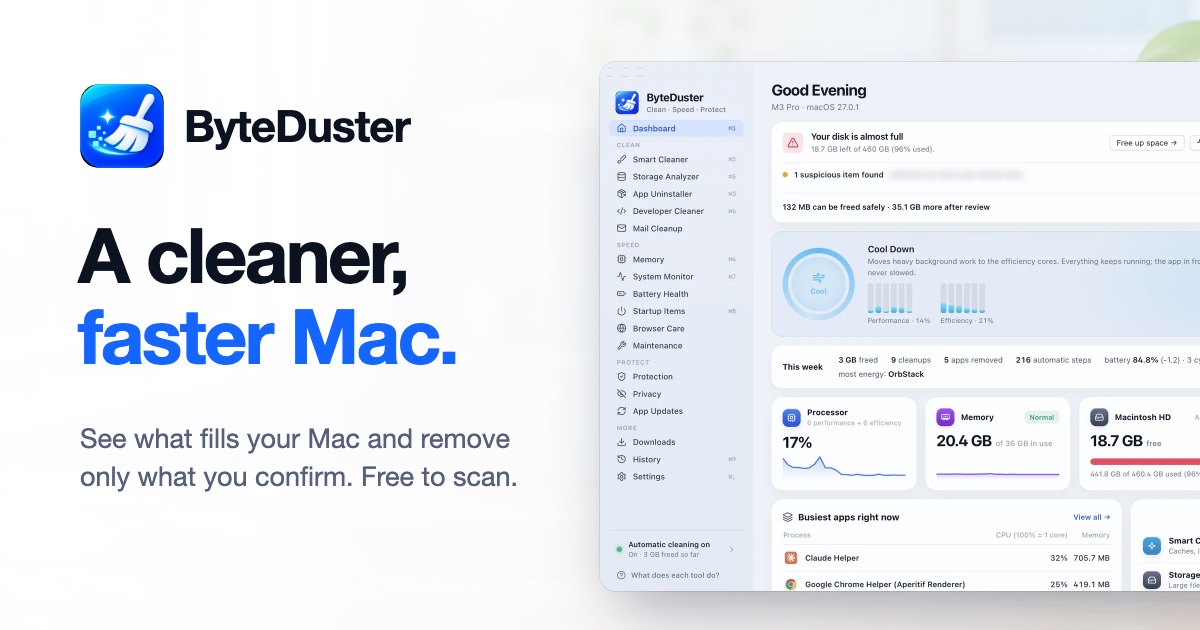
Most Mac cleaners show you "12 GB of junk" and a big button.
ByteDuster shows every file, why it was found, and whether it's safe to remove. Everything goes to the Trash first, so any clean-up can be undone.
Free to scan, nothing uploaded.
https://t.co/0NYHndzVh8
Built with @TauriApps 2 + Svelte 5: ByteDuster, a Mac cleaner that explains every file before it goes.
For Rust devs it finds old target/ folders, Cargo caches and unused rustup toolchains (never your default one).
https://t.co/6UytlUsnfJ
No analytics, no ads, no account needed to scan. Your files are examined on your Mac and never leave it.
That's the whole privacy policy in one sentence.
https://t.co/0NYHndznrA
Launch offer: 10% off any Mac plan with code LAUNCH10, until December 1.
$5.99/month, $19.99/year, or $49.99 once. Scanning is always free.
https://t.co/0NYHndznrA
Old plug-in installers, duplicate samples and bounces you forgot about add up on a studio Mac.
ByteDuster finds them, says what each file is, and moves nothing until you confirm. Everything goes to the Trash first.
40% off lifetime, code BLACKFRIDAY: https://t.co/kFNHXg8EgA
Big exports and old footage eat a Mac's SSD quickly.
ByteDuster shows your largest files with the date you last changed them, plus caches and duplicates. Nothing goes until you confirm, and it goes to the Trash first.
40% off lifetime, code BLACKFRIDAY: https://t.co/69CwQW7QVn
Editors: old footage, exports and app caches fill a Mac fast.
ByteDuster lists your largest files with the date you last touched them, finds duplicates, and removes nothing until you confirm. Trash first, always.
40% off lifetime, code BLACKFRIDAY: https://t.co/zjewmDBYxA
A full tour of ByteDuster for Mac, start to finish. Every screen is a real recording: Smart Cleaner, Trash and Undo, Storage Analyzer, App Uninstaller, Developer Cleaner, Memory, Battery Health, Protection and App Updates.
Free to scan: https://t.co/0NYHndzVh8
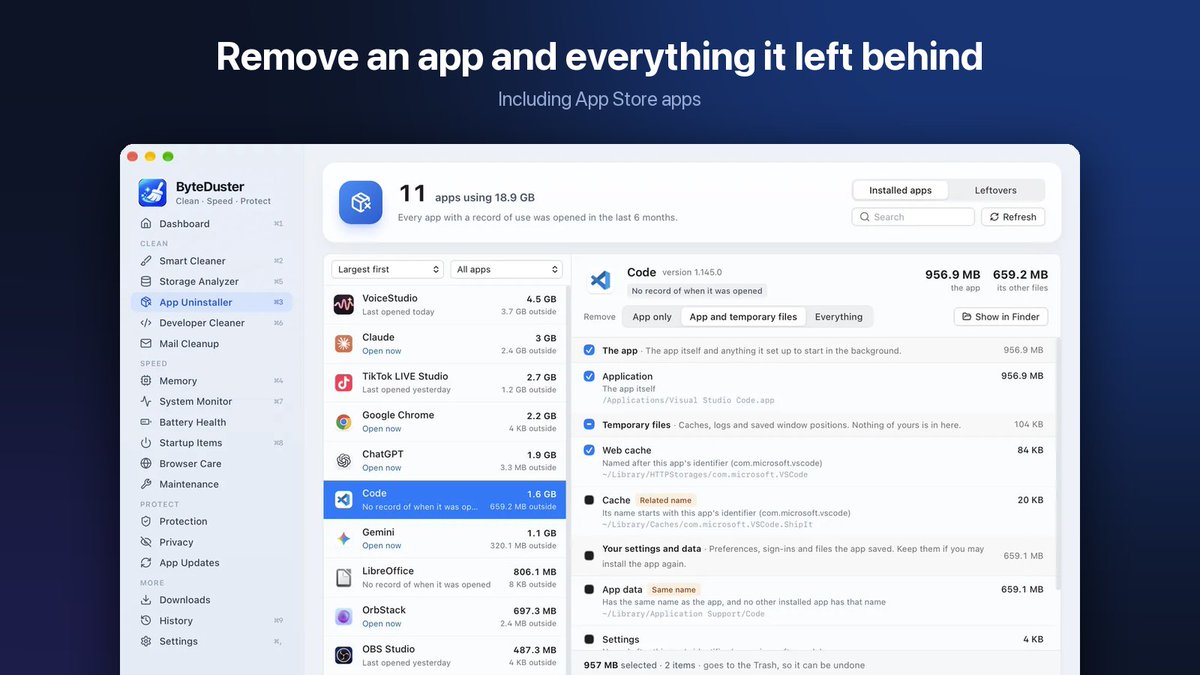
Dragging an app to the Trash leaves its caches, settings and background helpers behind.
ByteDuster's Uninstaller removes an app together with the files it keeps elsewhere, App Store apps included.
https://t.co/0NYHndznrA
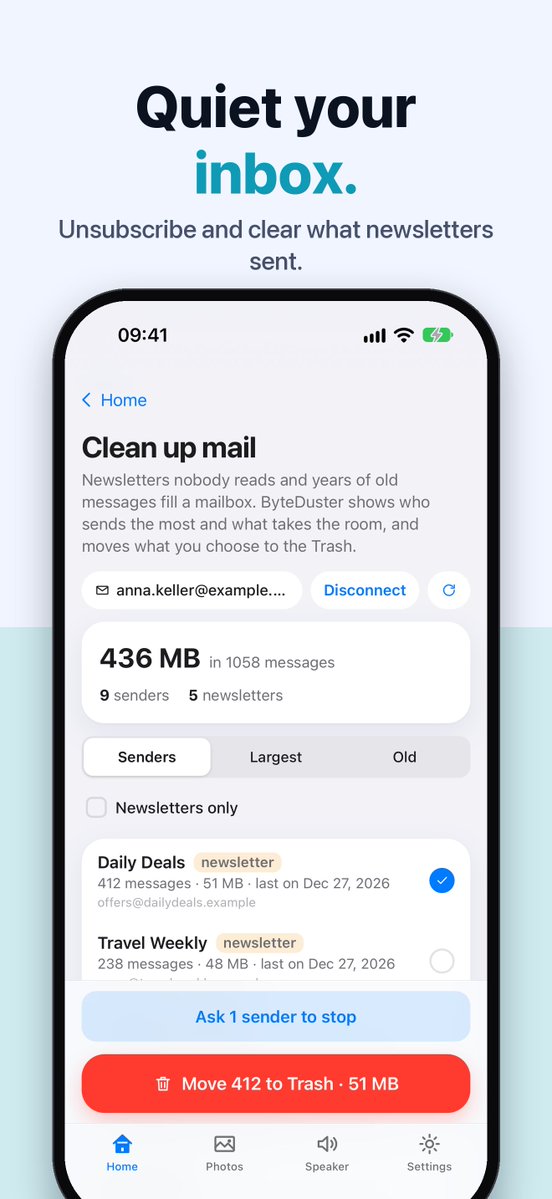
ByteDuster is now on the App Store for iPhone and iPad.
It finds duplicate and similar photos, big videos, forgotten files and newsletters, and removes only what you confirm. Nothing leaves your phone. Free to scan.
https://t.co/ufl4pfeAtd
How much of your Mac is Xcode data, Rust targets, Gradle caches and AI models?
This tour shows ByteDuster's Developer Cleaner on my own Mac: 37.2 GB found, split into what comes back by itself and what needs a download.
https://t.co/TflLW0xak8
A 78-second tour of ByteDuster for macOS: each page opens on the whole window, then zooms into the detail.
Smart Cleaner, Developer Cleaner, Storage Analyzer, Uninstaller, Memory, Battery Health and Protection.
https://t.co/hrY9XhPB3J
Made a walkthrough video for my Mac app instead of more screenshots: 78 seconds, every tool, real screens only.
ByteDuster is a Mac cleaner that says what each file is and sends every clean-up to the Trash first.
https://t.co/esXGvDFgRU
Made a 78-second tour of the Mac app I'm building solo. Every screen is a real recording: dashboard, cleaner, developer files, disk map, uninstaller, memory and battery.
What would you cut to make it shorter?
Most cleaners show one big junk number.
Mine found 4.1 GB, then split it: 132 MB safe now, 108 MB recommended, 3.9 GB your call.
Pro has a 3-day free trial. https://t.co/0NYHndznrA
Deleting an AI model is not the same as deleting a cache.
ByteDuster found 9.2 GB of Hugging Face models and flagged that each one has to be downloaded again.
Good to know before you press Clean. https://t.co/0NYHndzVh8
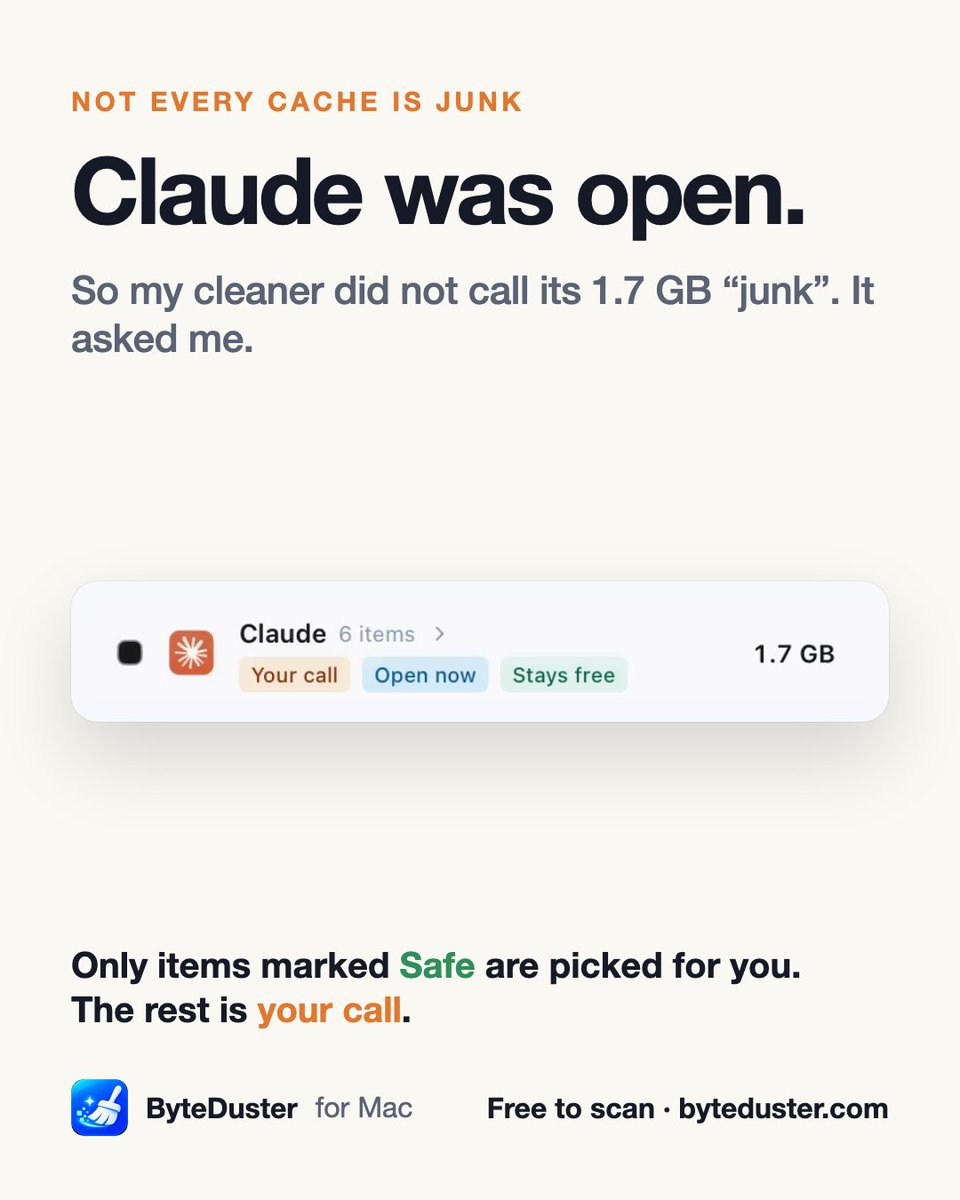
Claude was open, with 1.7 GB of cache.
A typical cleaner counts that as junk. ByteDuster marks it "Your call" and "Open now", and only picks what is really safe.
That is the cleaner I wanted to build. https://t.co/0NYHndznrA
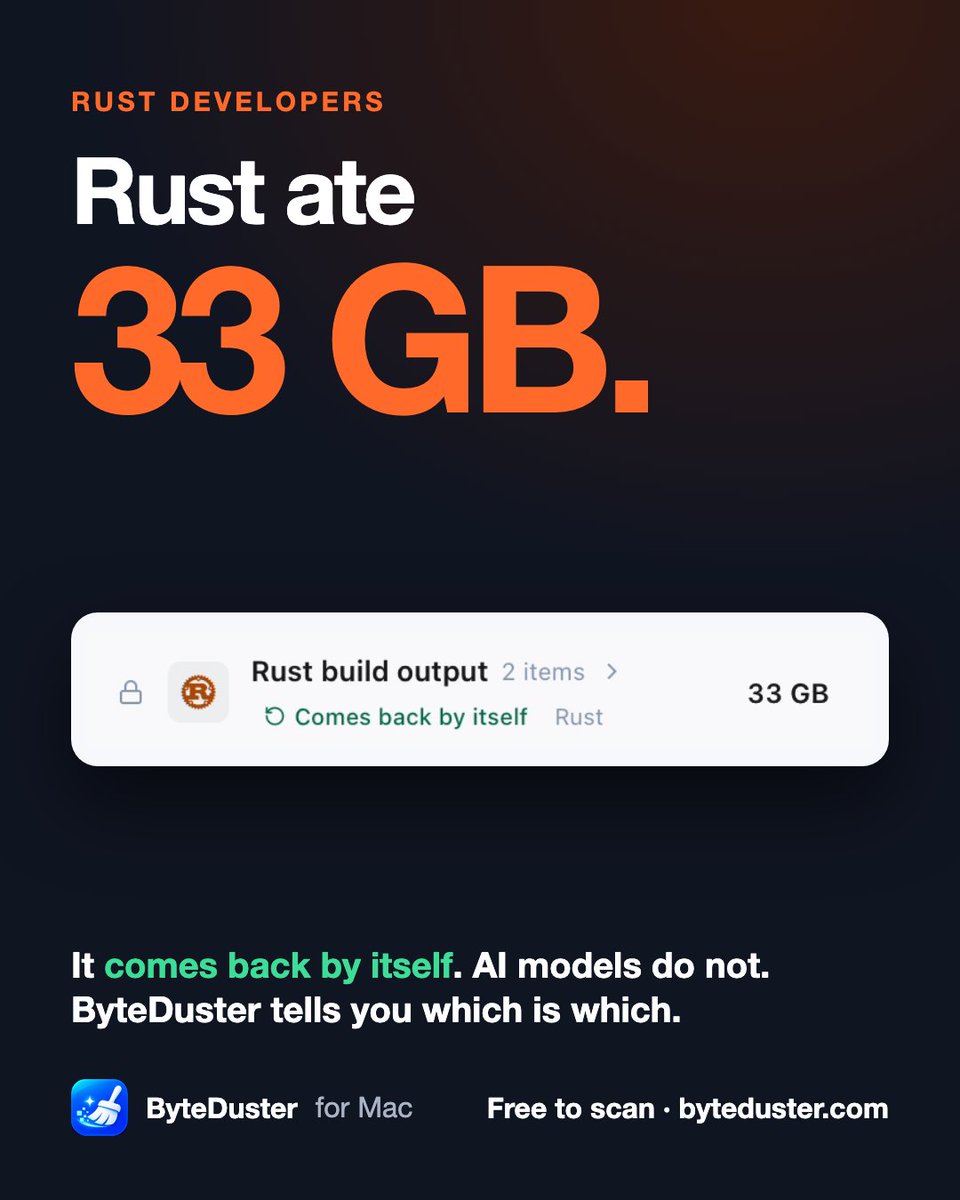
Found 33 GB of Rust build output on my Mac.
ByteDuster marks it "comes back by itself", so it is safe to clear. AI models and Gradle caches get "needs a download" instead.
Free to scan: https://t.co/0NYHndznrA
If you write code on a Mac, Xcode data, build folders, Gradle caches, Docker images and local AI models add up fast.
ByteDuster's Developer Cleaner finds them in one scan and says what each one is before you remove anything.
https://t.co/0NYHndzVh8