The issue with Cacher on VSCode has been fixed by VSCode contributors and is currently on the Insiders build (https://t.co/p3ajxO7mJv). The fix should be rolled out to the stable release within a few days.
There have been reports of Atom/VSCode users not being able to access their Cacher libraries. The issue (https://t.co/jYk9yrxZlv) lies with Electron (used by both editors internally). We're monitoring the issue and will update our users once there's a fix.
@JustinNoelDev@pastebot Cacher actually does allow you to turn off the clipboard functionality in the tray app. Simply set the "Enabled" toggle to off.
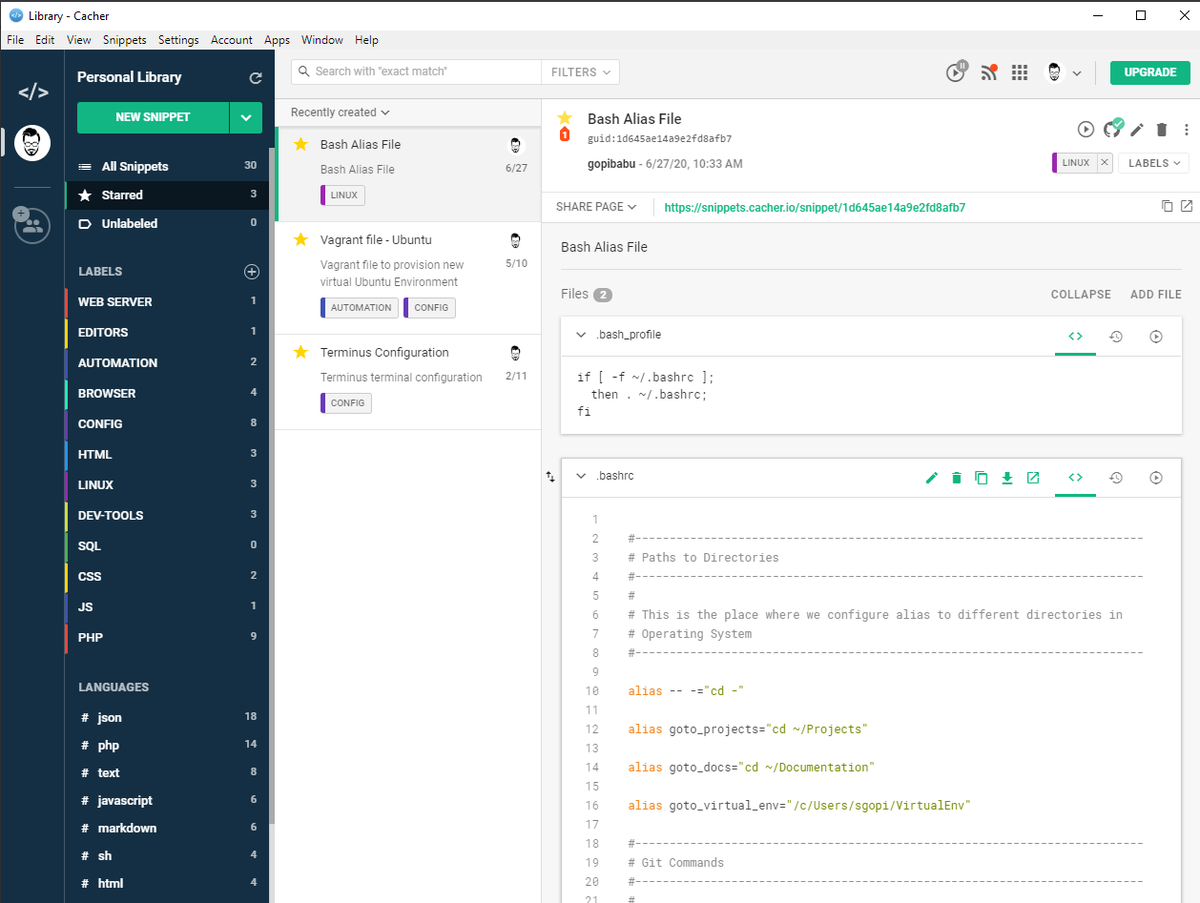
@cacherapp is such a wonderful app. Before using this app, I usually update my snippets(config files and code snippets) in @github gist. Cacher app made life so much easy by just updating snippets from desktop and organizing all my snippets by applying labels.
#snippets#code
Introducing Markdown Task List support! Build todo-lists and checklists in Cacher for yourself and your team. Learn more at https://t.co/PSzC12JDEY. #code#snippets#hacks
Access common snippet actions from a single spot. Hover over a snippet in your list to reveal the new Quick Actions menu! Try it at https://t.co/a3AXwbT6BK. #code#snippets#shortcuts
In Cacher v2.24.0 we've added the ability to search your nested labels and languages in the sidebar. Give it a shot: https://t.co/LlC82wpcpq. #code#snippets#developers