I’m back!!! Maybe not in the most traditional way, but I’ve been wanting to make some Disc Golf content for a while, and eventually there’s a lot more to come, so stay tuned and enjoy this first endeavor!
And don’t worry, I’m still a Resolve channel.
https://t.co/eqQOXpG2VQ
@nikstep@RiversidedotFM Haha! Unfortunately not. There can only be one host per studio for recording sessions at this time. This might be a good feature request though! I can definitely pass it on to the devs.
@nikstep@RiversidedotFM But if a remote guests wants multiple cameras, they need to join the studio with one device per camera. So only the host has the ability to add multiple cameras from a single device. If you need more clarity, let me know!
@nikstep@RiversidedotFM Ahh, got it. So the answer is a bit different for both. For the host, if you're using the Mac app (not the browser version), you can add multiple cameras and mics directly into the studio from a single computer (which the video explains how to do).
Color management is such a crucial aspect of color grading, and it’s often hard to understand, so this is my attempt at simplifying and understanding the whole process and showing several tips to make your correction and grading process MUCH easier! https://t.co/edKTY14LEf
@Angaisb_ OBS is the obvious answer, and yes, you can do zoom to mouse and backgrounds. Someone already posted the link, but just to reiterate, here's the zoom feature: https://t.co/KS7TORHMIA
And there are multiple options for background removal, I just haven't tried the ones for Mac.
@Undulating678 Pricing tiers for Resolve versions or projects doesn’t exist. The only existing factor is old project compatibility with new versions and/or libraries/databases, but whether you’re in the free or Studio version of Resolve is irrelevant.
You need to provide more detail.
HELLO FELLOW EDITORS
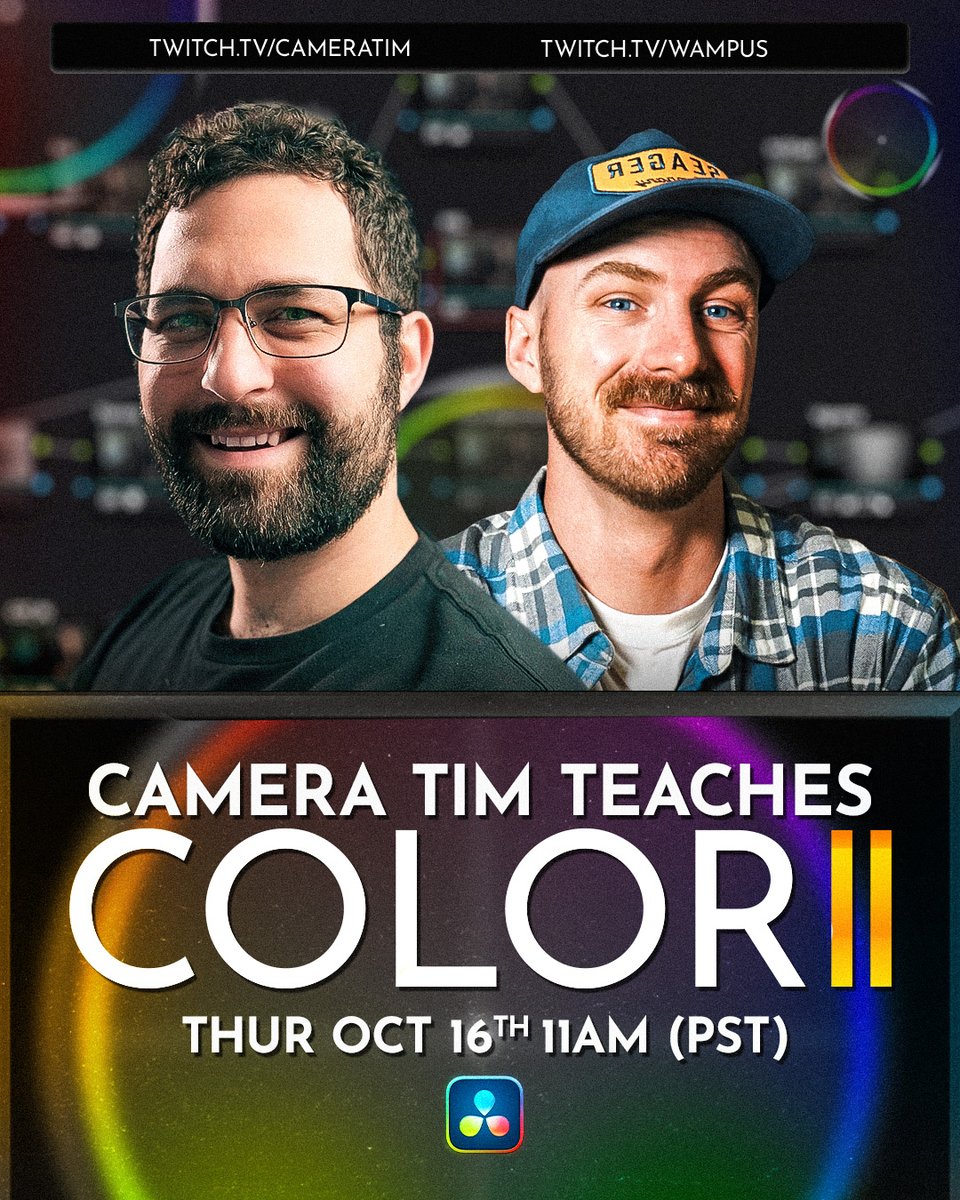
Coloring w/ Tim is Back.
Thurs. Oct 16th @ 11 AM PST, Tim will be walking me through how to properly correct and grade footage. If the Color Page has always alluded you, I HIGHLY recommend you attend.
It's free, and we'll both be streaming it!
It’s official! We’re doing it again! If you missed the first session, we went in-depth to simplify the concepts and implementation of color management, that’s on both our YT channels. This session will focus on how to build workflows, node trees, and how to use your tools!
HELLO FELLOW EDITORS
Coloring w/ Tim is Back.
Thurs. Oct 16th @ 11 AM PST, Tim will be walking me through how to properly correct and grade footage. If the Color Page has always alluded you, I HIGHLY recommend you attend.
It's free, and we'll both be streaming it!
@PatrickStirling It’s weird how some people are still freaking out over it even though this was already a feature earlier in the year in a similar form.
Better color tools for OBS!! I’m really excited about this shader that gives you the ability to utilize simple yet powerful color grading tools directly in OBS. Enjoy!
https://t.co/Wd8MtGj6wA