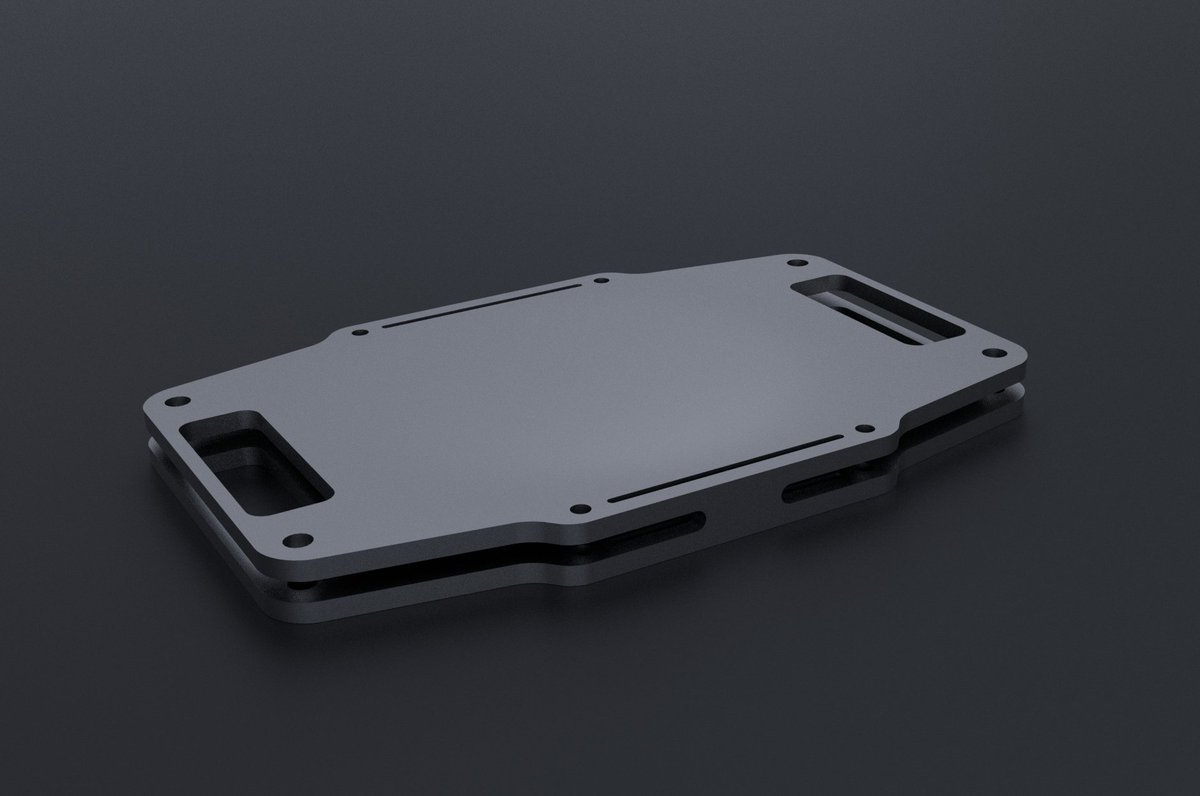
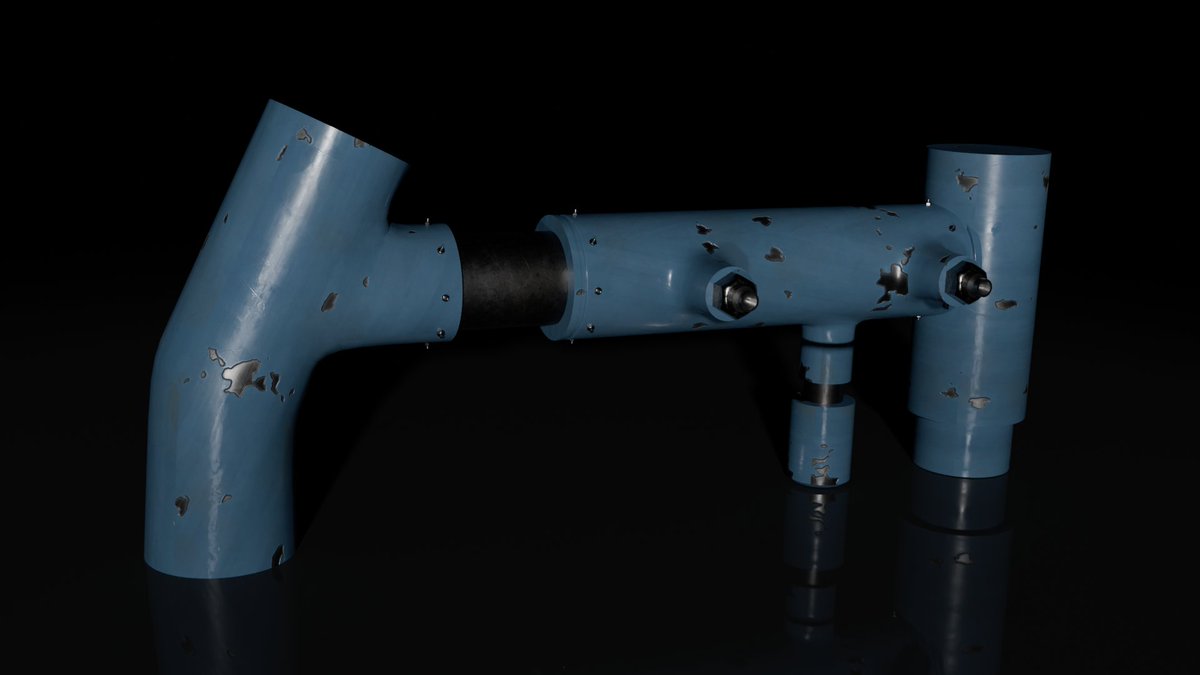
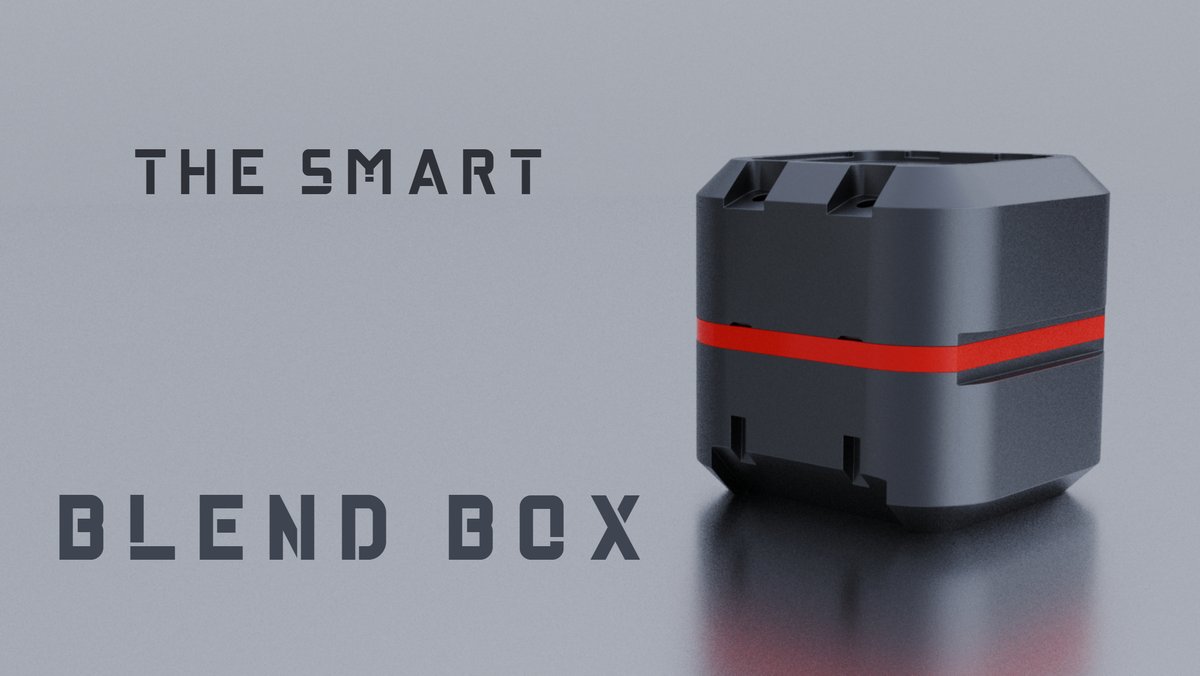
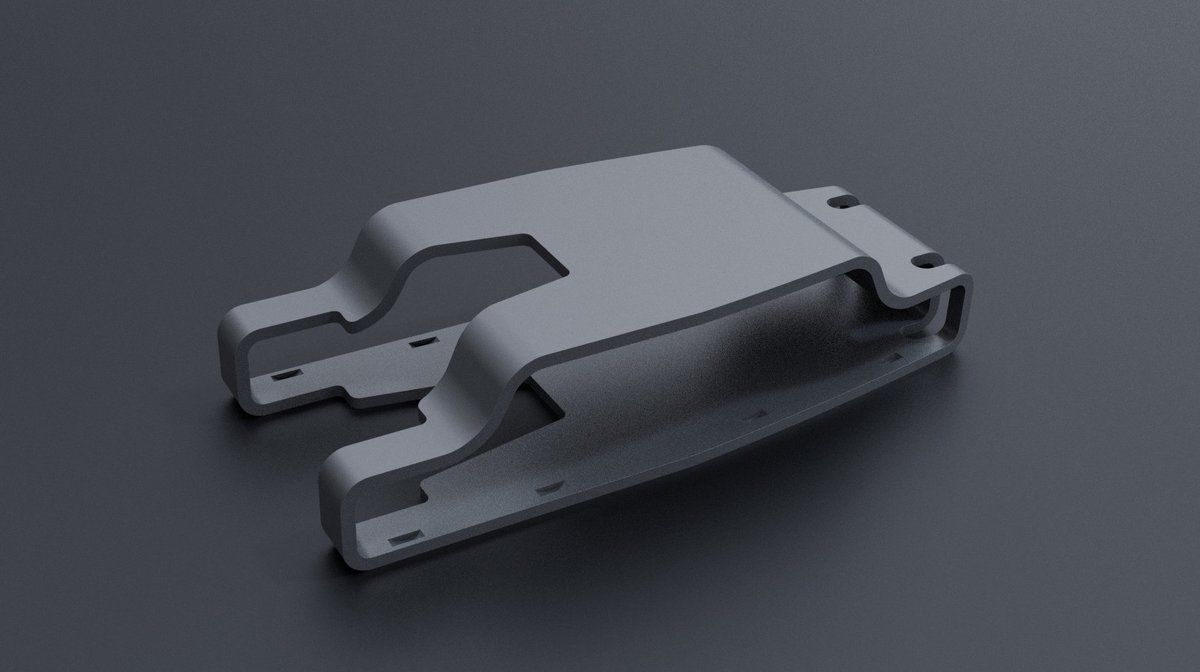
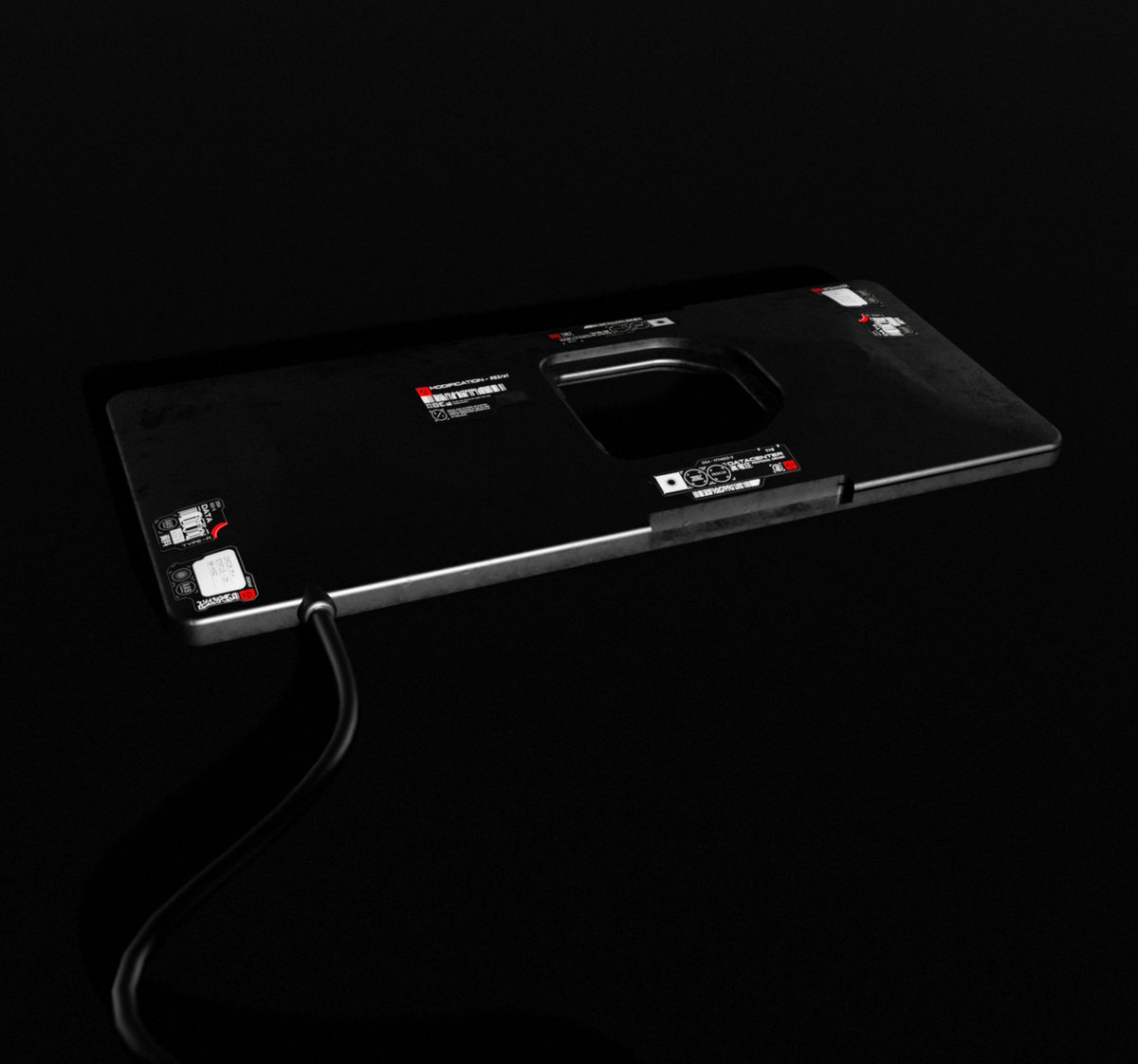
My most beloved Hard-Surface Models i made in the past few weeks.
-
Good and smooth detail-material + lighting
The reference i got was from @PonteRyuurui really good teacher with free courses, shows good tips-technique for beginners to build up your Portfolio!
-
#Blender
Those Hard-Surface Models i made gotten pretty good amount of attention in my Portfolio.
-
And i didn't discovered how to add decals on the models, i found out how to do it with 2 ways.
-
#Blender#HardSurfaceModelling
4. Map the Coordinates: Add a UV Map node, select a secondary UV map for your decal, and plug it into the Vector input of the Image Texture. You can now scale and position the decal independently in the UV Editor.
Those Hard-Surface Models i made gotten pretty good amount of attention in my Portfolio.
-
And i didn't discovered how to add decals on the models, i found out how to do it with 2 ways.
-
#Blender#HardSurfaceModelling
3. Connect the Nodes: Plug your decal's Color into the second color input of the Mix node, and plug your decal's Alpha output into the Factor of the Mix node.
Method 2:
1. Combine in Shading Workspace: Go to the Shading Tab and select your main object.
2. Mix Textures: Add an Image Texture node (with your decal image) and a Mix Color Node.
4. Project to Target: Set the Target to your main object using the eyedropper. Change the Wrap Method to Project, check the Positive or Negative Axis (depending on the direction), and set an Offset of 0.001 to prevent overlapping or glitching.
1. Import the Decal: Press Shift + A, select Image Images as Planes, and choose your PNG decal.
2. Subdivide for Flexibility: Go into Edit Mode (Tab), right click, and Subdivide. Increase the number of cuts to roughly 50 so the plane can bend easily.
@PoptartNoahh could you watch out for cheaters and exploiters, your not only getting people to play the game but also people to annoy people in the game, keep the game alive forever mate.
My most beloved Hard-Surface Models i made in the past few weeks.
-
Good and smooth detail-material + lighting
The reference i got was from @PonteRyuurui really good teacher with free courses, shows good tips-technique for beginners to build up your Portfolio!
-
#Blender
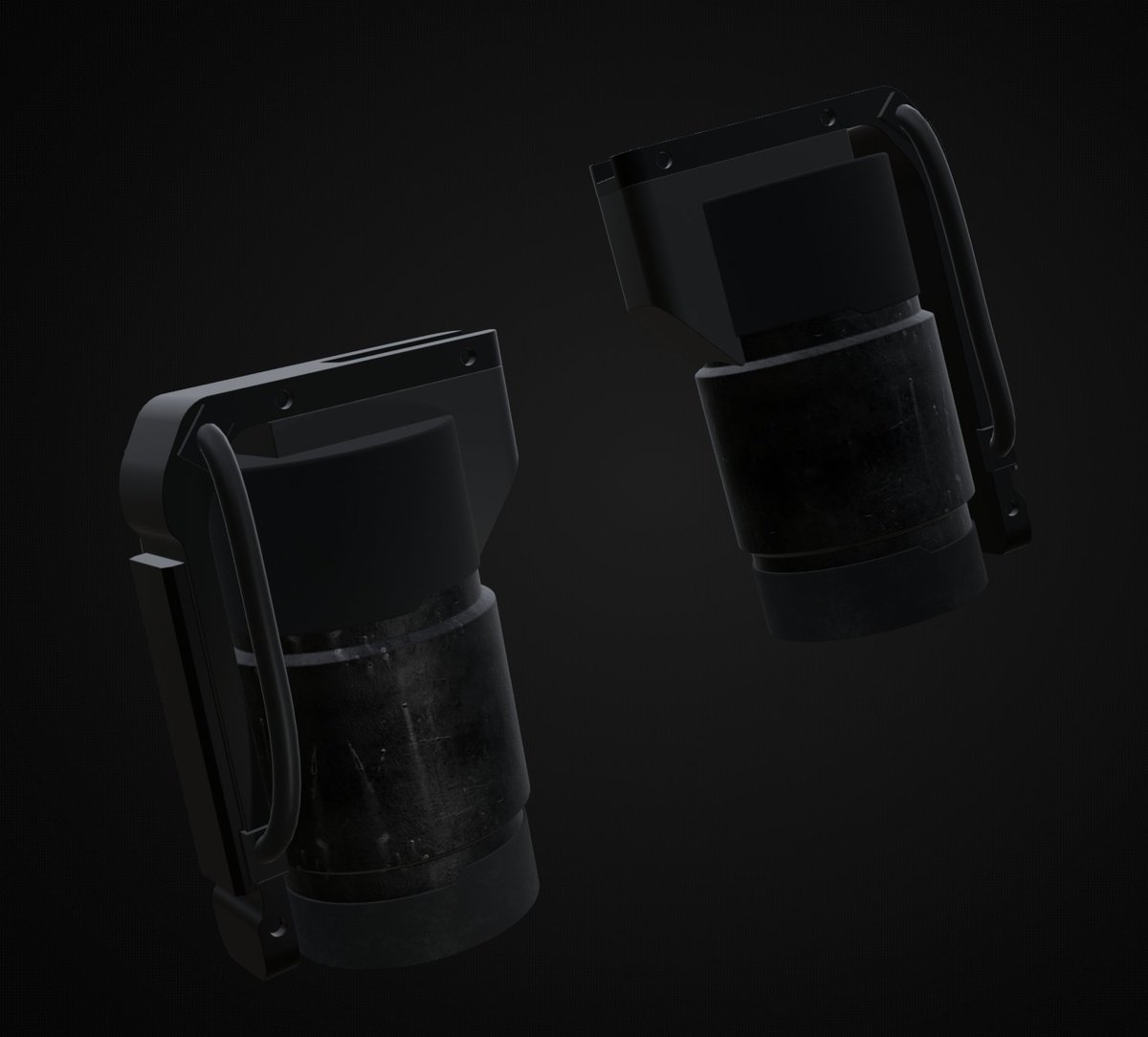
Hard-Surface VANILLA Sci-Fi Grenade:
-
Not much details on it and the texture looks decent, didn't found a better texture for it.
-
#Blender#HardSurfaceModelling
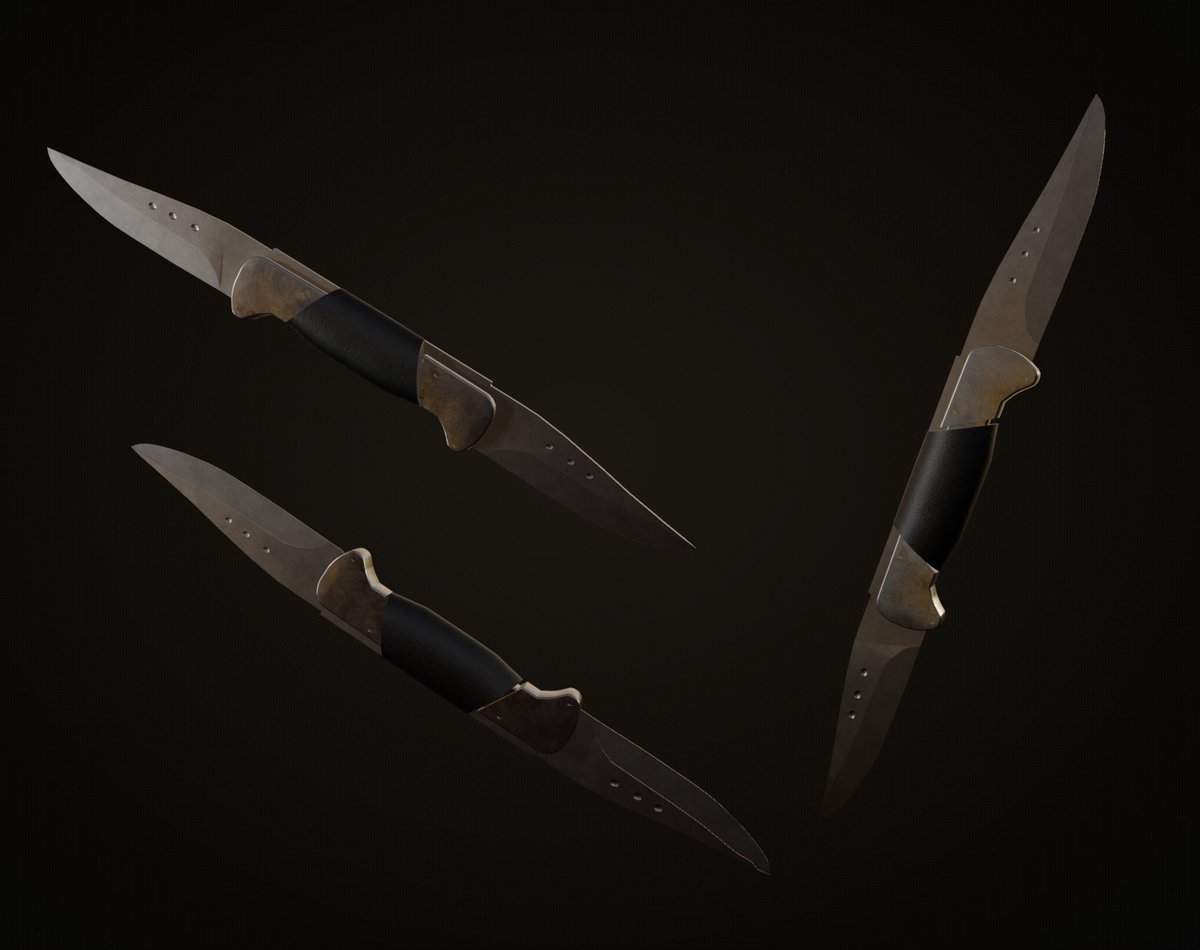
Twin Blade Army Pocket Knife:
-
Been a couple of weeks and this is what i made, handmade with Polyhaven texture and small detail.
-
#Blender#ArmyWeapons
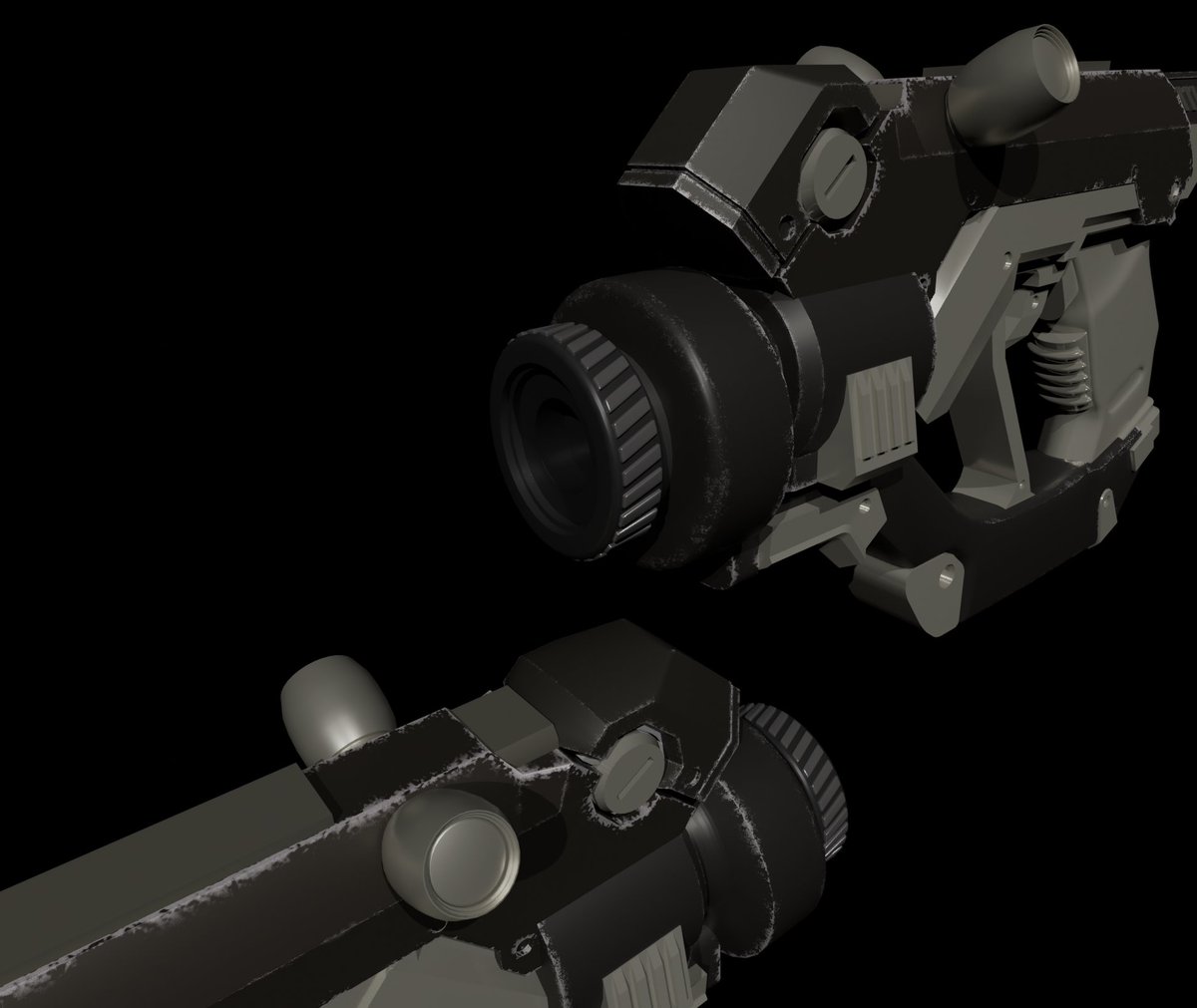
A few months ago i made this Sci-Fi Handgun and added very small details to it, i textured it but not high enough.
Gonna make more like these with better detail-texture
#Blender#SciFiWeapons