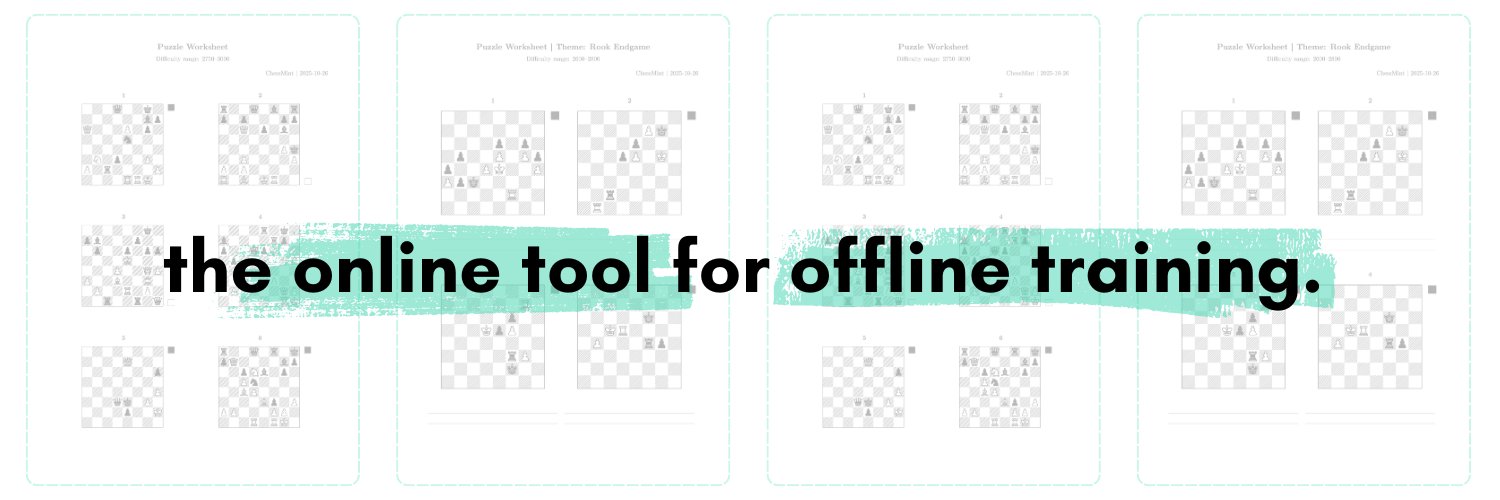
Introducing ChessMint — the online tool for offline chess training ♟️
Create puzzle sheets quickly & comfortably in two ways:
▶️ fully customized (you input the FENs)
▶️ automatically generated (you select difficulty & theme)
📄 Clean, print-ready PDFs
⏱️ Create & download in seconds
🧠 Regular and blindfold puzzles
🔗 Try the beta → https://t.co/GiNysR3G1A
A project by IM Jakob Pfreundt (@jakob9876).
Follow @chess_mint for updates, new features & training ideas. Feedback much appreciated!
📢 Announcement: ChessMint will adopt a subscription model on August 1st.
This is the way to keep this project sustainable long-term.
Will document the journey until then and beyond on this account.
Any recommendations/suggestions are appreciated! 💚
Made https://t.co/3ZZ01J0lDI a while back to test fetching from the lichess puzzle db. Each day brings a new checkmate ladder. Stats are saved for logged in users.
Could expand to let users create their own custom daily routines (based on ratings and themes)... 🤔
Other ideas?
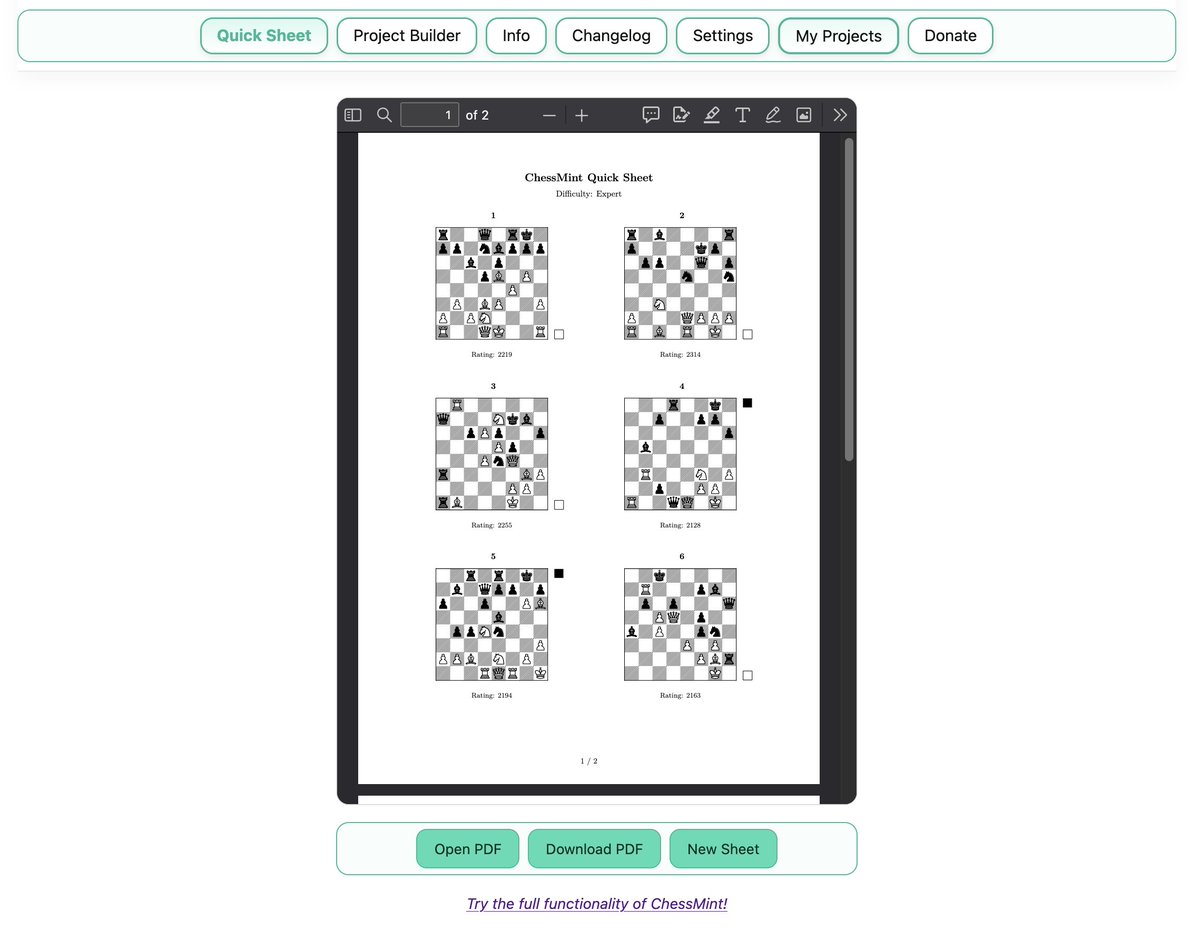
💡ChessMint Feature Spotlight: Quick Sheet — chess training material the fast way
Running a group lesson in 20 minutes and need a warm-up puzzle sheet for your students? About to commute to school/job and want to work on your calculation skills on the way?
ChessMint's Quick Sheet feature has you covered.
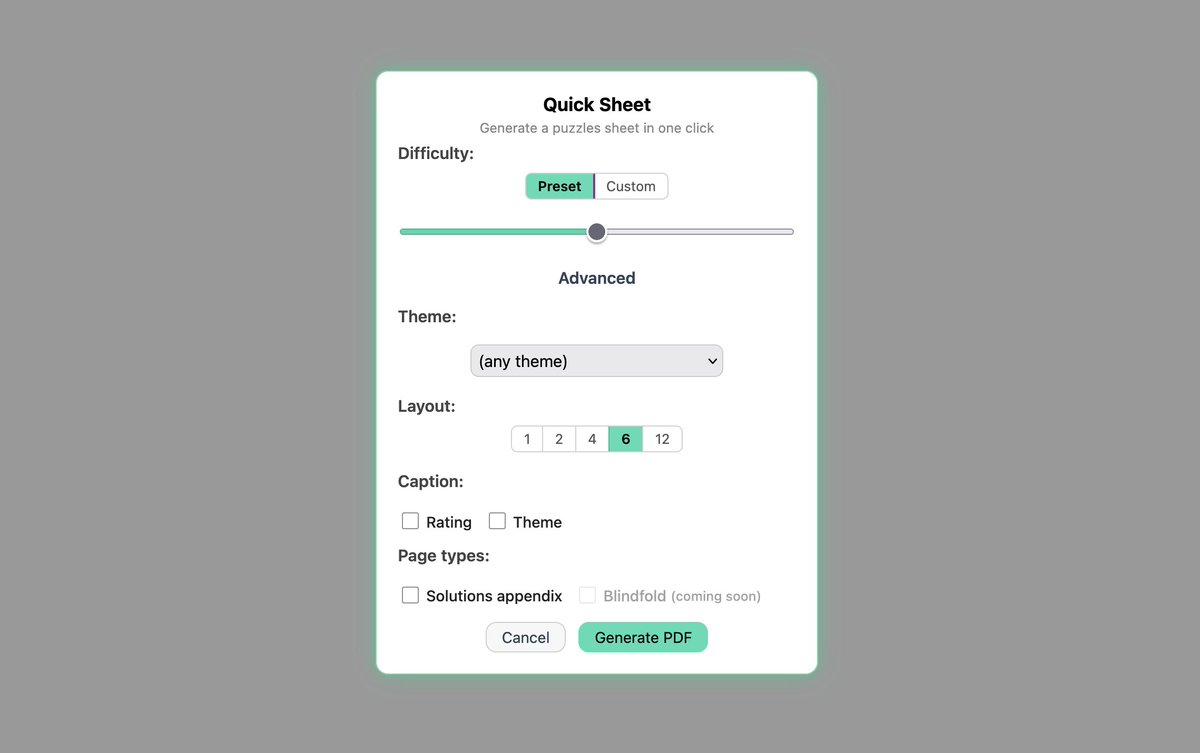
Set the difficulty, choose a theme (e.g. Fork, Pin, or Mate in 2), and hit generate.
➡️ ChessMint then pulls fitting puzzles from the Lichess puzzle database and creates a print-ready PDF for you. All within seconds. ⚡️
No puzzle hunting, no formatting troubles, no friction.
Depending on your layout preferences, you can fit 1, 2, 4, 6, or 12 diagrams on your sheet. You can also append the puzzle solutions to the to the document with one click.
Download the generated PDF, print it, done. ✅
Finally added SVG icons to the menu buttons. Such a small and simple improvement, but the website looks and feels so much nicer now.
(Granted, the order of the buttons still does not make much sense)
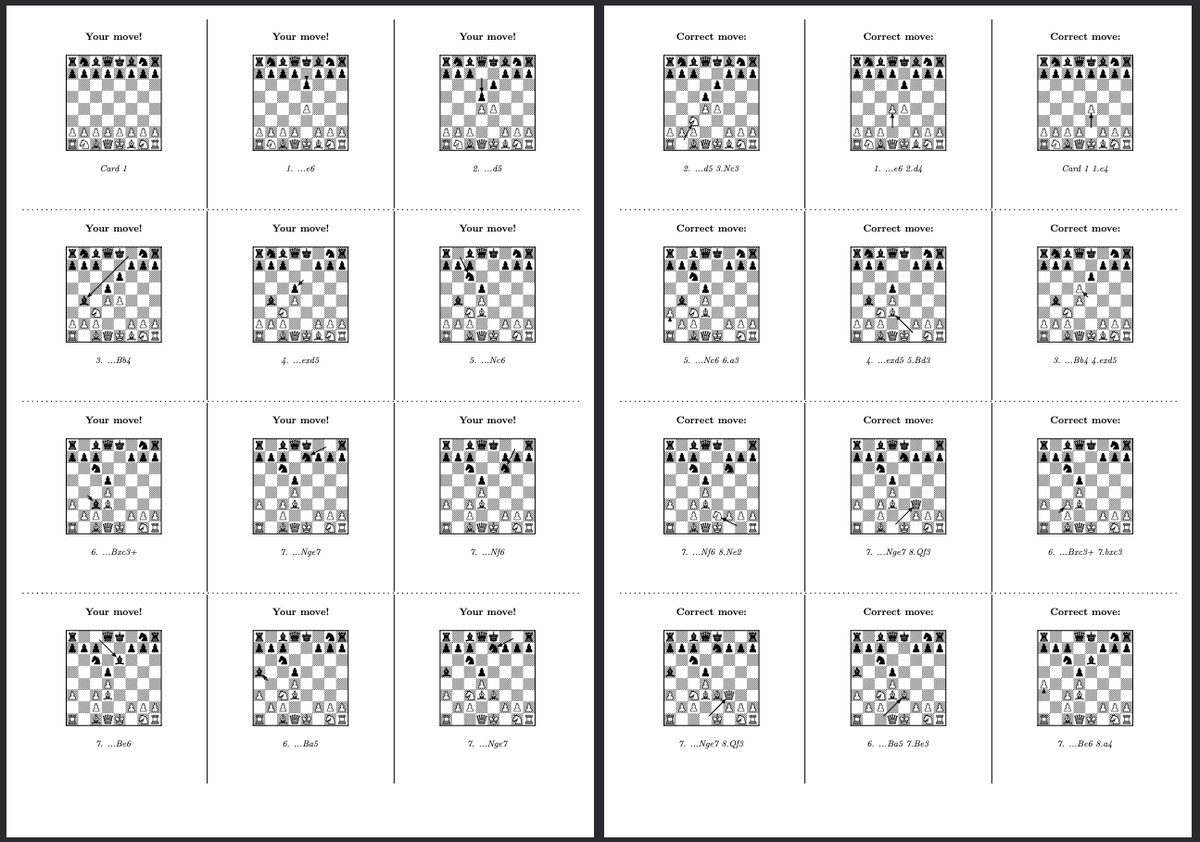
Introducing ChessMint Flashcards🗃️
➡️Upload/paste a PGN of your repertoire, select color and max depth, and a PDF is generated with 12 flashcards per 2 pages.
➡️Print duplex, cut out the cards and start studying!
Feedback appreciated!
(Note: allowed PGN size is limited)
2026-05-19 Changelog 🗒️
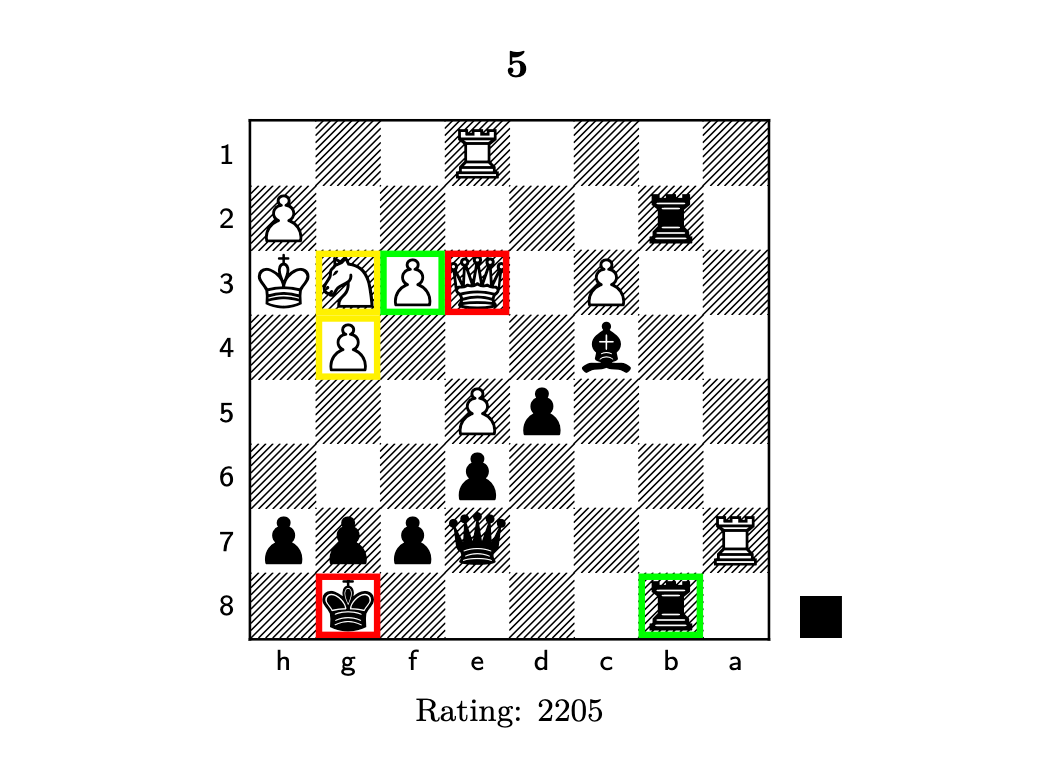
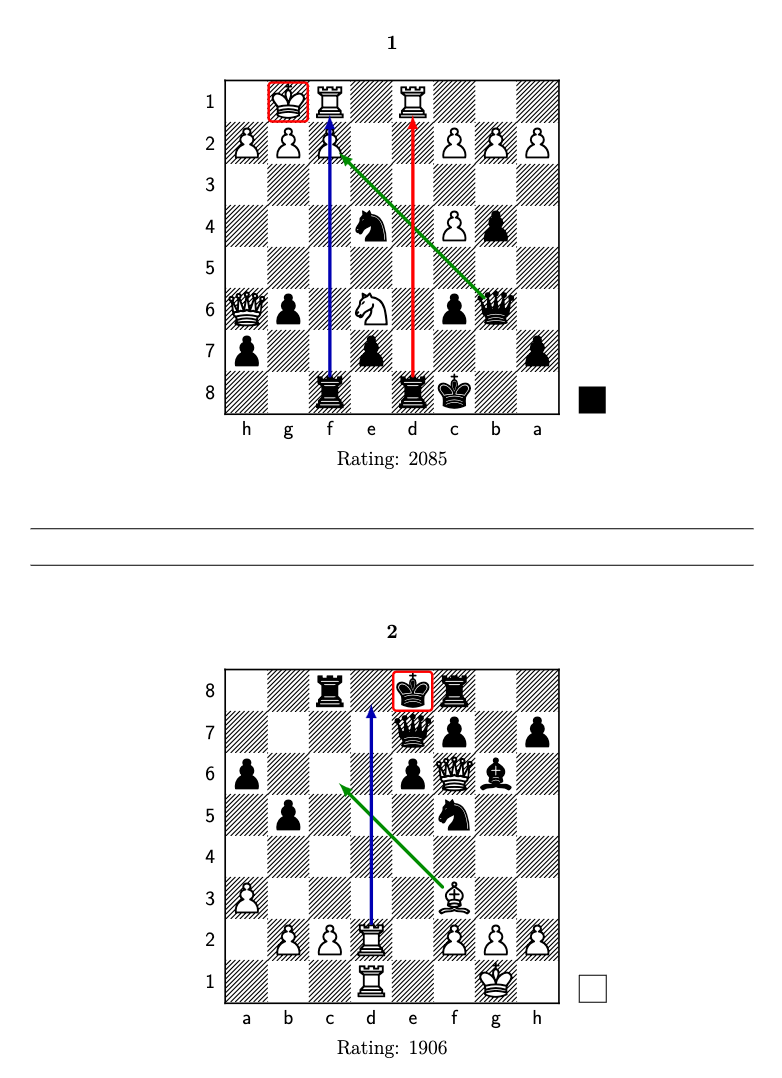
🟢 Added arrows
This was the logical next step after highlighting squares.
Available arrow colors: 🟩🟥🟦⬛️
In the annotation editor, draw the same arrow multiple times to cycle through the colors.
2026-05-18 Changelog 🗒️
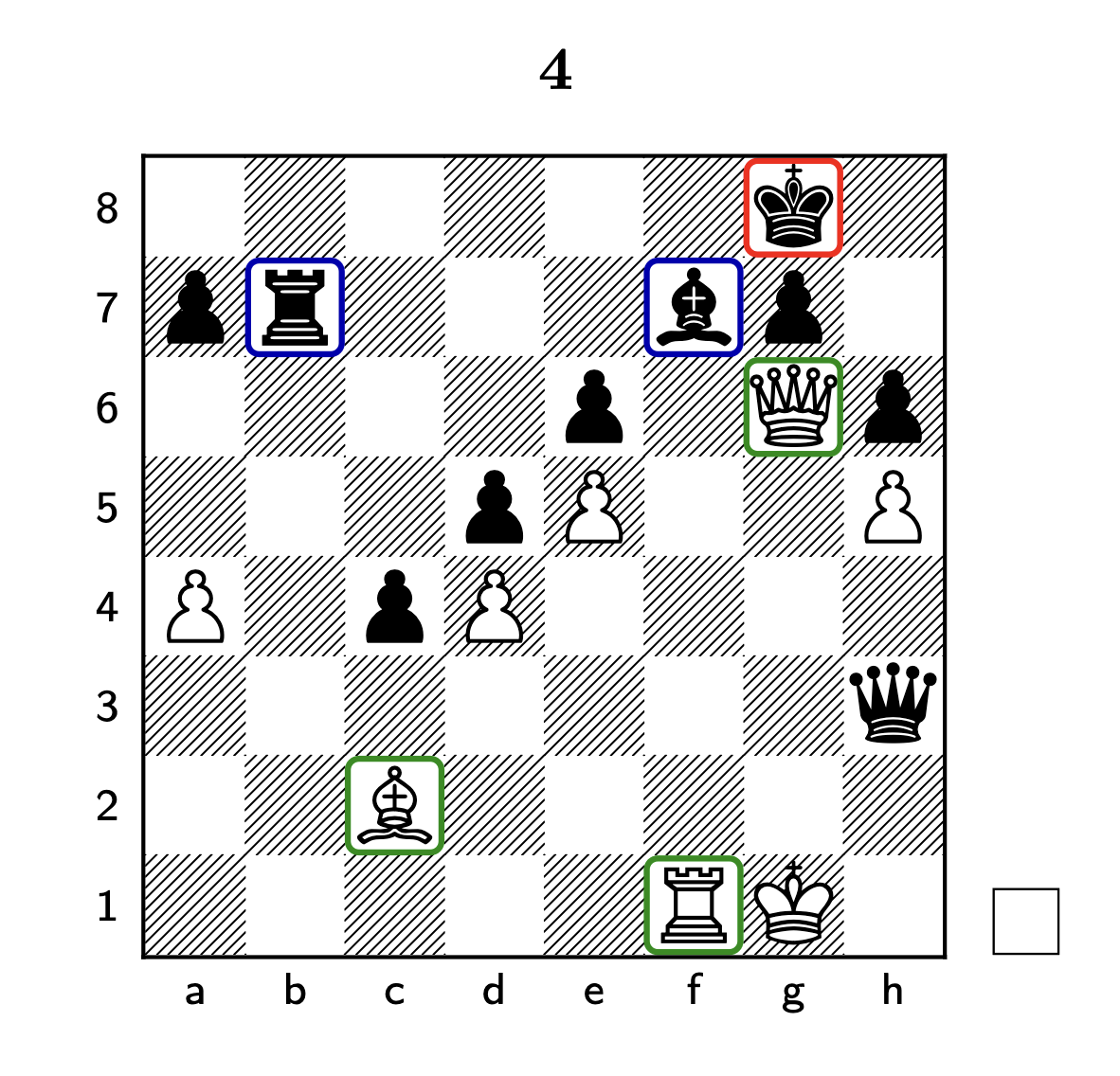
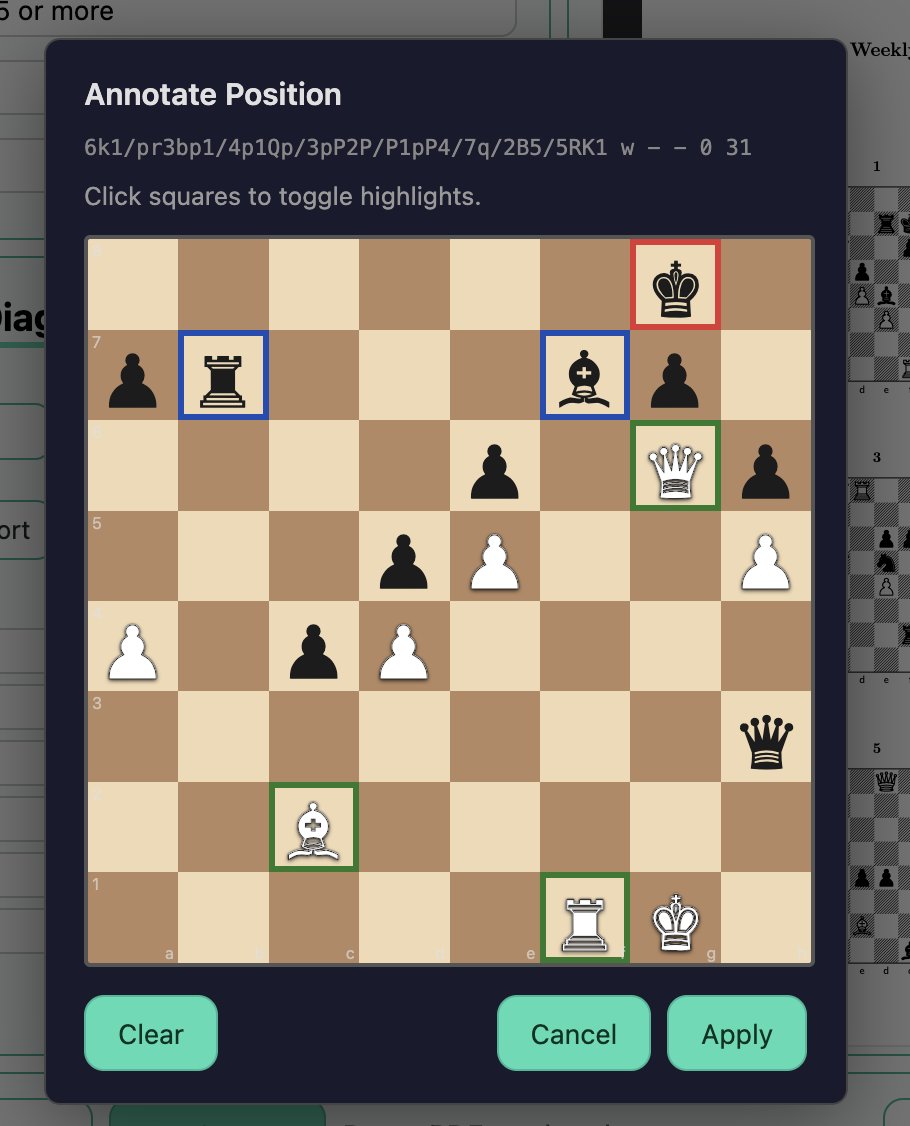
🟢 Highlighting squares in different colors
Click on the "Annotate" button to open the editor.
Available for now: rectangles in 🟩🟥🟦.
There will be more options in the future (e.g. arrows) ⚡️
Let me know if you have suggestions!
Working on a feature that could be valuable particularly to coaches; highlighting squares in different colors. 🟩🟥🟨
Current version looks a bit off and needs some refining, but should be available soon.
(Left shows an example output; right the annotation editor.)
2026-05-11 Changelog 🗒️
🟢 Switched out letters (K, Q, R, B, N) for piece symbols in solutions appendix
A simple, but important improvement: Solutions can now be read and understood by everyone, no matter their native language.
@OyeyemiFawole Hi, great to hear!
What would be an example of how you would use this feature / in what context? And maybe an example of what the resulting sheet would look like?
Might be tricky to implement, so I have to make sure I understand it 100%
Thanks for the feedback!
2026-03-14 Changelog 🗒️
🟢 Simplified/updated settings
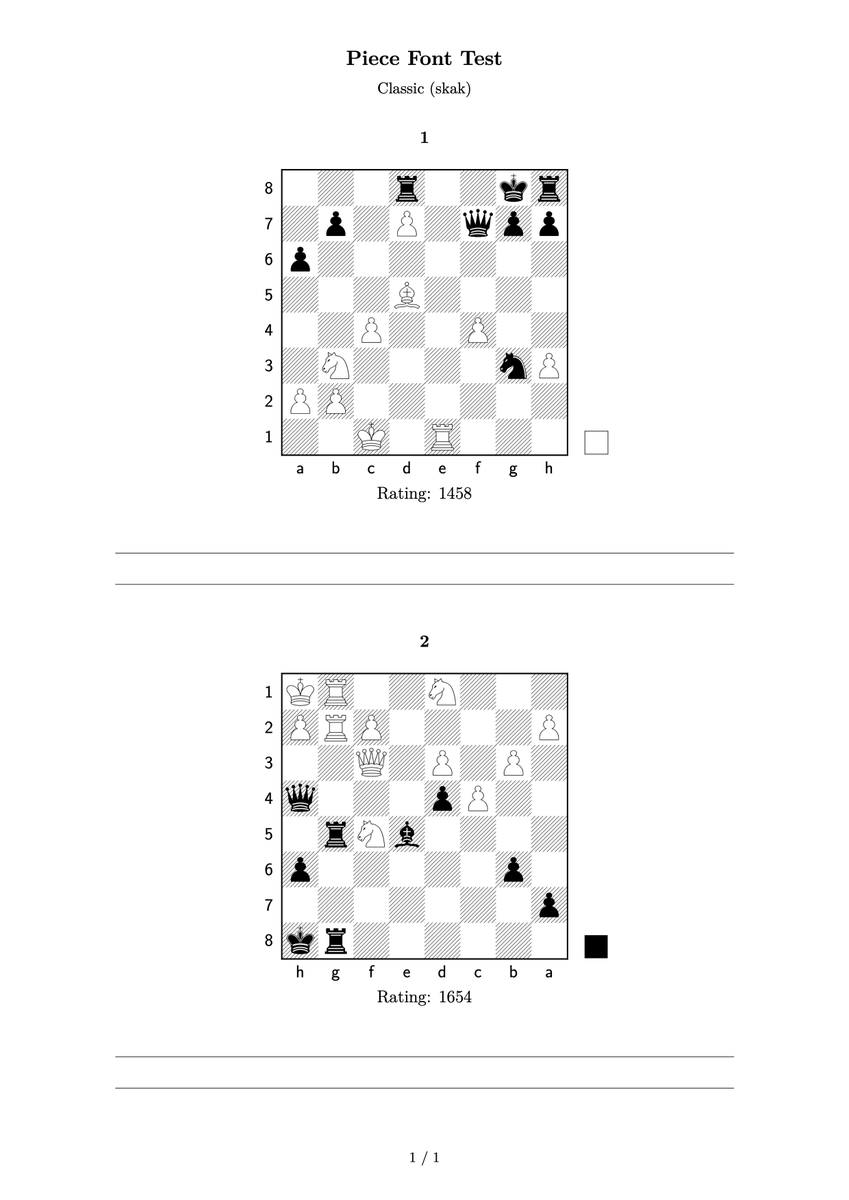
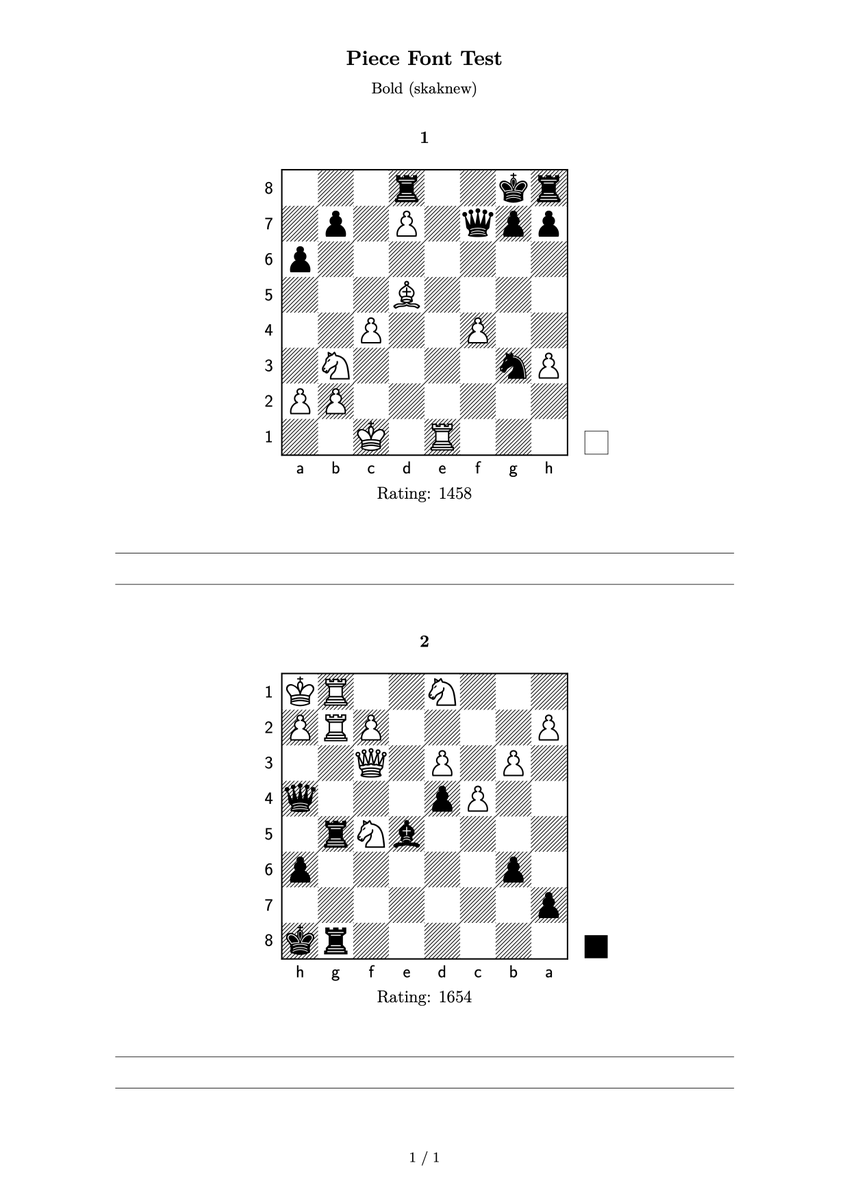
🟢 Added classic skak piece font
Here an example: The same puzzle sheet twice, with the two different fonts that are now available in the settings (which do you prefer?) ➡️
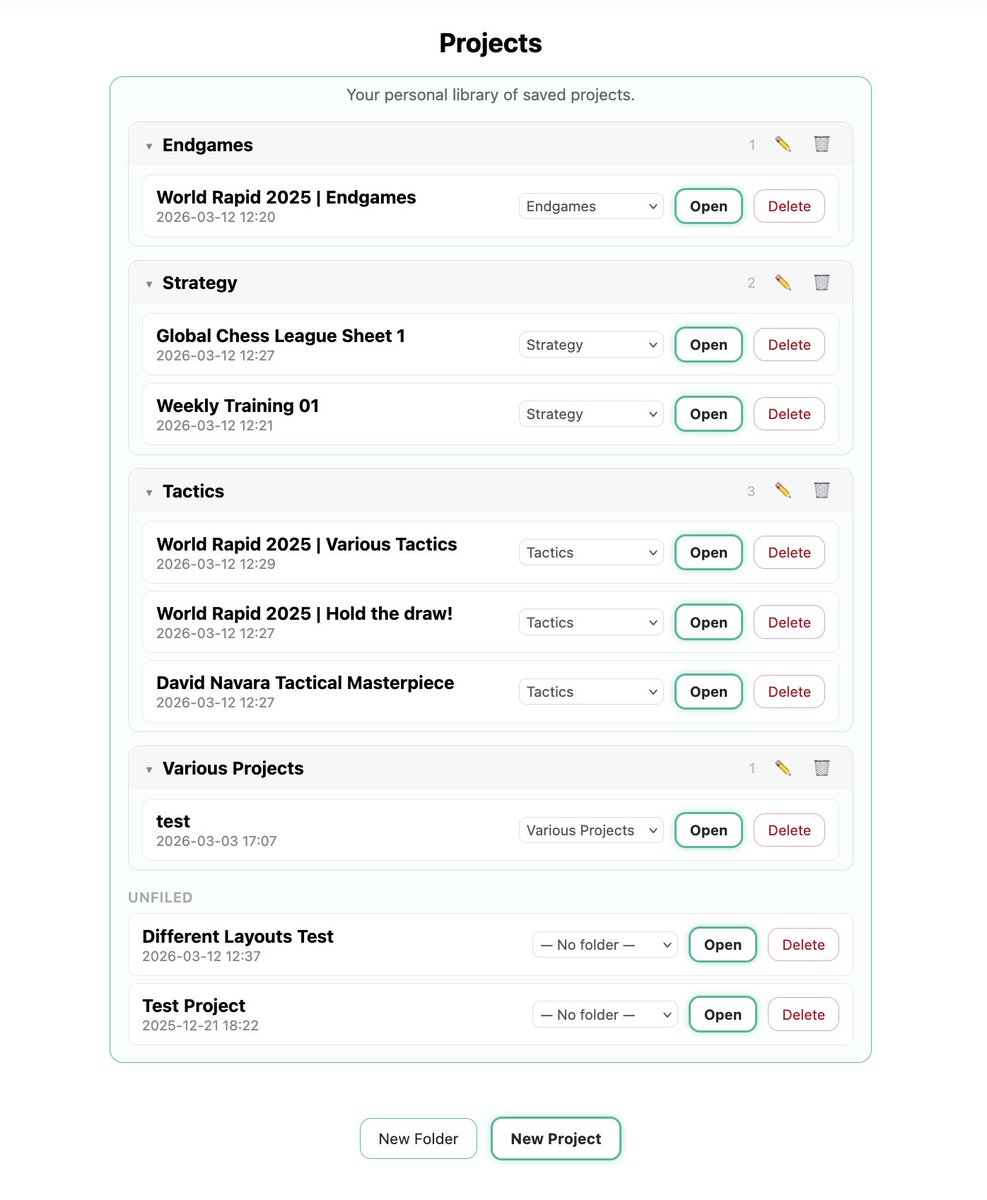
🟢 Folders MVP out! Feel free to try it out and report back in case of any issues.
Any suggestions w.r.t. layout improvements or additional functionality are welcomed!
Currently working on folders, which will allow you to categorize and organize your projects. 📁🧠
Soon, every ChessMint user will be able to easily manage their personal database of training documents and puzzle sheets, each ready to be edited, (re-)rendered and downloaded. ⚡️
Currently working on folders, which will allow you to categorize and organize your projects. 📁🧠
Soon, every ChessMint user will be able to easily manage their personal database of training documents and puzzle sheets, each ready to be edited, (re-)rendered and downloaded. ⚡️
26-03-07 Changelog 🗒️
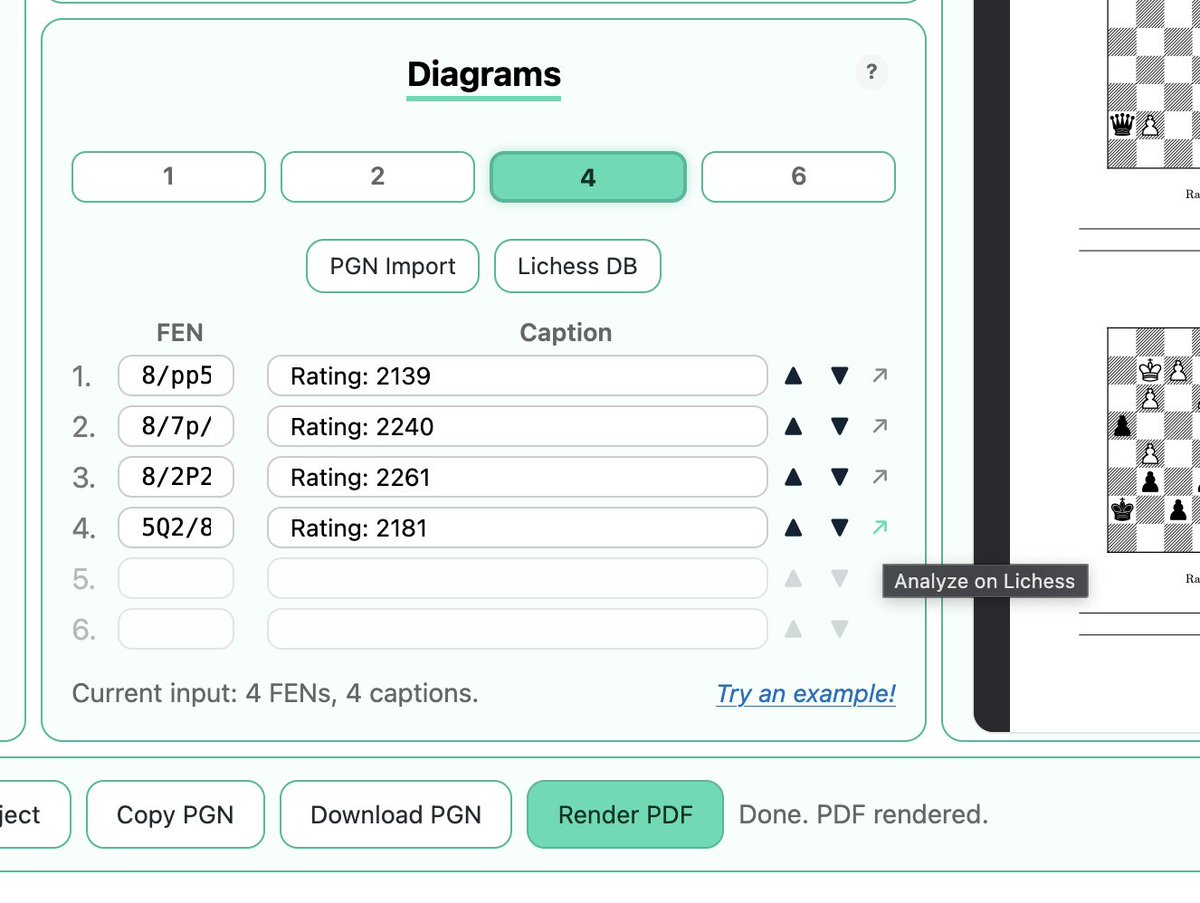
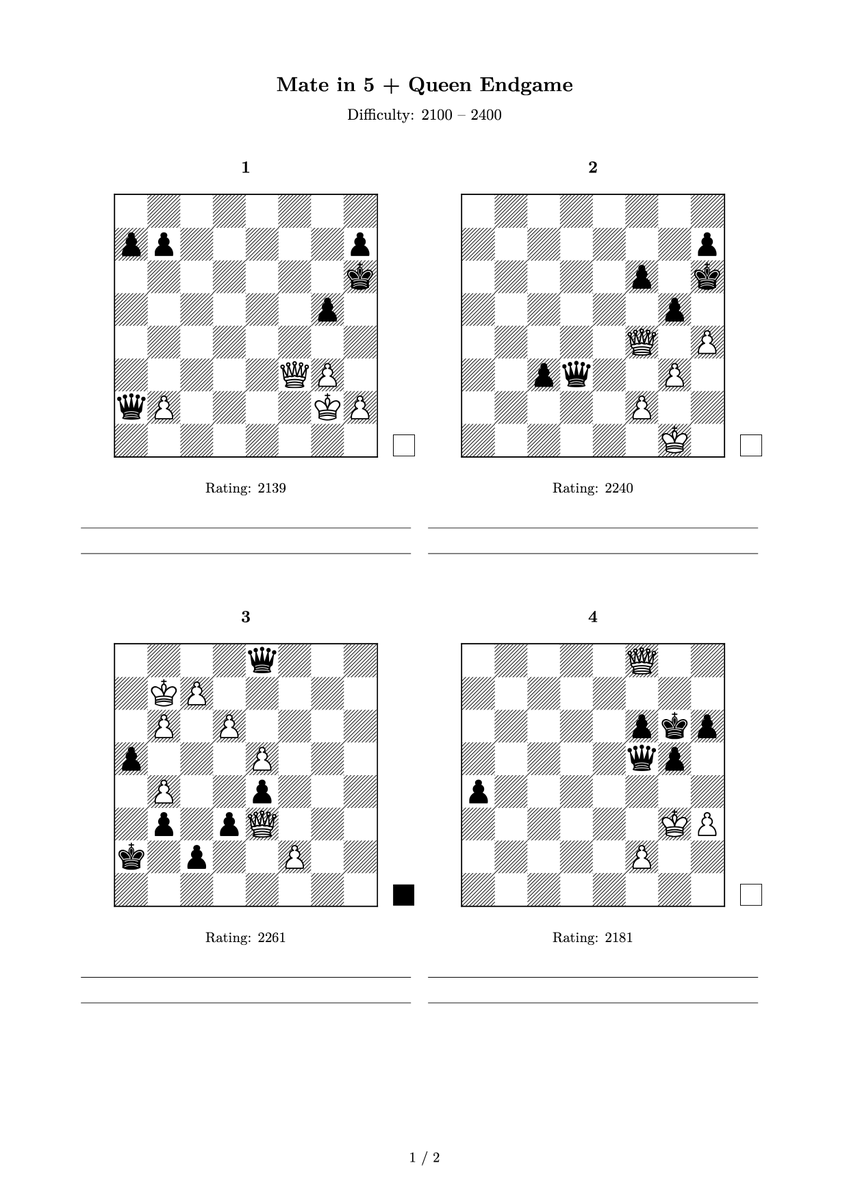
🟢 Added option to filter Lichess DB by 2 themes
In Project Builder, you can now request puzzles by defining not just one, but two themes! ⚡️
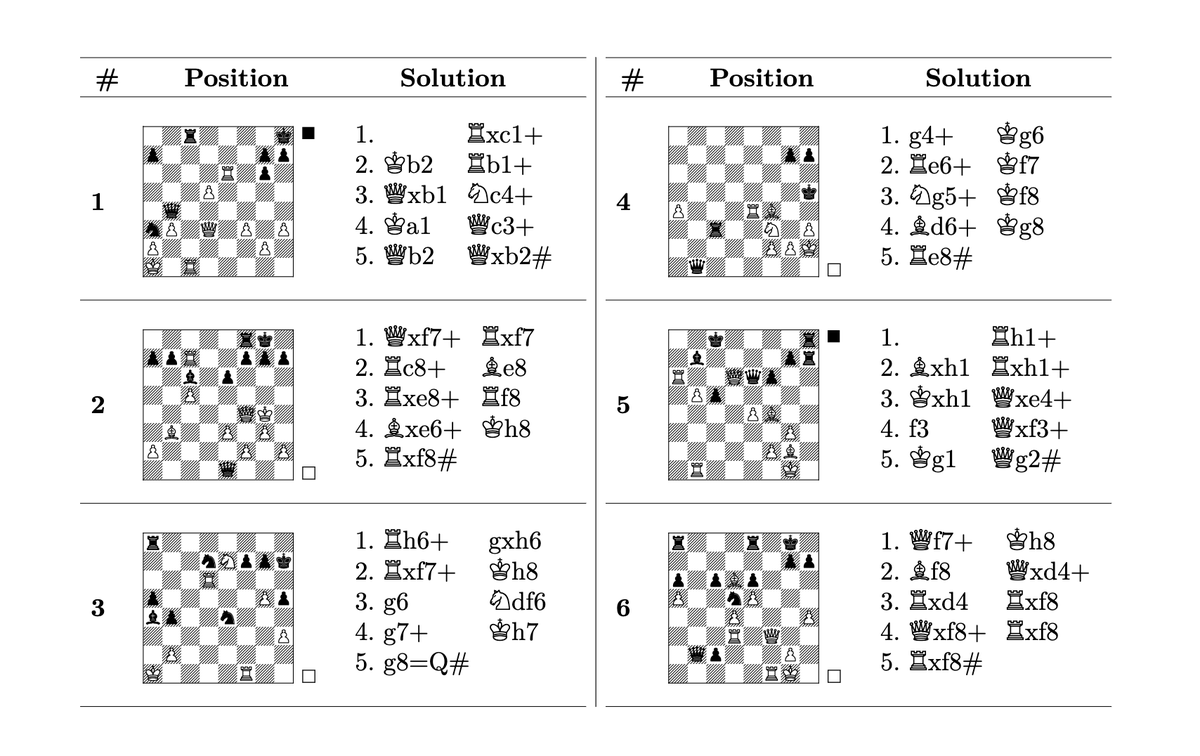
For example: Here are some puzzles ChessMint found with "Mate in 5" and "Queen Endgame" ➡️
26-03-06 Changelog 🗒️
🟢 Replaced "Auto" with new Quick Sheet page
🟢 "Custom" now named Project Builder
Quick Sheet is the simple & lightning-fast way of creating chess training sheets, while Project Builder offers full control and customization. 🧠
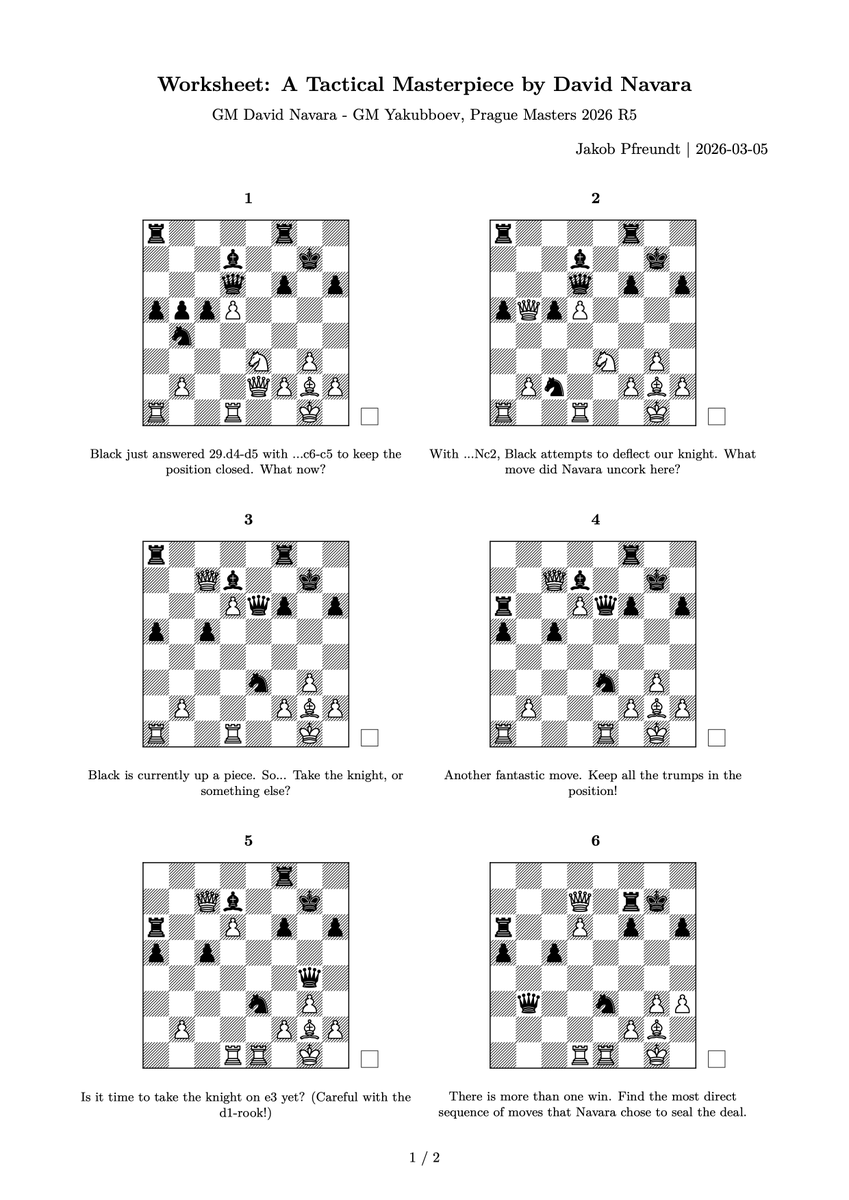
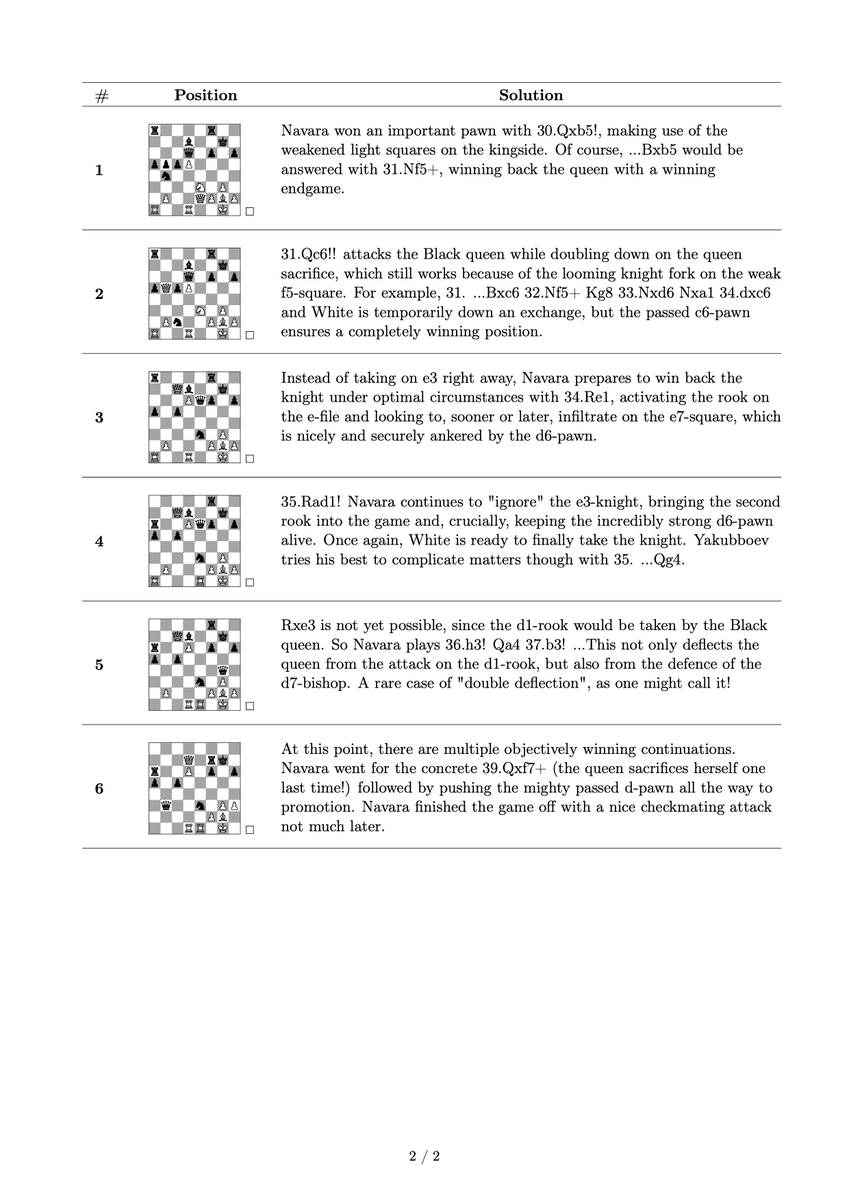
Honoring David Navara's recent masterpiece of a game at @PragueChess with a ChessMint worksheet. 💚
➡️ Here are some of the best and most beautiful moves from Navara - Yakubboev, Prague Masters 2026, as puzzles + solutions.
Enjoy! ♟️