PhD Students - How to compare 10 papers in 10 seconds?
1. Go to https://t.co/D5oJ6zOR3z
2. Upload the PDFs of your 10 papers
3. moara will arrange the 10 papers as a table
4. Click on Library Chat and enter the prompt
5. For example, I entered the following prompt.
Compare these 10 papers side by side.
6. moara collectively analyzed the 10 papers
7. Then it will give a summary of comparative analysis
8. If you want to compare each section of the 10 papers
9. Click on Enrichments and select the section.
10. For example, I selected Findings
11. moara will compare findings section of the 10 papers.
In the same way, you can compare other sections
Try it for FREE:
https://t.co/D5oJ6zOR3z
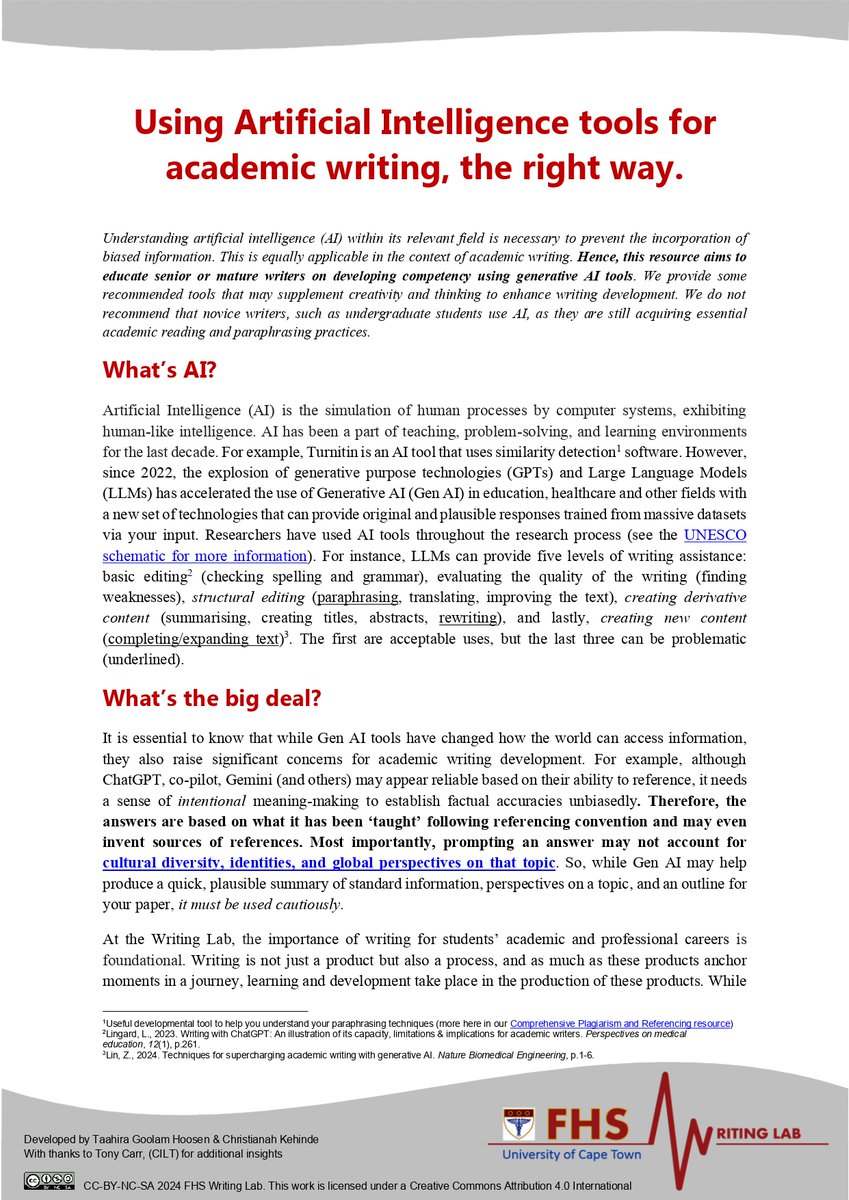
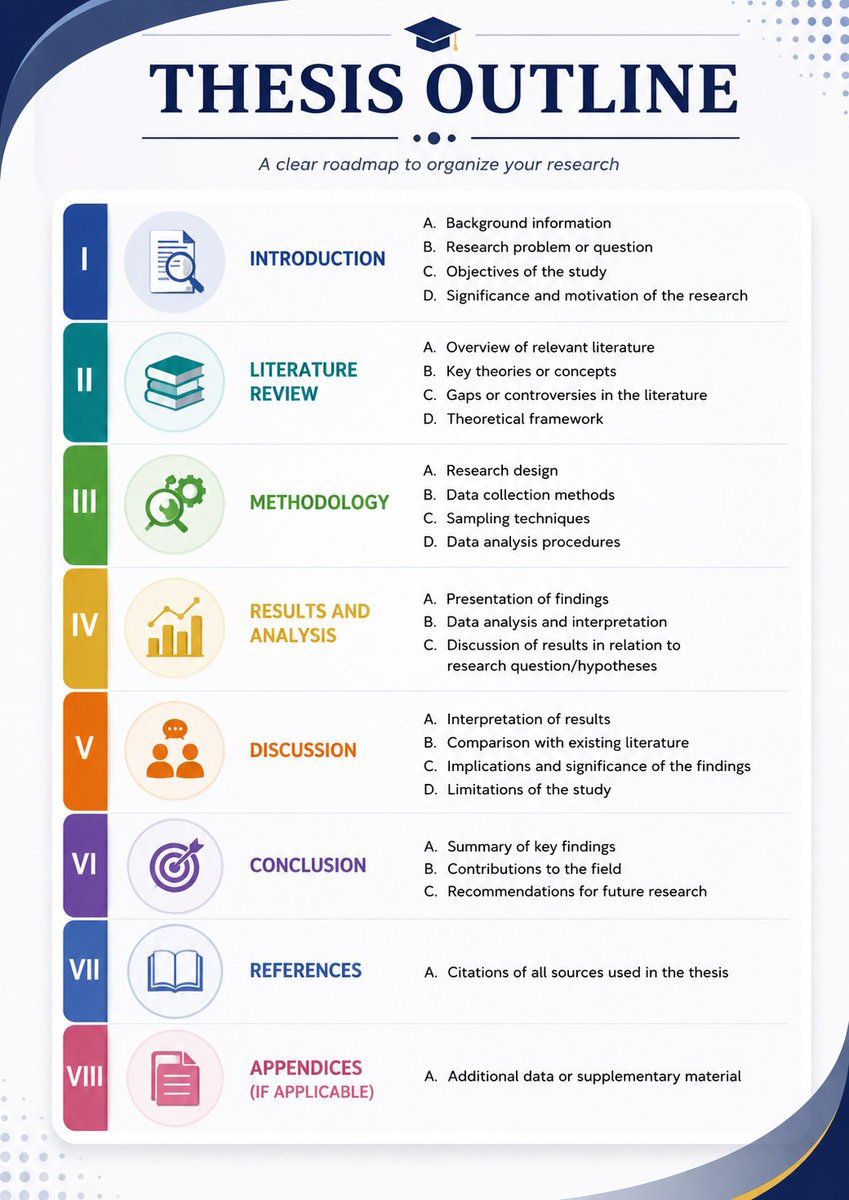
The Ultimate Guide to Publishing Research & Mastering Academic Writing
Struggling with structuring your paper or citing sources correctly?
Whether you’re a new researcher or polishing your skills, this thread breaks down everything from avoiding plagiarism to writing a killer discussion section. Let’s dive in!
-Thread-
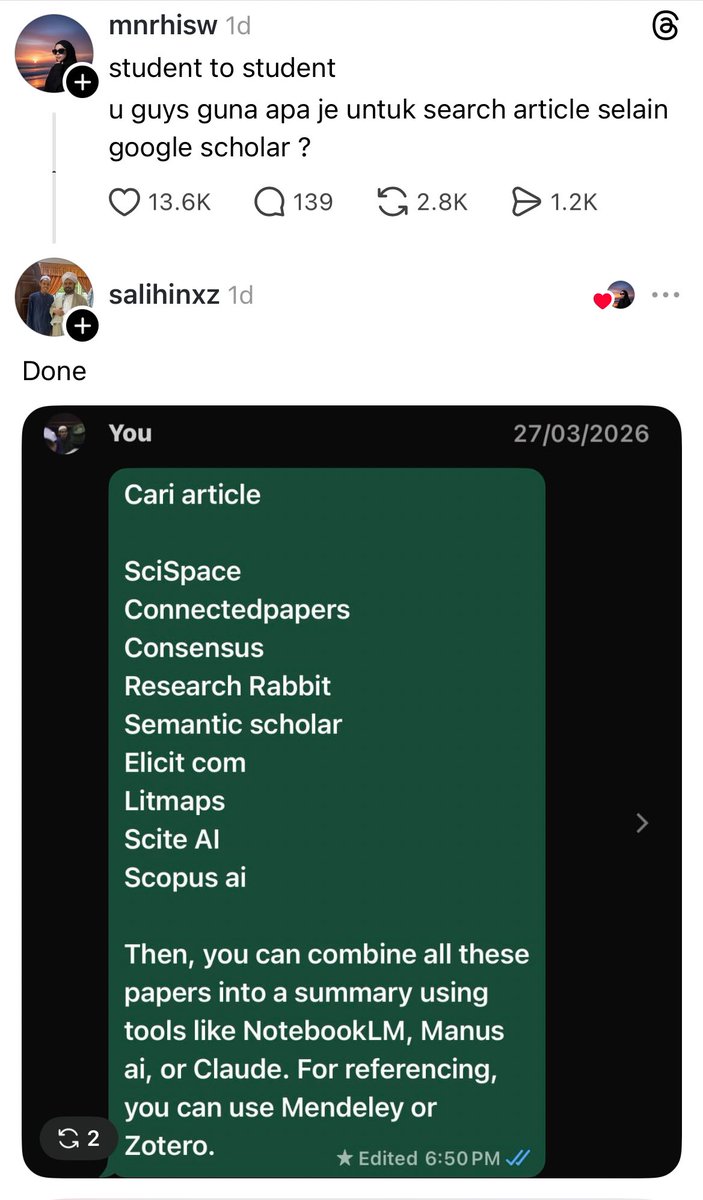
AI Tools Every Researcher Should Try in 2026
𝟏. 𝐀𝐧𝐬𝐰𝐞𝐫𝐓𝐡𝐢𝐬
➝ Helps you to identify research gaps in literature
↳ Link: https://t.co/wH2DSQWXis
𝟐. 𝐒𝐜𝐢𝐒𝐩𝐚𝐜𝐞
➝ Extract data from papers for your literature review
↳ Link: https://t.co/Xn7lEskEG2
𝟑. 𝐖𝐢𝐬𝐏𝐚𝐩𝐞𝐫
➝ Helps you in searching papers for your literature review
↳ Link: https://t.co/ztyiwEYvG1
𝟒. 𝐋𝐢𝐭𝐦𝐚𝐩𝐬
➝ Identify and analyze papers for your literature review
↳ Link: https://t.co/d8jKsHOd0I
𝟓. 𝐏𝐚𝐭𝐒𝐧𝐚𝐩 𝐄𝐮𝐫𝐞𝐤𝐚
➝ Helps you in identifying trends in your research field
↳ Link: https://t.co/bknskud3FP
𝟔. 𝐏𝐚𝐩𝐞𝐫𝐩𝐚𝐥
➝ Proofread your papers to fix grammar and typo issues
↳ Link: https://t.co/jLDR3VvU3d
𝟕. 𝐑𝐞𝐬𝐞𝐚𝐫𝐜𝐡𝐂𝐨𝐥𝐥𝐚𝐛
➝ Identify different types of research gaps
↳ Link: https://t.co/1M9u4q6VMb
𝟖. 𝐍𝐎𝐀𝐇 𝐀𝐈
➝ Helps you prepare the first draft of your literature review
↳ Link: https://t.co/JwYCN9GnXL
𝟗. 𝐆𝐚𝐭𝐬𝐛𝐢
➝ Helps you in writing a systematic literature review
↳ Link: https://t.co/TVVf9kemSz
𝟏𝟎. 𝐓𝐡𝐞𝐬𝐢𝐟𝐲
➝ Evaluates the quality of your thesis
↳ Link: https://t.co/MzhV4GjF6l
𝟏𝟏. 𝐦𝐨𝐚𝐫𝐚
➝ An AI-powered reference mangaer to insert references
↳ Link: https://t.co/eMotK5FSoT
𝟏𝟐. 𝐌𝐨𝐂𝐥𝐚𝐰
➝ Automate various research taks to 10x your productivity
↳ Link: https://t.co/09Ca09Bb9h
𝟏𝟑. 𝐋𝐢𝐧𝐞𝐫
➝ Insert citations in your text.
↳ Link: https://t.co/vdB6pTL1BU
𝟏𝟒. 𝐑𝐞𝐯𝐢𝐞𝐰-𝐢𝐭
➝ Provides feedback on your papers like a human
↳ Link: https://t.co/PMrNAhmMUe
Any other tool you'd like to add?
Happiness is contagious.
A 20-year study of 4,739 people found that your happiness is shaped by the people around you and it spreads through social networks up to 3 degrees away.
→ If your friend is happy, you’re 15% more likely to be happy.
→ Even your friend’s friend can influence your wellbeing.
→ Happy people cluster together and create “happiness hubs.”
Your environment matters more than you think.
Surround yourself with people who uplift you
PhD Students - How to generate a graphical abstract in seconds?
1. Go to https://t.co/RsrnvLCAYu
2. Copy and paste your abstract
3. ResearchViz will generate graphical abstract.
You can download it as PPT and make any changes.
The prompt structure I use for every Claude task.
7 sections. Each one earns its place.
Most people type one sentence and hope for the best.
That's like handing someone a blank page and saying "make something good."
This structure fixes that:
1. Task → What you want + what success looks like
2. Context Files → The files Claude needs to read first
3. Reference → Examples of what good output looks like + the rules you extracted from them
4. Success Brief → Output type, length, tone, and what to avoid
5. Rules → Your standards and constraints. Claude checks these before writing
6. Conversation → Ask clarifying questions before executing
7. Plan → List the 3 most relevant rules, then map out the approach
The difference between a generic output and a useful one is almost always the prompt, not the model.
Save this. Try it on your next task.
Ini BAGUS!
Artikel ini bagus gak cuma untuk academic researchers kok, untuk yang mau belajar dari awal cara menggunakan Claude Code juga oke banget!
Thank me later!
Google's NotebookLM can now reverse-engineer any successful YouTube channel and build your content factory in minutes.
7 prompts to go from zero ideas to a fully automated video system:
(Save this before it goes viral!)👇