Automating Security Alerts with Wazuh & https://t.co/Dw1Ox0nKp0!
Created a GitHub repository showcasing Wazuh-Windmill Integration: https://t.co/Lif2lWcOml
This guide walks you through integrating Wazuh with https://t.co/Dw1Ox0nKp0 SOAR to automate security alert handling.
Exciting news! @thinksysinc and @ReadyTraining are joining forces to bring you SOC 2 Powered by Success at the #NACS Trade Show!
Curious to learn more? Click the link below to read the full press release!
https://t.co/AXDeVPyI3W
#NACS#NACSShow#NACS2024
@Zaheer_Nazir_@tryhackme I am their and I just tried to learn one topic then other, which helped me to do the boxes more fast and doing that got to top 1%
@ctbbpodcast@regex101 I use regex101 all the time for my official work to research work great way of explaining and great tool to check the configurations
Ensure your data is protected, your clients are confident, and your organization is ahead of the curve.
Ready to take the next step?
Visit the link given below ⬇️ and connect with us for a free consultation today!
https://t.co/2oHq9yXAZj
#SOC2Compliance#TechSolutions
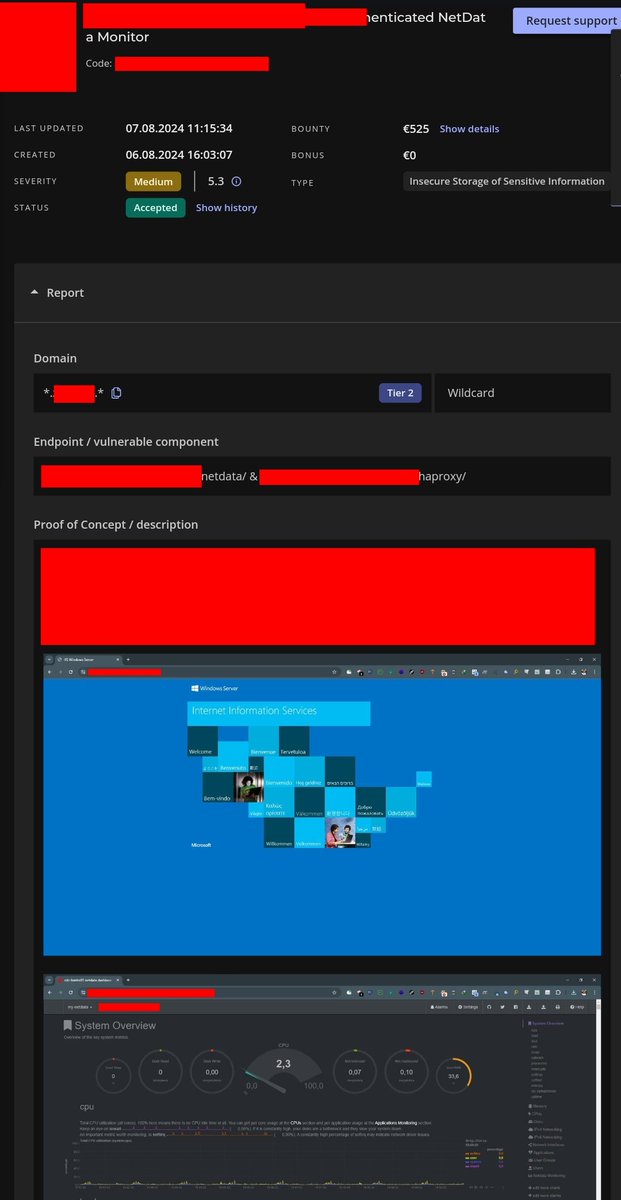
If you encounter the default IIS Windows window, do not forget to add /haproxy and /netdata to your wordlist and scan them, if you gain unauthorized access here, you will earn a reward 🌹🥰
#bugbountytips#BugBounty
To send Wazuh logs to https://t.co/Dw1Ox0nKp0
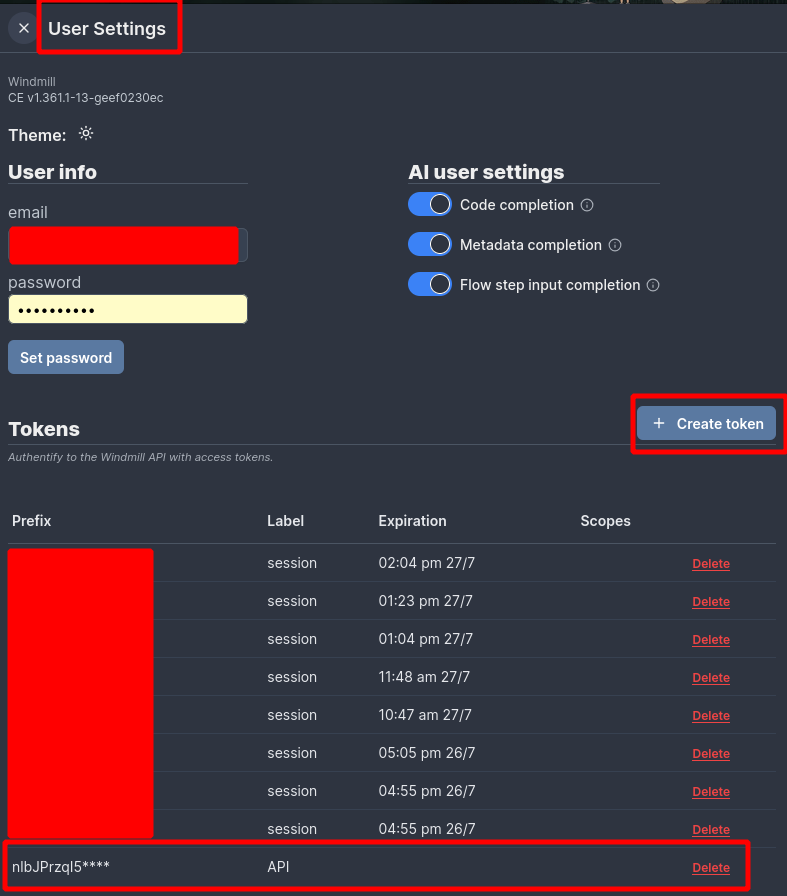
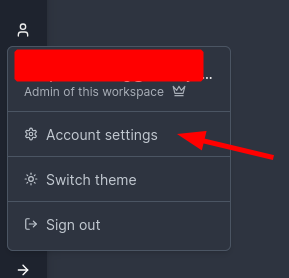
1. Create a API token
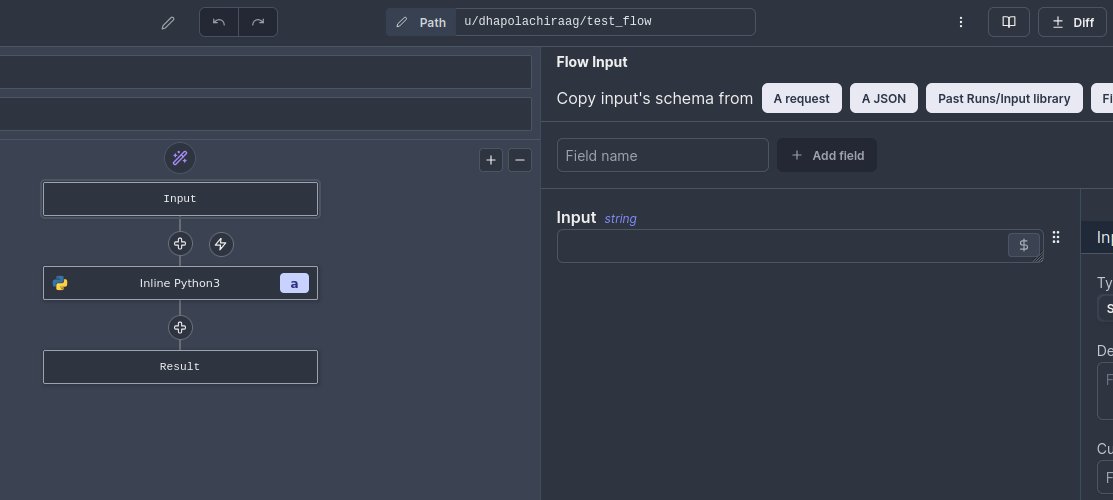
2. Create a test flow with input as “Input” which takes “String” as input parameter
3. Deploy it
4. Got to “Details & Triggers” and copy the URL
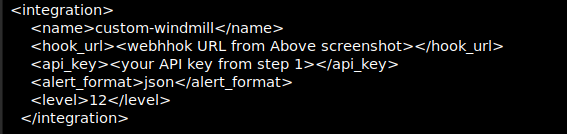
5. Add a integration in Wazuh for custom-windmill
1/n
To test if it works run the commmand
go to /var/ossec/integrations/
./custom-windmill /home/wazuh-user/alert.json <your API key from step 1> <webhhok URL from Above screenshot>
I have been working on https://t.co/jly2JxNV8u tool to use it as SOAR with open source SIEM Wazuh. I have been successful on sending level 12 alerts to a windmill flow with the help of Wazuh integration. #wazuh#windmill#SOAR#SIEM#SOC