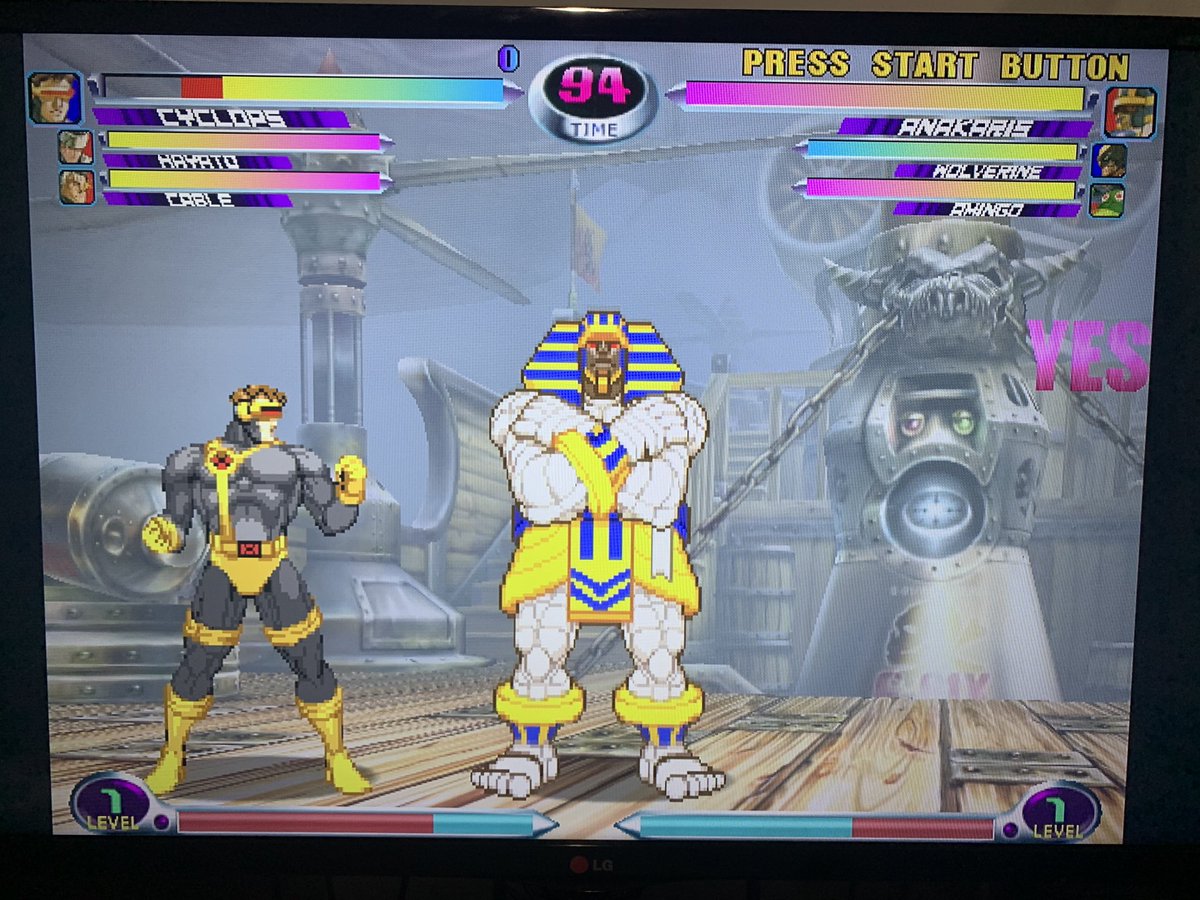
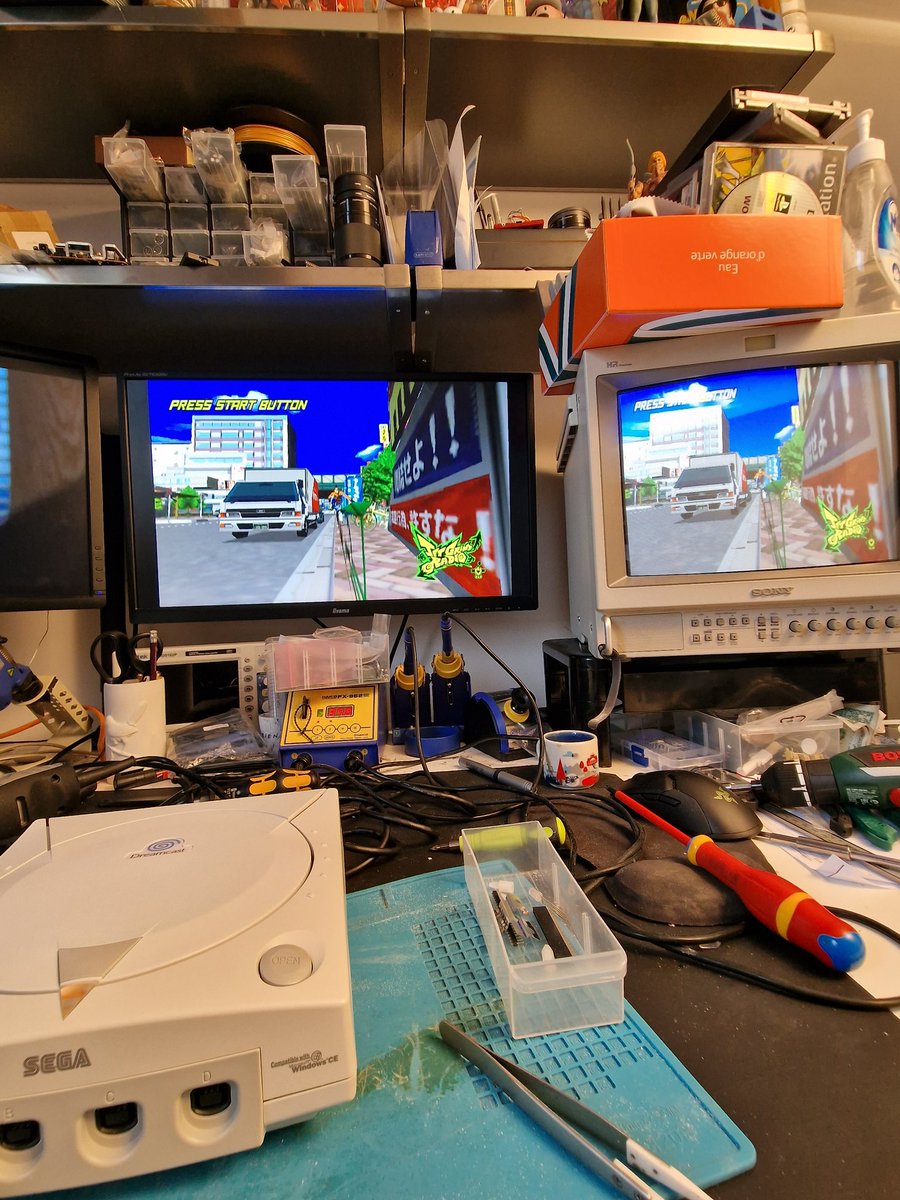
@PejicPatrick Yeah, many Capcom arcade ports on Dreamcast use poorly scaled assets (384->640 scaling) in the game itself.
There was some discussion about it 3 years ago on twitter regarding HW1 (https://t.co/BV9HO54WRQ, unfortunatly partially gone now)
I'll look into it again :)
@SvtTerminator @djpweb @citrus3000psi Dreamcast does not have a 384 horizontal pixel output (unlike e.g. the PS1). It always outputs 858 raw pixels, with the inner 640 being the visible area. DCDigital does not perform any kind of horizontal scaling, except pixel repetition. 1/3
@PejicPatrick If you want pixel perfect nearest neighbor scaling on 1080p, you have to either use a 2.0x scale factor, resulting in the same image you get on DCDigital HW1 (960p frame in a 1080p image), or you can use 1440p, which gives you an integer 3.0 (pixel perfect) scaling.
@PejicPatrick To help with uneven scale factors, you can use the interpolation settings, but those will introduce some blurriness. Sharp often is a good compromise between eveness and blurriness.
@PostmanMods Fonts/character sets can be loaded dynamically from the MCU to the FPGA in FX-Framework (as well as OSD size and position on screen).
And for the graphic to character conversion, I have scripts to automate the process :)
@bytesaber_ Not sure. A big part of the overlay processing is done on the ESP (not the FPGA) and the ESP8266 used on HW1 is much less powerful and has less RAM than the ESP32 used on HW2.
At this point, DCDigital HW1 will likely only receive bug fix releases.
@leonkiriliuk@samson7point1@citrus3000psi No it can't support it. There's no SDRAM, no real clock gen and a much less powerful ESP on the older HW.
All required to run FX-Framework properly.
From our experience with the PS1Digital (which btw supports the new software) the Trion also runs cooler than the Intel FPGA.
New #DCDigital firmware 2.1.29.14 (available on all update channels) allows restricting controller combos to be compatible with techniques commonly used in "Marvel vs Capcom 2"
Thanks to @INSIDIOUSZ09 for reporting!
Set "OSD(Main)->System->DCDigital Settings" to "OSD/res switch only" (after updating) to disable all combos except :
Open OSD = L + R + START + X + A
Resolution Switch = L + R + START + Y + B
Any custom controller combos uploaded through the Web-UI will still apply.
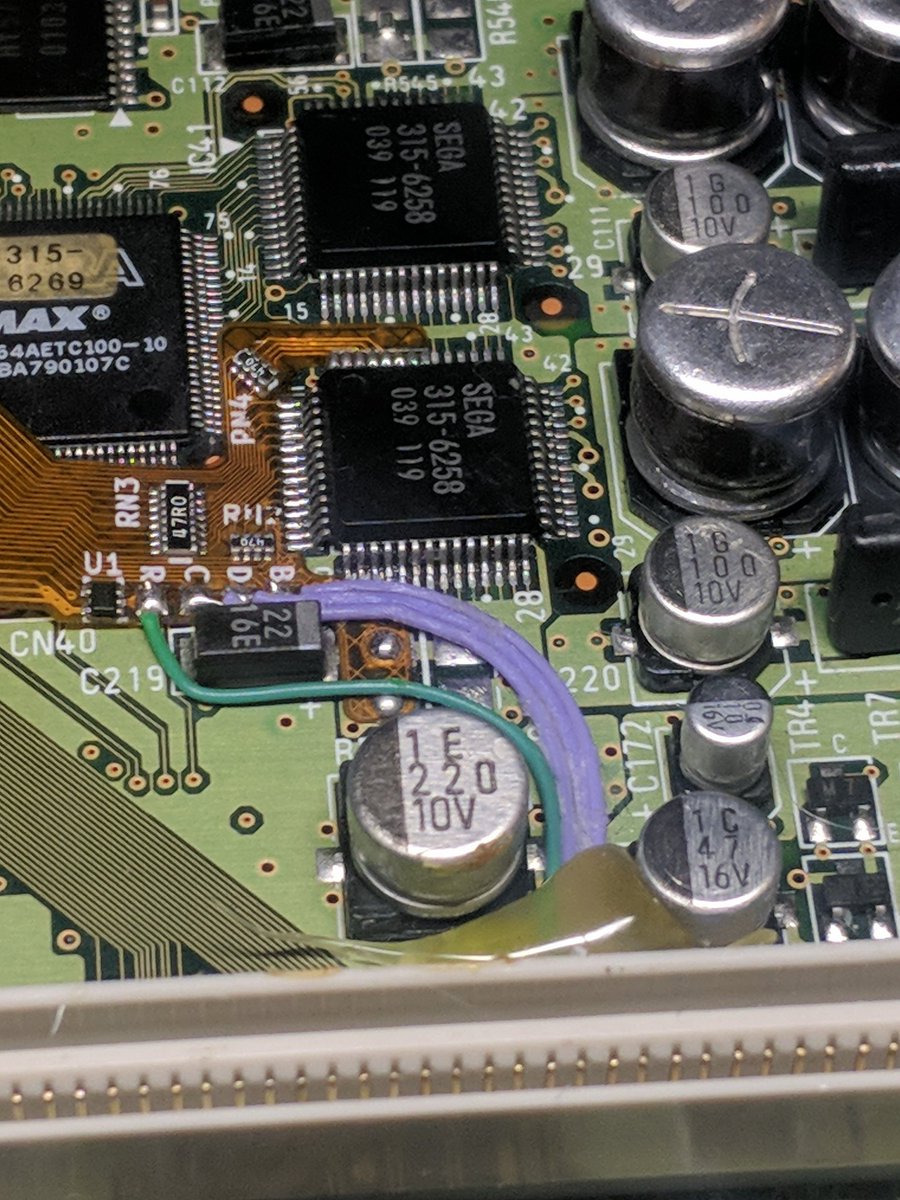
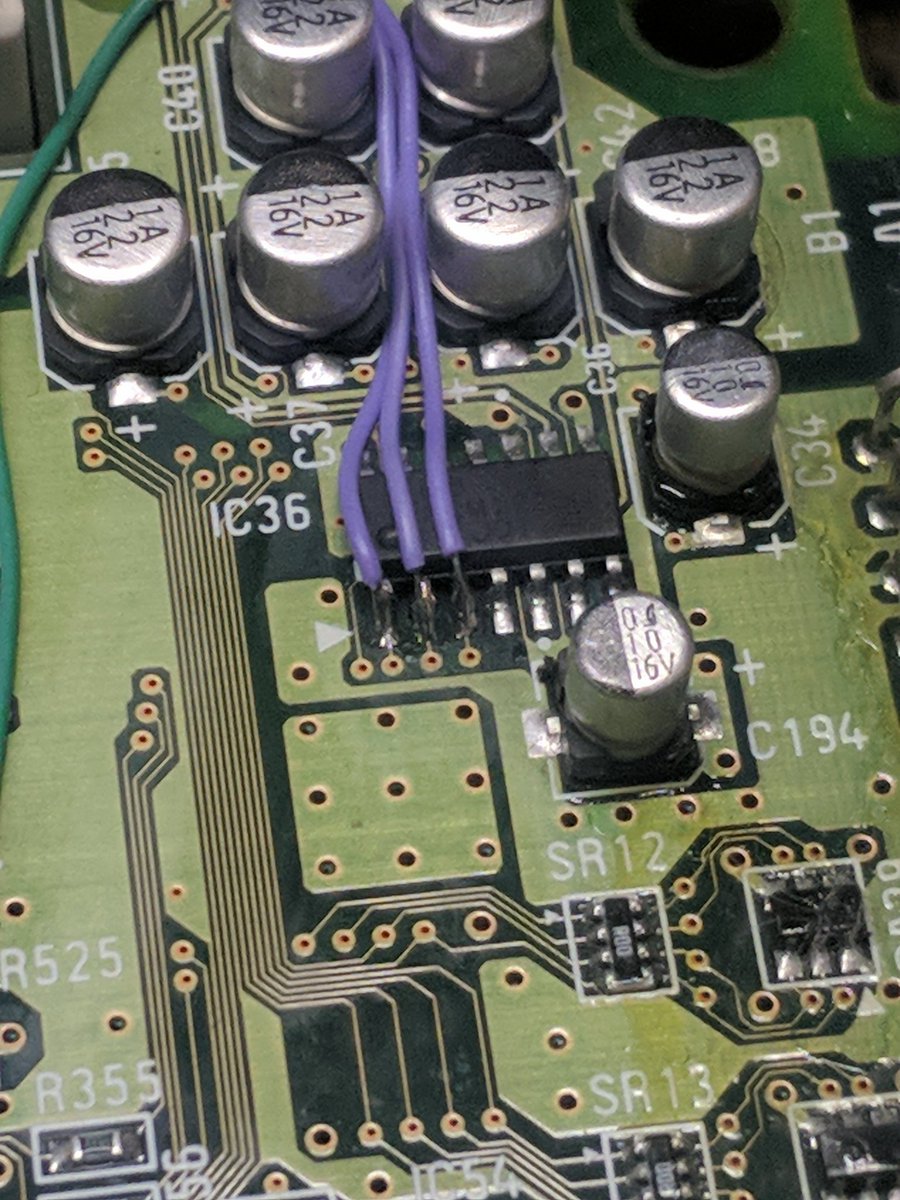
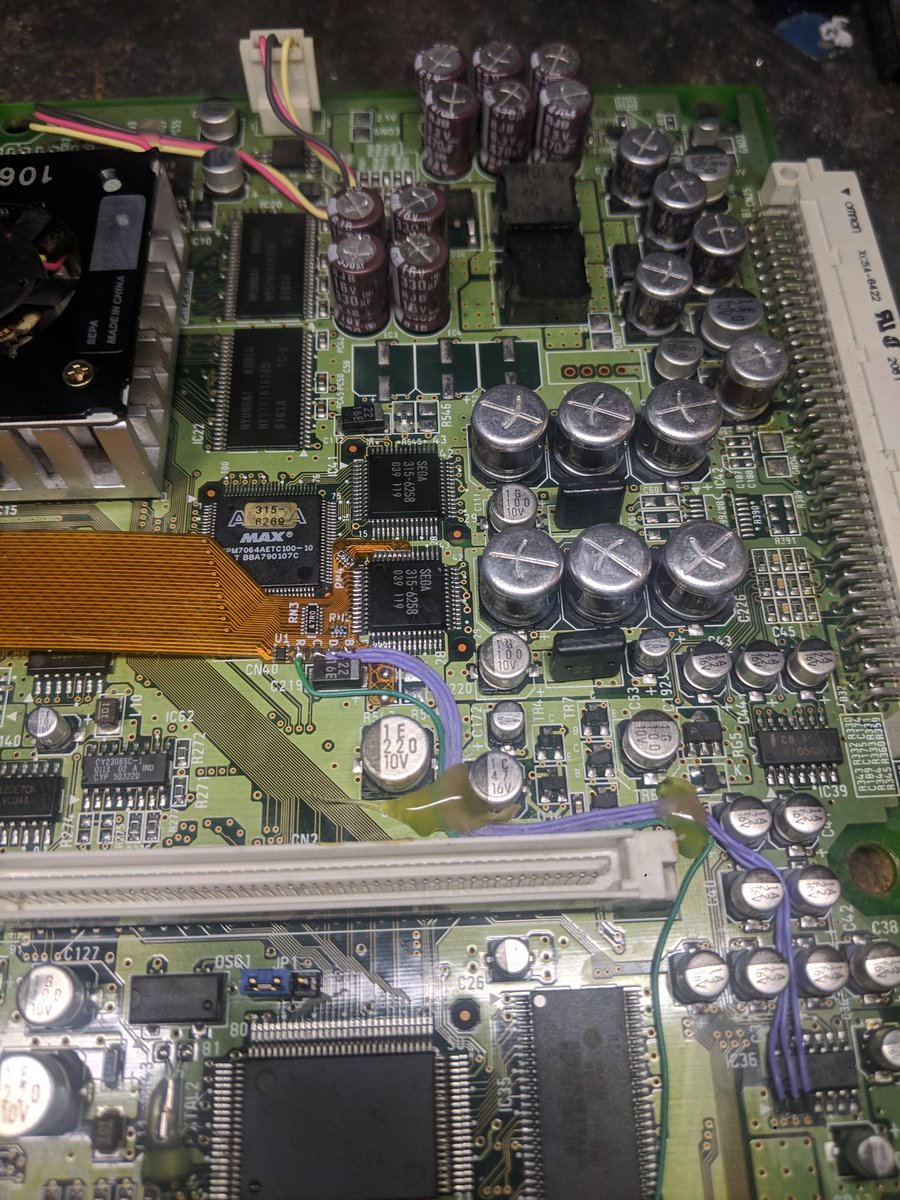
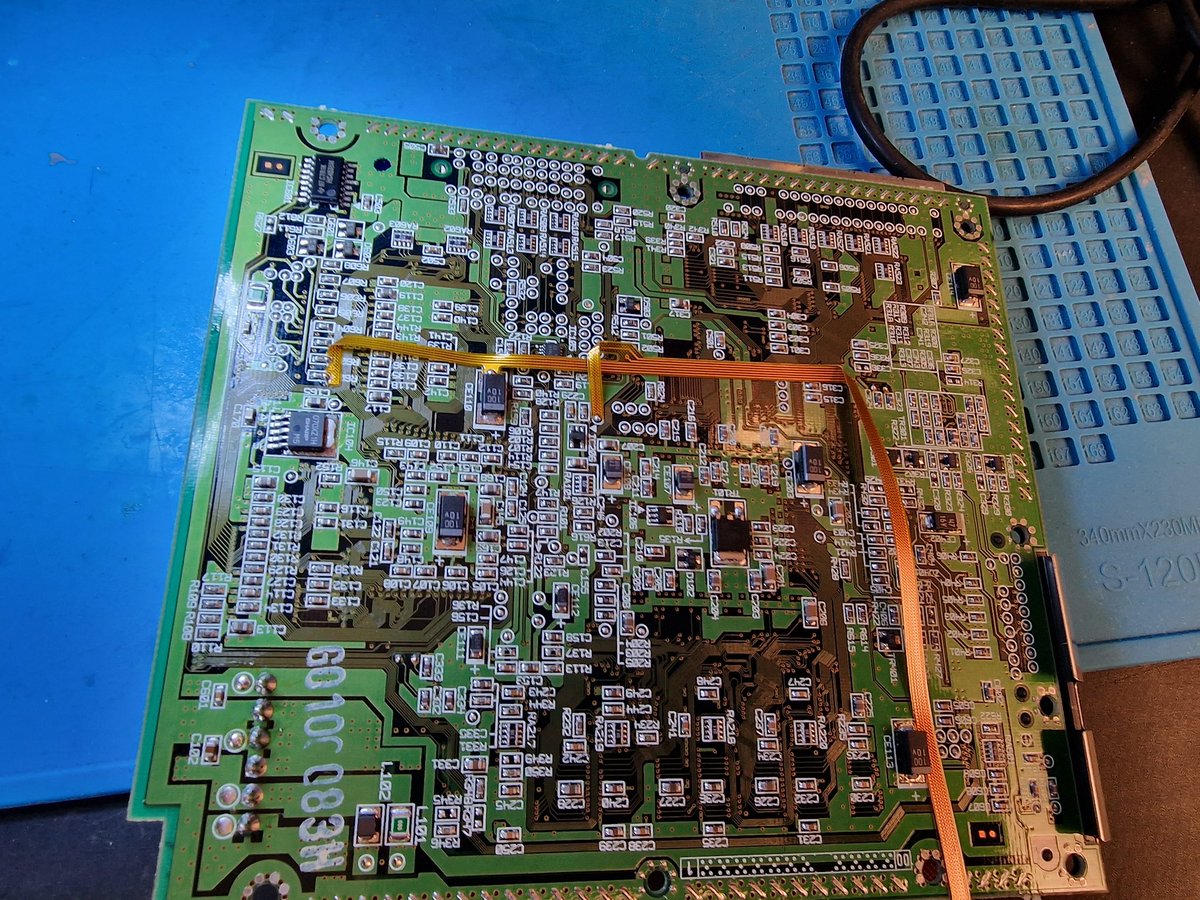
DC Digital HW2 install on a Naomi 2 for @bxbennyg1, a bit of a pain cause I did not have all my hardware here to load a game. The test showed fine in the boot up screen, thanks a bunch to @citrus3000psi and @chriz2600 for doing this and @Ryo151 check it out bro.
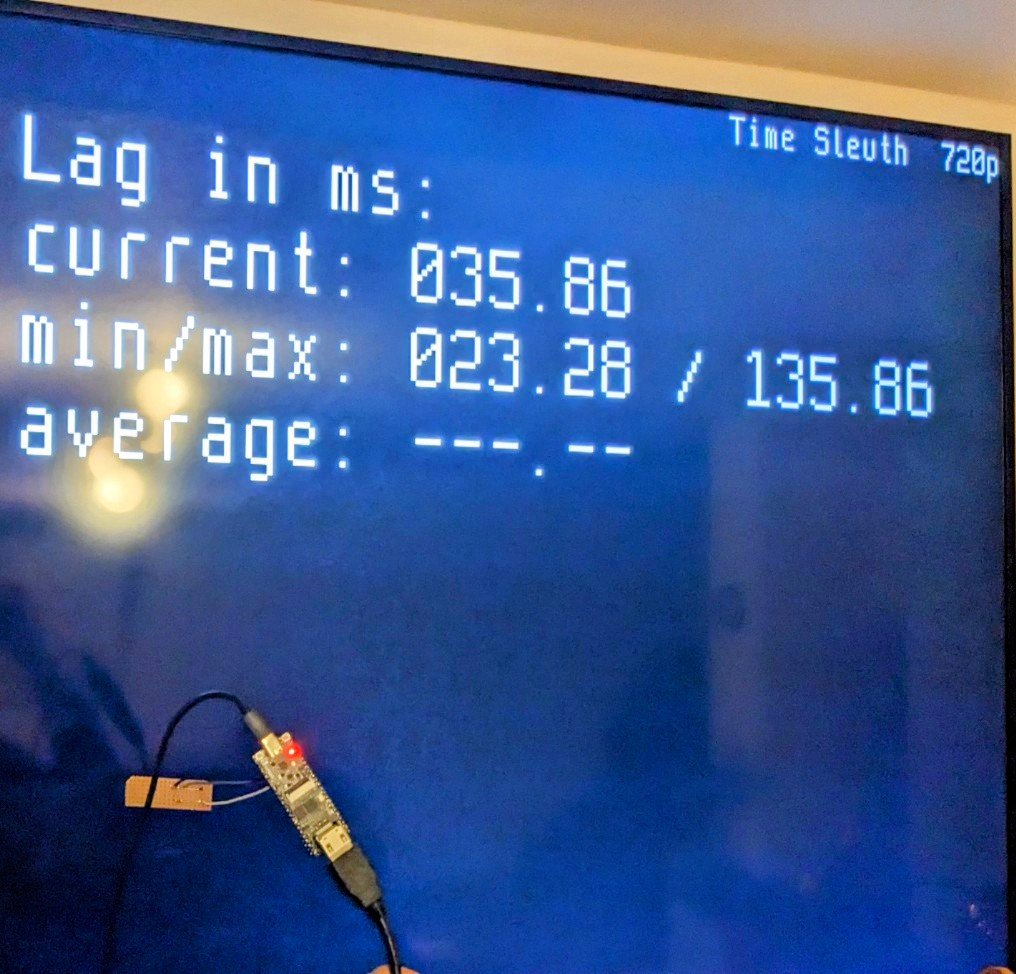
Thanks @patriksretrotec for his open-source time sleuth implementation on the Tang Nano 4k! Super convenient and simple for only around 20€.
https://t.co/MAbFRA1o0X
Just finished installing the new DCDigital from @PixelFXco and I’m seriously impressed! Here’s the install video and a brief rundown of its features
https://t.co/kVZJZ4qcro