Introducing BuzzKit, an Open Source Notification Orchestration Layer
BuzzKit is built to make notifications as simple as possible, with everything you need for push, live activities, email & SMS built in from the start
Link and more info ↓
@luffyselah we track DOM changes and sync the position/size to the native view! for scrolling, the native view lives directly inside WebKit's scroll views, so it moves automatically without any js updates
Believe it or not, these are actual native UIKit components running inside a WebView with web fallbacks!
Layout, state, and everything else is 100% React!
Great points! The way this is solved is by:
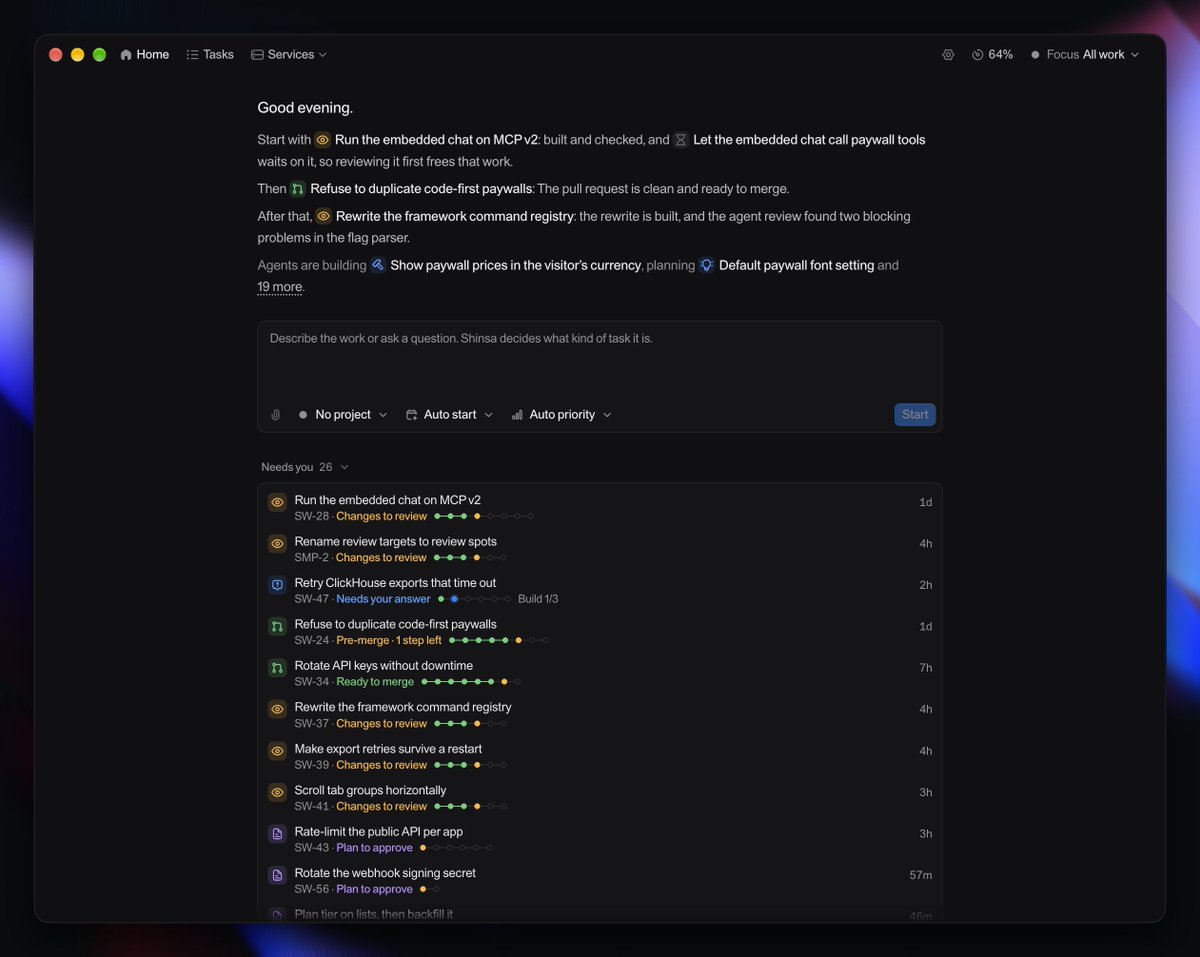
1. this description changes non-stop, it's fully dynamic on what you should do right now, optimized based on the tasks priority, how many other tasks depend on it, it's stage and more factors. The bottom overview can be fully collapsed if one wants to, it's rather to keep an overall overview.
2. If you're in a task-detail you shouldn't be distracted by a constantly changing sidebar IMO. You should focus on only that task & get your agents unblocked as fast as possible so they can continue working. Once you're done (what isn't visible in my main screenshot b/c it's from the home page) you can swap from that same task via the nav bar picker - there is a sidebar option that i initially had tested but imo this is the more optimized UX
Agree, I think chats are the wrong primitive to work with agents, too much content for humans to manage at scale
In the future this will likely change again as models get better, but imo currently task based, low human involvement but still high control interfaces work best
@andyasprou thanks! not sure i fully understand what you mean, but the list/items changing means stuff is getting done, which is kind of the idea! to get things done faster without all the endless scrolling through traditional chats. might be misunderstanding you though!
been working on remote access, fully end-to-end encrypted with a permission & sharing system
this comes with a direct slack tag integration and very soon full team-shared inboxes
that’s sick! 100%, my main goal with this is to reduce the amount of human involvement as much as possible while still keeping full control
it’s very opinionated, but i personally think that’s the most scalable way to work with agents
opening up access very soon, would love your feedback then!
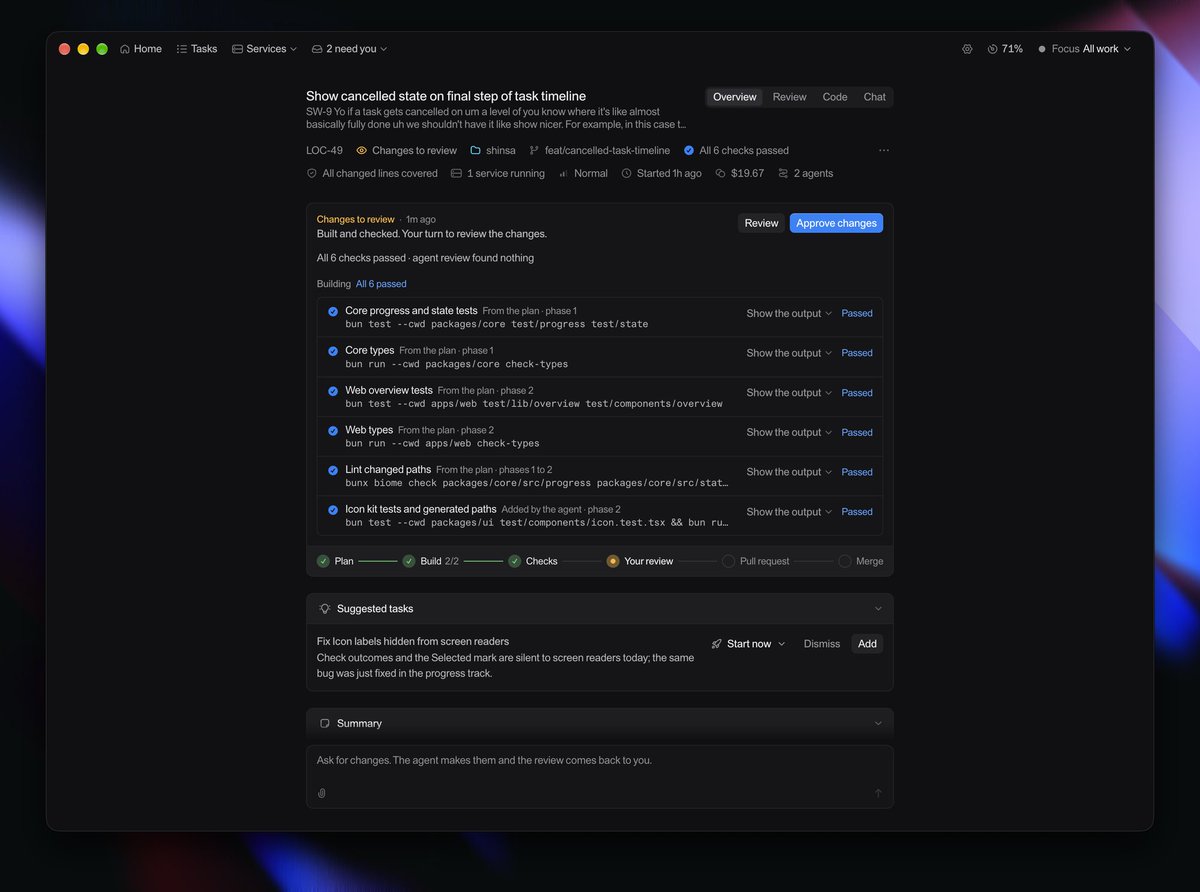
every task in Shinsa always includes evidence (screenshots, videos, test coverage, etc.), key code snippets, judgment calls and more to make understanding & reviewing as simple as possible